

How-to
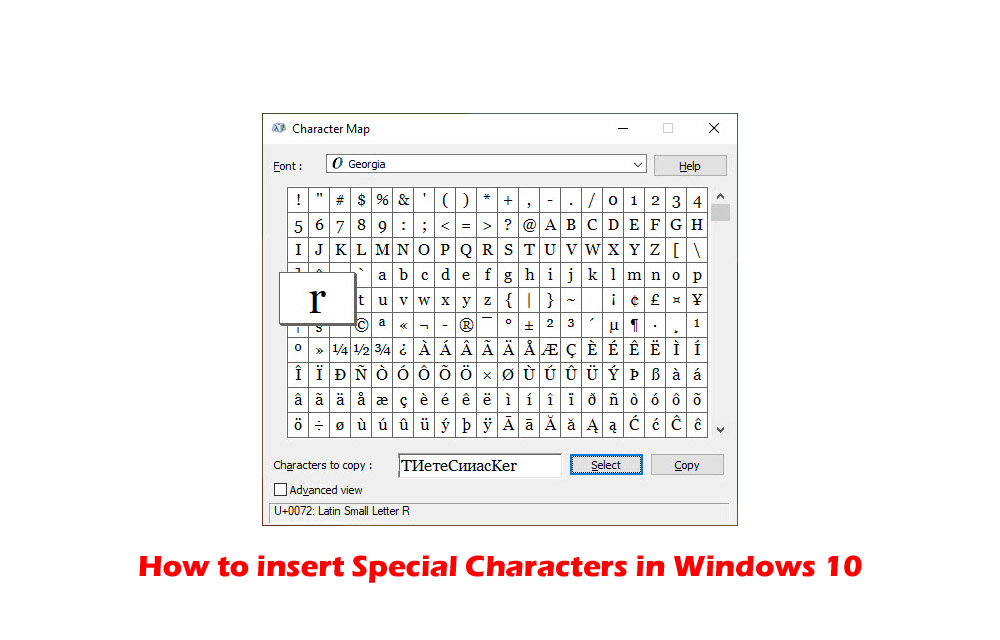
How to insert Special Characters in Windows 10
Special characters always have special importance while typing. They are used in special cases while typing currency and copyright symbols. If you want to use special characters in your writing work, then Windows 10 has Character Map for you. Character Map is a Windows tool designed to type special characters. In this article, you will…
How to speedup Network Sharing in Windows 10
Network Sharing helps an individual to share resources over the network. There are two types of network infrastructures namely wired and wireless. Network infrastructure includes devices such as modems, routers and software programs such as packet tracer. In order to get the most of these resources, one can configure them to be shared among different…

How to enable Two-Factor authentication on Facebook, Twitter, and Instagram
Maintaining online security is not an easy thing. There are many eyes spy on us to collect data and even some hackers are trying to hack our financial information. According to a study, the rate of online thefts and information collection has increased enormously. Luckily, there are few measures we can take to secure our…

How to flush or clear DNS Cache in macOS Catalina
Are you facing trouble while opening a website in macOS Catalina? DNS or Domain Name System resolves website names from IP addresses. If your browser is unable to load the website then the most obvious problem is the DNS error. If you are facing this problem in macOS Catalina, then we have the solution for…

How to change language in Google Chrome
Chrome is a fantastic browser from the house of Google. Google Chrome has many interesting features, including Chrome flags, which let you test upcoming Chrome features before they launch. It has many advanced features compared to other competing browsers. It also supports more than 100 languages, which allows users to change their Chrome browser language…

How to send SMS or text from Computer?
Text messaging is an evergreen method of communication. Even after the launch of quick messaging services like WhatsApp, Messenger, and Telegram, SMS is still used by many people. The use of text message is far simpler than the other communication mediums is the advantage of the SMS. If you are planning to send SMS or…
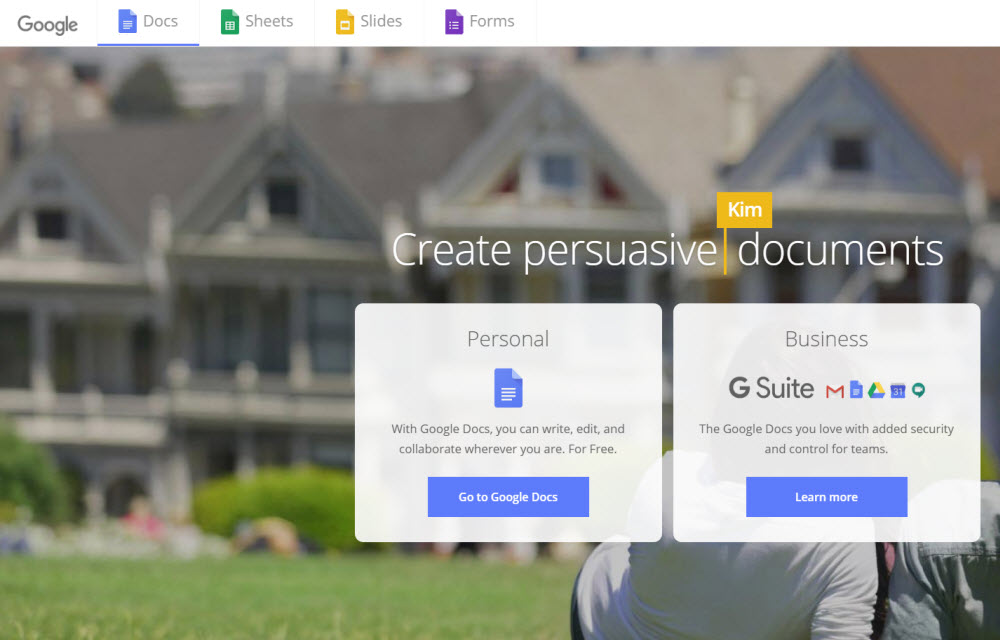
How to install and uninstall add-ons from Google Docs
Currently, there has been a lot of talk about productivity and apps related to it. While we see that Windows and macOS are doing well in the market, Google’s ChromeOS is also catching up fast. However, Google fans were triggered when Apple’s Phil Schiller said that Chromebook using students won’t succeed. Now, we know that…

How to identify fonts in images?
Fonts have special importance while designing logos. Not only logos, but a unique font also makes a huge impact while reading the text. I’ve personally noticed a huge difference while reading a text with special fonts. It makes understanding a different level and everything feels easier to read. Many websites are using different fonts in…

Make Outlook faster by archiving old emails and keeping PST file small
Usually, the stock of work emails keep piling up, and then while searching something important, you have to skim through a lot of unwanted stuff. This is also the case with outlook, and it has to explore a lot of things to get you the desired result. Outlook stores all your data, including emails, contacts,…

How to use “Approve with Apple Watch” on macOS Catalina
Apple owners know the security process of authentication. For unlocking settings in System Preferences, approve new app installations, and unlocking secured files, Mac asks authentication. Now with the latest macOS Catalina and a deadly combination of Apple watch you can approve the security authentications from your Apple watch. It is a pretty interesting and easy…

How to fix you are not signed in error in Google Drive on Chrome
Google Chrome and Google Drive is a deadly combination of productivity and safe online storage. Their services are widespread and created trust in the user’s mindset and overcame the inadequate Internet systems. Google Drive is, obviously, a product of Google, regarding cloud spacing. As with every cloud space website, Google Drive offers you a possibility for…
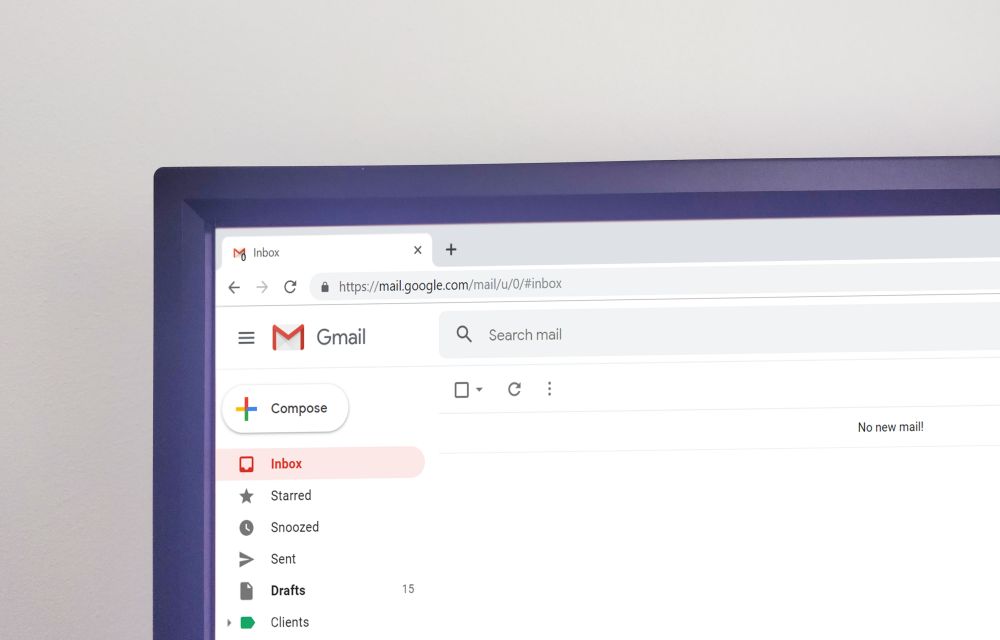
How to schedule emails in Gmail with Boomerang
If you are not aware of the recent developments happening to Gmail, we would like to inform you that it is now possible to schedule emails on Gmail. While this is possible with Gmail’s in-built scheduler, we know that it is better to use third-party apps for the same. Because you get many advantages in…