

How-to

How to Update Your Android Firmware?
One thing you need to know is that Android updates work in a different manner to what Apple offers. For example, if you have an iPhone which falls under the update window then you just need to know if an update has been released. Taking an example of iOS 13, all the supported iPhones received…

How to know Your Carbon Footprint in the Environment
The amount of greenhouse gases like carbon released into the atmosphere is calculated and termed as Carbon footprint. This activity is done by an individual or community or by an organization are responsible for the cause of environmental pollution. Everyone in this world is responsible for carbon emission which is a global environmental problem. As…

How To Turn Off Auto Play Video Previews On Netflix
How To Turn Off Auto-Play Video Previews On Netflix: It is a piece of good news for Netflix fans who are not liking auto-play video preview feature of the shows. It is quite irritating when a Netflix video starts auto-playing the preview. It is one of my most awaiting feature from Netflix apart from fantastic…

How to block suspicious contacts on Google Pay
How to block suspicious contacts on Google Pay: One of the best things that have happened to the Indian payments system, in general, is the rise of digital payments app such as Google Pay as well as others. Now, we know that Google Pay, formerly known as Tez, is trusted by millions in India due…

How to download a website for offline use
The Internet contains a ton of great websites as useful resources. These websites make you more productive, knowledgeable and helpful to learn new skills. Wikipedia is one of them. If you want to check for any information Wikipedia you need an active Internet connection is must to fetch data on your device. If the Internet…
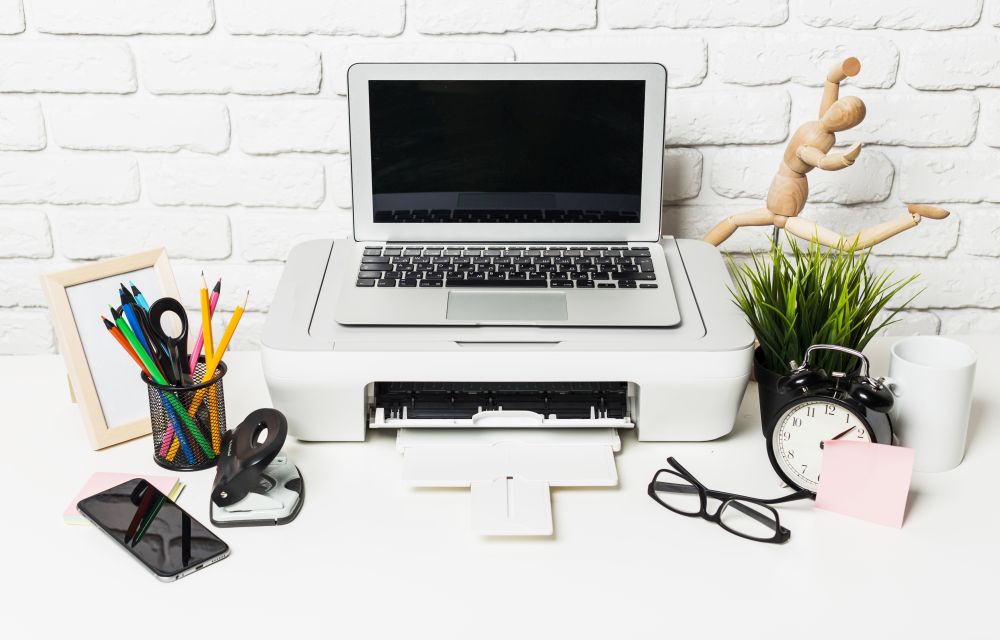
How to add printers on macOS
Even after digitalizing everything, printers are still used by many. To save paper and trees many services are turned into soft copies which are emails, reports and other computer-related services. But still, somethings can’t be changed like copies of our certificates, reports, contract agreements etc are still needed to be printed. Mac’s are evergreen machines…

How to repair corrupted files in Windows
A system crash is the most common problem among Windows users. Not only it crashes the system to boot properly, but it also sometimes damages the files. It is the worst situation if you have important documents and photos on your PC. If you are facing the system crash issue and all your files corrupted…

Ransomware Attack. How to prevent it?
Logging into the Windows and accessing mail is a regular activity of your day. Many people like me and you may become the victims of the ransomware attacks. These attacks are carried out with the help of email. The attacker uses an email as a target to spread ransomware on victims computer or network. These…

How to run Android apps on Mac
The ecosystem of Mac and Android are completely different. If you are planning to run Android apps on Mac, there are some approaches which connect two different worlds. In this article, you will know how to run Android apps on Mac. Use of Android Emulators Android Emulators makes this task possible on the macOS. Choosing…
How to setup VPN on Windows 10
If you are planning to buy a VPN service for your Windows-based laptop or PC, then we are already suggested best VPN for Windows 10. Whatever the reason for using a VPN, it is always advisable to use a VPN service to anyone. In this article, you will know how to setup VPN on Windows.…
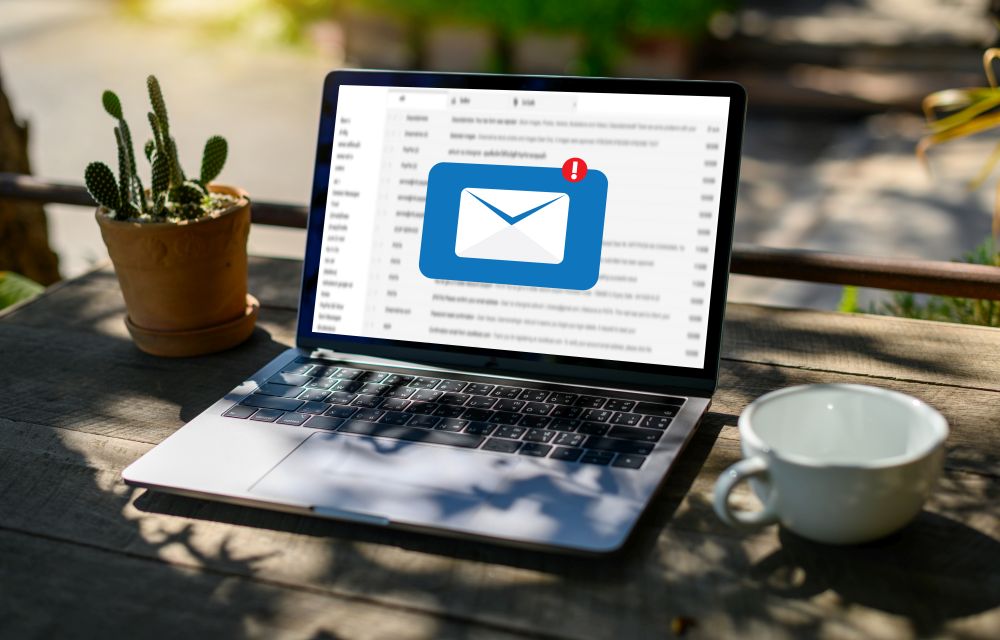
How to print your emails from Outlook or Outlook.com
One thing that we have seen over the years is that even though we have many ways to store things digitally, many people prefer the good-old hard copies as they feel a personal touch with them. Talking about physical copies, we know that there are many who take out prints of their emails too. There…

How to print Web Pages in Google Chrome
Google Chrome has the ability to take a print of the websites you visit. In the Windows OS, the Google Chrome works with the print spooler service which lets you print the web pages. It is a very simple process and no brainer. If you are looking for a way to print web pages in…