

How-to

How to fix Google Cloud Printer offline error
If you are having an issue while printing a document with Google Cloud Print then you are in the right place. There are several types of Google Cloud Printer errors come as normal printers do. These are the possible Google Cloud Printer offline error messages you may encounter. When you are trying to connect a…
How to Create a Group in Gmail?
How to create a group in Gmail: Gmail is a very popular email service from the house of Google. It has fantastic features in emailing as no one has in the competition. A user can send attachments, enable alerts, create folders, scheduling emails, labelling and sending group emails. In this article, we will learn how…

Complete list of device manager error codes
Have you ever encountered an error on your computer when you trying to connect a device? If yes, you may see an error code it means your computer is experiencing problem with the device driver or other configuration and hardware-related problems. The Windows is very clear about showing the error code to the users. When…

How to remove ‘Congratulations You Won’ virus on Android smartphone?
‘Congratulations You Won‘ is a type of virus which appears on the Android smartphone. If you are receiving these types of messages, your device might be infected with the virus. Congratulations You Won and You are today’s lucky visitor virus reasons It is not a surprising or fun thing when you receive these messages. Your…

How to Get Unbanned from Fortnite: Epic’s Official Appeal Process
Getting banned from Fortnite can feel like losing years of skins, progress, and V-Bucks in one moment. If you think the ban was a mistake, Epic Games has an official way to ask for a review. In this guide, we explain the types of Fortnite bans, how to check your account status, how to appeal…

How to use Linktree to add custom links to Instagram
Have you ever tried to add links in your Instagram posts? The only way to add a link in Instagram is by adding a link in the bio. What if you want to add multiple links on your Instagram bio? It seems tough, right? No issues, Linktree service is here to clear links issue in…

How to stream Netflix in 4K Ultra HD?
The availability of Netflix 4K Ultra HD content increased from the past few months. Also, the 4K supported Televisions are getting good discounts in the offline and as well as online markets. Streaming of Netflix in 4k content is an enjoyable thing now. The details are perfect and you can watch every frame in perfect…
How to download and install DirectX on Windows 10
DirectX is a popular application required to run multimedia and game files on Windows 10. It is a combination of application programming interfaces (API) to run multimedia, game, and video applications. When you are planning to play games on Windows 10, you must need DirectX installed on your PC. The first version of DirectX released…

How to remove File Rep Malware from your computer?
File Rep Malware is a very popular malware file which is designed to spread unwanted ads, pop-ups on infected devices. Technically, it shows two types of effect on infected computers. We are living in times where the security of our smartphone is most important than everything else. This is because our personal data which is…

How to Fix ‘No Internet, Secured’ Connection Error
No Internet, Secured is a most common error when you try to connect Windows 10 machine with an active Internet connection. It is a strange error by Windows OS and it shows No Internet even after when you connected to an Internet connection. Why No Internet Secured error occurs? In many types of Windows 10…

How to auto-delete Firefox browsing history?
Privacy became the most important thing these days. I always suggest Mozilla Firefox over the Google Chrome browser. It has fantastic privacy-related options which let us control privacy and security settings without any hassle. It is becoming more common that many browsers are tracking and collecting user information without their consent. It is advisable to…
How to convert WEBP images to JPG or PNG formats on Windows 10
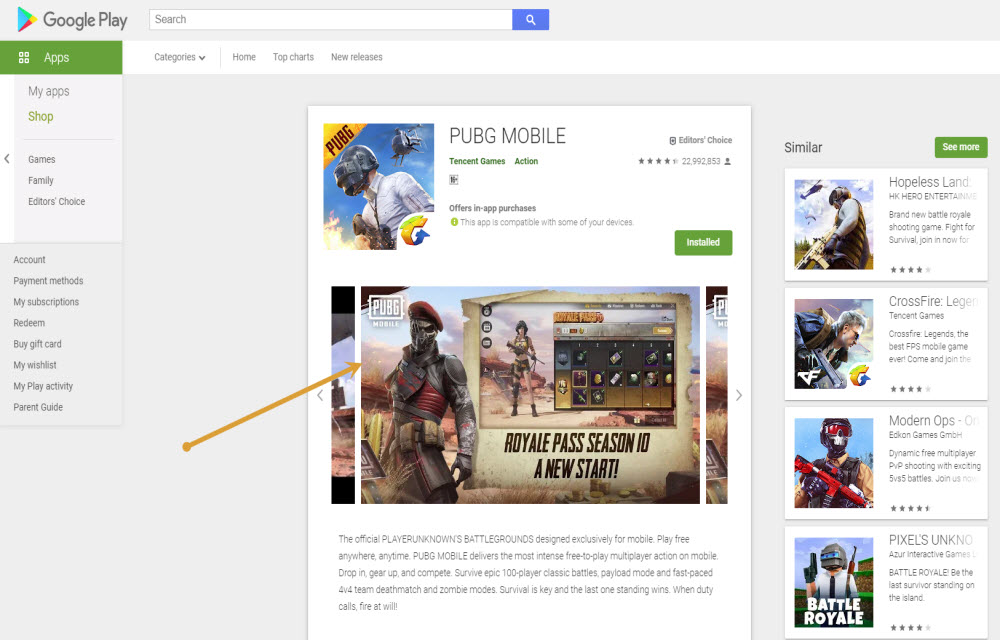
WEBP format is developed by none other than Google and it is largely used on Google-related services. If you visit the Google Play store and try to save the app screenshots on the computer then it will be saved as WEBP format. If you compare with popular image formats like JPG and PNG, WEBP format…