

Guides
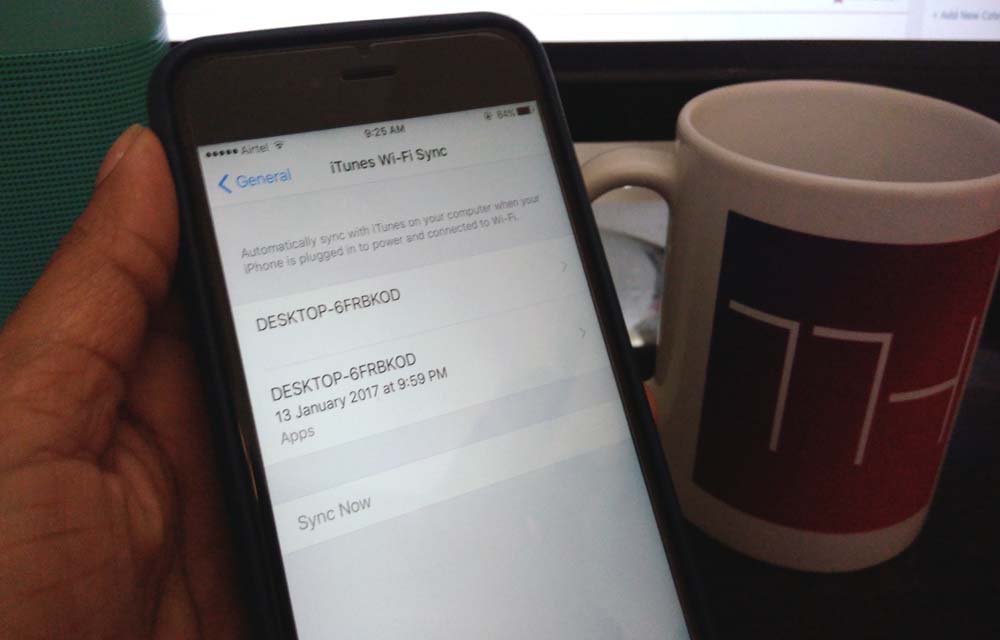
How To Erase iPhone Data Completely
iPhone’s are great devices to use. A true user always stores all his personal data like photos, music, videos, camera recordings, emails, messages and much more. Apple always stays updated by launching new devices every year. Recently Apple launched iPhone 7, and 7 Plus and rumors are going circulating for upcoming iPhone 8. Many iPhone…

How To Watch Presidential Inauguration 2017
A new historical event is happening on this month. It is none other than US presidential inauguration 2017. The elected candidate of Republican Party Donald Trump will take the oath and officially become the 45th President of the United States.

When is Google’s Birthday
When is Google’s Birthday? If you don’t know, this article is for you When will the search engine giant Google celebrate its birthday? As numerous well know companies, Google also has multiple name days which can be considered for celebrating the birthday. But, from the past years, they are officially selected 27th September to cut some…

How To Sync Gmail Contacts To an iPhone
As a tech enthusiast, I regularly switch my phones. When it is coming to Android and iOS these two platforms way much different from each other and raises compatibility issues while migrating data. I faced these issues many times especially switching from Android to iOS. iOS works it’s in an own way. When coming to…
How to Browse in Private Browsing or Incognito Mode on Any Web Browser
Private Mode is developed in browsers for security purpose. Every browser comes with normal mode and as well as Private Mode or Incognito mode. This mode allows you to surf the Internet without saving your browsing data like history and cookies.

Top 8 File Manager Apps For iPhone To Manage Files On The Go
Recently purchased iPhone or any other iOS device? You may notice that it don’t have any file manager app to browse or manage your files. Apple iOS ecosystem not allows the users to access its internal file system. However, we have few File Manager apps for iPhone, iPad. Don’t worry you don’t need to Jailbreak…
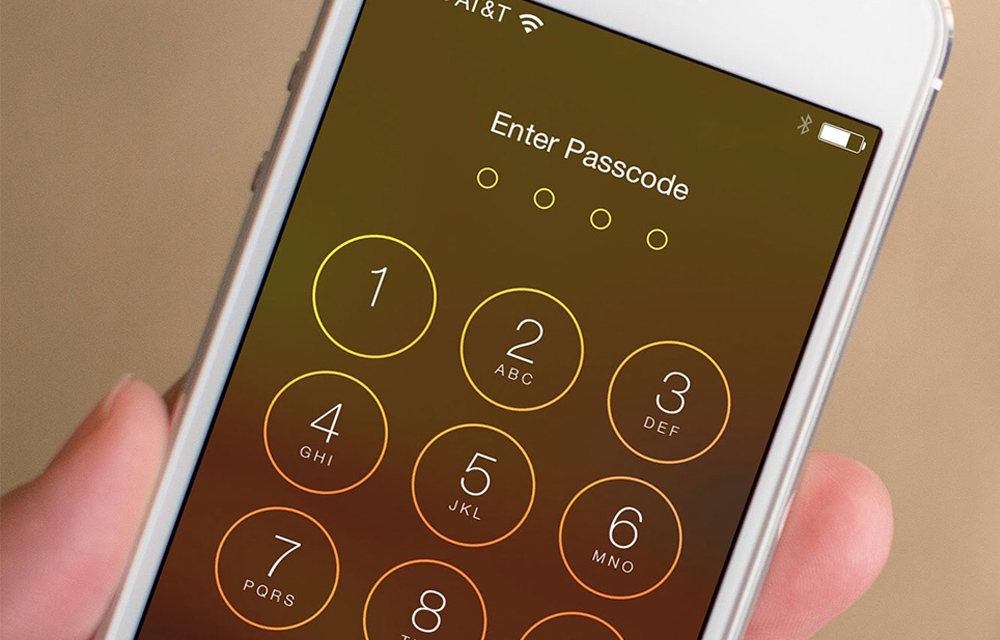
How to Set Passcode on iPhone, iPad, and iPod Touch
Apple devices are coming with pretty good security features. The Passcode is one such feature that lets users set a specific access number to their iPhone, iPad or iPod Touch devices. If you’ve just purchased a new iPhone and setting it up for the first time, and you missed the passcode part, you can still…
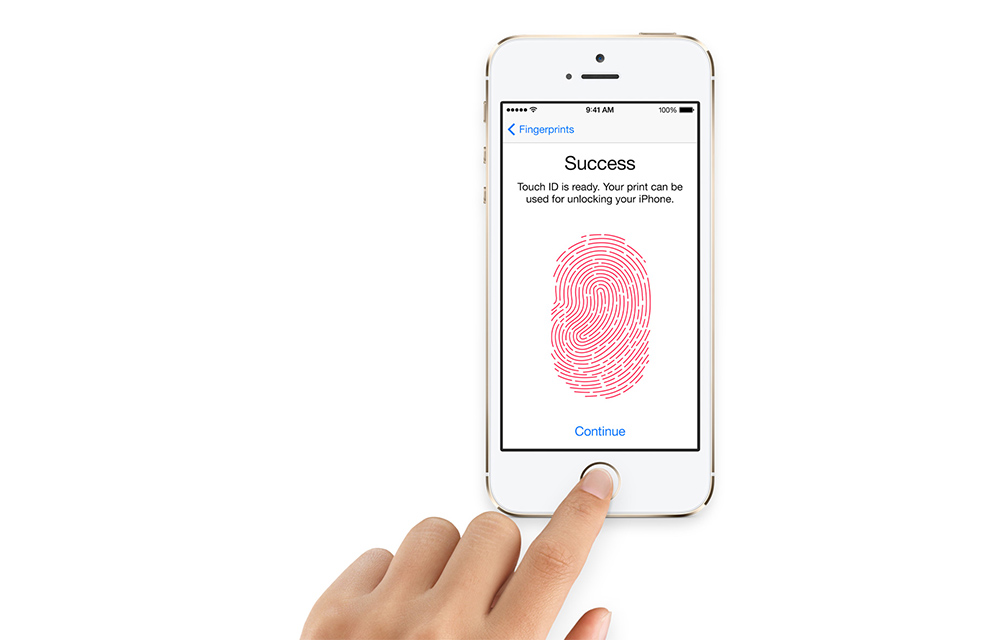
How To Set Up Touch ID Fingerprint Scanner on iPhone
Touch ID in iPhone is one of the most known and secure ways to lock your iPhone from external threats. If you haven’t already set up the Touch ID during the initial iPhone setup, you can do it anytime. It is always easy to use your own fingers to unlock your lovely device. You can use…
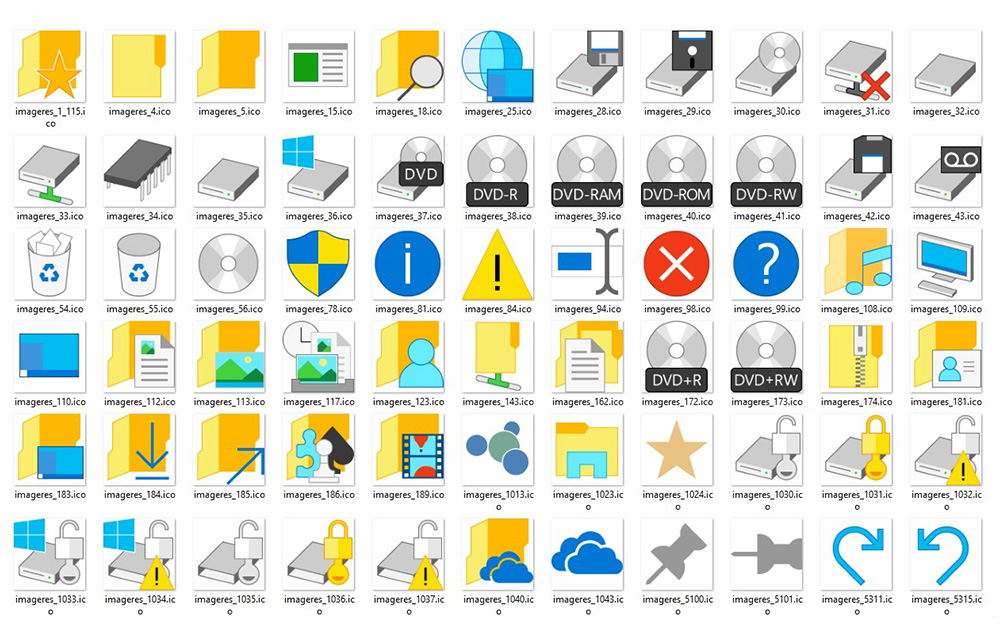
How to Change Icons in Windows
Changing icons can greatly impact the look and feel of your Windows PC. So, everyone trying numerous customization and tweaks on their OS. If you are one of them who gives importance to the design of your windows, you might consider tweaking icons of your OS. Not only the desktop icons can be changed, but…

How To Set Up A Brand New iPhone
Planning to purchase or already purchased a new iPhone? Now it is the time to set up your device to start using it. No matter you bought the device from the local store or purchased online, you need to connect it to the iTunes. A first sync with the PC/Mac is crucial for setup of…
How To Backup An Android Device – Ultimate Guide
Let’s face it. We have always argued upon which mobile operating system dominates, and it turned out as – Android. It may not be the best one expects but the variety of smartphones powered by Android OS simply dominates over the other factors. While we know that there is a wide range of devices but…
How to Enable God Mode in Windows
God Mode in Windows, or also called the Windows Master Control Panel shortcut is one of the hidden gems inside the OS. Enabling the God Mode in Windows will provide you the access to almost all administrative tasks which couldn’t be done by normal permissions. It sorts out all the management features of the OS in a…