

Now You Can Hide WhatsApp Media from Gallery
Whatsapp is one of the best application for conversing with your friends. It was the first application in the industry for the services it provided with


Whatsapp is one of the best application for conversing with your friends. It was the first application in the industry for the services it provided with inter-operating system application. Whatsapp to be in the race have been adding more and more features to the application. We have seen many major updates of WhatsApp in the recent years. Some are related to security, like end-to-end encryption and some are for performance improvement.
Currently, the application is available on both iOS and Android which are the most widely used operating systems for Mobile Phone. With the recent update, Whatsapp has brought the Media Visibility option, it is considered as a security-related feature for regular WhatsApp users.
With the Media Visibility option, we will be able to hide the content which we download and send on Whatsapp. This will bring more privacy to our content and will address issues of many users.
In the latest beta update of Whatsapp, we are able to hide the downloaded media from Gallery but this will only be valid to the latest media that we will receive after activating this option. This feature is available to contact wise where you can activate or deactivate for any particular contact.
There are three Options which reads Default, Yes, and No. These contact wise and changing the settings for one will not affect any other chat or group. This option makes your gallery look cleaner as it will ignore the media from people who spam you with Good morning and Good Night images. Although this is currently limited to just the beta version soon we are going to get this in the monthly public release.
Do let us know your opinion on the new option. Also, let us know what do you think about the next upcoming option and feature in Whatsapp in the comment section below.
More in News

WhatsApp Backup Without iCloud on iPhone: How It Works and Who Gets It
If your iPhone keeps warning that iCloud storage is full, WhatsApp is often a big reason. Chat backups with years of photos and videos can take up several gigabytes, and on iPhone they’ve always had to go to iCloud. That’s starting to change. WhatsApp is now testing its own backup storage on iPhone, with 2…
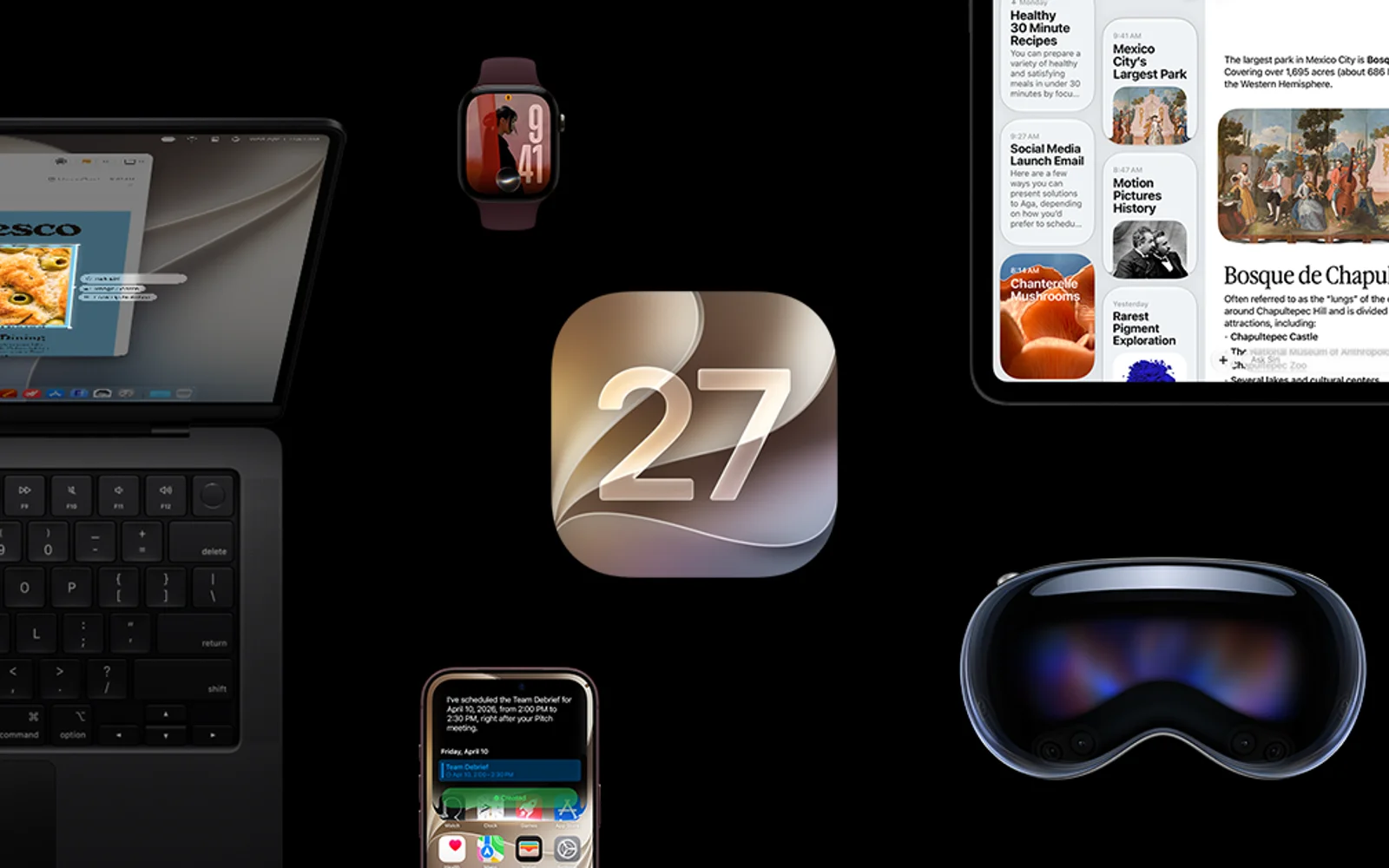
How to Stop Siri AI From Reading Your Apps With Excluded Apps in iOS 27.2
Siri AI in iOS 27 can read what’s on your screen, pull details out of your messages and act inside your apps. That’s useful until you remember it can also see your Signal chats, your banking app and your health notes. iOS 27.2 adds a simple fix: an Excluded Apps list that blocks Siri AI…

How to Communicate With AI for Better Results
This is why communicating with AI has become an important skill. It is not just prompt engineering for developers. It is a practical skill for writers, founders, marketers, designers, students, agencies, and business owners. AI does not read your mind. When you work with a person, they may understand your style, your past work, and…
The week in tech, minus the noise.
New reviews, fixes and the stories that matter — once a week, straight to your inbox.
We only use your email to send the newsletter. Unsubscribe any time. See our privacy policy.
Comments