

Thetechhacker - Tech How-To Guides, Reviews & News
Latest stories
How To Remove Search History From Your Facebook Account
Facebook has been regarded as the most popular means of communication among social media networks, with millions of users all over the world. Individuals and businesses connect with others and interact either gathering information or promoting goods and services. The innumerable special features of Facebook have made it a gigantic presence in social media. However,…
Comprehensive Guide To Create Complete Archive Of All Your Google Data
Are you started using Google yesterday or 5 years back you can download entire data from your Google account activity and its services using Google Takeout. Gone are the days when we use manual downloading each Google product activity in spreadsheets and excel sheets. Google launched Takeout in the year 2011, at present they have…
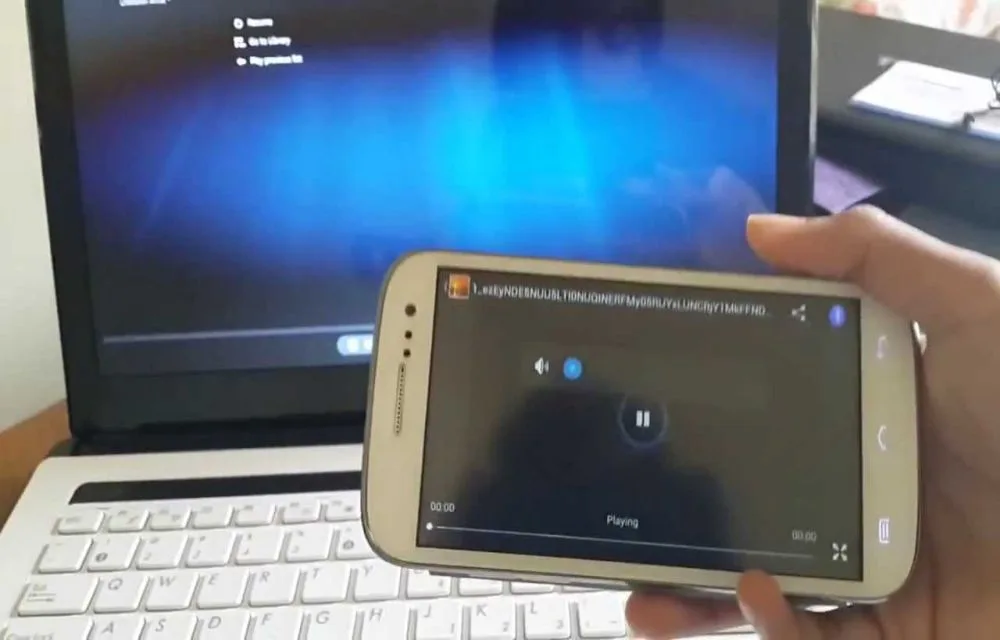
Top 5 Best DLNA Streaming Apps For Android
DLNA is a very popular technology available for many devices to stream media over the air. This technology lets you share your media files between DLNA compatible devices over the Air. DLNA enabled devices to communicate with each other to share your media files including, audio, video, and images easily. Android is one of the…

How To Save My Documents In Cloud Directly
What would you do when situations like hard drive failure and corrupt OS problems occur. No doubt we completely loose our saved important files on Desktop and My Documents. Whether it is a work file and marriage or vacation picture losing data gives a lot of pain. Recently I faced this kind of situation when…
How To Get Earthquake Alerts Before They Strike
Natural calamities come suddenly, and they strike in a fraction of seconds. Recently, Nepal faced strong earthquake with 7.5 magnitudes; we’ve seen a lot of people lost their lives, loved ones and some people badly injured. A continues movement of tectonic plates beneath the surface of the Earth is the main reason behind earthquakes. Science…
How to Change Default Program Files Folder Location in Windows
If you’ve ever installed a Windows program or even if you have used Windows for any part of time, then you will probably know that whenever you install a program on your Windows system, all those installed programs are stored in C:\Program Files or C:\Program Files (x86) folder. In fact, most Windows programs are stored…
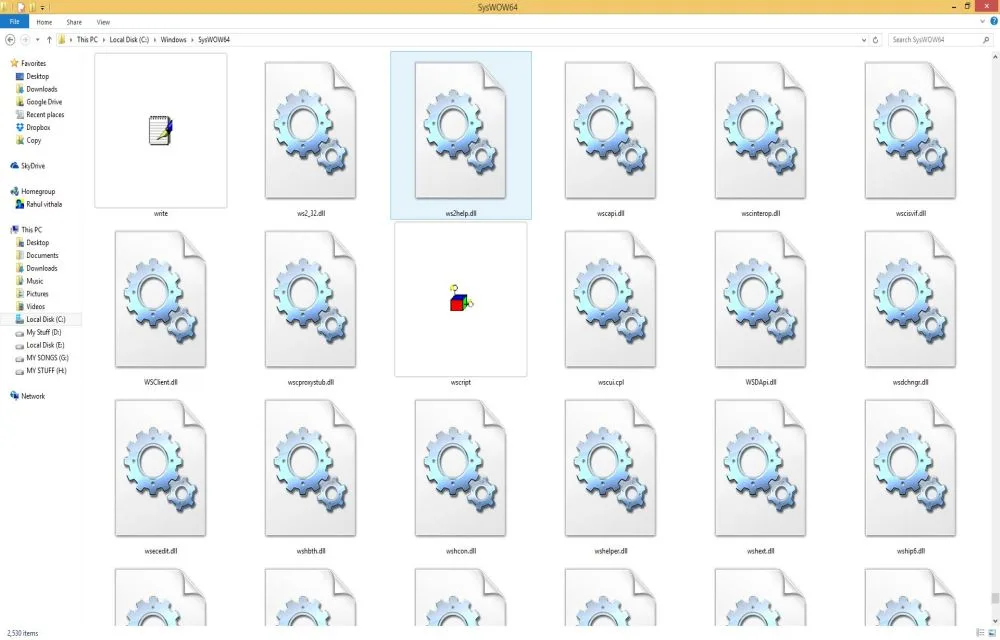
How To Install .DLL File Manually In Windows
Every user of the popular Microsoft Windows Operating System on their computer may have at one point or another, especially during the installation of games, been faced with the problem of having to fix missing DLL files which are essential for smooth running of computer programs. DLL is a computer acronym for “Dynamic Link Library”…

Find The Best Accounting Software For Freelancers
Every business owner, big or small, has the need for an efficient accounting software system. This alone allows you to track your work, billing, and financial transactions. Unless you use it on a regular basis, it is only likely that your entire work will be in turmoil and you will lose control over what is…
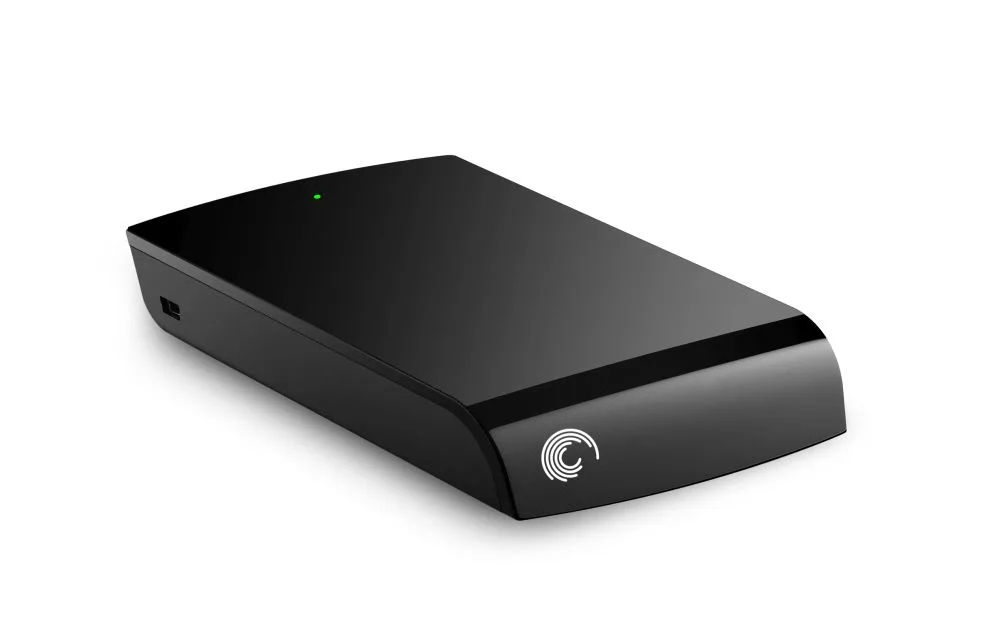
3 Steps to Recover Data from Seagate External Hard Drive
Seagate external hard drives are one of the finest solutions that most people prefer for a reliable storage solution. These portable devices offer high performance and a huge space to store a maximum of data in a normal sized storage device, which is compatible with both PCs or Macs. Seagate external hard drives are mostly…
How to Configure Windows to Index Encrypted Files
If you’ve ever tried Windows start search or the search bar in the File Explorer, then you will probably know that the Windows uses indexation to index all your files and folders in order to display then in the search results. But the thing with the Windows indexation is that it won’t index encrypted files…

The 5 Best Looking Indie Games of 2015
Indie games have proven to be fantastic alternatives to the endless stream of AAA blockbuster corridor shooters. Think about it this way: after a Die Hard marathon, isn’t it nice to mellow out with a Wes Anderson film, right? Now, I’m not saying I don’t like the AAA games. There are a time and a…
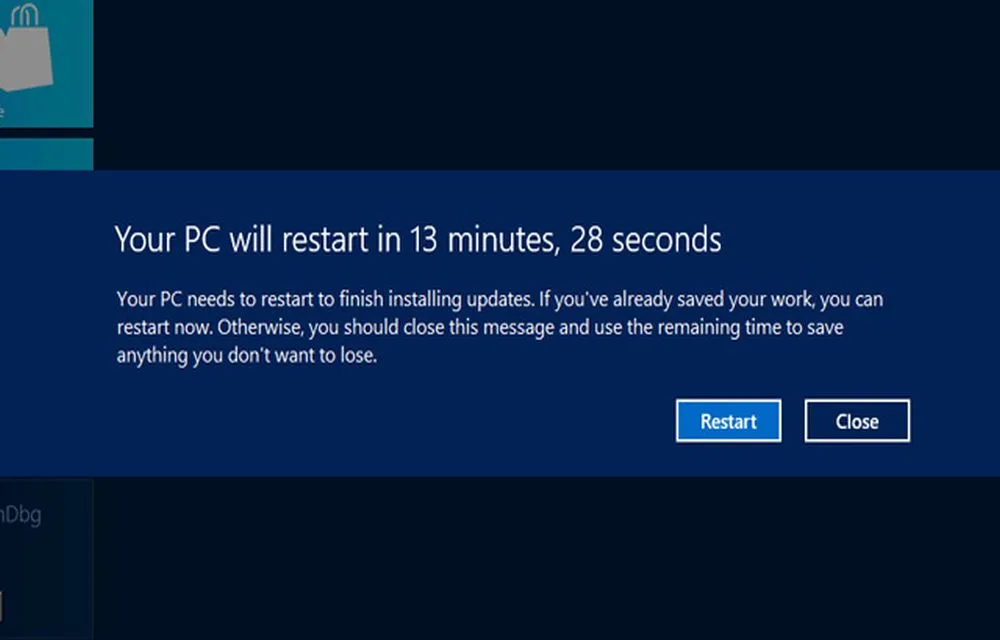
Ways to Stop the Restart of your Computer After Installing Updates
It is known and really irritating that when we finish installing a new update for our computer or for any other device, we are asked to restart our device in order for any kinds of updates to be finished.