

Guides

How To Read Emails in Plain Text Version?
We are going through a number of viruses, spyware, and malicious software daily. They are widely circulating on the internet, and without our notice, they can harm our PCs as well as our privacy. Emails are a primary target for security threats, including spam and phishing attempts. To mitigate these risks, consider opening your emails…
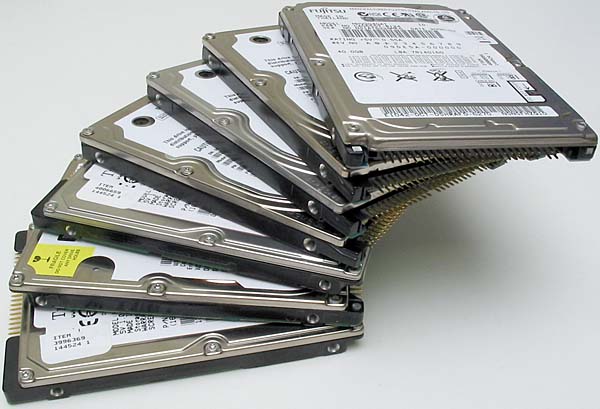
How to Combine Multiple Hard Drives Into One High Capacity Drive
How to combine Multiple Hard drives into One High Capacity Drive: Keeping all data into a Hard drive is simple. Some time ago 500GB hard drive is enough for to store all our needs.
How To Make Your Old Computer As New
Is old computer lying around in your House? You can make it run like a new one by following simple steps.

Best Google Reader Alternatives For Android And iOS
Best Google Reader Alternatives for Android and iOS: Google Reader is shutting down in July. People are searching for best alternative feed reader for the mobile platform.

Must Have Best Boot Disk’s For Every Windows User
A system crash is the most common action when OS crashes, boot failures, and error messages occur. Keeping a good rescue CD on your desk will help you handle sudden system crash issues. A boot disk (live CD) is a removable digital data storage medium from which a computer can load and run an operating…

How To Block And Turn Off Facebook Apps Permanently
You have the option to permanently disable notifications received from Facebook apps if you are not using those apps. Applications and games developed by third parties provide users of Facebook with the opportunity to authorize their usage of their Facebook login credentials. There is a possibility that certain requests could be risky, and there are…

How To Access Facebook Chat Without Opening Facebook Site
For example, you can access Facebook chat without opening the Facebook website. The easiest way to communicate with your friends on Facebook is through this method. On the internet, there are only a few alternatives to Facebook chat that are available. You will be able to rapidly share your thoughts, photographs, and videos with others…
How To Organize your media with the Plex Media Server
Plex is a program for Windows that serves as a media server. With Plex Media Server, you can organize your media collection. From a local or remote computer that is running Plex Media Server, it gives the user the ability to manage and playback audio and video files, as well as photography and podcasts. Plex…
Complete Windows 8 Clean Installation Guide
Complete Windows 8 clean installation guide: Windows 8 is a version of the Microsoft Windows operating system, produced by Microsoft for use on personal computers.
How To Clean Monitor?
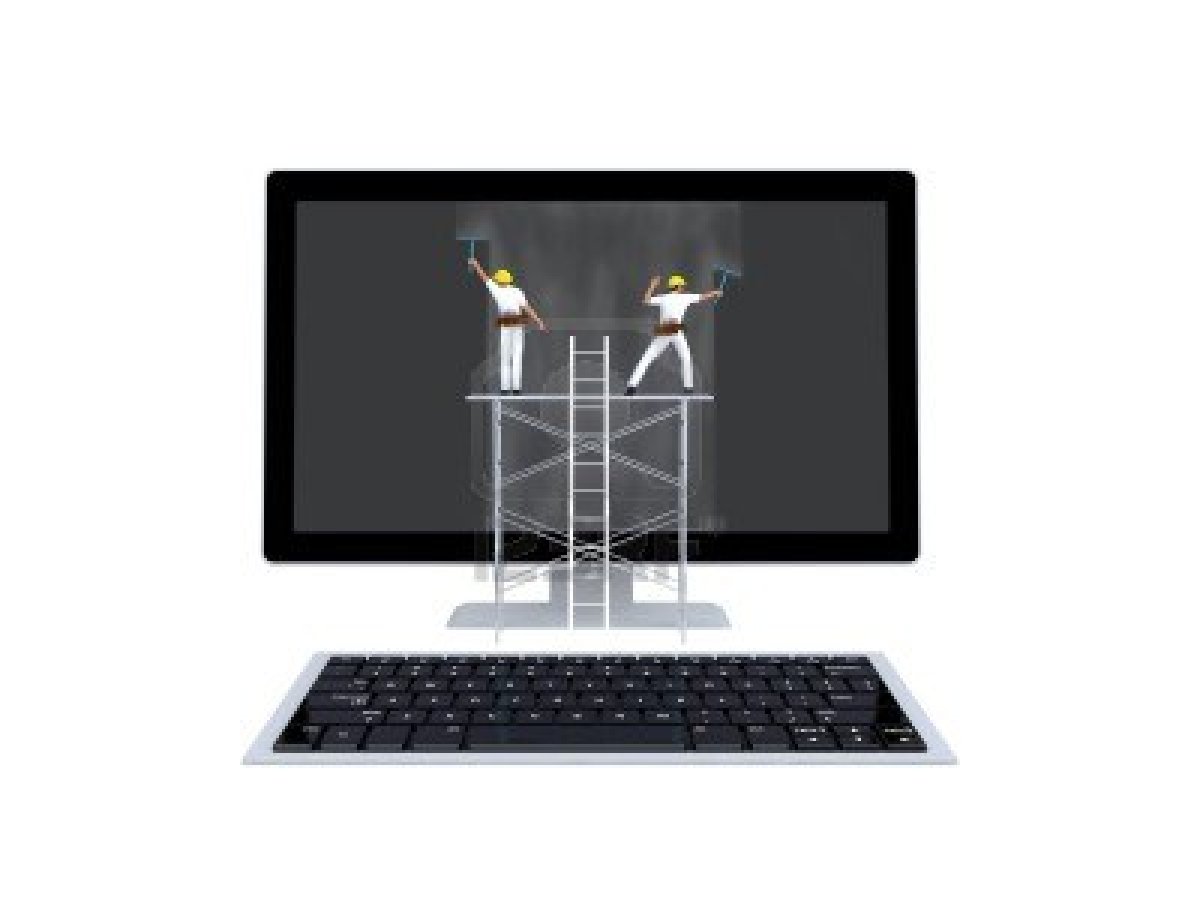
Flat-screen monitors and televisions require attention when cleaning. They’re very sensitive to dust, fingerprints, and water drops. Most of us use liquid solutions to clean monitors, but it is strongly not advisable to clean using liquids. Modern monitors, televisions, and other display screens are very sensitive to dust. You can easily notice the soft dust…
How To Remove or Disable Login Password From Windows 8
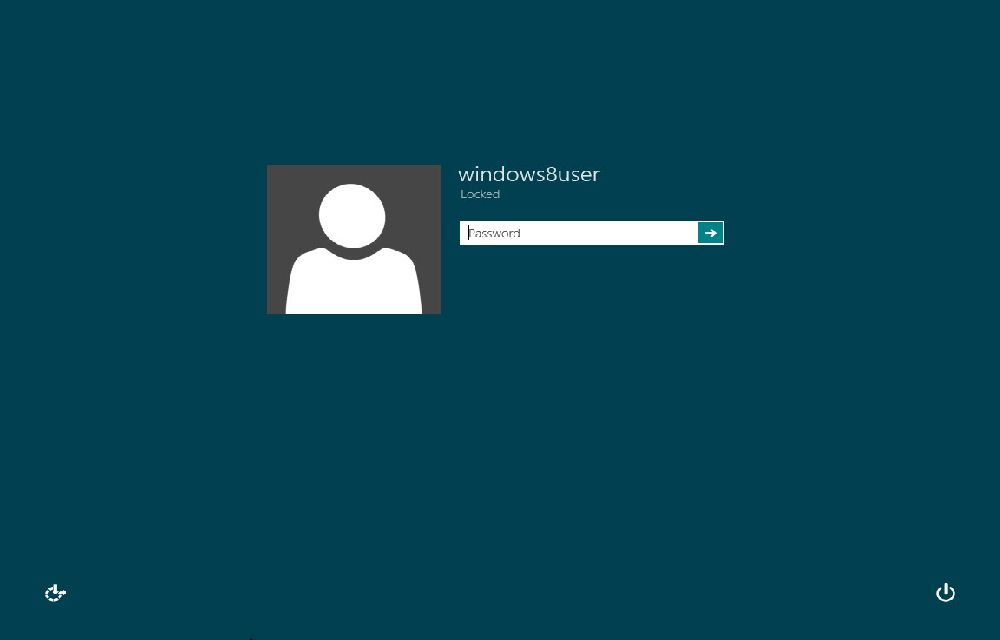
Windows 8 is a current-trending operating system from Microsoft. For security and multi-user purposes, Microsoft set password security for Windows 8. The user needs to enter a password whenever he wants to log into the system; practically, it is good for security. Let’s see the easy enable and disable options of this feature. In the…
Advantages and Disadvantages of SSD
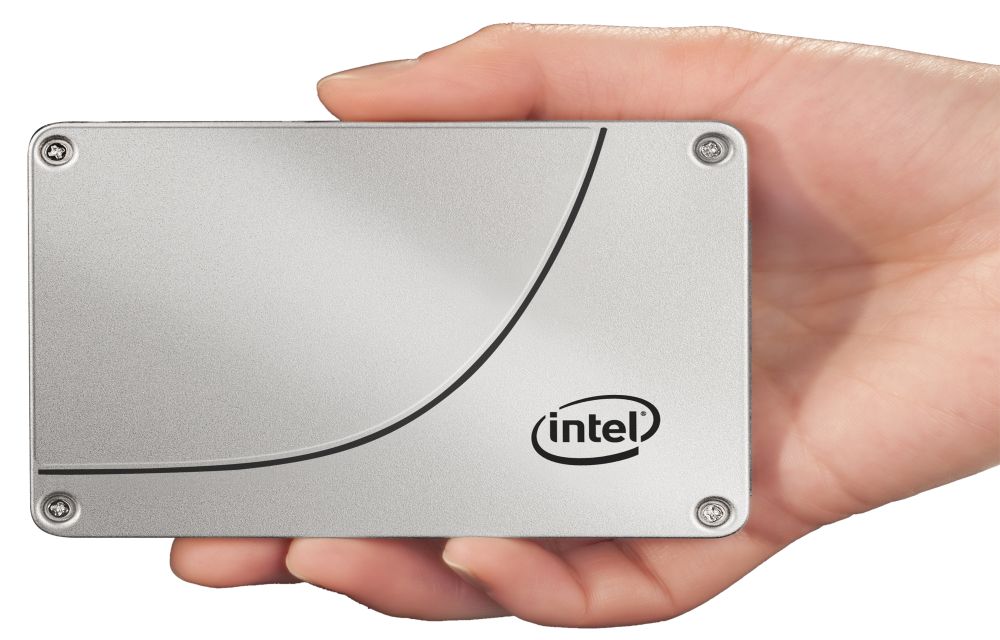
Solid-state drive or SSD drive uses non-volatile memory as a means of storing and accessing data, like computer RAM. It is a data storage device for your computer. Adding an SSD to your computer is the best upgrade. They are very fast when compared to traditional hard disks. The read and write speeds are top-notch, and…