

Harddisks

How To Save My Documents In Cloud Directly
What would you do when situations like hard drive failure and corrupt OS problems occur. No doubt we completely loose our saved important files on Desktop and My Documents. Whether it is a work file and marriage or vacation picture losing data gives a lot of pain. Recently I faced this kind of situation when…

Wise Data Recovery Review-Recovers Deleted Data On Your PC
It is quite often some times we delete data accidentally on our PC . Luckily, there are many file recovery tools available out there that let you recover deleted files.

Best TrueCrypt Alternatives For Disk Encryption
TrueCrypt is a popular and free open-source disk encryption software for Windows, Mac OS X, and Linux. The program creates a virtual encrypted disk within a file and mounts it as a real disk. Unfortunately, the program is stopped due to the security flaws detected by the Google Project Zero Security team. TrueCrypt left its…

Securely Delete Files In Mac With FileShredder
Regular cleaning is necessary for every Mac, cleaning off hard disk by deleting unnecessary files is a good option. In a hurry, if you delete important file instead of unwanted one what would you do?. Fileshredder is a hassle-free app for file deletion in Mac, it offers different ways to securely delete files. How Fileshredder…
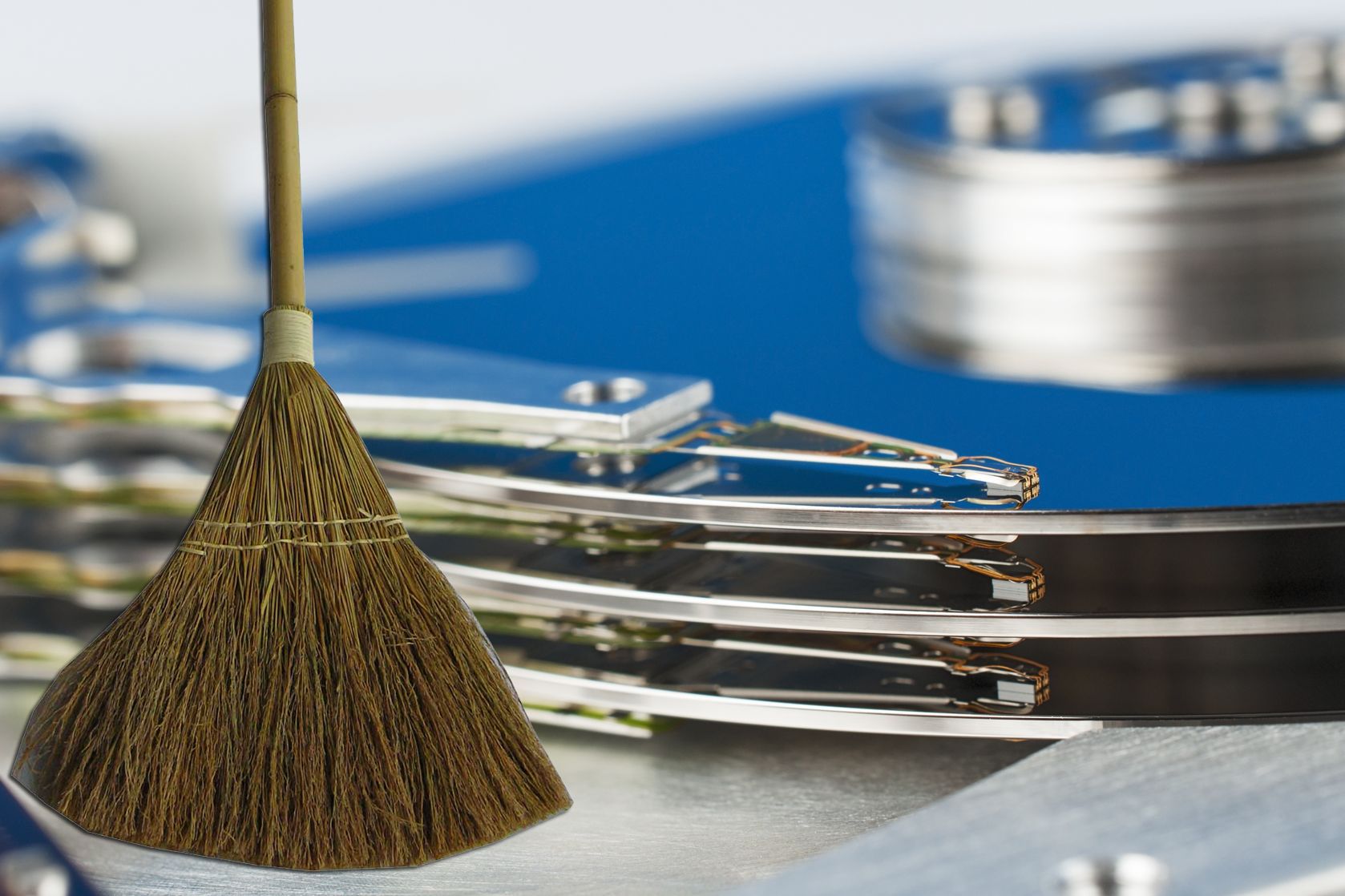
How To Save Most Of The Space On The Hard Drive
It is very easy to run out of the disk space, because data size is going bigger and larger. In this digital age every data is converted into digital applications, videos, songs, movies and documents etc. Even 1TB hard drive became minimum these days. Solid state drives are replacing the traditional hard drives, they are…
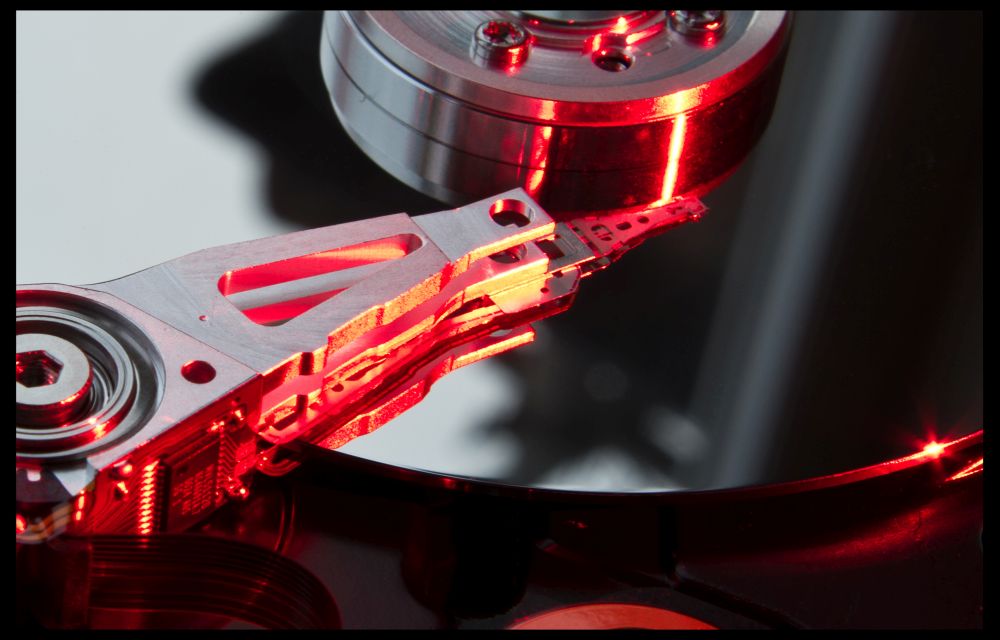
How To Optimize Hard Disk For Best Performance
The hard drive is one of the essential part of Computer. The hard drive can be optimized for improved performance and longer life. There are many simple ways to improve the performance and reliability of the Hard drive. Follow these simple steps to optimize Hard drive. Related Articles How To Uninstall A Microsoft Windows OS…
How to Boot From a CD or USB On Any PC?
Sometimes troubleshooting PC situations become difficult. When you have a serious error in OS you have to re-install OS. You’ll have to “boot it from a disc” or USB flash drive. When you turn on the system it usually boots from its internal hard drive where OS is stored. It can be done by connecting…

Best Alternatives To The Optical Drives
Technology is rapidly changing. Data size is growing enormously. Traditional CDs are replaced by DVDs and Blu-rays. But in terms of data storage, optical discs are slowly becoming obsolete. Optical discs have a maximum storage capacity of up to 50GB (Blu-ray). But today we have data of more than 50GB even in our smartphones. So…
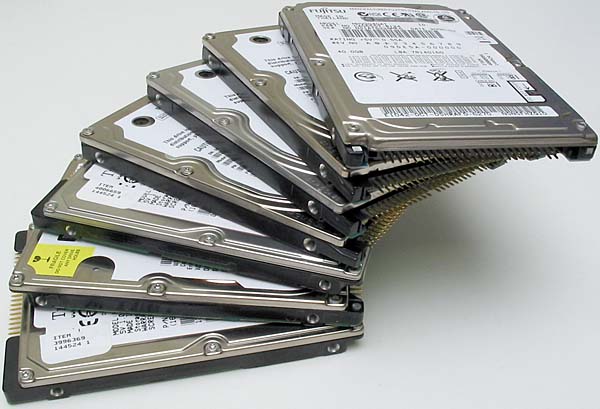
How to Combine Multiple Hard Drives Into One High Capacity Drive
How to combine Multiple Hard drives into One High Capacity Drive: Keeping all data into a Hard drive is simple. Some time ago 500GB hard drive is enough for to store all our needs.
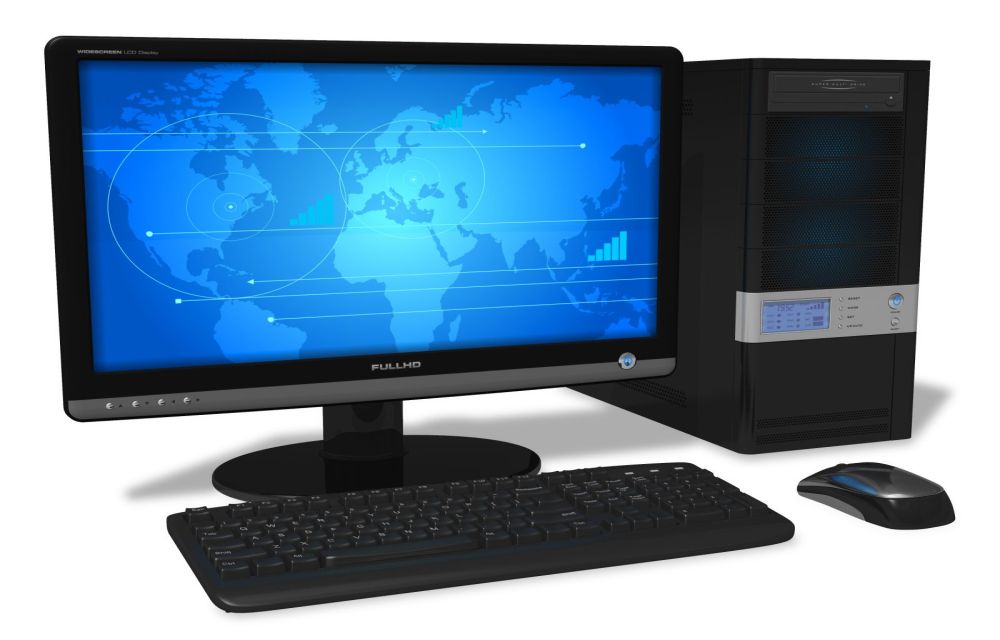
How To Make Your Old Computer As New
Is old computer lying around in your House? You can make it run like a new one by following simple steps.
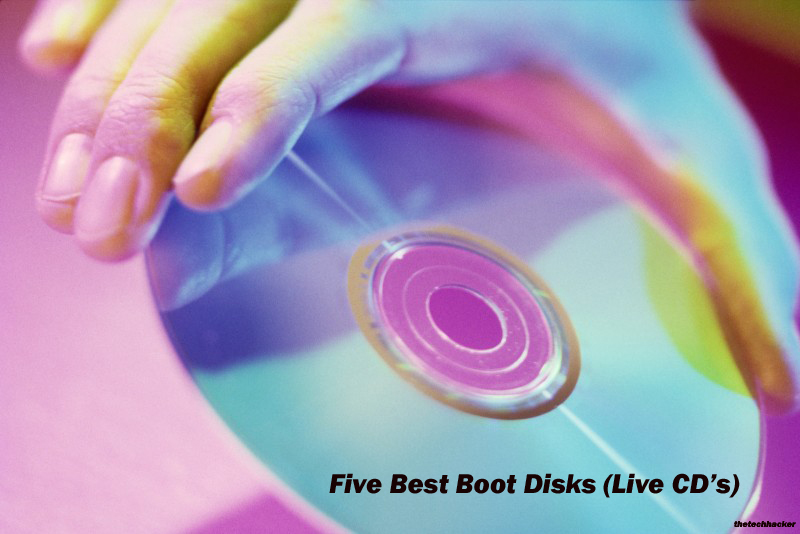
Must Have Best Boot Disk’s For Every Windows User
A system crash is the most common action when OS crashes, boot failures, and error messages occur. Keeping a good rescue CD on your desk will help you handle sudden system crash issues. A boot disk (live CD) is a removable digital data storage medium from which a computer can load and run an operating…
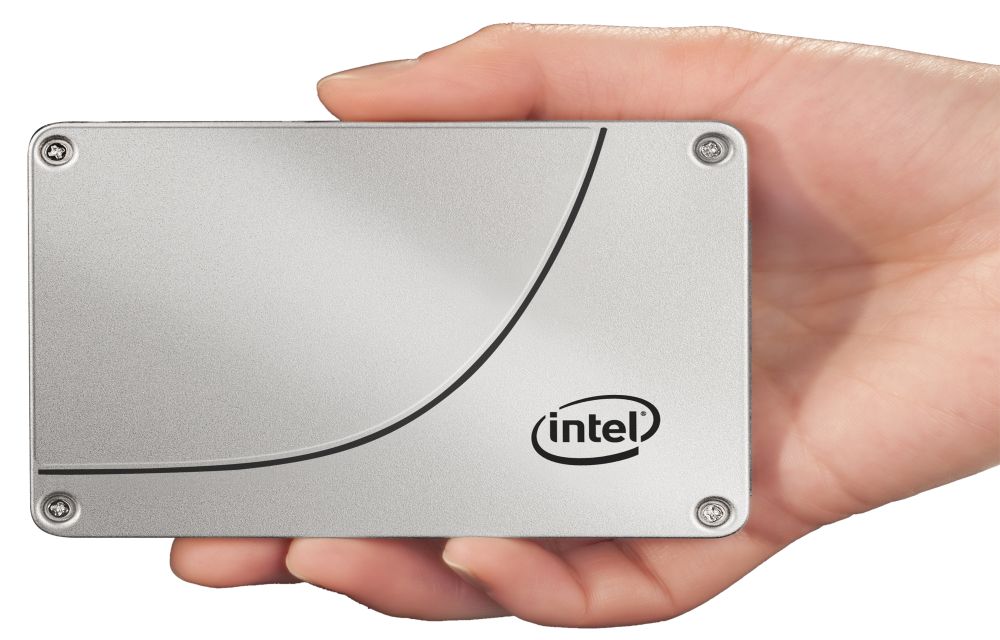
Advantages and Disadvantages of SSD
Solid-state drive or SSD drive uses non-volatile memory as a means of storing and accessing data, like computer RAM. It is a data storage device for your computer. Adding an SSD to your computer is the best upgrade. They are very fast when compared to traditional hard disks. The read and write speeds are top-notch, and…