

How To Save Most Of The Space On The Hard Drive
It is very easy to run out of the disk space, because data size is going bigger and larger. In this digital age every data is converted into digital applications, videos, songs, movies and documents etc. Even 1TB hard drive became minimum these days. Solid state drives are replacing the traditional hard drives, they are…

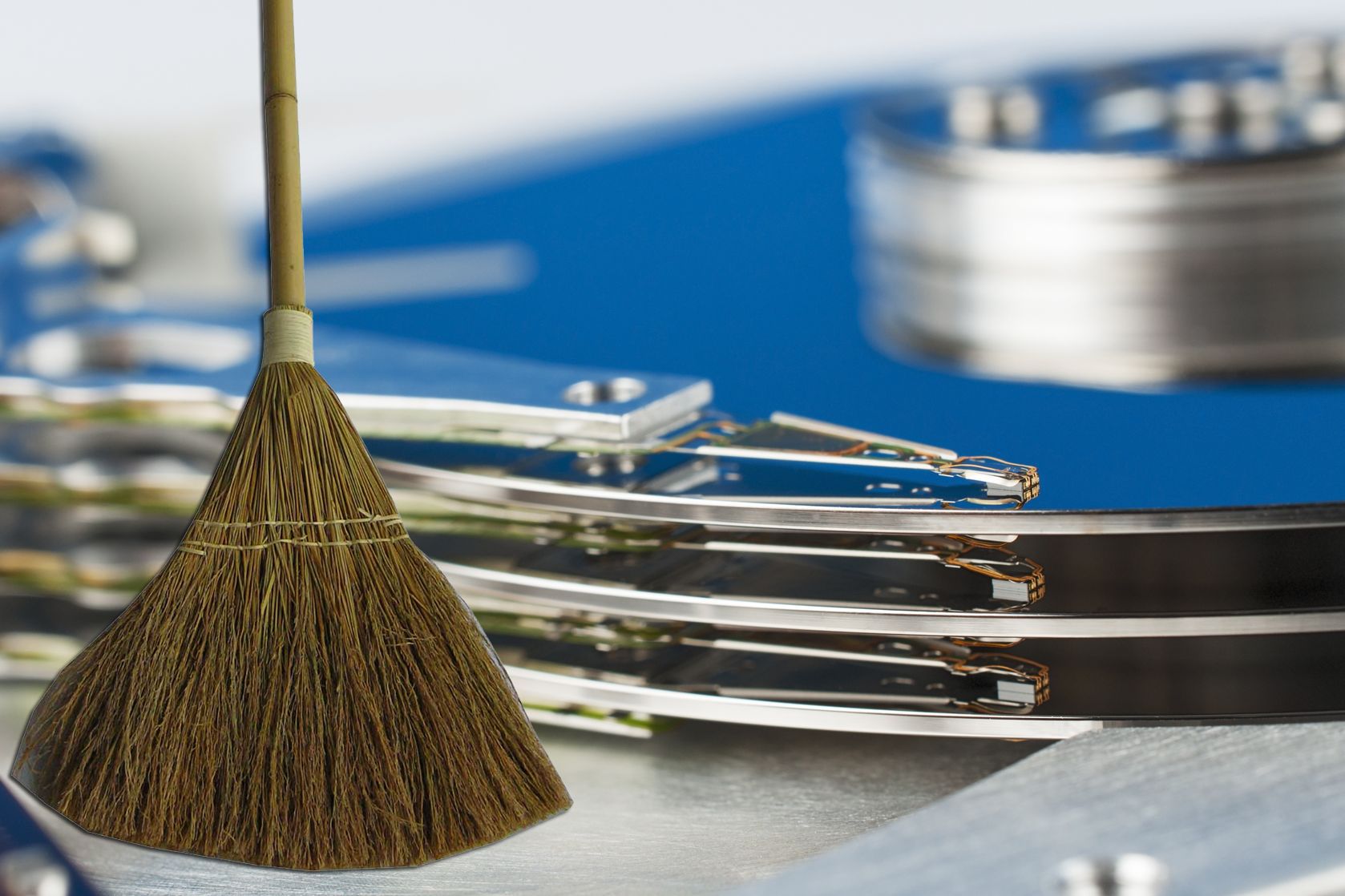
It is very easy to run out of the disk space, because data size is going bigger and larger. In this digital age every data is converted into digital applications, videos, songs, movies and documents etc. Even 1TB hard drive became minimum these days.
Solid state drives are replacing the traditional hard drives, they are more expensive than normal drives(1TB costs $90) and comes in small data sizes (128GB costs $135).If your hard drive is full and no place to store new files, no problem you can clear some space by applying simple techniques.

Using Default Applications
Normally in every system some place is consumed by temp folders and recycle bin. You can get rid of them by using disk cleaning software, Windows Disk Clean-up is a good example.

Using Third Party Apps
Applications like CCleaner, KCleaner, Ashampoo WinOptimizer 10 and Revo Uninstaller can clean unused files easily.

Manual Cleaning
Sometimes we download large files and forgot them. They reside on our hard drive by occupying huge disk space. First find out which file is occupying most of the space and it is necessary for you are not. WinDirStat is simple program which lets you to easily find out the big files.

Find Duplicate Files
It is very hard to find duplicate file on a system. You can find duplicate files is very easy with Duplicate file searcher, remove the duplicate files and save up some space on disk.

Uninstall Unnecessary Apps
Normally we forgot which apps is installed on our PC after prolong time. Some may be useful for continuous use, but some programs stay on hard disk space eating large amount of space. Uninstallers like Revo uninstaller simplify your job by not only un-installing app even removing its traces from system.

Using External Hard Drives or NAS
If you feel every file on your system is useful to you and you don’t want to delete them then cleaning is a must task . Simple way to clean your system is moving your files to another drive. Or create a backup solution using NAS. It provides a central hard drive on which you can store, share and back up all files from multiple computers in the house. NAS uses its own operating system, processor for storing content. Using NAS we can create central library of music, photos, videos hub in the home.

Using Cloud Storages
There are number of Cloud services offering free space upon sign up. You can earn most of the cloud space by entering their referral programs. Dropbox, Google Drive, Sky Drive and Box are popular among them. This is a great way to move videos and photos in your secure online storage space and also save lot of space in your system.
More in How-to

How To Save My Documents In Cloud Directly
What would you do when situations like hard drive failure and corrupt OS problems occur. No doubt we completely loose our saved important files on Desktop and My Documents. Whether it is a work file and marriage or vacation picture losing data gives a lot of pain. Recently I faced this kind of situation when…

What is $WINDOWS.~BT Folder On your PC Hard Drive
Windows installation directory (Most probably C:/) will be filled up by the new program installation or desktop files in you PC. Once you have found that, it consuming some storage without any installations or files, It might look suspicious. You have cleared the Temp folder and cleaned junk files, but nothing pays. This might be due to…

3 Steps to Recover Data from Seagate External Hard Drive
Seagate external hard drives are one of the finest solutions that most people prefer for a reliable storage solution. These portable devices offer high performance and a huge space to store a maximum of data in a normal sized storage device, which is compatible with both PCs or Macs. Seagate external hard drives are mostly…
The week in tech, minus the noise.
New reviews, fixes and the stories that matter — once a week, straight to your inbox.
We only use your email to send the newsletter. Unsubscribe any time. See our privacy policy.
Comments