

Tips and Tricks
Mac Performance Tips: 8 Ways To Turbocharge Your Mac
Is your Mac slowing down? Are you struggling to run programs and applications that once caused little or no problem? Don’t panic – just observe these 8 steps to help restore your machine to maximum working capacity! 1. Reduce Your Startup Applications Much like loading an Olympic runner with a shed load of luggage on the…

Know How You Can Fix Windows Startup Issues Causing Boot Failure
Windows, a series of computer operating systems, developed and marketed by Microsoft is all time favorite of consumers across the world. However, the brand name Microsoft is not enough to make its products beyond the reach of troubles.

Speed Up Your YouTube Buffering Rate With This Simple Trick
For watching videos every one first choice is YouTube. YouTube is a gigantic library of videos uploaded by people around the world. YouTube requires a fast internet connection to buffer a minimum 480p video. Unfortunately, only a few people can afford the speedy internet connections and availability is limited to developed areas.
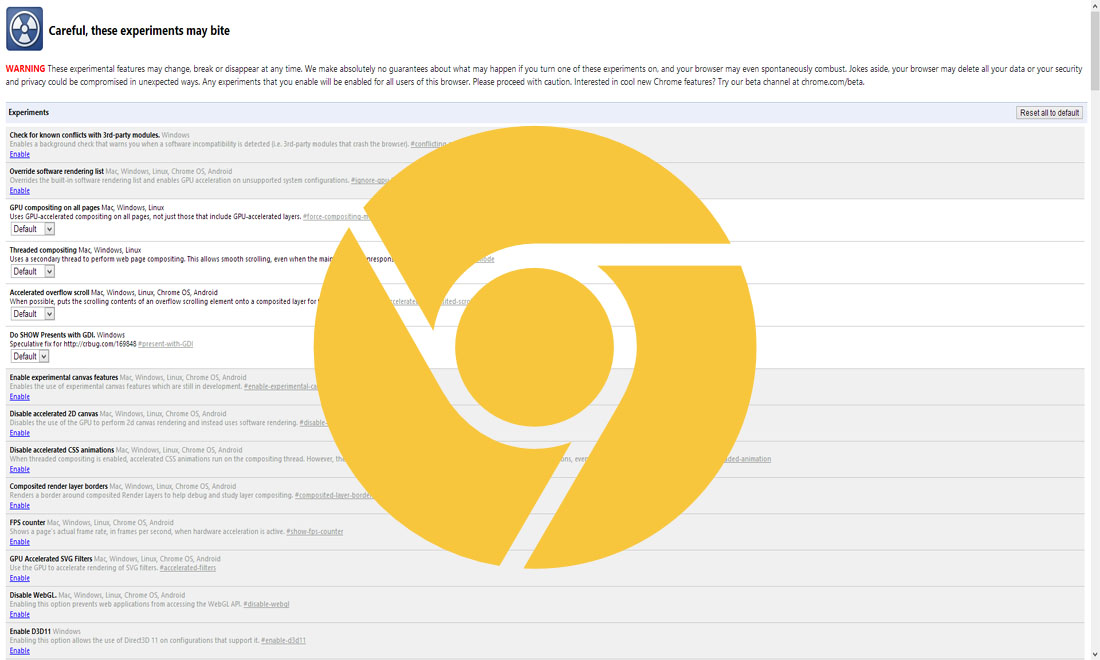
How To Try Google Chrome Web Apps Without Installing Them
Extensions have been a thing for quite some time for PC users. They were brought more into the fray thanks to Google Chrome and its avid use of them. Extensions are great, and all, but some of them do have their problems. Some of you can testify to having issues with browser crashing or juts…
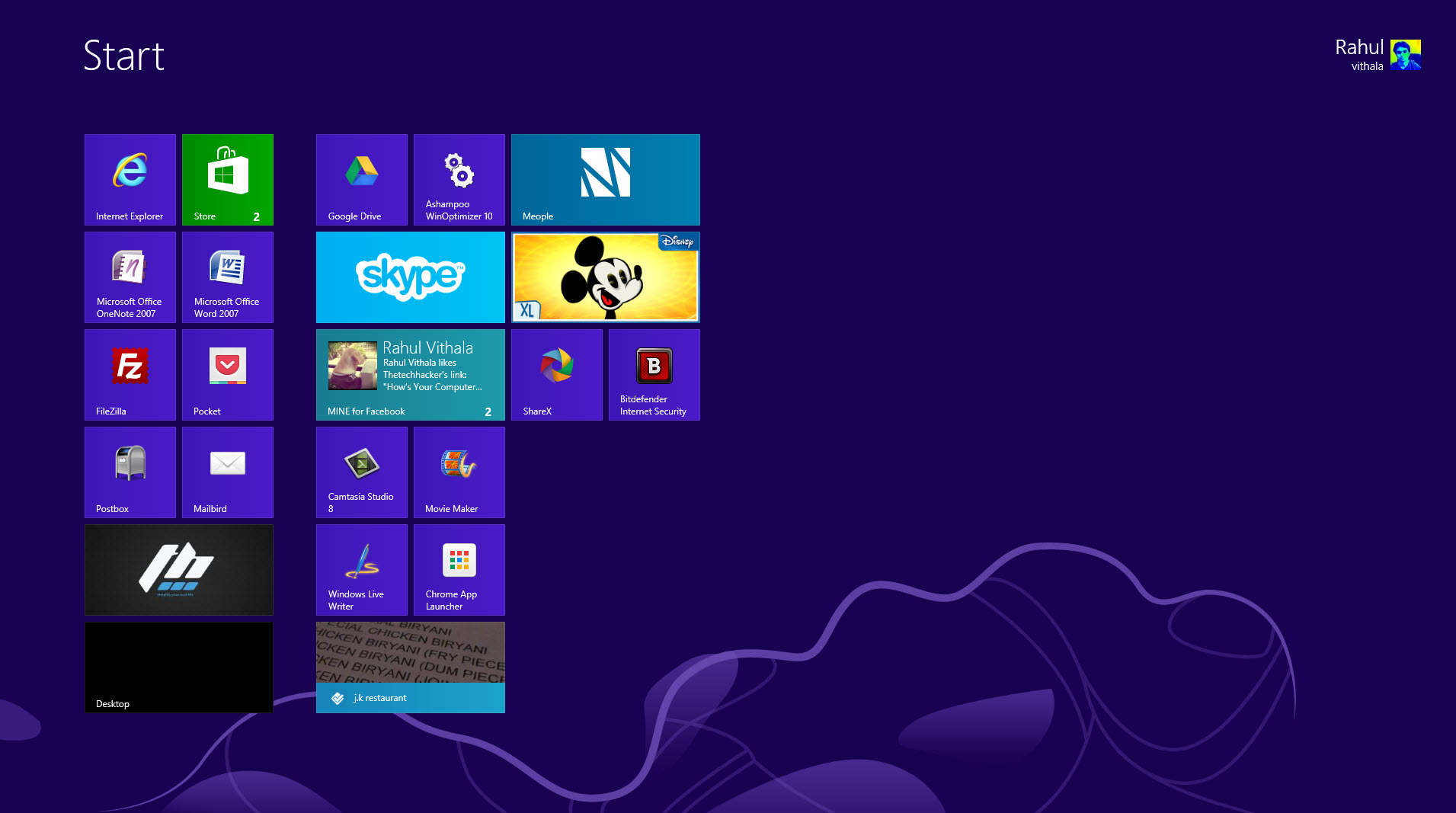
Take Screenshots & Upload Them Online Easily With ShareX
How you take screenshots on your PC? normally most of us use Snipping tool to take screenshots on Windows. What would you do if you want to share instantly screenshot to a image hosting service? Confused this is a two step process first take screen shot and next uploading screenshot using browser. Simply download ShareX…

Reasons Why Bloggers Fail To Make Money
Blogging is a passion Blogging is money, most of us start a blog by keeping these two points in mind. Failures are part of life, but what if you turned the whole career for blogging and fails to make money? That is a horrible question to think. Most of the Bloggers fail to make money,…

WordPress Is Installed What Next
All major hosting providers offer WordPress, it is easy simple to use and most famous CMS in the world. We already posted a article about installing WordPress in Windows in simple steps. After lot of testing in private environment it is time to launch site to public. WordPress Is Installed Next: All major hosting services…

How To Save Most Of The Space On The Hard Drive
It is very easy to run out of the disk space, because data size is going bigger and larger. In this digital age every data is converted into digital applications, videos, songs, movies and documents etc. Even 1TB hard drive became minimum these days. Solid state drives are replacing the traditional hard drives, they are…

How To Recover Deleted Photos and Videos From A Digital Camera
Digital Camera’s provide the easiest way to shoot and store your precious moments on a memory card. DSLR’s and normal digital cameras come with the delete button, which erases photos with a single click. Mistakenly if you tap on delete button you lose all pictures stored on that memory card. So, what really happens to…
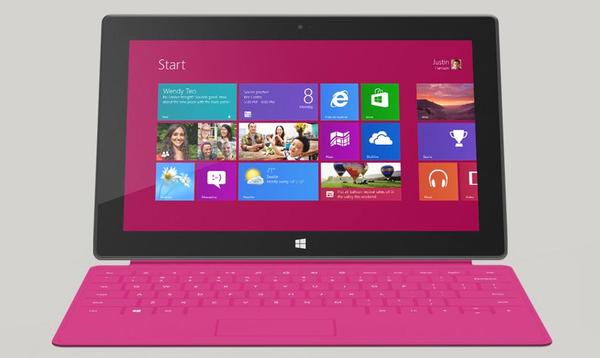
How to Take Screenshots On Windows 8 Surface Tablets
How to Take Screenshots On Windows 8 Surface Tablets: Windows 8 is slowly gaining its market share in tablet markets. Windows 8 Tablets has very good features like start screen and brand new Windows 8 store. For various reasons, we need screenshots sometimes. For example, we can use screenshots for sharing a business document, images,…
How to Access Two Dropbox Accounts In One Computer
How to Access Two Dropbox Accounts In One Computer: Dropbox is everyone’s favorite Cloud storage service. Some people maintain more than one Dropbox accounts.

How To Access Facebook Chat Without Opening Facebook Site
For example, you can access Facebook chat without opening the Facebook website. The easiest way to communicate with your friends on Facebook is through this method. On the internet, there are only a few alternatives to Facebook chat that are available. You will be able to rapidly share your thoughts, photographs, and videos with others…