

Windows 10
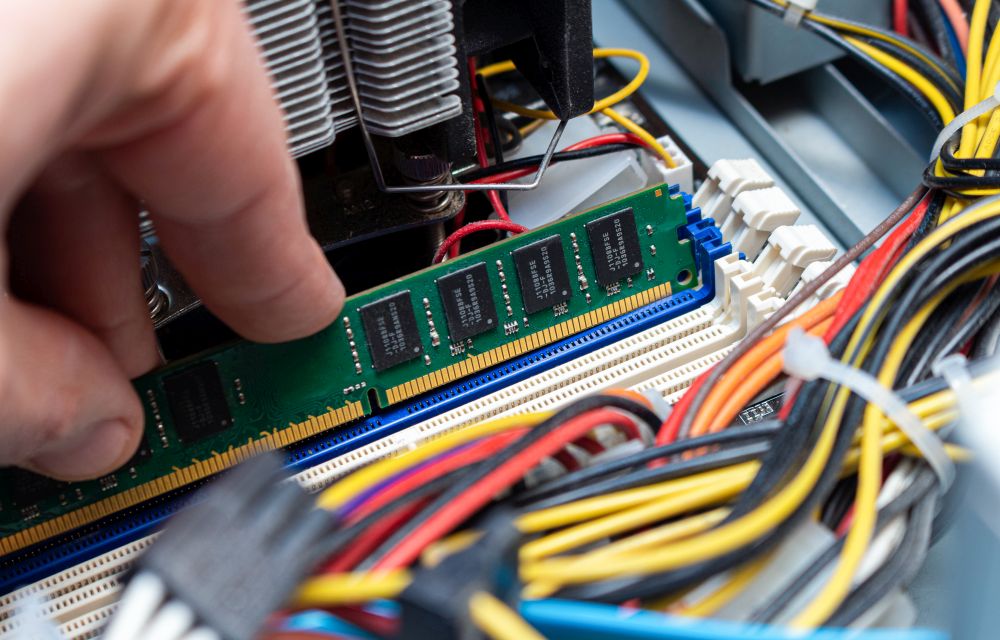
How to free up RAM on Windows 10
No one likes a slow-performing computer. As we are moving towards the future with the latest apps and games, the computing power also must meet software requirements. RAM (Random Access Memory) plays a crucial role in the performance of the computer. Sufficient RAM is required to handle the tasks. For example, if you are using…
How to download and install DirectX on Windows 10
DirectX is a popular application required to run multimedia and game files on Windows 10. It is a combination of application programming interfaces (API) to run multimedia, game, and video applications. When you are planning to play games on Windows 10, you must need DirectX installed on your PC. The first version of DirectX released…

How to insert Special Characters in Windows 10
Special characters always have special importance while typing. They are used in special cases while typing currency and copyright symbols. If you want to use special characters in your writing work, then Windows 10 has Character Map for you. Character Map is a Windows tool designed to type special characters. In this article, you will…
How to speedup Network Sharing in Windows 10
Network Sharing helps an individual to share resources over the network. There are two types of network infrastructures namely wired and wireless. Network infrastructure includes devices such as modems, routers and software programs such as packet tracer. In order to get the most of these resources, one can configure them to be shared among different…
How to fix Wuauserv high CPU usage error in Windows 10
Wuauserv error has encountered for many Windows 10 users. It drastically slows down the performance of the Windows 10 PC or laptop while it is running in the background. Usually, many services like svchost.exe and Windows update runs in the background and consumes a very low amount of system resources. But in the case of…

Best Alternatives Of Windows 10 App Store
It is a known fact that you need apps for any platform that you are using. For example, your Android smartphone is of no use if you are not having any applications to run on it. Similarly, applications are available on Windows and macOS as well. If we talk about the Apple side of things,…

No, you don’t really need to ‘safely remove’ USB flash drives on Windows 10 confirms Microsoft
There has been a long ongoing debate from years regarding a particular thing on Windows 10. This is regarding insertion and then removal of USB flash

Shutdown or Restart Windows 10 Using Cortana with your Voice
Shutting down your computer is as simple as pressing a switch or using the traditional way of using your mouse for it. Wanna take it to the next level? What if you can just interact with your computer and even tell it to shut down itself or restart? Cortana makes it possible if you are…
How to Train Cortana in Windows 10
If you don’t know, Cortana is a virtual assistant created by the Microsoft Corporation integrated with the Windows 10 OS. In simple terms, it is just a variation of the Siri on iOS, and Google Assistant on Android smartphones. There are plenty of things you can do with Cortana. For example, you can create reminders, control…

How to Transfer Photos Over WiFi From your Phone to Windows 10
Gone are those days when we used to connect cables to transfer photos from mobile to PC. Whether it is an Android or iPhone, the connecting of a phone to a PC takes so many steps. You have to enable USB Transfer mode, allow permissions to iPhone and sometimes USB creates connectivity issues. Luckily, the technology…
Change Default Keyboard Shortcuts in Windows 10
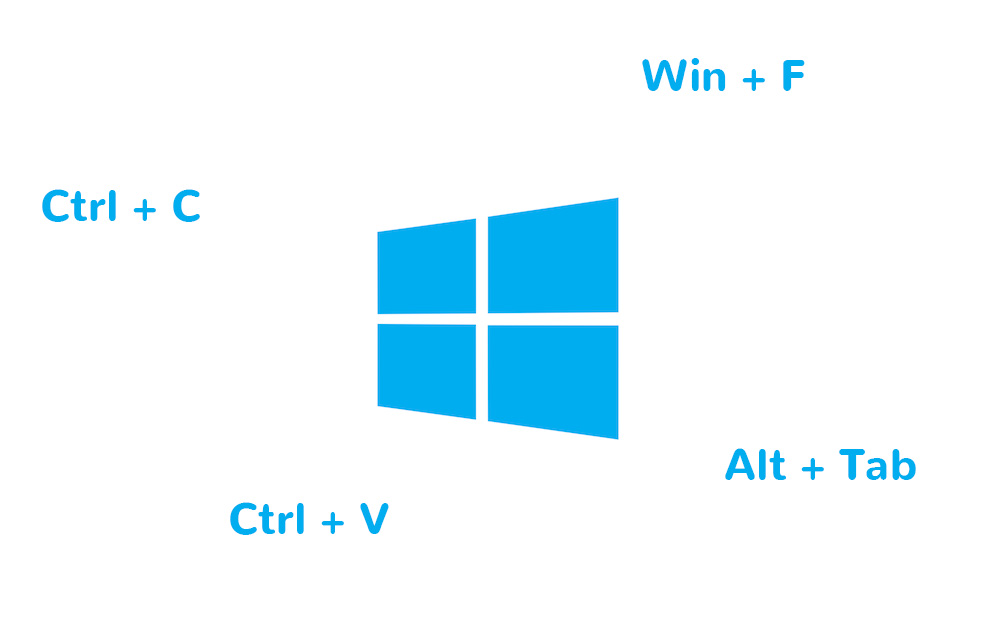
Windows 10 comes with some default keyboard shortcuts similar to the previous versions of the OS. If you find any of them uncomfortable and want to change it to something better of your choice, this article will help you to achieve that. This might be greatly helpful if you previously used any other operating systems…

Best Email Backup Apps for Windows 10
Gone are those days we look for a long-awaited reply from communicating person. Emails are the 21st century’s one of the finest invention for easy communication. Many email services are providing unlimited free plans for users. Therefore, many users are relying on sending and receiving free emails for their personal and business use. If you…