

Windows 10

An Easy Way to Improve Internet Speed in Windows 10
Microsoft rolled out free upgrades to Windows 10 some time back for all Windows 7 and 8.1 users. This proved to be a lifetime opportunity, and users in huge numbers availed it. This also allowed Microsoft to considerably expand the Windows 10 user base which contributed towards the ever-increasing popularity of this OS. As an…
How to Uninstall Cortana
Cortana is a virtual and personal assistant developed by Microsoft. This features enabled with Windows 10 Operating system as a default feature. Recently I stumbled the Internet and many people searching for “how to uninstall Cortana.” Reasons are many for uninstalling Cortana, it is mainly due to some security reasons. To serve you better, Cortana…
How to Disable Fast User Switching in Windows 10
The Fast User Switching in Windows 10 is a good feature that allows switching users without interrupting the operations of the current user. The user will stay logged in, and all running applications will keep running even if the new user is working on the same computer. This allows to use the PC for multiple…

How to Stop Updates in Windows 10
Most people think that an operating system that is up-to-date is a secure one which is true to an extent. However, there are also many people who do not do a good job at updating their OS. Now, we have Microsoft with Windows 10 which is an operating system that automatically updates to the latest…
How to find Out Battery Usage of Apps in Windows 10
Windows 10 is a nice workplace to fulfill the needs of the modern day users. Like the previous versions of windows, Microsoft pulled this OS too to the top of the popularity peak. Millions are using the Windows 10 for their daily needs apart from all other operating systems. Being the follower of the Windows…
How To Always Run PowerShell As Administrator In Windows 10
Windows PowerShell is a useful option that comes pre-packaged with the windows 10. As it is a very useful feature that can help the users to get access to many restricted areas and to tweak windows. But, for this all, running the PowerShell as an administrator is necessary. There are also several other occasions where…
Make Windows 10 To Run Faster Finally
Windows has been existing for just over two decades in the consumer market, from entry level computers to high-end computers. The secret of Windows to be popular is being flexible, customizable and comprised with rich contents compared to other operating systems. In addition to the aforesaid traits, Windows is also quite good at performance with…
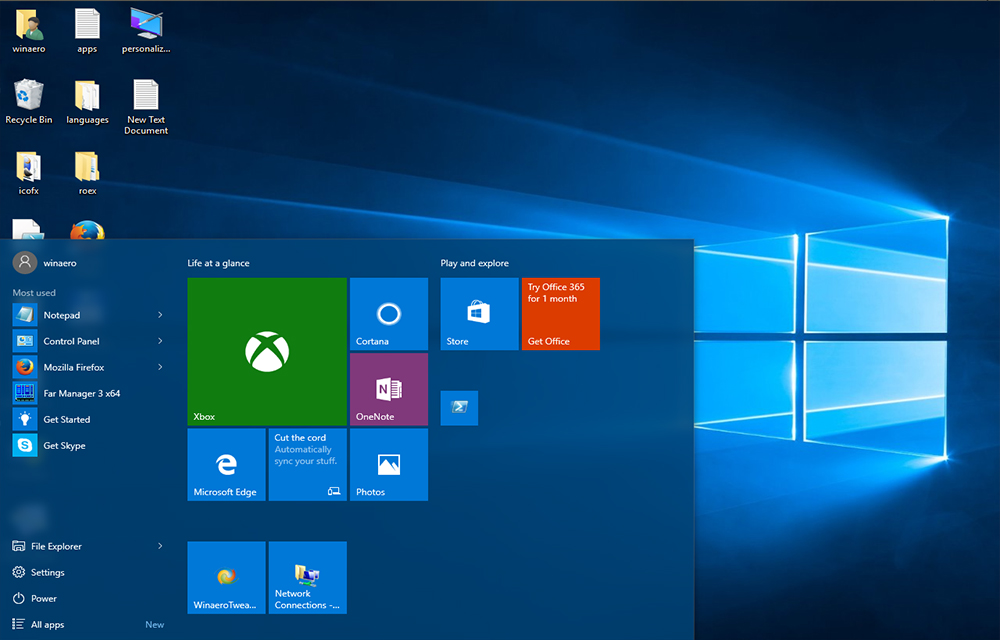
How to Add Website Links to Windows 10 Start Menu
Thanks to the Microsoft for bringing back the Charming start menu in Windows 10. Alongside numerous existing features, Windows 10 start menu comes with a lot of new addition. Such a noticeable addition is that the users can now pin their favorite websites to the start menu to quickly access them. This feature will be…

How to Disable Automatic Updates in Windows 10
Windows 10 is one of the most advanced operating systems available today. Even it has some problems and bugs in it, there is no doubt in the reliability and functionality of the Microsoft OS. If you’ve ever faced a situation where you need to disable automatic updates in Windows 10 due to excess internet usage…
How to Enable Hibernate in Windows 10
Hibernate mode is very useful for those who want to turn off their computer without leaving the progress of their works inside the Windows. As sleep mode just holds the PC by keeping it powered on and consumes some amount of power, Hibernate mode does the same without using any power but actually in a…
How to Disable the AutoRun Feature in Windows 10
Autorun is a useful function that directs the OS to do something on insertion of CD or USB devices to the computer. The instructions saved on the autorun.inf file on the device instructs the OS to perform specific actions while the device mounting. It can prompt to run specific programs, play videos, pictures or music and do…
How to Go Back to Windows 8 from Windows 10
Windows 10 is the latest windows release from the Microsoft. But, something not right in the OS and it has the curse of many problems and buggies that causing some serious problems while using the OS. Automatic app deletion and the Chrome crashing issue was the most discussed problems among them. If you were upgraded…