

Zend Server Turns Your Mac Into A Local PHP Web Server
For the web development, testing environment is very important. When you work on a local server it saves money (hosting) as well as errors, you can view product privately before launching into world wide web. Most developers and testers check their project on a testing environment to check the benchmark results.

For the web development, testing environment is very important. When you work on a local server it saves money (hosting) as well as errors, you can view product privately before launching into world wide web. Most developers and testers check their project on a testing environment to check the benchmark results.
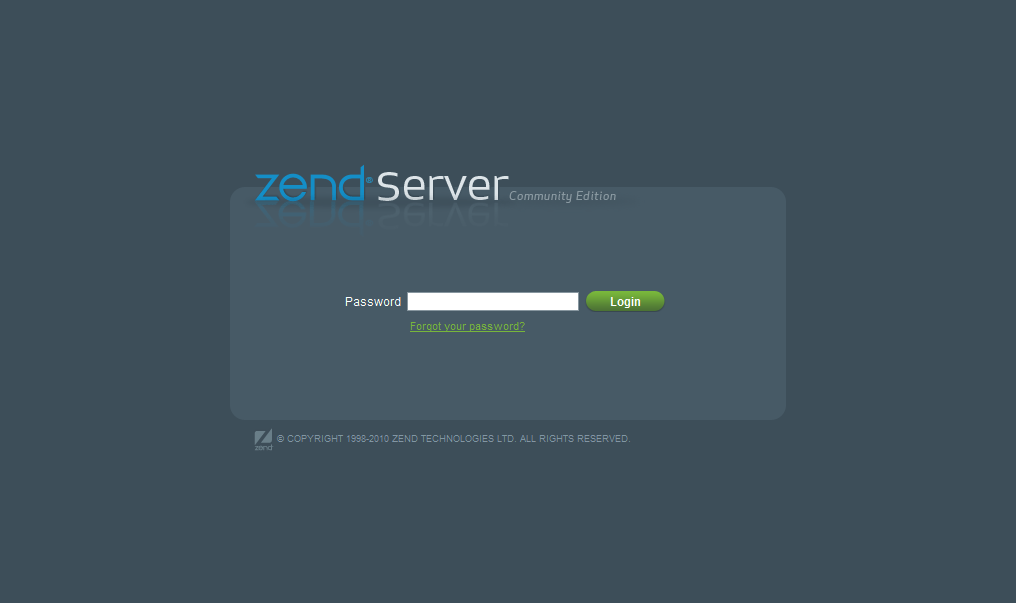
For PHP, you can easily set PHP server on Mac OS X. Zend Server is a PHP server for Mac that makes your task easy. To install just download the .dmg file from Zend Server site. Zend Server is very flexible; you can install Zend Server on Mac OS X, Windows, and Linux.
According to Company
With Zend Server, development and operation teams are equipped with the software infrastructure, tools, and best practices for productive collaboration and continuous delivery of their mobile and web apps with exceptional performance, reliability, and security.
Supporting the explosive performance of PHP 7 with innovative tools to rapidly isolate production issues, Zend Server is a proven platform to help organizations deploy faster, reduce downtime, and operate at internet scale.
Zend Server includes over 80 PHP extensions and supports Apache, NGINX and IIS Web servers, sometimes referred to as PHP Servers. It is delivered as native packages for all leading Linux distributions, Windows, MAC OS X and IBM i environments including popular Cloud environments such as Amazon Web Services and Microsoft Azure. Zend Server supports any and all PHP code and provides deep insights into that code including the most popular PHP applications and frameworks like WordPress,Magento, Drupal, Zend Framework, Symfony, and Laravel. Any code you have in PHP will run on Zend Server.
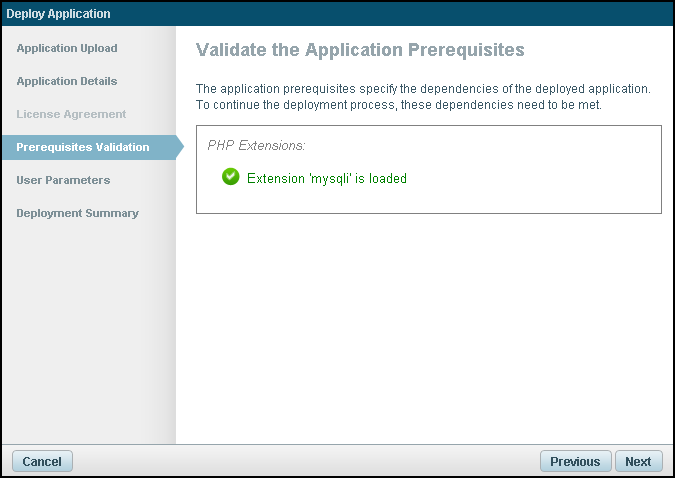
First, you need to create an account in the Zend Server using the free version to download. Always download the latest version of PHP for stable performance. The installation procedure is normally easy to configure. After successful installation Zend Server located in “/user/local/Zend/apache2/htdocs”. You can access the web server using address “localhost:10088” on your browser and admin, the configuration is available at “localhost:10081”.
More in Mac
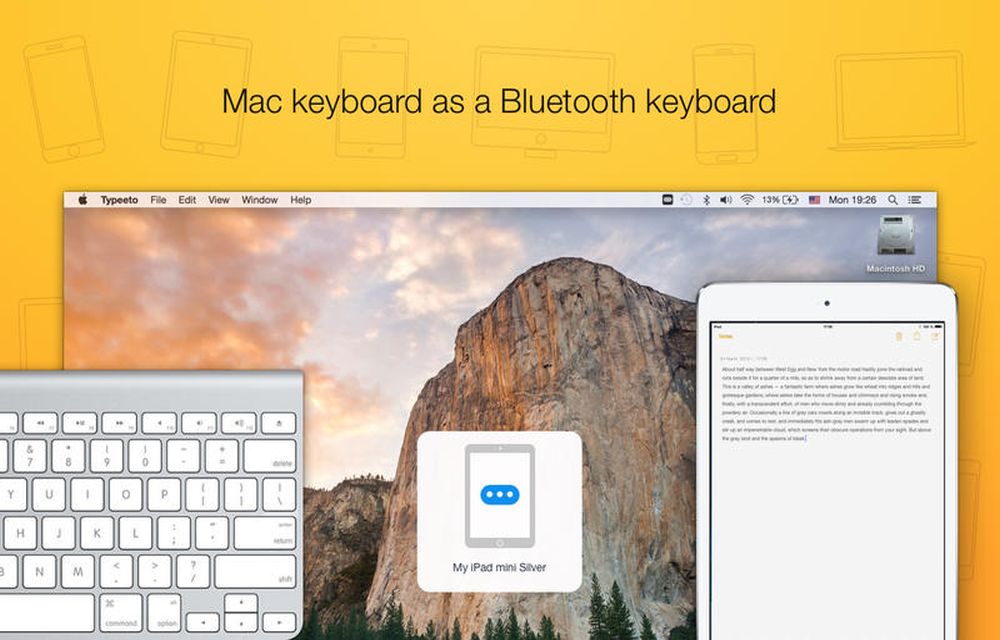
Typeeto Mac App Review – Turn Your Mac as Universal Keyboard for Any Device
Typing on small screen tablets and smartphones is a painful task. For heavy messenger apps, users typing is like hell using a small keyboard layout. Thinking of physical keyboard for a mobile device? Just read this article and plan for the buy. If you own a Macbook or iMac, you can use their keyboard for…
Top 10 Transcription Software For Mac
Typing up hours of conversation, interviews or speeches can be incredibly dull and tedious. Transcription software packages alleviate this problem by converting human speech into a text transcript, or at least by accelerating the process. This list of the top ten transcription software packages has been assembled to help you save precious time and get…

How to Fix FaceTime Black Screen on Mac
As the world is going through a global pandemic, more people are relying on video calling services to connect with their loved ones, teachers, colleagues, etc. Apple product users mostly rely on the FaceTime application developed by them for a faster video calling experience. Even though there are several popular services such as Skype, Zoom,…
The week in tech, minus the noise.
New reviews, fixes and the stories that matter — once a week, straight to your inbox.
We only use your email to send the newsletter. Unsubscribe any time. See our privacy policy.
Comments