

How To Enter Into Bootloader Mode In OnePlus 2
OnePlus has recently and officially launched its successor OnePlus 2. Technically OnePlus 2 is a fantastic device with almost all high-end specifications.


OnePlus has recently and officially launched its successor OnePlus 2. Technically OnePlus 2 is a fantastic device with almost all high-end specifications. The smartphone is packed with 5.5-inch QHD screen, a Snapdragon 810 processor, 4GB of RAM, and a 3300 mAh battery. In this tutorial, you can learn how to unlock bootloader/fastboot yo easily run ADB commands. Unlocking bootloader will let you do experiment on the device like rooting, installing custom ROM’s etc.
Related Articles
- How To Unlock Bootloader of Nexus 6 And Nexus 9
- How To Manual Update OnePlus One To Official OxygenOS
- How To Root OnePlus One-Rooting Guide
Entering into Fastboot mode of OnePlus 2 is pretty simple, you can do this process using hardware buttons or by running ADB commands on your PC.
Disclaimer: Please follow this guide at your own risk. Thetechhacker will not be responsible if your device gets damaged during the process.
Unlocking OnePlus 2 Bootloader Using Hardware Buttons
Using phone hardware for entering into bootloader/fastboot is a very simple and easy process. To get started, first turn off your device. Now press the Volume up + Power button together to enter into fastboot mode.
Using ADB Commands
This process involves some commands and a PC to boot OnePlus 2.
1.First you need to download ADB and Fastboot drivers on your PC.
2.Now enable the USB debugging mode on your phone, to enable go to Settings > About phone, and then tap ‘Build number’ 7 times or until you see the message ‘You’re now a developer!’. Next enable USB Debugging in the Developer Options Menu.
3.Now open the ADB folder and run command window.
4.Now connect your OnePlus 2 to the PC with USB cable and run the following command on the ADB Folder command prompt window.
adb reboot bootloader
5.After entering this command, your OnePlus 2 will reboot and enters into fastboot.
More in How-to
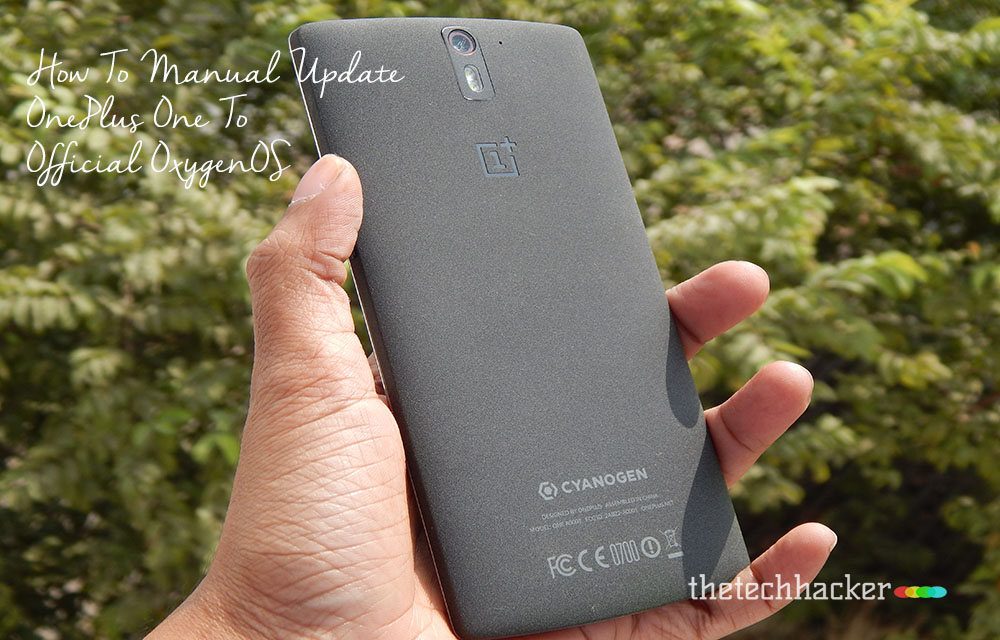
How To Manual Update OnePlus One To Official OxygenOS
The Long wait is over for OnePlus One owner, now finally company released official Android Lollipop build custom Android Lollipop build OxygenOS. This tutorial involves all steps to install OxygenOS on your OnePlus One device. Disclaimer: Please follow this guide at your own risk. Thetechhacker will not be responsible if your device gets damaged or…

How To Put Your iPhone/iPad Into DFU Mode For Recovery
DFU mode: Is your iPhone software broken? As in you were trying to do something, but now your phone is acting weird, or you want to jailbreak it. Well, there are many things that can go wrong, and you might wish to un-jailbreak your device. Whatever the case, all you need to do is get…

How to Set Up ADB and Fastboot with Android SDK
ADB and Fastboot are that much important in Android devices. The Android SDK enables these two options in your Android devices that allow to Root and Upgrade your device with custom ROM installation. The smartphone manufacturers are producing smartphones equipped with the Android version as they prefer. Why to be settled on the same OS with…
The week in tech, minus the noise.
New reviews, fixes and the stories that matter — once a week, straight to your inbox.
We only use your email to send the newsletter. Unsubscribe any time. See our privacy policy.
Comments