

5 Security Tips Every Android User Should Know
Smartphones have become a mini-bank in a business men’s life. Today we do thousand to million online transaction. We also come across few cons and hacks these days. Unfortunately, many people get into dark net laid by the hacker. Don’t you worry? TTH has covered you here. In this post we will discuss 5 Security Tips…


Smartphones have become a mini-bank in a business men’s life. Today we do thousand to million online transaction. We also come across few cons and hacks these days. Unfortunately, many people get into dark net laid by the hacker. Don’t you worry? TTH has covered you here. In this post we will discuss 5 Security Tips Every Android User Should Know.
1. Don’t Rely on Fingerprint
Yes, you read it right. Having a fingerprint sensor on your device may sound pretty dope and fancy but in reality, according to CIA and other agencies, it’s the most insecure way. Anyone can forcibly direct you on the sensor wherein a pin or password had to be spoken out. If you are having business accounts or sensitive payments on your smartphone then better ignore your swift fingerprint securities.

2. Forget Tinkering
Nowadays, rooting, unlocking bootloader and flashing ROMs is a trend in the smartphone industry. A device with unlocked bootloader and custom ROM can be hacked very easily. The hacker could also process your information, pictures, and even payment data if he is in. So, if you want to be ground locked then better don’t mess up with your device.
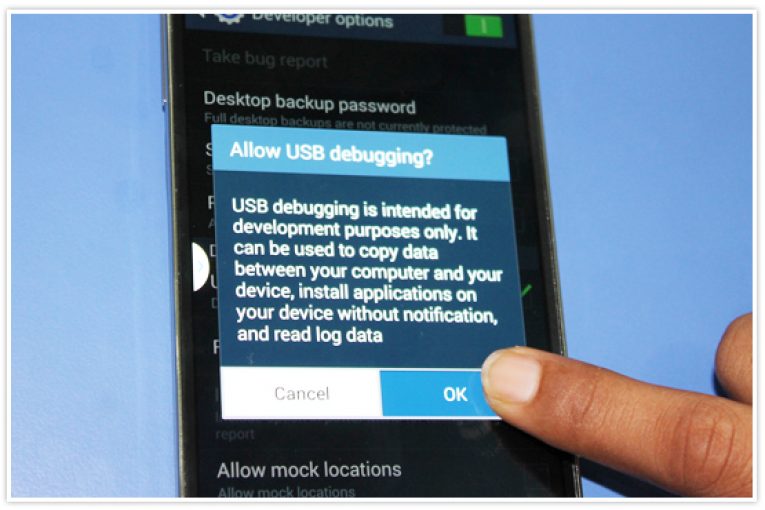
3. Say No to USB debugging.
Remember that 7 Taps build number thing to enable developer options. There’s a big catch in enabling USB debugging. A device with USB debugging enabled can be accessed without any PIN/Pattern locks. Additionally, you can delete the PIN and Password securities.
4. Apps Permissions
Well, it’s the open hack. Giving sensitive contacts, sensors, and location Information to a Gallery app is just a disaster. Always ensure what permissions an App has access to.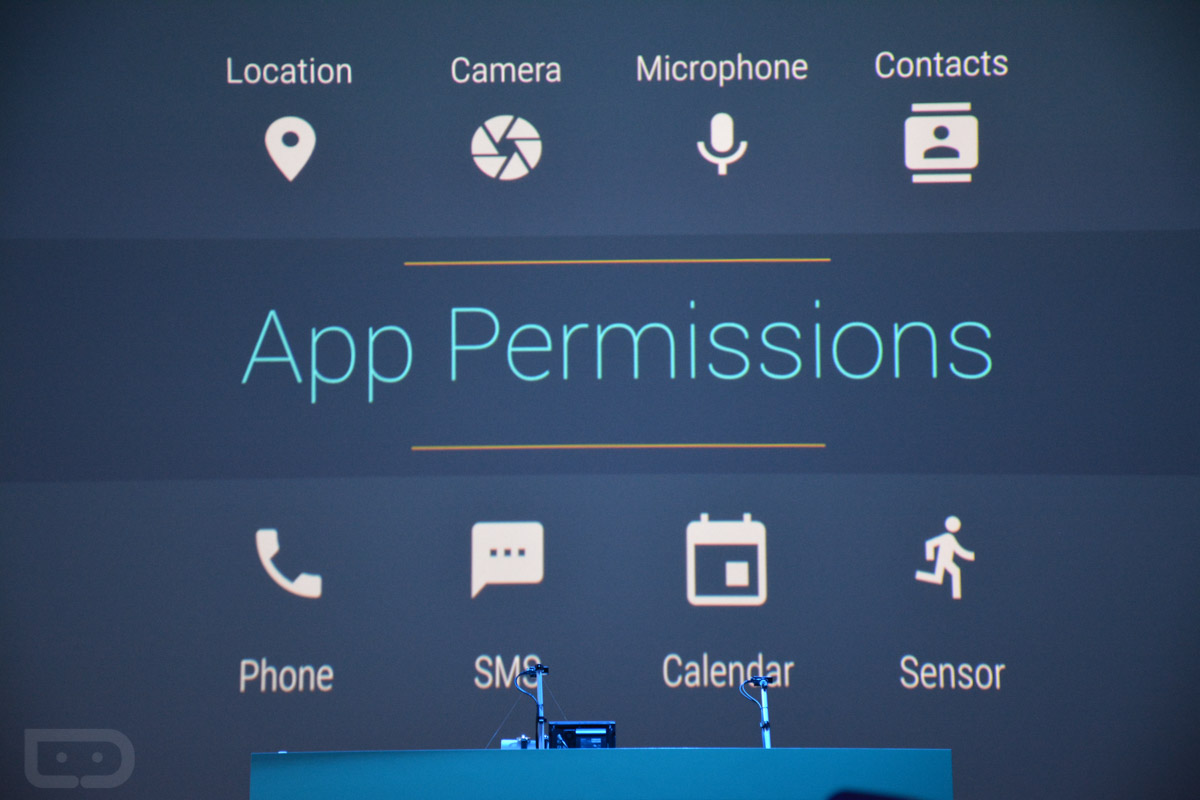
5. Untrusted Wi-Fi Hotspot
Untrusted Wi-Fi hotspot can handshake and interpret with your device and it’s browsing data. They can literally steal your Account number, credit card details, and social networking passwords. And Whatnot!

That’s all for now. Always stay secured folks. Do let us know what do you think about mobile security in the comments below.
More in Android

How to Secure Android Lollipop Guest Mode
Do you know how secure is the Android Guest mode in your Lollipop? Are you completely protected by just tapping a button to enable guest mode? I don’t think so. In this article, we are going to secure your Android Lollipop Guest mode to ensure maximum privacy while sharing your smartphone with someone else. For…

Top 15 Best Smartphone Browsers for Android
Web browsers have evolved a lot in the past few years. Of course, with all the fancy extensions and application integrations – while on a PC, it is a great experience! But, what about smartphones? Of course, they have improved as well. Is there something new that you should try and what is the best…

How to Update Android Smartphone, Tablet or Phablet
Updating Android OS is always important to keep your device safe and secure with the latest android version improvements. Either you are having a Lollipop or the Marshmallow as the android version, it is necessary to step over to the next level for a better-optimized performance of your smartphone or tablet. An update is the only way to…
The week in tech, minus the noise.
New reviews, fixes and the stories that matter — once a week, straight to your inbox.
We only use your email to send the newsletter. Unsubscribe any time. See our privacy policy.
Comments