

How to Get FaceTime for Android?
Does FaceTime work on Android? Let me answer this question for you. As we all know, FaceTime is developed by Apple exclusively for iOS devices. FaceTime is used for video calling between iOS devices. FaceTime is used for video calling between iOS devices. It is nothing just an exclusive video calling service between iOS devices.…


How to Get FaceTime for Android
Does FaceTime work on Android? Let me answer this question for you. As we all know, FaceTime is developed by Apple exclusively for iOS devices. FaceTime is used for video calling between iOS devices.
FaceTime is used for video calling between iOS devices. It is nothing just an exclusive video calling service between iOS devices. If you own Macbook or iMac, and FaceTime integrated with your iPhone, you will receive call intimation on your Mac screen. It is one of the exclusive features you will get with FaceTime.
Why is FaceTime not available for Android?
The reasons are still unknown and Apple hasn’t released any official version of FaceTime for Android. The entire decision of creating an Android version of FaceTime is in Apple’s hand. We have to just wait for the official version or we can just look for an alternative to the FaceTime. There are plenty of video apps available in both Android and iOS stores with cross-platform support. The below list of apps is best with a variety of features along with good security.
Now literally you can’t use FaceTime on your Android. However, we have new apps which can bring FaceTime like features to your Android. The apps I selected here are very popular and future proof with daily updates.
5 Alternatives to FaceTime for Android
Android users can enjoy the essence of video calling fun on Android with few FaceTime alternatives. Here is the list.
1. Facebook Messenger
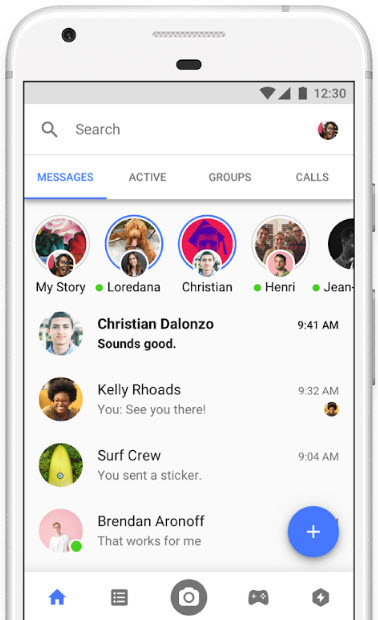
Undoubtedly, Facebook Messenger is our first choice as FaceTime alternative to the Android. According to the Facebook statistics, Facebook had 2.19 billion active users in the first quarter of 2018. We have every friend or colleague in the Facebook account. Using the Facebook Messenger for the people we’ve connected in Facebook is much easy than any other service.
Facebook Messenger is packed with very user-oriented features like personal, group chat, GIF support, emos and much more.
2. Skype

Skype is a video calling app from Microsoft. It has some promising features which make you its regular user. Skype is one of the best alternatives to FaceTime. It has everything which needed in a perfect video calling app.
Skype offers features like chat, file sharing, group calling and also available for almost all smartphones, tablets and some Smart TV’s.
3. Google Duo
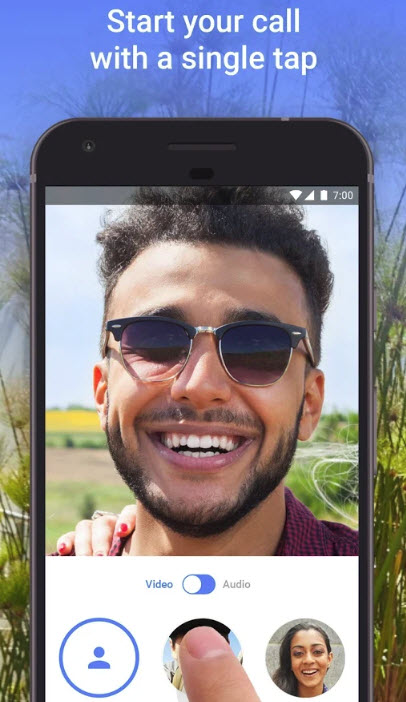
Google Duo is the latest offering from Google. The Duo is specially designed to make video calls. All you need is a working Gmail account to start using it. As iOS come with FaceTime, technically Duo is like FaceTime for Android. Also, Duo app is available for iOS, which makes cross-platform usability.
Coming to privacy, Google made Duo with end-to-end encryption, which means your conversations are completely private. One of the attracting features of Duo is “knock knock”. This feature just previews the caller screen before making the call.
4. Line
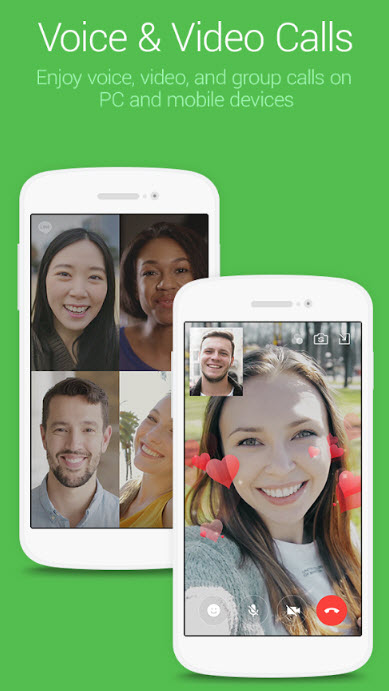
Line is a very popular messaging app. It is one of the top 10 messaging apps in the world. The Line offers free video and voice calls to the users. Users can send group messages with stickers support. Line is available for almost all mobile platforms including Desktop and Firefox OS support.
5. WhatsApp
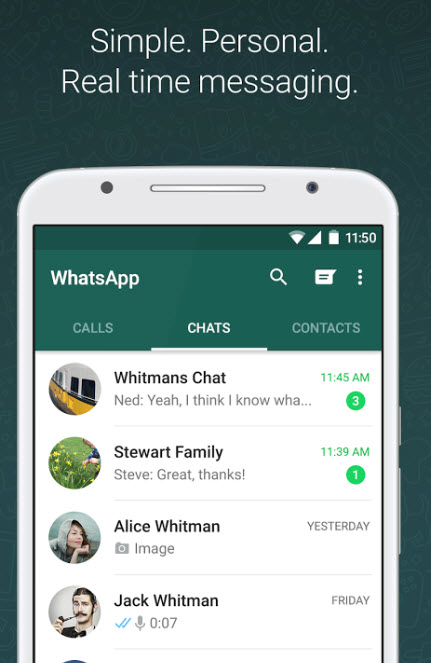
WhatsApp is a very popular alternative to the FaceTime. With an end-to-end encryption, group chatting, and unlimited messaging WhatsApp is one of the best video calling app. You can do many things with WhatsApp, you can access it from web version and desktop version also available.
That’s all for now. Please do share your views and feedback in the comment box below.
More in How-to
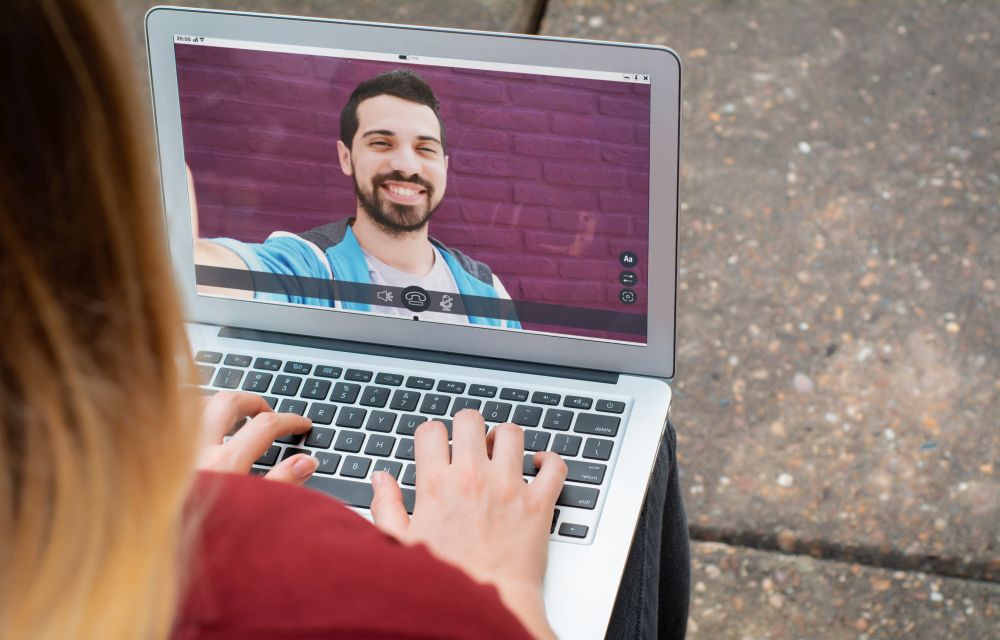
How To Capture Live Photos In FaceTime On macOS
Live photo is a feature introduced on the iPhone to capture realistic image instead of a steady image. It brings an alive moment in a still photo with the help of 3 seconds moving image. The technology behind the live photo is, the camera captures image 1.5 seconds before and after you take a pic…
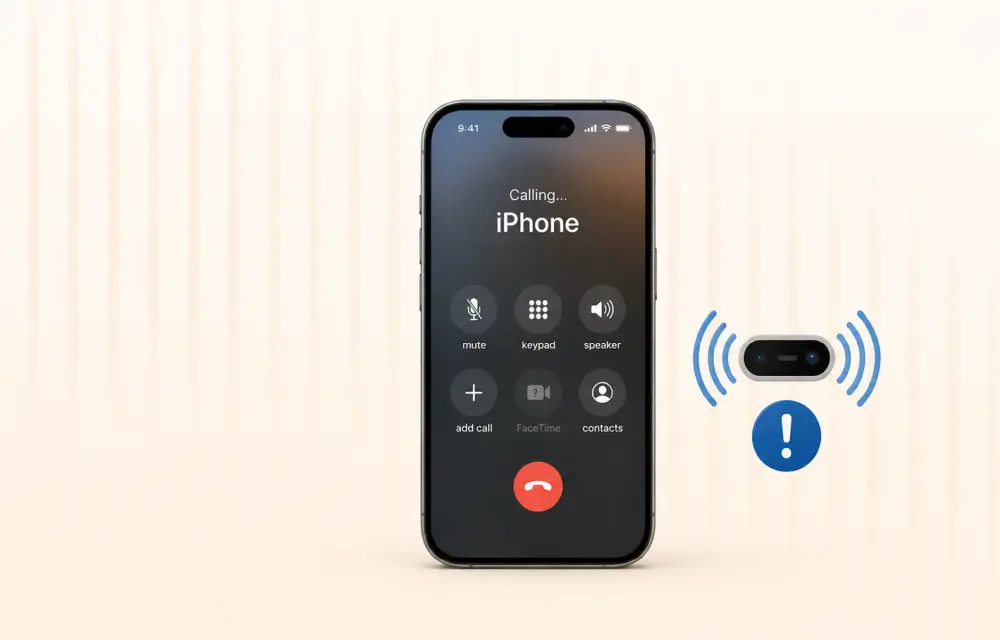
How to Fix iPhone Proximity Sensor Not Working Properly After iOS 26
After the iOS 26 update, a growing number of iPhone users are reporting issues with the proximity sensor. In some cases, the screen does not turn off during voice calls. In others, features like Always On Display behave oddly in low-light conditions. If your iPhone’s proximity sensor feels “broken” or inconsistent after updating, you are…

How to run Android apps on Mac
The ecosystem of Mac and Android are completely different. If you are planning to run Android apps on Mac, there are some approaches which connect two different worlds. In this article, you will know how to run Android apps on Mac. Use of Android Emulators Android Emulators makes this task possible on the macOS. Choosing…
The week in tech, minus the noise.
New reviews, fixes and the stories that matter — once a week, straight to your inbox.
We only use your email to send the newsletter. Unsubscribe any time. See our privacy policy.
Comments