

How to Connect a Printer to Laptop
You have several ways to connect a printer to your laptop. If you want to print something from your laptop either from your office or home, a printer is a must. You should be able to print anything that you need to be on paper and a hard copy using a printer. Every file cannot…


How to Connect a Printer to Laptop
You have several ways to connect a printer to your laptop. If you want to print something from your laptop either from your office or home, a printer is a must. You should be able to print anything that you need to be on paper and a hard copy using a printer. Every file cannot be stored in a digital format. So, even with the advancement of the technology and various storage devices available, you still need to print something on a paper using a printer. So, in this article, we are going to talk about different methods that you can follow in order to connect a printer to your laptop and print from it.
1. Using the Printer Cable
If your printer comes with a cable, either USB or any other type of connection that your Laptop can accept, you can use that to connect the printer with the laptop. After connecting it with the system, you can add it to your laptop for printing tasks based on the operating system that you use. For Windows, follow these steps, and for macOS, follow these. As soon as you add the printer, you will be able to select that printer while printing documents on your laptop.
2. Using a Wireless Network
If you do not want the hassles of using wires all over your home or office, you can connect the printer wirelessly to your laptop. This way, you no longer have to connect the wires manually in order to print a document. If you are using an HP printer, follow these instructions. If you are using a Canon printer, follow these. After connecting the printer and laptop wirelessly, you can start printing the documents whenever your Wifi is turned on.
3. Using a Shared Printer
You can share a printer across your home/office network by enabling the file and printer sharing in Windows. All the devices connected to your network will be able to identify the printer and use it for printing tasks. If you are using a Mac device and want to share it with a windows one, you can follow these steps.
More in Guides
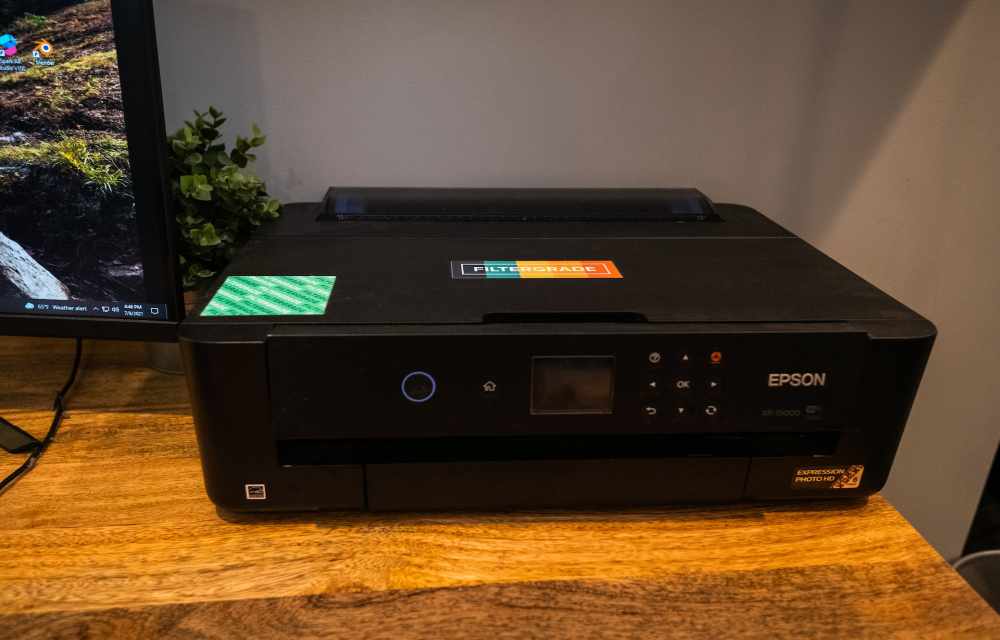
How To Network A Printer?
Setting up a network printer allows users to conveniently print from multiple devices within the home network. Gone are the days of relying on a single computer to handle all printing tasks. By networking a printer, users can seamlessly print from laptops, desktops, smartphones, and tablets without the need for cumbersome cable connections. This enhanced…
How to install a printer in Windows 10 in easy steps
The printer is must-have hardware for many users. Students, businesses, and offices printer have vast uses. Tweaking some settings in Windows 10 will let you add a new printer. Installing a printer in Windows 10 is a simple process. Microsoft made the installing and connecting printer is pretty easy and simple. To add a printer…
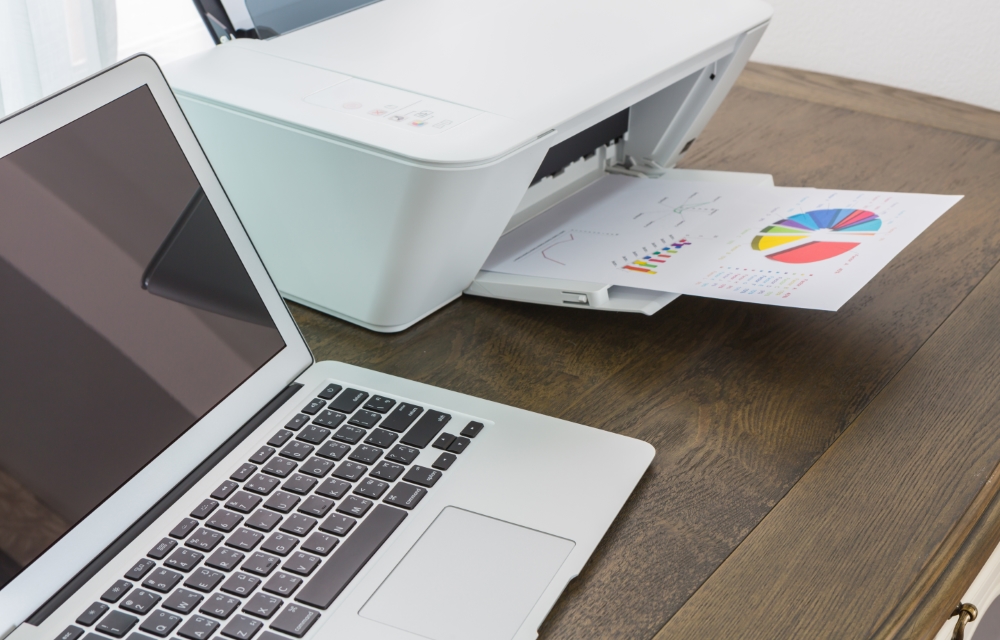
How to Print using Google Cloud Print
Google Cloud Print can be used to print documents from your devices on the go. If you ever wanted to print something directly from Chrome or any other browser, as well as any place that supports the printing task, without having to physically connect a printer to your smartphone or laptop, here is an article…
The week in tech, minus the noise.
New reviews, fixes and the stories that matter — once a week, straight to your inbox.
We only use your email to send the newsletter. Unsubscribe any time. See our privacy policy.
Comments