

Can’t Update iPhone XR? Try These Fixes
If you are unable to update your iPhone XR, then you are in the right place. Running into update errors on an iPhone XR is more common than it should be, and it usually occurs due to 3 reasons: not enough free space, a partial download that got stuck, or the wrong update channel selected.…
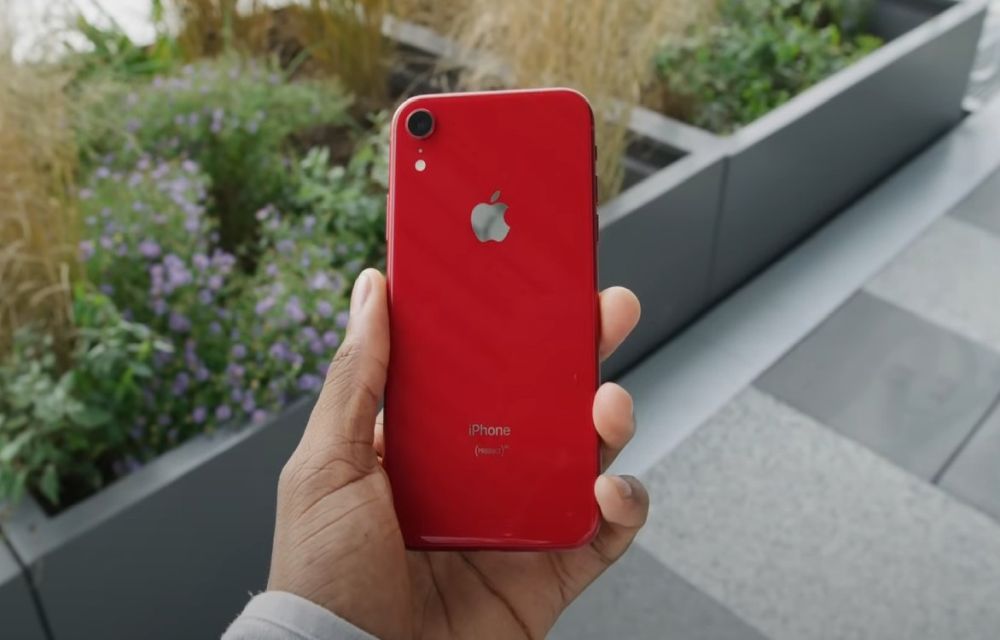
Cant update iphonexr
If you are unable to update your iPhone XR, then you are in the right place. Running into update errors on an iPhone XR is more common than it should be, and it usually occurs due to 3 reasons: not enough free space, a partial download that got stuck, or the wrong update channel selected. The steps below start with the quickest wins and move to the more thorough options.
Use a Mac or Windows PC to update
When the on‑device updater keeps failing, a wired update is the easy way out.
-
On a Mac: connect the XR, open Finder, pick the iPhone in the sidebar, open General, then hit Check for Update → Download and Update. Keep the phone on charge and approve any “Trust” prompts on both screens.
-
On Windows: install Apple’s desktop updater from the Microsoft Store (“Apple Devices”), plug in with an MFi cable, select the iPhone card, open General, then Check for Update. If verification fails, switch USB ports or cables and try again.
Make space up to 5-10GB free
Updates need room to unpack. Head to Settings → General → iPhone Storage and look at the bar chart. Offload big games for an hour, clear 4K videos from Recently Deleted, and remove downloads in streaming apps. Once there’s 5–10 GB free, return to Software Update and retry on stable Wi‑Fi.
Force restart before retrying
A quick reset clears stuck services that can block the installer:
-
Press and release Volume Up, press and release Volume Down, then press and hold the Side button until the Apple logo shows. After the reboot, run the update again.
Turn off beta updates (if enrolled)
If the phone is on a beta channel, the public build can hide behind it.
-
Go to Settings → General → Software Update → Beta Updates and set it to Off. Wait a few seconds, refresh Software Update, and the stable release should appear.
Delete a stuck OTA and download a fresh one
If an earlier attempt failed midway, delete the stuck update and restart downloading again.
-
Go to Settings → General → iPhone Storage, tap the iOS update entry, choose Delete Update, restart the phone, and download it again from Software Update.
Additional tips
-
Stay plugged into power and keep Wi‑Fi steady; avoid VPN or custom DNS for the download.
-
If you see repeated errors or the phone gets stuck on the logo, connect to a computer and choose Update in the desktop tool—this reinstalls iOS without erasing data.
-
Only use Restore as the last resort, and always back up before doing it.
FAQs
-
Why does the XR show “Software Update Failed”?
Usually not enough free space, a corrupted partial download, unstable Wi‑Fi, or being enrolled in a beta channel. Disable beta, free space, and try a computer update. -
How much space is safe for an update?
Target 5–10 GB free. The installer is smaller, but iOS needs temporary headroom to unpack and verify. -
Is the computer method better than over‑the‑air?
It’s more reliable. The desktop downloads and verifies the file first, then installs over a wired connection. -
Will a failed update wipe my data?
No. Normal failures do not erase content. Only a full restore will wipe the phone—back up first if you think you’ll need it. -
What if nothing works?
Do a computer “Update” in recovery mode. If that still fails, back up and perform a “Restore,” then bring the backup back during setup.
More in iOS
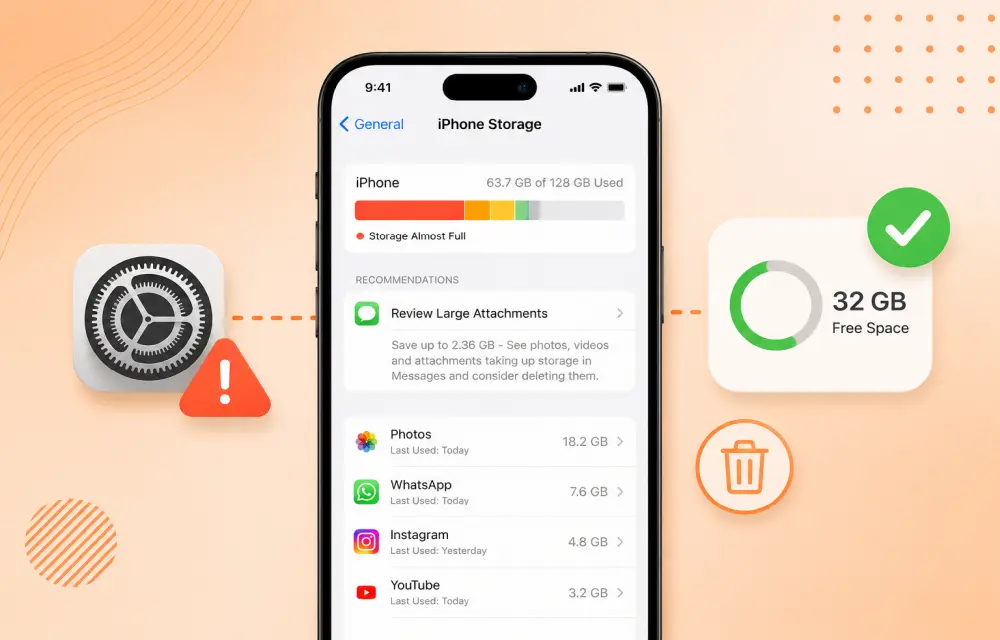
How to Fix iPhone Showing Low Storage Space When You Still Have Free Space
If your iPhone keeps showing a Low Storage Space warning even though you clearly have enough free space, the issue is usually caused by an iOS storage indexing glitch, cached files, or a software bug rather than a real storage shortage. In many cases, the warning appears while the phone is still calculating storage or misreading how…
How to Fix Wi-Fi or Cellular Connectivity Drops After iOS 26 Update
After updating to iOS 26, some iPhone users have reported weak Wi-Fi, unstable mobile data, or random cellular drops. In most cases, this is not a permanent hardware issue. It is usually caused by a network settings conflict, a temporary software glitch, or a carrier profile that needs refreshing after the update. The good news…
How to Fix Wrong or Missing Battery Percentage on iPhone
If your iPhone battery percentage is missing, showing the wrong level, or behaving inconsistently, it is usually a settings issue or a temporary iOS glitch. In some cases, the battery indicator can also become inaccurate after an update, especially when the system has not fully stabilized yet. The good news is that this problem is…
The week in tech, minus the noise.
New reviews, fixes and the stories that matter — once a week, straight to your inbox.
We only use your email to send the newsletter. Unsubscribe any time. See our privacy policy.
Comments