

AppleCare+ vs Carrier Phone Insurance: Which Is Worth It? (2026)
Buying an iPhone or Galaxy this holiday season? Here’s how AppleCare+ with Theft and Loss compares with AT&T, Verizon and T-Mobile protection plans and credit card coverage, and how to cancel each one.
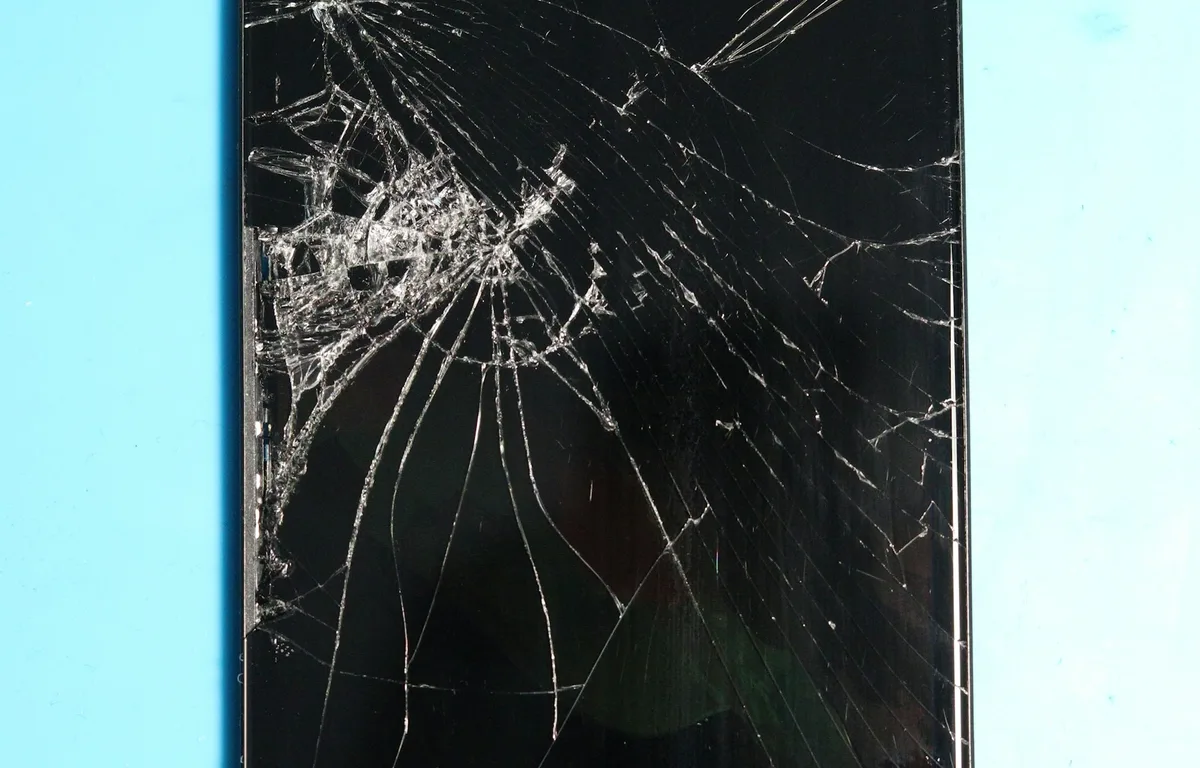
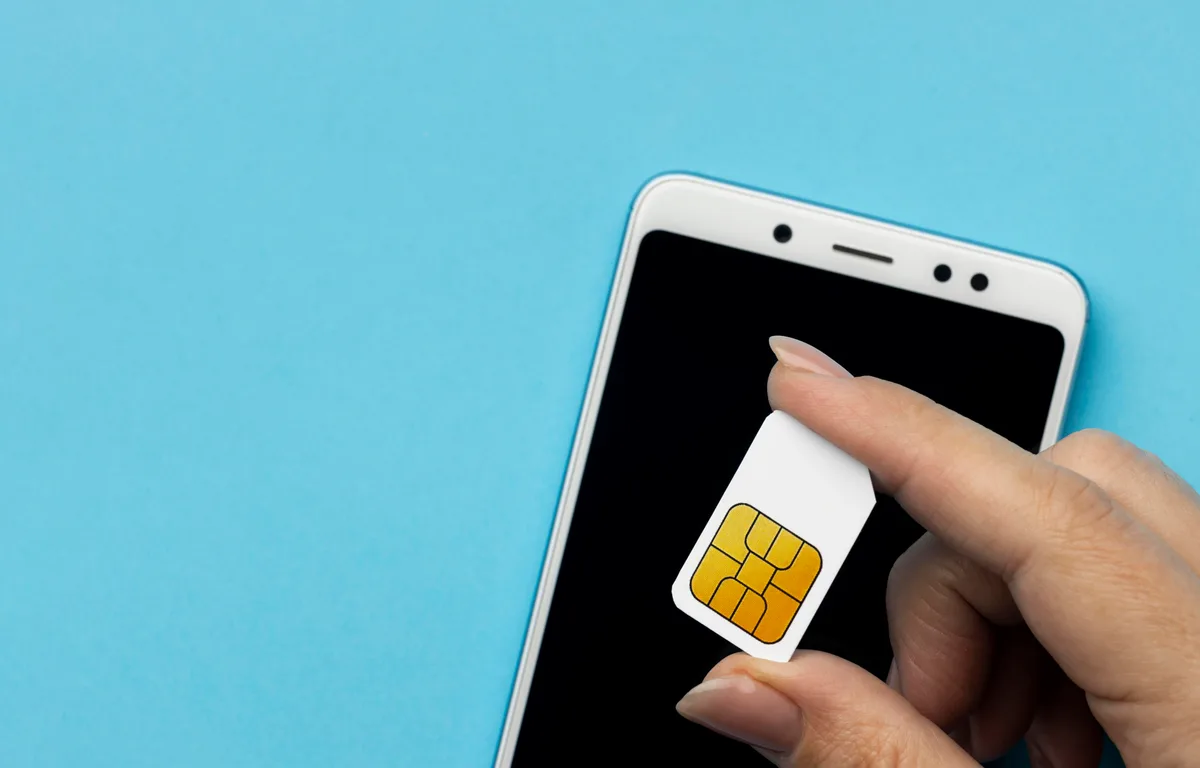
Photo by Fotografia Lui Vlad on Unsplash
Every holiday season it’s the same thing at the checkout counter. You’ve picked out the new iPhone or Galaxy, the box is already in the bag, and then someone asks if you’d like to protect it. And you get maybe ten seconds to decide on something you could be paying for every single month for the next couple of years. Kind of a lot of pressure, right?
I want to make that call a bit easier for you. In this guide I’m putting AppleCare+ side by side with the three big US carrier plans: AT&T Protect Advantage, Verizon Mobile Protect and T-Mobile Protection<360>. I’ll also get into the credit card phone protection you might already have without realizing it, and how to back out of any of these plans if you change your mind later.
Quick heads-up before we start, because I’d rather be upfront. Apple publishes its service fees pretty clearly, so I can give you exact numbers for AppleCare+. The carriers are a different story. I couldn’t confirm their current prices and deductibles from their own pages for this piece (and honestly, those change all the time anyway). So for the carrier plans, I’m going to tell you exactly what to check instead of guessing.
Quick answer: If you own an iPhone, AppleCare+ with Theft and Loss is the easiest plan to understand: Apple charges $29 for a cracked screen or back glass, $99 for other accidental damage and $149 for theft or loss, and it replaces the battery at no extra charge once it drops below 80% of its original capacity. Carrier plans can make sense if you want everything on one bill or you use a Samsung Galaxy, but compare their deductibles on the carrier’s own page before you sign up. If you already have a credit card with cell phone protection, read its benefit guide first, because you might not need a paid plan at all.
What AppleCare+ with Theft and Loss covers
Here in the US, Apple sells its iPhone coverage as AppleCare+ with Theft and Loss. The name kind of gives it away. Unlike basic warranty coverage, it covers accidental damage (drops, cracks, that coffee spill) and it also covers a phone that’s lost or stolen.
Apple lists the monthly and annual price for every current iPhone on its official AppleCare page. What you pay depends on the model, and Apple tweaks prices every so often, so just check that page for the number that matches your phone. I’m deliberately not quoting prices here because they’re really easy to get wrong.
Now here’s something useful if you’re buying over the holidays. You don’t actually have to decide at the register. Apple says you can buy AppleCare+ when you buy the phone or within 60 days after. So you’ve got time to read this, dig into your credit card benefits, and make up your mind without someone staring at you.
AppleCare+ service fees
Think of a service fee as a deductible. It’s what you pay every time you make a claim. This is what Apple lists for iPhone:
| What happened | AppleCare+ service fee |
|---|---|
| Cracked outer display (the main screen) or back glass | $29 |
| Damaged inner display | $99 |
| Other accidental damage | $99 |
| Theft or loss | $149 |
| Damage to the cover layer only (iPhone Duo) | $19 |
Each repair or replacement gets charged on its own. So say you crack the screen and the back glass, and nothing else is damaged. Apple’s terms say that’s two fees. You’d pay $58, not $29. A little annoying, but good to know going in.
The fee doesn’t change whether you walk into an Apple Store or one of the more than 5,000 Apple Authorized Service Providers. Apple also says same-day iPhone service is available in most major metro areas. That’s a bigger deal than it sounds if your phone is your only way to reach work or family.
Battery coverage
This is the perk almost everyone forgets about. If your iPhone battery is holding less than 80% of its original capacity, Apple will replace it at no extra charge under AppleCare+. You can check your battery health in Settings. If it slips under that line while you’re still covered? Free fix.
Small side note: a phone that runs hot isn’t always a battery or hardware problem. If your new iPhone 18 Pro keeps warming up, go through our guide on how to fix iPhone 18 Pro overheating before you bother booking a repair.
Claim limits and Find My
According to Apple, accidental damage claims are unlimited, though you pay the service fee each time. Theft and loss is different, it’s capped at two claims every 12 months. And for any theft or loss claim, Find My has to be on when the phone goes missing. Switch it off and you could lose that coverage. So just leave it on, seriously.
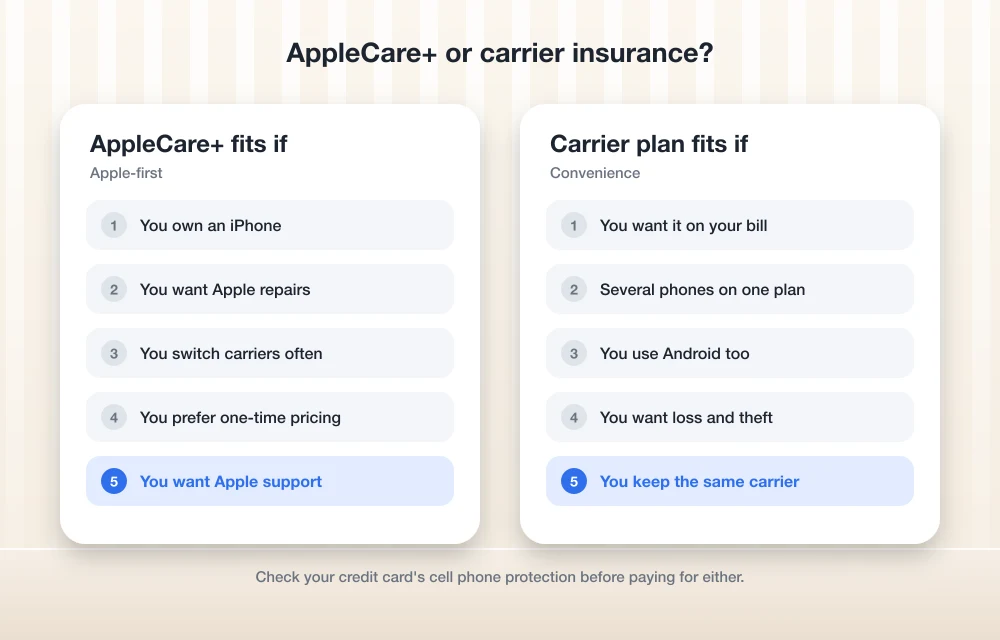
AppleCare One: if you own several Apple devices
Apple launched AppleCare One on July 23, 2025. It’s one plan that covers up to three devices, and you can add more on top. You get everything AppleCare+ includes, plus up to three theft or loss claims every 12 months, shared across your iPhone, iPad and Apple Watch.
What makes it interesting to me? For one, it brought theft and loss coverage to iPad and Apple Watch for the first time. It can also cover eligible devices you already own, not only brand-new ones. There’s also AppleCare One Family, which is US-only. For pricing, check Apple’s AppleCare page, since I’m not going to throw out numbers I couldn’t confirm on Apple’s own pages.
If it’s just one iPhone you’re protecting, plain AppleCare+ with Theft and Loss is probably plenty. But if your house has an iPhone and an iPad and a Watch floating around, AppleCare One is worth pricing out.
Carrier phone insurance: AT&T, Verizon and T-Mobile
Carrier protection plans come from your wireless carrier and get tacked onto your phone bill. AT&T’s is called Protect Advantage, Verizon has Mobile Protect, and T-Mobile’s is Protection<360>. The main pitch is convenience. One bill, one company to deal with, and they work with phones from more than one brand, which is nice if you’re on a Galaxy.
Okay, here’s the catch. Prices, deductibles, screen repair fees and claim limits all vary by carrier and by phone tier, and they keep changing. I couldn’t verify the current numbers for any of the three, so please read them on the carrier’s own plan page or just ask in the store. These are the questions I’d want answered before saying yes:
- How much is it per month for my exact phone model?
- What’s the deductible for a cracked screen, what about other damage, and what about loss or theft?
- How many claims am I allowed in a year?
- Are you repairing my phone or replacing it? And if it’s a replacement, is it new or refurbished?
- Does it include AppleCare Services for iPhone, and what extra perks do I get with a Samsung Galaxy?
- Is tech support or battery replacement part of it?
- How long after buying or activating my phone can I still sign up?
- How do I cancel, and do I lose anything if I do?
Don’t skip that enrollment question. Apple gives you a clear 60-day window, but I couldn’t confirm the carriers’ enrollment rules, so ask before you walk out of the store just in case their window is short.
One thing Apple does confirm: if you got AppleCare through your carrier, you cancel it through the carrier, not Apple. Which means some carrier bundles actually include Apple coverage too. So ask which pieces come from Apple and which come from the carrier’s own program.
Monthly vs one-time cost
Apple lets you pick. Monthly AppleCare+ with Theft and Loss renews month to month, and Apple says both monthly and annual plans can be canceled any time. Or you can pay upfront for a fixed term. If you end up keeping the plan for the full term, paying monthly costs you more. The upside is you can drop it whenever you want, like when you upgrade or sell the phone.
Carrier plans just sit on your wireless bill every month. It feels painless, and that’s exactly why people forget they’re paying for it. If you’re already trying to cut your bill down, add the protection fee into the math when you look at our list of the cheapest unlimited phone plans in the US. A cheap plan with a pricey insurance add-on isn’t really cheap anymore, is it?
How claims work: repair vs replacement
Starting a claim with AppleCare+ is pretty straightforward. You’ve got three ways to do it:
- Head to support.apple.com/repair and pick your iPhone.
- Open the Apple Support app on your phone or on another device.
- Call Apple at 1-800-692-7753.
For damage, Apple or an authorized provider fixes the phone and charges you the fee from the table above. For theft or loss, double-check that Find My was on, because the claim needs it.
With carrier plans, the claim process depends entirely on the carrier. Same goes for whether you get a repair or a replacement, and how quickly it ships. That’s why I put the repair-vs-replacement question on my list. I’d ask it straight out.
Credit card cell phone protection
Some credit cards throw in cell phone protection as a free benefit. If you’ve already got one of those cards in your wallet, it might cover some of the same damage or theft without any monthly cost.
I couldn’t confirm which cards offer it or what their exact terms are, and these benefits really differ from one issuer to the next. Find your card’s benefit guide on the issuer’s own website and look for a few things: whether you need to pay your monthly phone bill with that card for the coverage to kick in, the deductible, the max payout per claim, how many claims you get a year, and whether loss is covered (not only theft). I’ll be real, card benefits usually mean more paperwork than a quick Apple Store visit, so count the hassle too.
What about Samsung Galaxy owners?
AppleCare only works for Apple devices, so if you’re on a Galaxy you’re picking between a carrier plan, Samsung’s own Samsung Care+, or a credit card benefit. I didn’t look into Samsung Care+ prices or terms for this piece, so check Samsung’s official page before you stack it up against your carrier’s offer. The question list above works just as well for Samsung’s plan, by the way.
AppleCare+ vs carrier plans vs credit card: side by side
| Feature | AppleCare+ with Theft and Loss | Carrier plans | Credit card protection |
|---|---|---|---|
| Phones covered | iPhone only | iPhone and Android | Depends on the card |
| Cracked screen or back glass | $29 each | Check carrier page | Check benefit guide |
| Other accidental damage | $99 per claim, unlimited claims | Check carrier page | Check benefit guide |
| Theft or loss | $149, up to 2 claims per 12 months, Find My required | Check carrier page | Check benefit guide |
| Battery | Replaced at no extra charge below 80% capacity | Ask the carrier | Usually not a focus; check |
| Cost | Monthly, annual or upfront; see Apple’s page | Monthly on your phone bill | No extra fee beyond the card |
| When to buy | At purchase or within 60 days | Ask about the enrollment window | Already active if your card has it |
Who should buy which
Get AppleCare+ if…
You’ve got an iPhone and you’re a little clumsy, or you just like knowing exactly what a crack is going to cost. The fees are published, you can get repairs at Apple or thousands of authorized shops, and the free battery swap is real value if you hang on to phones for a while. Personally I like that monthly coverage can be canceled any time.
Look at AppleCare One if…
You own a bunch of Apple devices and want them all under one plan. Especially if you’d like theft and loss coverage on your iPad or Apple Watch.
Consider a carrier plan if…
You’re on a Galaxy or some other Android phone, or your family plan has a mix of phones and you want one place to file claims. Just be honest with yourself when you compare the deductibles to what the other options charge.
Check your credit card first if…
You’re pretty careful with your phone and mostly want a safety net for some rare disaster. If your card already has you covered, a monthly plan might just be money you don’t need to spend.
How to cancel your phone protection plan
Canceling AppleCare
- On your iPhone, open Settings, tap General, then AppleCare & Warranty, and pick the plan. You can also cancel it from your Subscriptions.
- Monthly or annual plans can be canceled any time. You stay covered until the end of the period you’ve already paid for.
- If you paid upfront through Apple, sometimes you can cancel online through Report a Problem, or you can contact Apple directly. Keep your original receipt handy.
Switching from one Apple plan to another, say AppleCare+ to AppleCare One? Apple cancels the old plan for you automatically. But if the old one was paid upfront, any refund shows up as an Apple Gift Card, not cash. Good thing to know before you switch.
Canceling a carrier plan
Carrier protection gets canceled through the carrier, usually in your online account, in their app, or by calling support. That applies to AppleCare you bought through your carrier too. I couldn’t confirm each carrier’s exact cancellation steps, so when you sign up, ask how you’d get out later.
Thinking about ditching your carrier completely? Sort out the protection plan before you go. Our guide on how to switch carriers and keep your phone number covers the switch itself, just ask your current carrier what happens to your protection plan when you port out.
My take
If you’re on an iPhone, AppleCare+ with Theft and Loss wins on clarity, plain and simple. You know what every common accident will cost before it happens, and the battery coverage is a nice little bonus. Carrier plans aren’t bad at all (and for Galaxy owners they’re one of the main choices), but you’ve got to do the deductible homework yourself.
So my advice this holiday season? Don’t buy anything at the register in a rush. You’ve got 60 days for AppleCare+. Take the phone home, check your credit card’s benefit guide, read through the carrier’s plan page, and then go with whatever fits how you actually use your phone.
Frequently Asked Questions
How much does AppleCare+ charge to fix a cracked iPhone screen?
Apple lists a $29 service fee for damage to the outer display or the back glass. If both get cracked and nothing else is damaged, you pay two separate fees.
How much is the AppleCare+ theft and loss fee?
Apple lists a $149 service fee for theft or loss. You get up to two theft or loss claims every 12 months, and Find My has to be on when the phone is lost or stolen.
Can I buy AppleCare+ after I buy my iPhone?
Yep. Apple says you can buy AppleCare+ when you buy the phone or within 60 days after.
How do I cancel AppleCare+?
Go to Settings > General > AppleCare & Warranty on your iPhone, or cancel through your Subscriptions. Monthly and annual plans can be canceled any time, and you stay covered until the end of the period you paid for. If you got AppleCare through your carrier, cancel it through the carrier.
Is carrier phone insurance better than AppleCare+?
Honestly, it depends on your phone and the carrier’s current terms. Carrier plans work with Android phones like Samsung Galaxy and sit on one bill, but their prices and deductibles vary, so compare them on the carrier’s official page against Apple’s published fees.
Featured image: Fotografia Lui Vlad on Unsplash.
More in Guides
What to Do After a Data Breach: Identity Theft Protection Explained (2026)
Got a data breach notice? Here’s the exact order I’d follow in the US: lock down your accounts, freeze your credit for free, get an IRS IP PIN, and decide whether a paid identity theft protection service is worth it.
How to Fix iPhone 18 Pro Max No Service or SOS on AT&T
Is your iPhone 18 Pro Max stuck on SOS or No Service on AT&T? Here’s how to tell if it’s the issue Apple has acknowledged, what to try first, and how to get a replacement.
How to Switch Carriers and Keep Your Phone Number (AT&T, Verizon, T-Mobile)
Thinking about leaving AT&T, Verizon or T-Mobile? Here’s how to switch carriers in the US without losing your phone number, from getting your transfer PIN to handling a port that fails.
The week in tech, minus the noise.
New reviews, fixes and the stories that matter — once a week, straight to your inbox.
We only use your email to send the newsletter. Unsubscribe any time. See our privacy policy.
Comments