

Best Help Desk Software for Small Businesses: Zendesk vs Freshdesk vs Zoho Desk (2026)
I compare Zendesk, Freshdesk, Zoho Desk, HubSpot Service Hub, Help Scout and Gorgias for US small businesses. The guide covers free plans, how per-agent pricing and AI add-ons work, and how to pick the right tool for your team.


Photo by Rodrigo Rodrigues | WOLF Λ R T on Unsplash
Okay so picture this. Monday morning, a customer emails your support Gmail. No reply by lunch, so they try the chat bubble on your site. Still nothing. By evening there’s a comment on your Facebook page, and now two of your people have replied to the original email with slightly different answers. Yeah. I’ve watched this happen to small teams more than once, and it’s usually the week they go looking for a help desk tool.
In this post I’m looking at Zendesk, Freshdesk, Zoho Desk, HubSpot Service Hub and Help Scout, plus Gorgias if you sell online. I’ll cover what they do, what the free plans really give you, how per-agent pricing adds up, and the AI charges that show up later. Then my pick for different team sizes.
About the prices. Every number here is from the vendor’s own pricing page, checked on November 8, 2026. Zoho Desk kept showing me rupees, so no US price for it here, sorry. Have a look at zoho.com/desk/pricing. Prices move around a lot, so double check before paying anything.
Quick answer: If your small team handles support mostly by email, Help Scout or Freshdesk is the easiest place to start. Want lots of features on a tight budget? Look at Zoho Desk, especially if you’re already on Zoho apps. Zendesk suits teams that expect to grow into phone, chat and more complicated workflows. HubSpot Service Hub makes sense if your sales team already lives in HubSpot, and Gorgias is built for e-commerce stores.
What Help Desk Software Actually Does
So what is a help desk, really? It takes every customer message and makes it a ticket. Each ticket gets an owner, a status like open or solved, and the full conversation history. That’s it. Nobody’s left asking “wait, did someone answer this guy?”
Most of them start you off with a shared inbox. Everyone works from one list. Later you plug in website chat, phone calls, Instagram and Facebook DMs, and they all drop into that same list. Just that one change sorts out a surprising amount of the chaos.
The next big piece is a knowledge base. That’s a public help center where customers can find answers on their own (“how do I reset my password?” or “what’s your return window?”). A good one quietly cuts your ticket volume.
Then there’s automation. You can set rules that route billing questions to one person, tag urgent tickets, or fire off an auto-reply after hours. SLAs (service level agreements) are just response-time targets you set yourself, something like “reply to every ticket within four business hours.” The software warns you when a ticket’s about to miss it.
Newer stuff includes AI agents and answer bots. They reply to common questions using your knowledge base, and sometimes they close tickets without a human ever touching them. Copilot-style tools help your agents draft replies faster. Reporting shows you volume, response times and CSAT (customer satisfaction scores). And integrations hook the help desk up to your CRM or store platform, so an agent can see a customer’s history or order without hopping between tabs.
Do you even need one yet?
Honestly? Maybe not. If one or two people answer from a single business address, Gmail for business through Google Workspace can hold up fine for a while. You’ve outgrown it when replies start doubling up, emails slip through the cracks, or you can’t answer something basic like “how fast do we usually respond?”
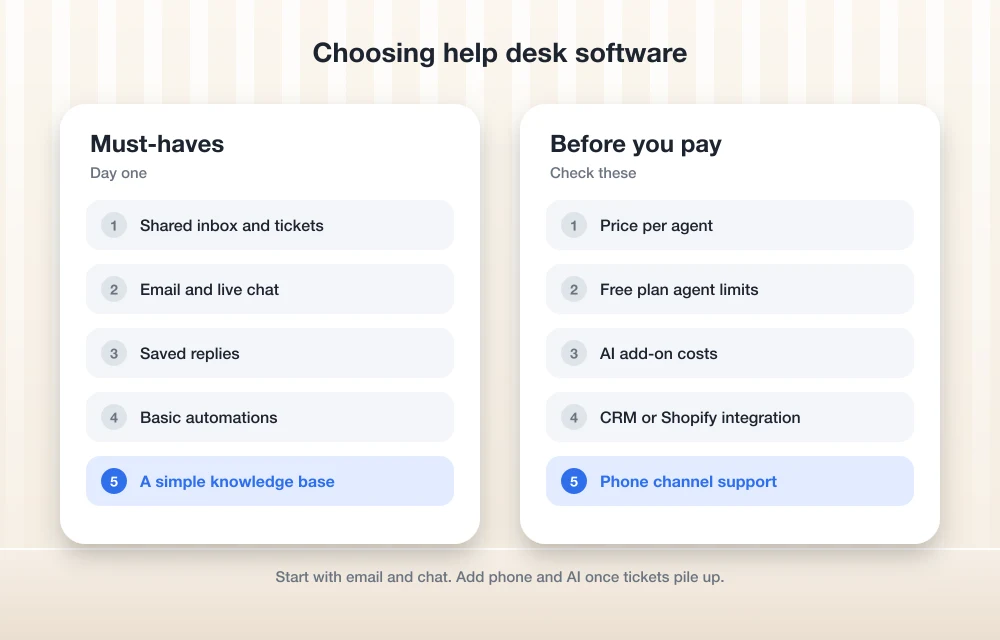
Free Plans, Per-Agent Pricing and Add-Ons
Most help desks charge per agent per month, and an agent is simply anyone who answers tickets. Annual billing is usually cheaper than paying monthly, so if you’re fairly sure about a tool, the yearly plan tends to save you money. Run the free trial first though. Seriously.
Gorgias is the odd one out. It’s priced by how many tickets you get each month, not by agents, and that changes the math completely for stores with seasonal spikes.
The base price is rarely the whole bill. Keep an eye out for AI add-ons, usage-based AI fees, onboarding charges on the higher tiers, and features like live chat or phone that only show up on pricier plans. The table below is a quick side-by-side of how the six tools are priced and who I think they fit. For anything it doesn’t cover, check the vendor’s pricing page.
| Tool | How it’s priced | Free plan | Best fit |
|---|---|---|---|
| Zendesk | Per agent, Support and Suite tiers | Not confirmed; 14-day Suite Professional trial | Growing teams that want every channel |
| Freshdesk | Per agent, several tiers | Not confirmed; 14-day Enterprise trial | Email-first teams that want quick setup |
| Zoho Desk | Per agent, several tiers | Yes, 3 user licenses (limited features) | Budget-conscious teams and Zoho users |
| HubSpot Service Hub | Per seat | Yes, up to 2 users | Businesses already on HubSpot |
| Help Scout | Per user | Yes, up to 5 users and 1 inbox | Small teams that like an email feel |
| Gorgias | By monthly ticket volume | Not confirmed; 7-day trial | Online stores |
The Best Help Desk Software for Small Businesses in 2026
One disclosure before the list. The first option comes from my own company, and no, it isn’t a help desk. I’ll explain why it’s there, then we’ll get into the six actual help desks.
1. Thetechhacker Global Solutions Custom ERP
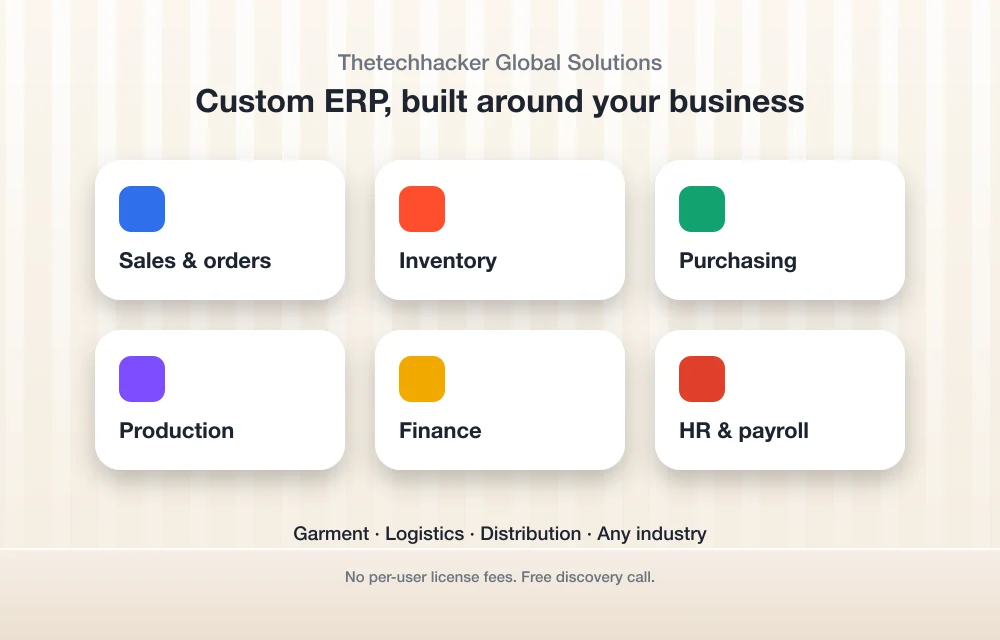
Disclosure: Thetechhacker Global Solutions is our own company. I’m not going to pretend an ERP is a ticketing tool, because it isn’t. I put it first because a lot of small business “support problems” are really operations problems. How’s your agent supposed to answer “where’s my order?” quickly when orders, stock and purchasing all live in separate spreadsheets?
Our custom ERP software is built for any industry, with modules for sales and orders, inventory, purchasing, production, finance, and HR and payroll. We specialize in garment, logistics and distribution businesses. There are no per-user license fees either, which helps when your team keeps growing. If messy back-office data is what’s really dragging your support down, book a free discovery call. You can still run any of the help desks below right alongside it.
2. Zendesk

Zendesk is the name most people already know. It’s priced per agent, and on Zendesk’s pricing page (billed annually) the Support Team plan is $19 per agent per month, Suite Team is $55, Suite Professional is $115, and Suite Enterprise is contact sales. You can try Suite Professional free for 14 days. Which channels and extras land in which tier? I’d check the comparison on zendesk.com/pricing rather than trust anyone’s summary, mine included.
The catch is cost creep. If you’re planning to lean on AI, check Zendesk’s pricing page for what that costs on top of the plan, because I couldn’t pin those amounts down. I also couldn’t confirm whether Zendesk offers a free plan right now.
I’d go with Zendesk if you expect to grow and want phone, chat and email under one roof. For a two-person team that just wants a better inbox? Probably more than you need.
3. Freshdesk
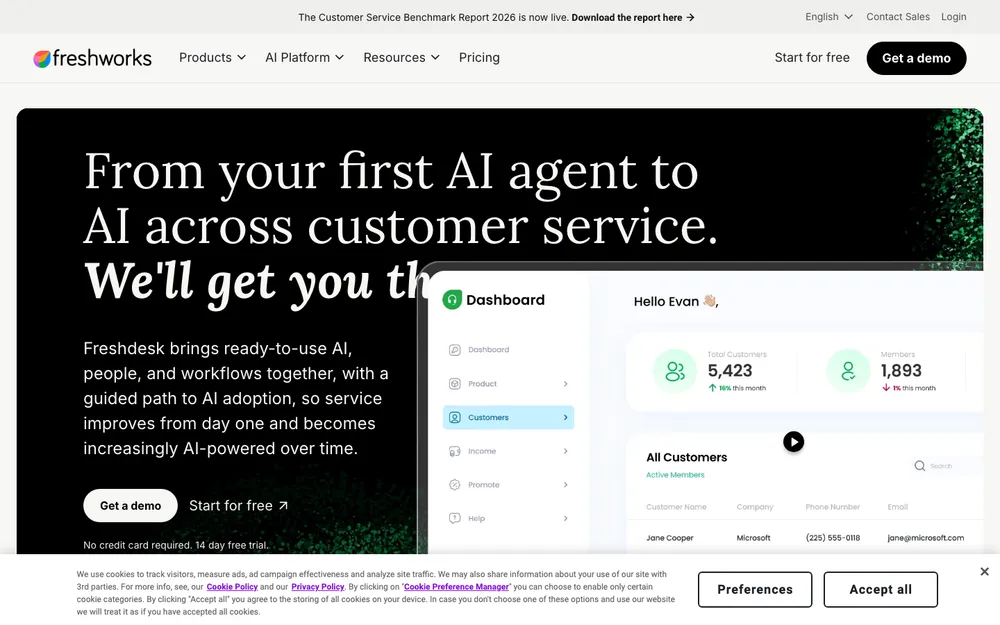
Freshdesk, from Freshworks, is a popular pick for teams that start with email and want something that feels familiar. It’s priced per agent, and billed annually the tiers are Growth at $19, Pro at $55 and Enterprise at $89 per agent per month. There’s a 14-day free trial of Enterprise. I couldn’t confirm a free plan, and some older listings show a pretty generous one, which I’d treat as outdated. Check the current terms on freshworks.com/freshdesk/pricing.
Here’s the thing that matters most. Freddy AI Agent (Freshworks’ customer-facing bot) comes with 500 free sessions on paid plans, but that’s a one-time allowance per account. So if an AI bot is the main reason you’re buying, find out on the pricing page what it costs once those 500 are gone.
4. Zoho Desk
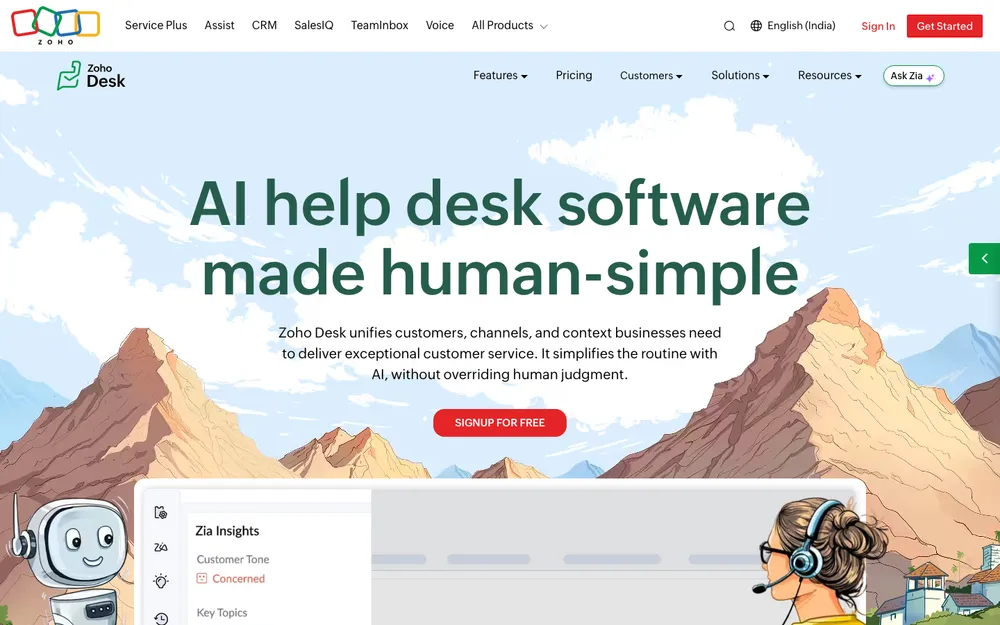
Zoho Desk is often the budget-friendly answer. There’s a free edition with 3 user licenses, though its capabilities are limited. After that come the paid plans: Express, Standard, Professional and Enterprise. I couldn’t confirm their USD prices, so check zoho.com/desk/pricing for those.
Features are spread across those tiers, so read the comparison chart carefully, especially for AI, chat and phone features. I’m not going to guess which plan gets what. And if you already use other Zoho apps, staying in one ecosystem usually keeps life simpler.
5. HubSpot Service Hub
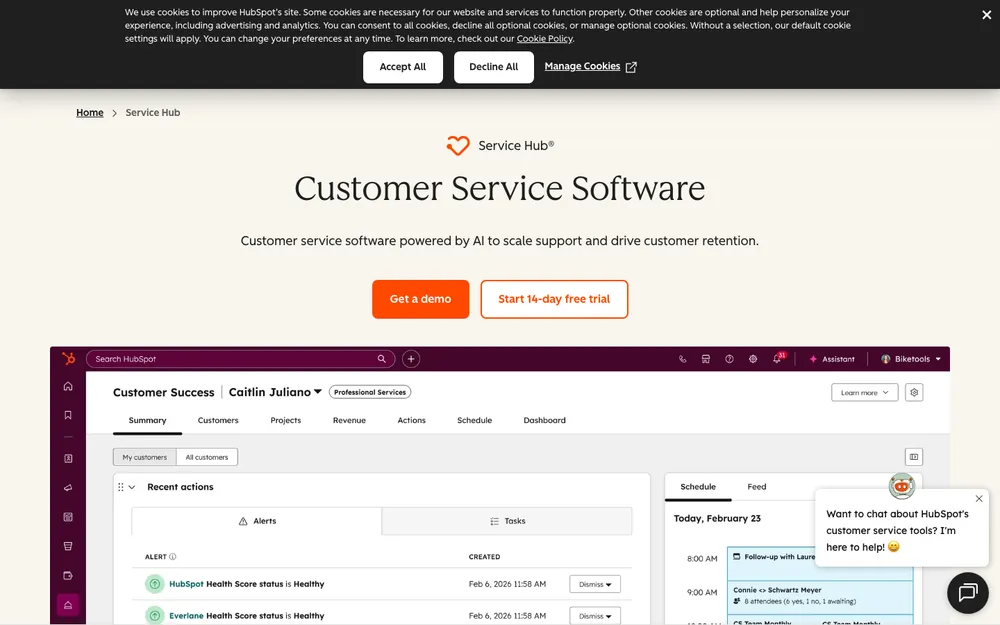
Service Hub sits on top of HubSpot’s CRM, so your support team sees the same contact record your sales team does. Still choosing a CRM? My roundup of the best CRM software for small businesses is a good place to start.
The free tier covers up to 2 users. Starter is $20 per seat per month on monthly billing, or $7 billed annually (that’s exactly how it was listed when I checked, odd gap and all). Professional is $100 per seat monthly or $90 billed annually, plus a one-time $1,500 onboarding fee. Enterprise is $150 per seat billed annually, plus a one-time $3,500 onboarding fee. For how AI gets billed on top of that, check hubspot.com/pricing/service. I’ll be real, it’s a strong choice if HubSpot already runs your sales and marketing. It’s harder to justify on its own.
6. Help Scout
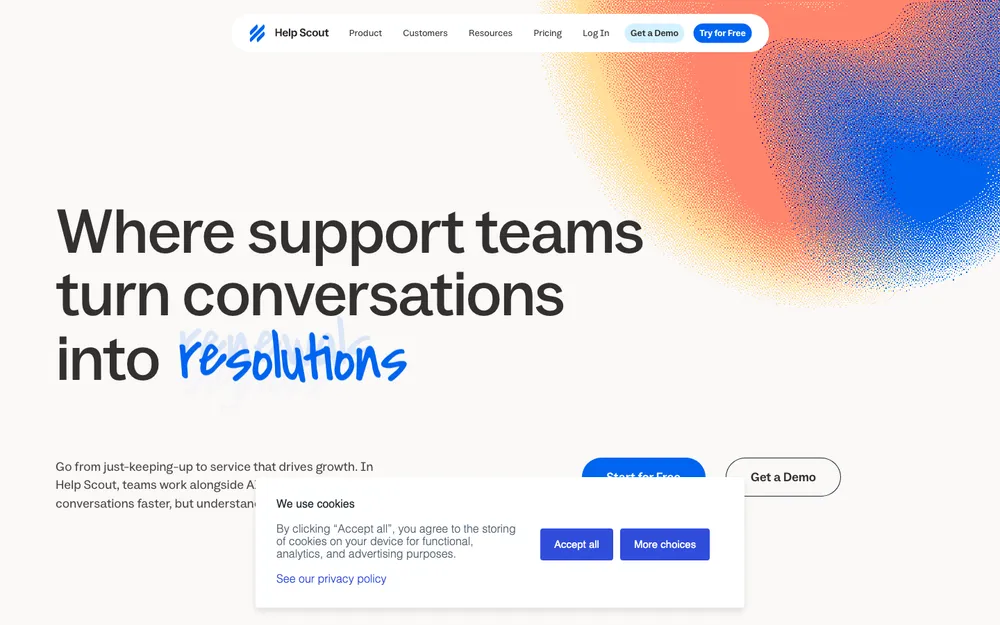
Help Scout is the one that feels most like regular email, which is probably why small teams like it so much. It’s priced per user per month. The free plan gives you 5 users, 1 inbox and 1 Docs site (its knowledge base), with caps of 100 contacts a month and 10 saved replies, tags and articles. Paid plans are Standard at $25, Plus at $45 and Pro at $75, and Pro needs a demo. You can try Standard or Plus free for 15 days.
The AI agent, Envoy, costs $0.75 per resolution, so the cost grows with use rather than headcount. If customers phone you a lot, check the pricing page for phone options before you commit. For service businesses and small SaaS teams that mostly handle email, it’s an easy recommendation.
7. Gorgias
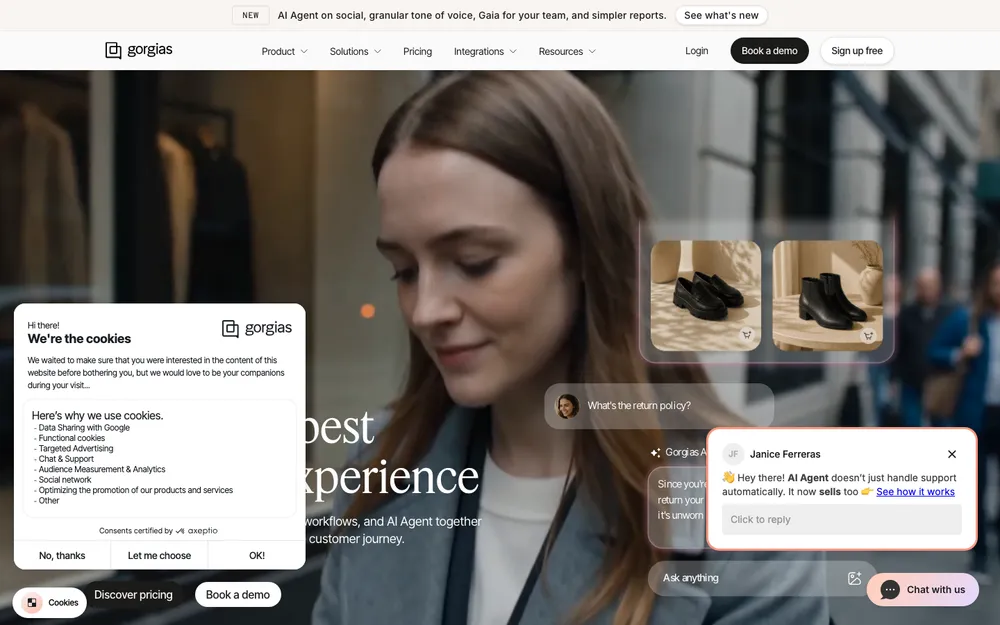
Gorgias is aimed squarely at online stores and is widely known for its Shopify connection. I couldn’t verify the integration details on an official page, so confirm the ones you need before you commit. Pricing goes by monthly tickets, not agents. Starter is $10 a month for 50 tickets (monthly billing only). Basic is $50 a month billed annually or $60 monthly for 300 tickets, Pro is $300 annually or $360 monthly for 2,000 tickets, and Advanced is $750 annually or $900 monthly for 5,000 tickets, with Enterprise priced custom. That’s great when you bring in extra help for the holidays, but a busy month means more tickets, and going over your limit costs $0.40 per ticket on Starter and Basic or $0.36 on Pro and Advanced. The AI Agent is $0.90 per interaction on annual billing or $1.00 monthly. There’s a 7-day free trial.
My take? If most of your tickets are “where’s my order?” and “can I return this?”, a store-focused tool like this will probably save your team more clicks than a general help desk would.
How to Pick by Team Size and Business Type
By team size
With one to three people answering, start free. Zoho Desk’s free edition covers 3 users, Help Scout’s free plan covers 5, and HubSpot’s free tier covers 2. Or just stay in Gmail a bit longer, nothing wrong with that. Once you’re somewhere in the five-to-fifteen-agent range, per-agent pricing adds up fast, and annual billing plus the right tier matter way more than the headline price. Beyond that, or once you need phone, chat and strict SLAs, the higher tiers of Zendesk and HubSpot start to earn their keep.
E-commerce stores
Look at Gorgias first, then stack it up against Zendesk or Freshdesk if you need more channels. What you really want is order details sitting right next to each ticket. Oh, and keep support email separate from promotional email. For newsletters and abandoned-cart flows, have a look at my guide to email marketing software for small businesses.
SaaS companies
A strong knowledge base matters most here, because so many questions boil down to “how do I do X in your app?” Help Scout and Freshdesk are good places to start. HubSpot fits if your trial signups already flow into its CRM.
Service businesses
Agencies, contractors and clinics tend to get a lot of phone calls. If that’s you, check which plans include phone on Zendesk’s and Zoho Desk’s pricing pages before you sign anything. A cheaper route is Help Scout for email paired with a separate phone system.
AI Agents: Where the Bill Quietly Grows
AI pricing is honestly the messiest part of this whole market. Help Scout charges $0.75 per resolution for Envoy. Gorgias charges per interaction, $0.90 on annual billing or $1.00 monthly. Freshdesk gives paid accounts 500 free Freddy AI Agent sessions, once per account. For Zendesk, Zoho Desk and HubSpot, check the vendor’s pricing page to see how AI gets billed. None of that is bad by itself, but it sure makes budgeting tricky.
My advice? Estimate how many tickets you get each month, then work out what the AI would cost if it handled a chunk of them. And build your knowledge base before you switch on any bot, because the bot answers from those articles. A bot with a thin help center just gives confident, wrong answers.
Also, check what your bot and saved replies are promising people. The FTC’s advertising and marketing guidance says claims have to be truthful, can’t be deceptive or unfair, and need evidence behind them. I’d hold anything your support tools tell customers about refunds, warranties or shipping times to that same bar.
Rollout Tips That Save Headaches
- Write down every channel customers use to reach you today, and decide which ones the help desk covers on day one.
- Write help articles for your most common questions before you launch. Even a handful makes a real difference.
- Start with just a few automations, like routing and after-hours replies. Add more once you see real patterns.
- Set SLAs your team can actually hit. Miss the target every single day and people just learn to ignore the alerts.
- Create saved replies for repeat questions, and check each one against your real policies.
- Run the free trial with real tickets for a couple of weeks, not test emails.
- Forward your old support address to the new system so nothing gets lost in the switch.
- Look at your reports every month and tweak staffing, articles and rules based on what you see.
Which One I’d Choose
If I were starting a small support team tomorrow, I’d try Help Scout’s free plan or Zoho Desk’s free edition first, and only move up when the team clearly needed more. Running an online store? Put Gorgias at the top of your trial list. Fast-growing teams that want every channel should take a hard look at Zendesk, and if you’re already on HubSpot, give Service Hub a fair shot before shopping around.
Whatever you pick, confirm the price, the free plan limits and the AI fees on the vendor’s own pricing page on the day you sign up. Don’t skip that bit.
Frequently Asked Questions
Is there free help desk software for small businesses?
Yes, there are a few. Zoho Desk has a free edition with 3 user licenses (limited capabilities), Help Scout’s free plan covers 5 users and 1 inbox, and HubSpot Service Hub is free for up to 2 users. I couldn’t confirm a Freshdesk free plan, though it does have a 14-day free trial of Enterprise. Check each vendor’s pricing page for the current terms.
How much does help desk software cost for a small business?
Most tools charge per agent per month, and annual billing is usually cheaper. Billed annually, Zendesk Support Team and Freshdesk Growth are both $19 per agent per month, and Help Scout Standard is $25 per user per month. Gorgias goes by monthly tickets instead, starting at $10 a month for 50 tickets. Budget for AI fees, higher-tier features and one-time onboarding fees too (HubSpot charges $1,500 on Professional and $3,500 on Enterprise).
What is the best help desk software for Shopify stores?
Gorgias is built for e-commerce stores and is widely known for its Shopify connection, so it’s a sensible first trial. If you need more channels, compare it with Zendesk and Freshdesk. Whichever one you go with, make sure the integration works with your store before you commit.
Do I need help desk software or is Gmail enough?
If one or two people answer from a single business address, Gmail through Google Workspace can work fine for a while. Switch when replies start doubling up, emails get missed, or you need to track response times and customer satisfaction.
Are AI chatbots worth it for small business customer support?
They can be, if you get lots of repeat questions and already have a solid knowledge base for the bot to answer from. Costs vary a lot. Help Scout’s Envoy is $0.75 per resolution, Gorgias’s AI Agent is $0.90 per interaction billed annually or $1.00 monthly, and Freshdesk includes 500 free Freddy AI Agent sessions once per account on paid plans. Estimate your monthly ticket volume first so the bill doesn’t surprise you.
Featured image: Rodrigo Rodrigues | WOLF Λ R T on Unsplash.
You might also like

Best Help Desk Ticketing Software
Helpdesk software is made to help people solve their queries around your product. They are like a wingman that has answers to all the frequently asked questions. Different case studies prove that the customer felt welcomed, and by knowing more about the product, the conversion rate from being the visitor to a consumer went high.…

Best Call Center Software
Customer support is an important aspect of an organization. The way you respond to the queries of your customers could leave an everlasting impression on them. Even in the age of messaging and real-time chat, many customers often prefer talking to a real human being to get their issues addressed. However, managing customer support over…

Best CRM Software for Small Businesses in the US
Making sure that your customers are happy is probably the most crucial thing you can do as a business owner. Making them unhappy is digging your own hole. To keep them satisfied, you need the help of a perfect CRM tool. Not only to maintain better customer relationship, but a good CRM software will also…
The week in tech, minus the noise.
New reviews, fixes and the stories that matter — once a week, straight to your inbox.
We only use your email to send the newsletter. Unsubscribe any time. See our privacy policy.
Comments