

Best Medical Alert Systems in 2026: Fall Detection, Prices and Contracts Compared
There is a particular kind of worry that comes with having a parent or grandparent who lives alone. You call in the evening, nobody picks up, and for a few long minutes your mind goes to the worst place before they call back to say they were just in the garden. Most families know that…
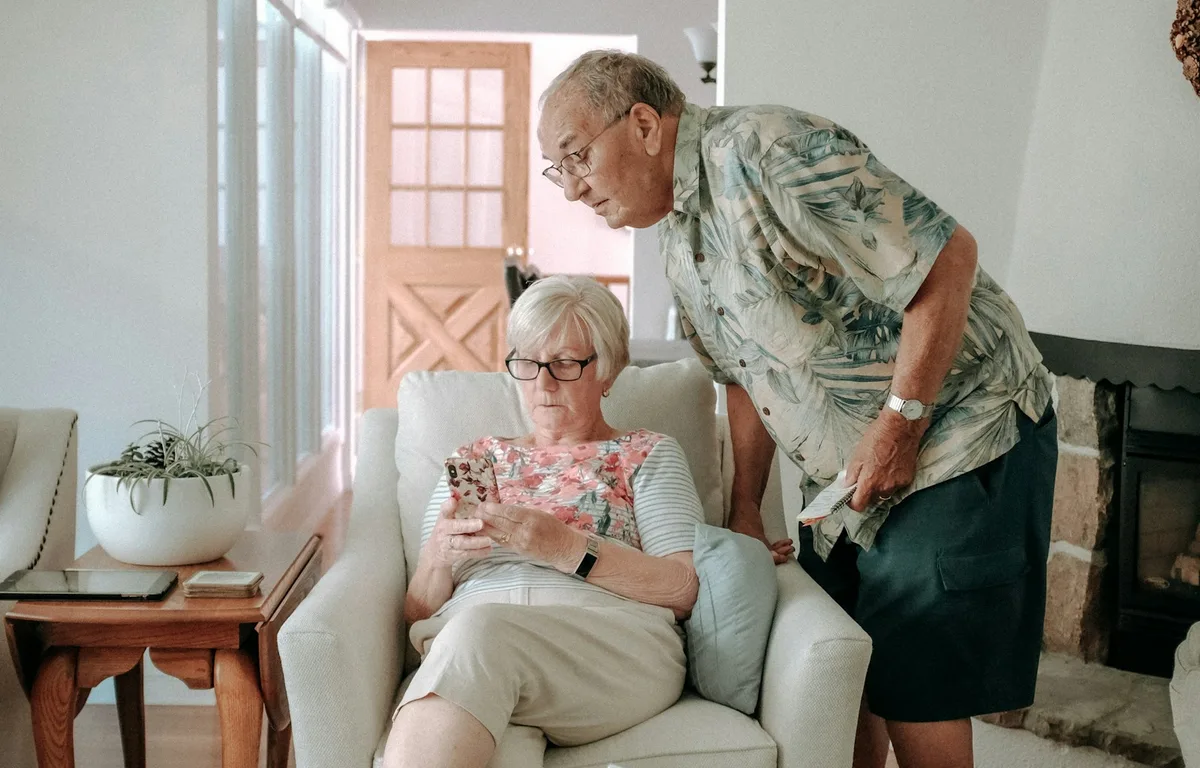
Photo by Keith Tanner on Unsplash
There is a particular kind of worry that comes with having a parent or grandparent who lives alone. You call in the evening, nobody picks up, and for a few long minutes your mind goes to the worst place before they call back to say they were just in the garden. Most families know that feeling, and it is exactly why medical alert systems exist. A small button or watch, a monitoring center that answers around the clock, and the comfort of knowing help is one press away.
The trouble is that these systems can look almost identical on the surface, while the prices, contracts and fall detection rules underneath are very different. So whether you are shopping for your mom, your dad, a grandparent, or for yourself, this guide is just for you. Every price below was taken from each company’s official website on November 12, 2026, and I have noted the fine print where the companies spell it out.
Quick answer: Bay Alarm Medical has some of the clearest published prices, starting at $27.95 a month for a landline home system and $34.95 for cellular, with fall detection adding $10 a month. MobileHelp is month-to-month with no contract, from $29.95 a month for its Classic Cellular home system. Medical Guardian has the widest device range but asks you to check pricing directly. Lively Mobile2 is a compact mobile device sold with a separate service plan, and an Apple Watch can call 911 on its own after a hard fall, but it has no monitoring center.
First, Decide Between In-Home and On-the-Go
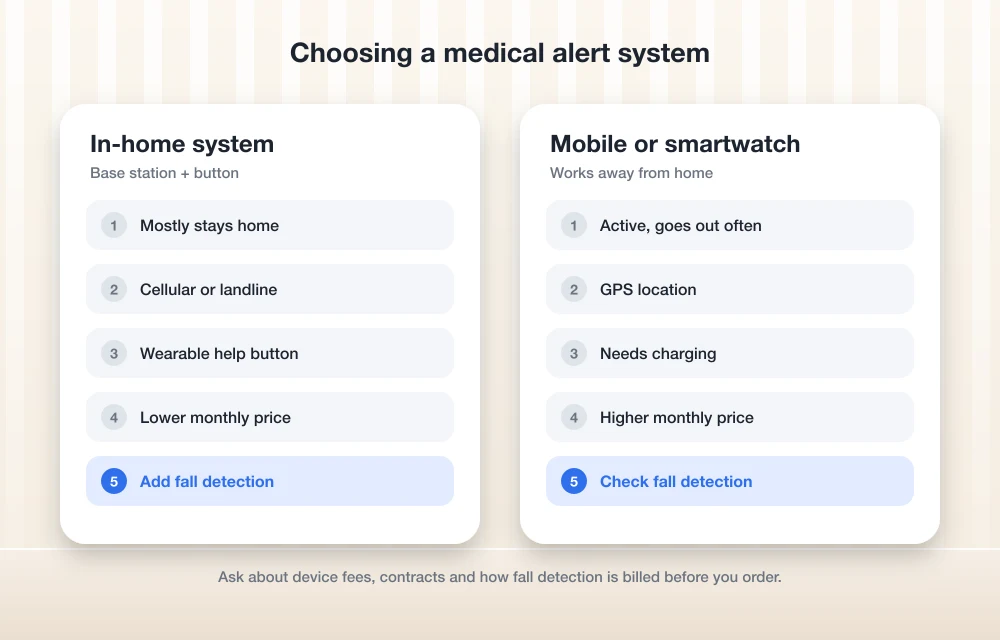
Before comparing brands, it helps to be honest about how your loved one actually spends the day. An in-home system has a base station that sits in the house and a wearable button, usually a pendant or wristband, that works within range of it. It is simple, it rarely needs charging, and it is usually the cheapest option. If someone mostly stays at home, this is often all they need.
A mobile device or smartwatch goes wherever they go, uses cellular service and GPS, and can get help in the grocery store parking lot as easily as in the kitchen. The trade-off is that it needs regular charging and costs more each month. Let’s be honest, the best device is the one that actually gets worn, so comfort and charging habits matter as much as features.
1. Bay Alarm Medical
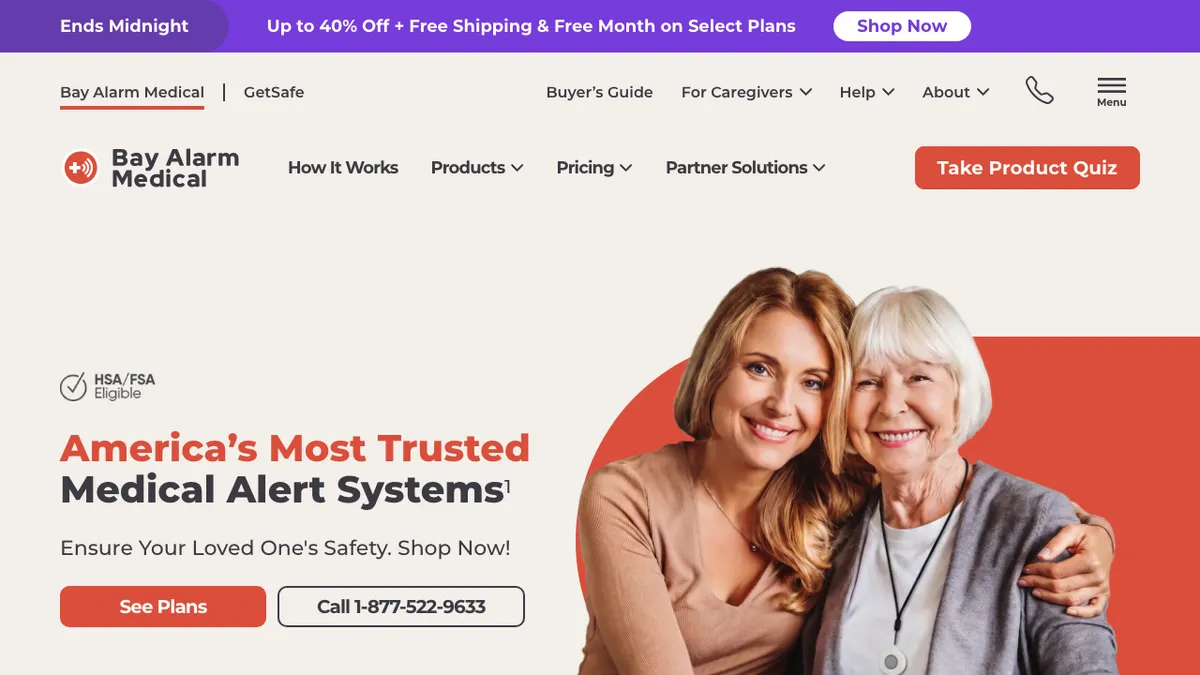
Bay Alarm Medical stands out because it publishes its prices plainly, which makes comparison much easier. On its pricing page, the SOS Home system costs $27.95 a month on a landline and $34.95 a month on cellular, and the cellular version with automatic fall detection is $44.95 a month. Bay says its home consoles are leased free of charge but must be returned if you cancel.
For life outside the house, the SOS All-In-One 2 and the small SOS Micro are each $34.95 a month, or $44.95 with fall detection, and the SOS Smartwatch is $39.95 a month. These mobile devices require a one-time device purchase, which Bay lists at $149 for the SOS Micro and $199 for the smartwatch, with discounts shown when we checked. Bay also advertises a 15-day risk-free trial and monitoring centers based in the US.
2. MobileHelp
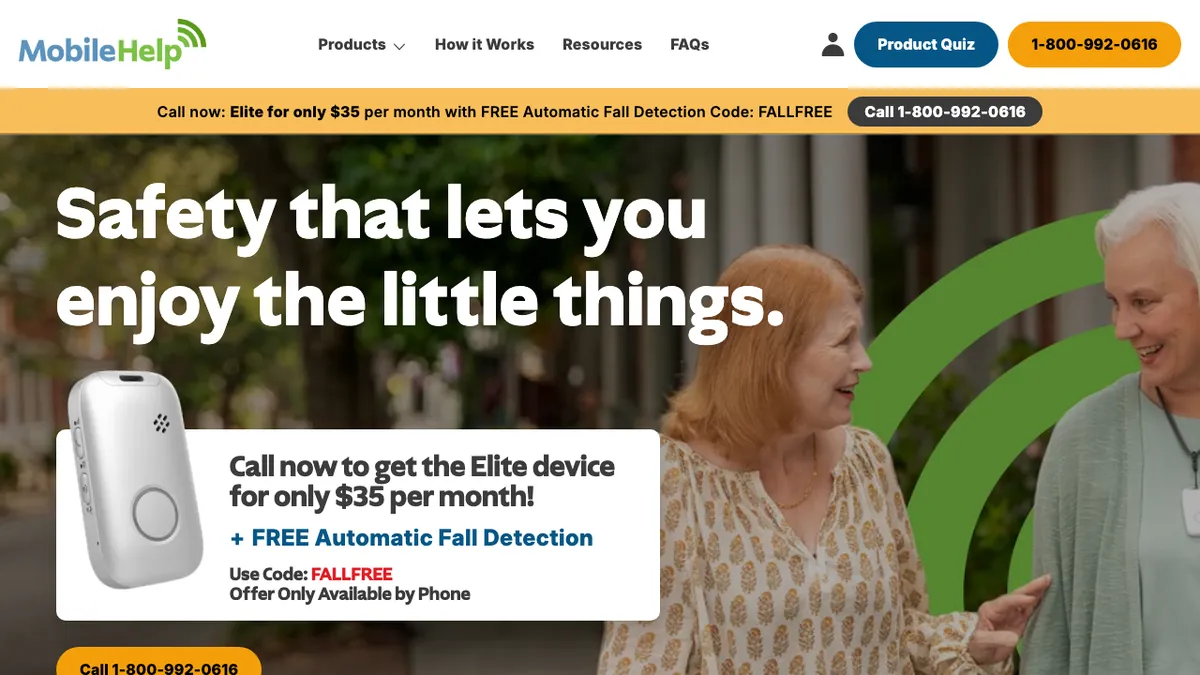
If contracts make you nervous, MobileHelp is worth a close look. The company says it does not require a contract, and that its service is month-to-month and can be cancelled at any time. You could be surprised at just how much peace of mind that one line gives a family that is still figuring out what their parent needs.
MobileHelp’s website lists the Classic Cellular home system starting at $29.95 a month and the Elite on-the-go device, which adds activity tracking, starting at $37.95 a month. A Classic Landline system is also offered. One detail to note is that fall detection only works if it is part of your service plan, and MobileHelp was running a phone-only offer for the Elite with free fall detection when we checked, so ask about it when you call.
3. Medical Guardian
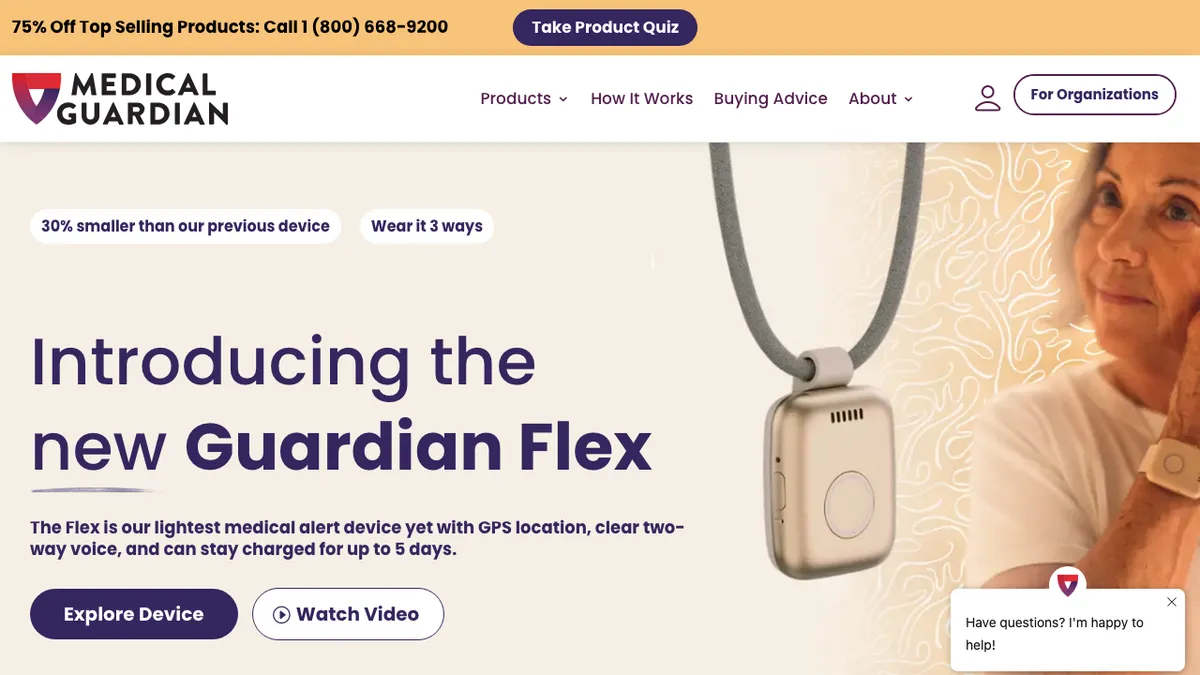
Medical Guardian offers one of the broadest ranges of devices, including the MG Home Landline and MG Home Cellular systems, the MG Move, and its newest mobile device, the Guardian Flex, which it describes as its lightest medical alert yet, with GPS location and two-way voice. That variety makes it easier to match a device to a particular person.
Pricing is less transparent than Bay’s. Medical Guardian’s homepage describes protection for about $1 a day and lists fall detection as an available add-on, but it does not show device-by-device monthly prices, so check the official pricing page or call the company before ordering. Its fine print also notes that cancellation fees may apply and that some promotions are only for annual subscriptions by new customers, which is worth knowing before you commit.
4. Lively Mobile2
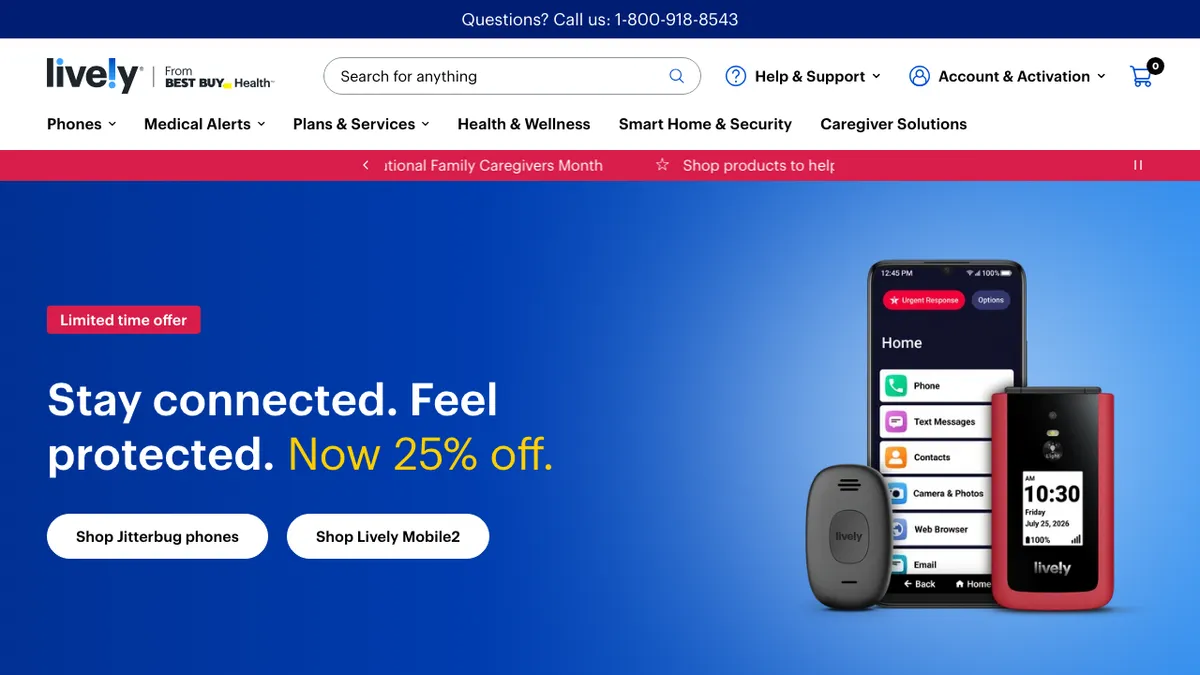
Lively, from Best Buy Health, sells Jitterbug phones for seniors alongside the Lively Mobile2, its standalone medical alert device. It is a small wearable button that connects to Lively’s 24/7 response service, which makes it a natural fit for families who already use a Jitterbug phone.
Lively’s store listed the Mobile2 at $119.99, on sale for $89.99 when we checked, and the device needs a Lively service plan on top. The plan price was not shown on the product listing, so check Lively’s plans page before you buy. Lively’s site highlights no long-term contracts and US-based support.
5. Apple Watch With Fall Detection
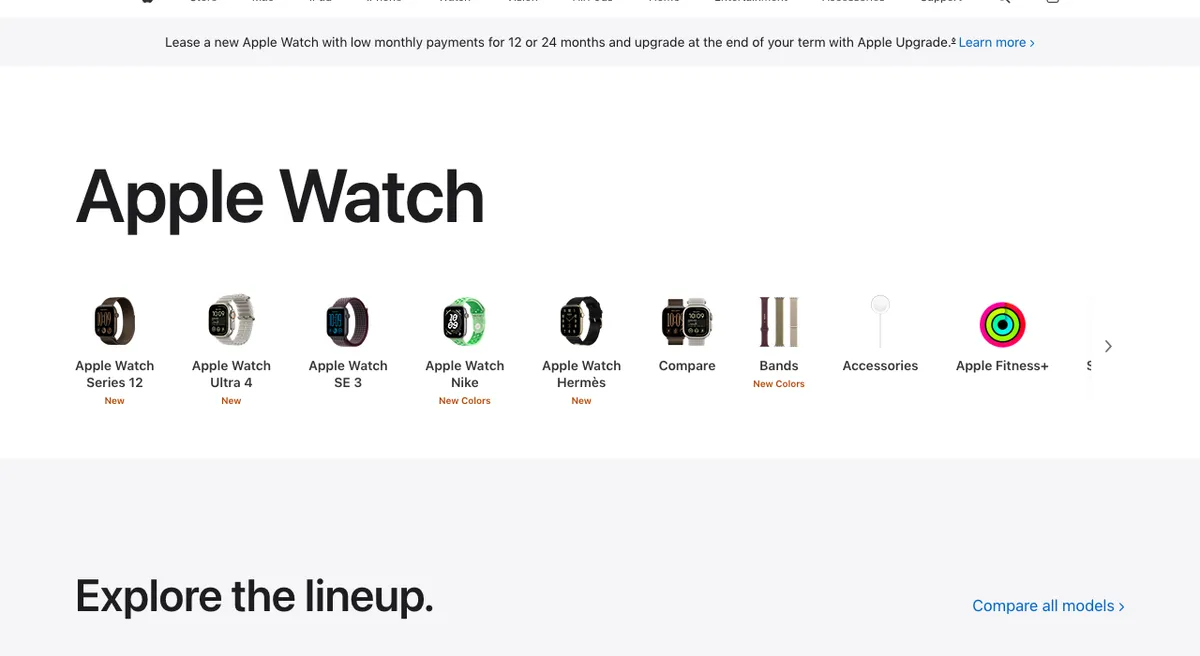
For a parent who already uses an iPhone, an Apple Watch can be a capable safety device with no monitoring fee, although a cellular model needs its own line from your carrier. According to Apple’s Fall Detection support page, the feature works on Apple Watch SE, Series 4 or later and Ultra models, and it turns on automatically for users who are 55 or older. If the watch detects a hard fall and the person stays still for about a minute, it starts a 30-second countdown, calls emergency services, and then sends a message with the location to emergency contacts.
There are limits, and Apple is upfront about them. The watch needs a cellular, Wi-Fi Calling or satellite connection, either on its own or through a nearby iPhone, and Apple says the watch cannot detect all falls. There is also no trained operator who can stay on the line or call a family member for you, which is the main thing a monitored service adds.
Medical Alert Systems Compared
| Option | Home system (per month) | Mobile device (per month) | Fall detection | Contract |
|---|---|---|---|---|
| Bay Alarm Medical | $27.95 landline, $34.95 cellular | $34.95 to $39.95 + device purchase | +$10/month on listed plans | 15-day risk-free trial |
| MobileHelp | From $29.95 cellular | From $37.95 | Must be in your plan | Month-to-month |
| Medical Guardian | Check official pricing | Check official pricing | Available add-on | Cancellation fees may apply |
| Lively Mobile2 | Not offered | Device $119.99 + service plan | Check plan details | No long-term contract |
| Apple Watch | Not offered | No monitoring fee | Built in (SE, Series 4+, Ultra) | None |
Prices are as listed on each company’s website on November 12, 2026, and promotions change often, so confirm the total, including any device fee and shipping, before you place an order.
Questions to Ask Before You Order
A short phone call can save a lot of frustration later. Ask whether the device is leased or purchased, and what happens to it if you cancel. Ask how fall detection is billed, since some companies add it per month and others include it in a higher plan. Ask whether there is a contract or a cancellation fee, and whether the monitoring center can call family members as well as emergency services. If your loved one uses a cell phone, our guide to the cheapest unlimited phone plans in the US can help trim the household phone bill, and our list of ways to help seniors reconnect with tech has ideas for making new gadgets feel less intimidating.
If you go the Apple Watch route, keep the paired iPhone updated so safety features work as expected; our guide to the iOS 27.2.1 update explains the latest fixes. And for families thinking about the whole house, our look at the best smart home security systems covers professional monitoring for the home itself.
FAQs
How much does a medical alert system cost per month?
On the companies’ own websites, in-home systems start at $27.95 a month with Bay Alarm Medical and $29.95 a month with MobileHelp, while mobile devices with GPS generally cost more, from about $34.95 to $39.95 a month, sometimes with a device purchase on top.
Do medical alert systems detect falls automatically?
Many do, but usually as an add-on or a higher plan. Bay Alarm Medical lists fall detection plans at $10 a month more than its standard ones, and MobileHelp says fall detection only works if it is part of your service plan. No fall detection catches every fall, so the help button still matters.
Can an Apple Watch replace a medical alert system?
For some people it can. Apple Watch can automatically call emergency services and notify emergency contacts after a hard fall, but it needs a cellular or Wi-Fi connection and has no monitoring center, so it suits independent users who are comfortable with the watch and charge it daily.
Do medical alert systems require a contract?
It depends on the company. MobileHelp says its service is month-to-month, Lively highlights no long-term contracts, and Medical Guardian notes that cancellation fees may apply, so always ask before signing up.
So there you have it. The right medical alert system is the one that fits the way your loved one actually lives, and a few minutes spent checking the fine print today can bring a lot of calm to those evening phone calls.
Featured image: Keith Tanner on Unsplash.
Disclosure: TheTechHacker has no paid relationship with Bay Alarm Medical, MobileHelp, Medical Guardian, Lively, Apple or any company mentioned here.
You might also like
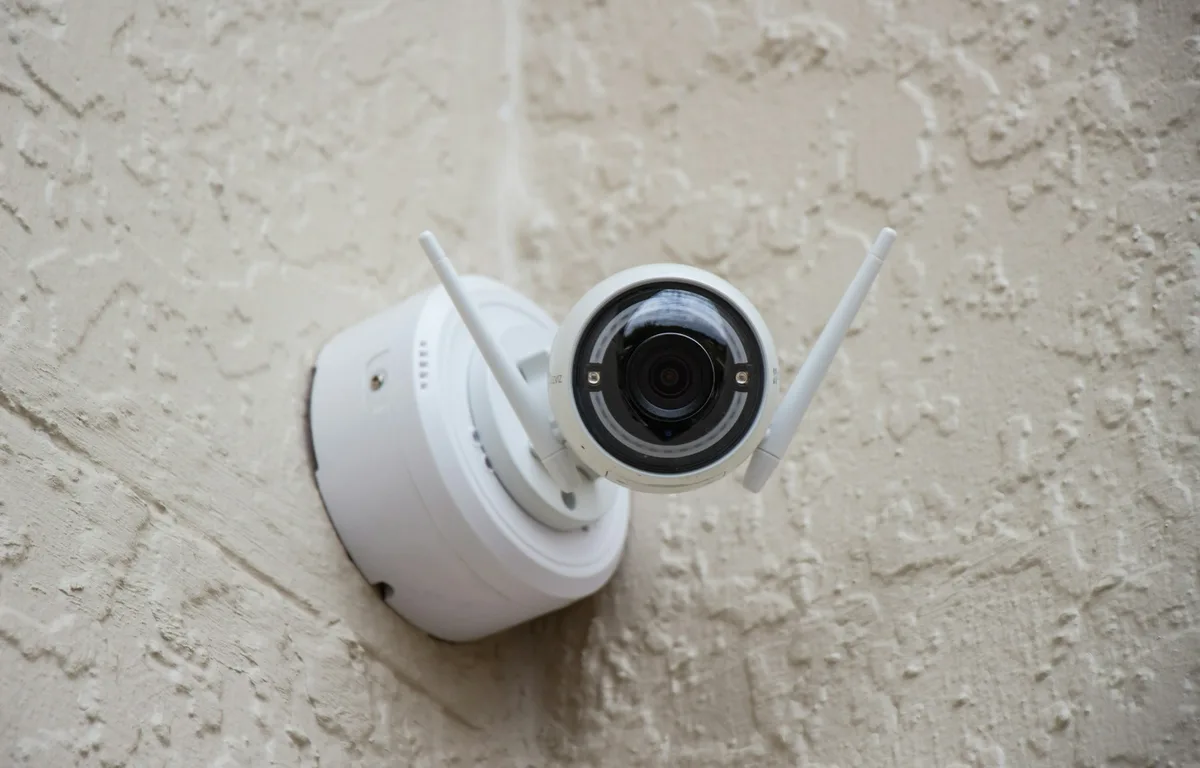
Best Smart Home Security Systems 2026: SimpliSafe vs ADT vs Ring Alarm vs Vivint vs Abode
SimpliSafe, ADT, Ring Alarm, Vivint and Abode compared on DIY vs pro install, monitoring costs, contracts and cameras, using official prices where I could confirm them.
Best POS Systems for Small Businesses: Square vs Toast vs Clover (2026)
Square, Toast, Clover, Shopify POS and Lightspeed compared for US small businesses: what each costs, the contract and offline catches, and when your POS should connect to an ERP.
How to Fact-Check AI-Generated Content Before Publishing
Think about a contractor who hands you blueprints that look flawless clean lines, precise measurements, professionally rendered except nobody’s actually checked whether the load-bearing walls can hold the weight of the building. That’s what publishing straight from an AI draft looks like from the outside. Polished, confident, structurally untested. And the building doesn’t announce it’s…
The week in tech, minus the noise.
New reviews, fixes and the stories that matter — once a week, straight to your inbox.
We only use your email to send the newsletter. Unsubscribe any time. See our privacy policy.
Comments