

Can You Play GTA 6 From an External Hard Drive on PS5 or Xbox? How to Make Room
GTA 6 is a huge install, and many PS5 and Xbox owners are running out of space. A cheap USB hard drive looks like the easy answer. It helps, but not in the way most people expect: you can store GTA 6 on an external drive, but you can’t play it from there. Quick answer:…

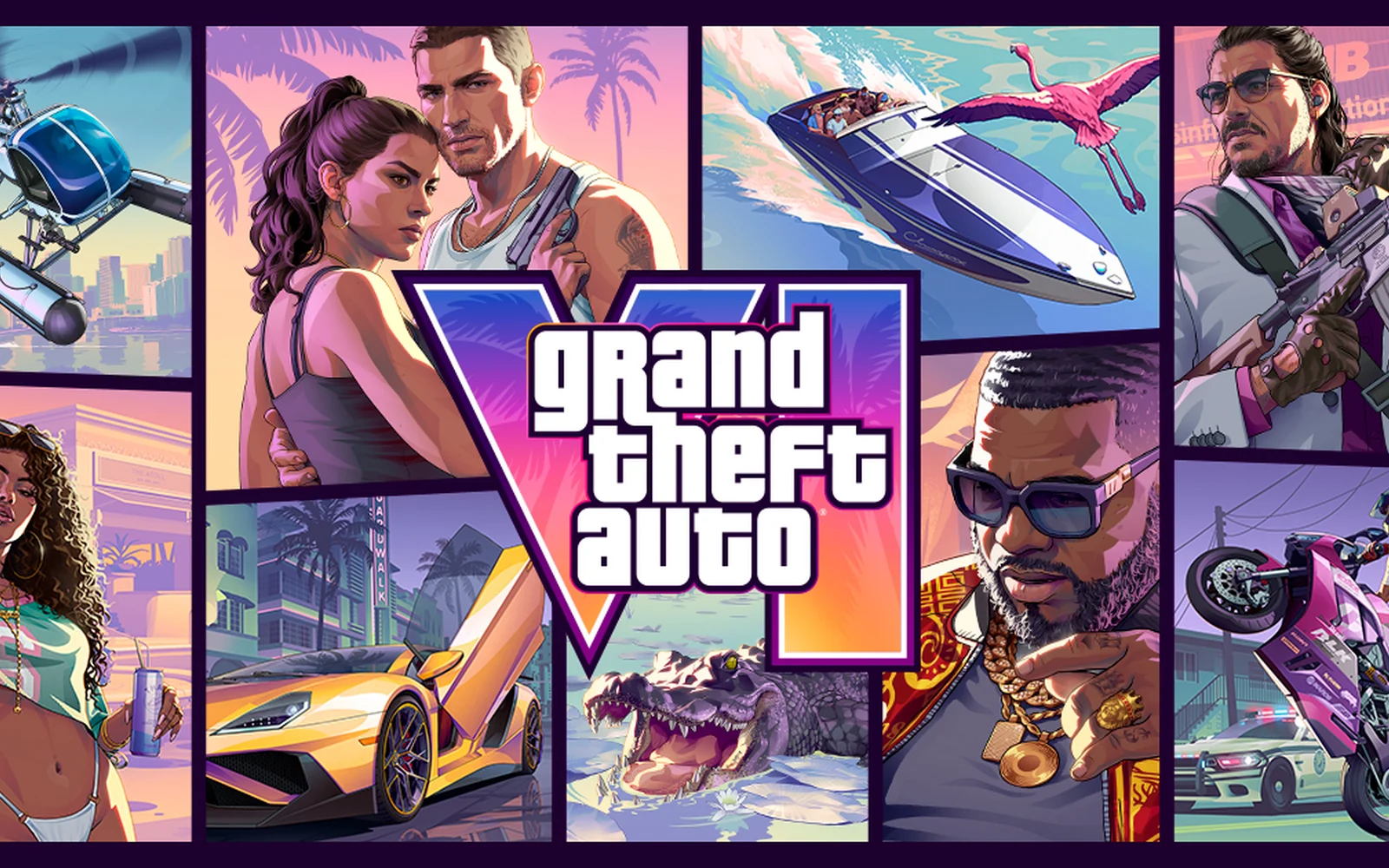
GTA 6 PS5 Xbox Storage
GTA 6 is a huge install, and many PS5 and Xbox owners are running out of space. A cheap USB hard drive looks like the easy answer. It helps, but not in the way most people expect: you can store GTA 6 on an external drive, but you can’t play it from there.
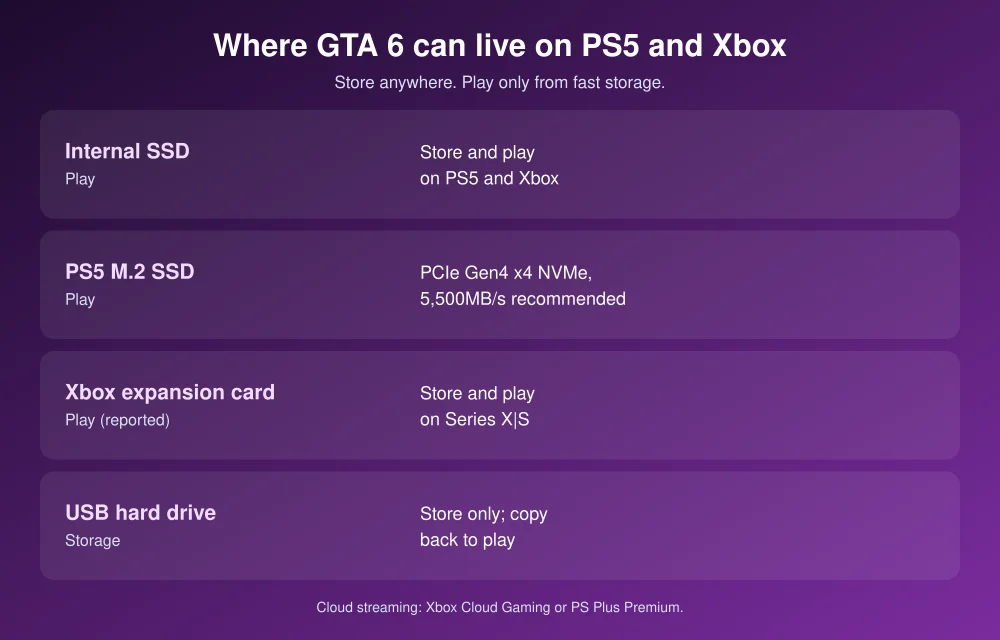
Quick answer: No, you can’t play GTA 6 from a USB external hard drive on PS5 or Xbox Series X|S. Sony says PS5 games can’t be played directly from USB extended storage, and Xbox Series X|S games are reported to need the internal SSD or an expansion card. You can store GTA 6 on a USB drive and copy it back when you want to play. To play it from added storage, use a supported M.2 SSD on PS5 or a Storage Expansion Card on Xbox. Cloud streaming is another option.
What Works on PS5 and Xbox
PS5: Store on USB, Play From Internal or M.2
Sony’s USB extended storage guide says you can move PS5 games you aren’t playing to USB storage, but you must copy them back to console storage to play. PS4 games can be played directly from a USB drive.
USB drive requirements, per Sony:
- SuperSpeed USB 5 Gbps or faster.
- 250 GB to 8 TB.
- Connected directly, not through a USB hub. Only one drive can be used at a time.
To play GTA 6 from extra storage, add an M.2 SSD. Sony’s M.2 SSD guide lists the requirements:
- PCIe Gen4 x4 M.2 NVMe SSD (Key M).
- 250 GB to 8 TB.
- Sequential read speed of 5,500MB/s or faster recommended.
- A heatsink or other cooling structure.
Xbox Series X|S: Expansion Card or Internal SSD
Engadget reports that GTA 6 must be installed on the Xbox Series X|S internal storage or a compatible expansion card to run. A USB drive can still hold it while you play something else. Older Xbox One and Xbox 360 games can run straight from a USB drive. Microsoft explains how to move games in its Xbox storage guide.
How to Free Up Space for GTA 6
- Plug in a USB drive that meets the requirements above. On PS5, format it as USB extended storage when asked.
- Move finished or rarely played games to the USB drive.
- Move PS4 or Xbox One games to the USB drive, since they can play from there.
- Keep GTA 6 on internal storage, the M.2 SSD or the expansion card.
- Delete old captures and videos you’ve already backed up.
Moving a game back from USB is faster than downloading it again, and you won’t need to re-download updates you already have.
Or Stream GTA 6 Instead
- Xbox: Engadget reports GTA 6 can be streamed with Xbox Cloud Gaming. Game Pass members get up to 15 hours a month, and the stream uses Xbox Series S graphics settings.
- PS5: Cloud streaming works on PS5 and PlayStation Portal with PlayStation Plus Premium, with no time limit, according to Engadget.
- You still need to buy GTA 6 to stream it. It isn’t included in Game Pass or PS Plus.
Having other problems? See our fixes for GTA 6 autosave not working, GTA 6 crashing on Xbox and a GTA 6 code not working on PS5. Our PS5 Black Friday guide covers storage deals too.
FAQs
Can I play GTA 6 from an external hard drive on PS5?
No. Sony says PS5 games can’t be played from USB extended storage. You can store GTA 6 there and copy it back to play.
Can I play GTA 6 from a USB drive on Xbox Series X?
No. It’s reported to need the internal SSD or a Storage Expansion Card. A USB drive can store it.
What’s the best way to add space for GTA 6 on PS5?
Install a supported M.2 NVMe SSD with a heatsink. Sony recommends 5,500MB/s or faster.
Can I stream GTA 6 instead?
Yes. Engadget reports it streams with Xbox Cloud Gaming and PS Plus Premium, but you still need to own the game.
Featured image: Rockstar Games.
Disclosure: TheTechHacker has no paid relationship with Rockstar Games, Sony or Microsoft.
More in How-to

How to Fix Not Enough Storage When Preloading GTA 6 on PS5 and Xbox Series X|S
Rockstar says the GTA 6 preload needs up to 212GB. Here’s how to check your free space, clear room, add an M.2 SSD or Xbox expansion card, and get a stuck download moving again.
What Time Does GTA 6 Come Out? Unlock Times for Every US Time Zone
It is finally launch week. If you are like me, the only question left is exactly when you can stop staring at the pre-loaded GTA 6 icon and actually press start. I went straight to Rockstar’s support site, Xbox Wire and the PlayStation Blog to pin down the official answer, because there are a lot…
How to Fix GTA 6 Pre-Load Not Downloading on Xbox Series X|S
GTA 6 is four days away, and on Xbox the pre-load has been open since Monday evening, November 9, in the US. If your Series X or Series S hasn’t started the download, or it’s been sitting at the same percentage for hours, you’re not alone. With a download of up to 212 GB, a…
The week in tech, minus the noise.
New reviews, fixes and the stories that matter — once a week, straight to your inbox.
We only use your email to send the newsletter. Unsubscribe any time. See our privacy policy.
Comments