

GTA 6 Cheat Codes for PS5 and Xbox: How to Unlock and Use Them
GTA 6 has cheat codes, but they work differently from older GTA games. You can’t use them right away: most unlock only after you finish the main story or complete challenges. And once you use one, you can’t save and you won’t earn trophies or achievements. Quick answer: To use GTA 6 cheats, finish the…

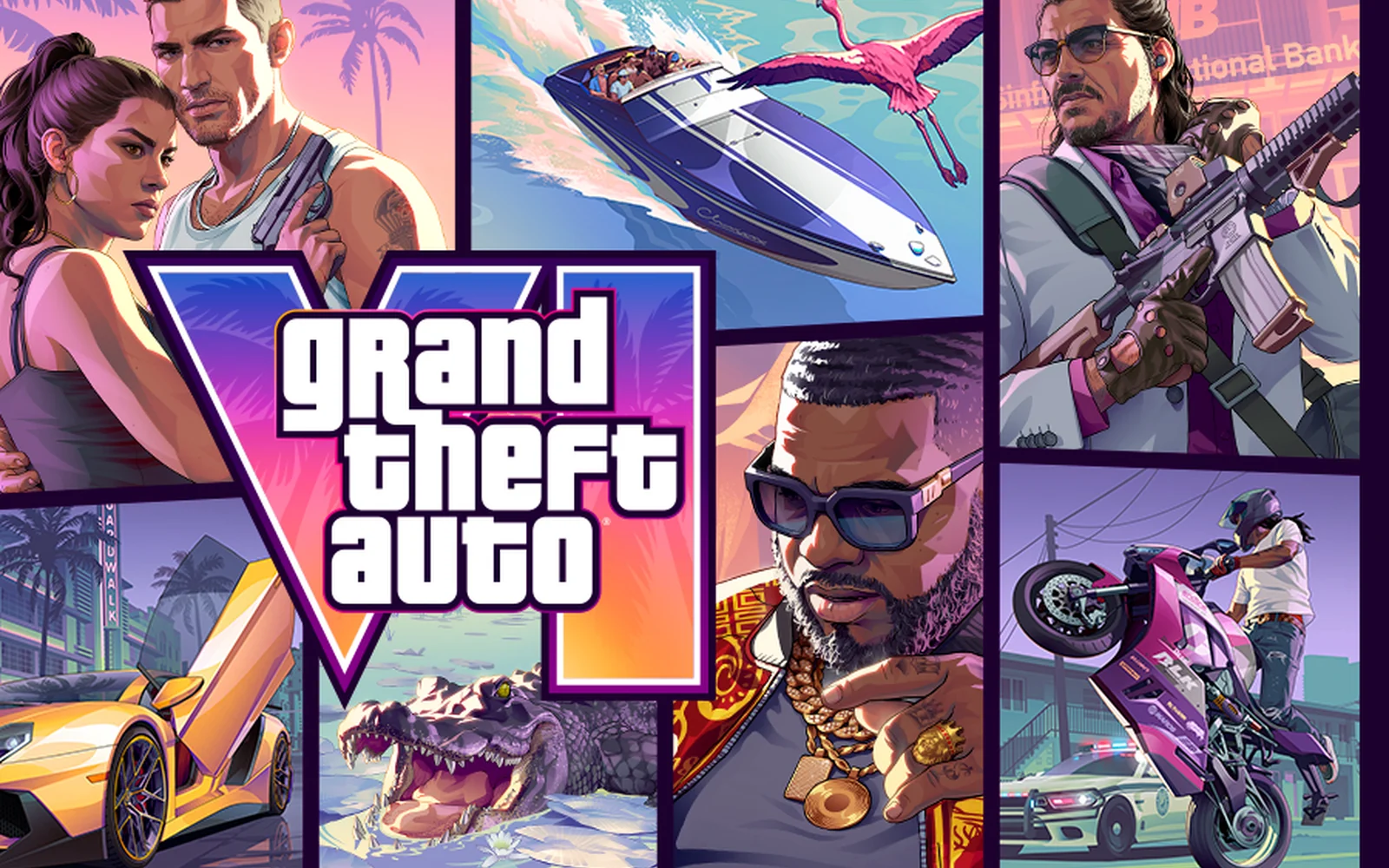
GTA 6 Cheat Codes
GTA 6 has cheat codes, but they work differently from older GTA games. You can’t use them right away: most unlock only after you finish the main story or complete challenges. And once you use one, you can’t save and you won’t earn trophies or achievements.
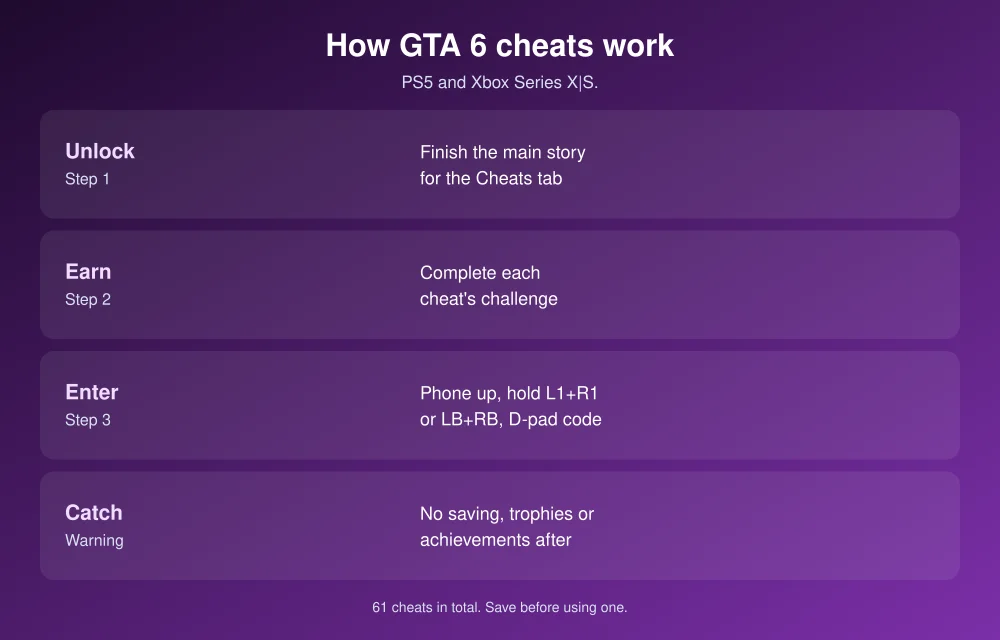
Quick answer: To use GTA 6 cheats, finish the main story to unlock the Cheats tab in settings, then complete each cheat’s challenge. To enter a cheat, press Up on the D-pad to open the phone, hold L1 + R1 (PS5) or LB + RB (Xbox), and press the code on the D-pad. Using any cheat disables saving, trophies and achievements, so save first. There are 61 cheats in total, Lifehacker and PC Guide report.
How GTA 6 Cheats Work
- Complete the main story. A new Cheats tab appears in the in-game settings.
- Check the unlock requirement for each cheat in that tab, such as 25 gold medals at shooting ranges.
- Once unlocked, the button combination appears in the Cheats tab.
- Save your game before entering a cheat.
- Open the phone (Up on the D-pad), hold L1 + R1 or LB + RB, and enter the code.
GTA 6 Cheat Codes
These codes are listed the same way by both Lifehacker and PC Guide. The same directional codes work on PS5 and Xbox.
| Cheat | How to unlock | Code (D-pad) |
|---|---|---|
| $250,000 | Complete the main story | Up, Right, Down, Left, Up, Left, Down, Right |
| Unlimited Focus | Complete the main story | Down, Up, Up, Down, Up, Down, Up, Down, Up, Right |
| Raise Heat Level | Escape a 3-star wanted level 25 times | Left, Down, Right, Down, Up, Down, Up |
| Raise Wanted Level | Escape a 3-star wanted level 50 times | Left, Down, Right, Down, Up, Right, Up |
| Infinite Ammo | Win 25 silver medals at shooting ranges | Down, Up, Right, Down, Left, Left, Up, Down, Down, Down |
| No Reload | Win 25 gold medals at shooting ranges | Down, Up, Right, Down, Left, Left, Up, Down, Down, Up |
| Body Armor | Complete 100 workouts | Down, Up, Left, Up, Up, Up, Up, Up, Down, Down |
| Cycle Weather | See note below | Down, Right, Up, Down, Right, Up, Right |
Note: sources disagree on how Cycle Weather unlocks. Lifehacker says after the main story, and PC Guide says after revealing the whole map. Sources also list different codes for the MTL Pumper fire truck, so check your in-game Cheats tab for that one.
More Cheats Reported by PC Guide
- Max Ammo: 25 bronze medals at shooting ranges.
- Drunk: spend $2,500 on alcohol.
- HVY Bulldozer: discover it in the Progress menu.
PC Guide lists codes for these, but only one source has them, so confirm them in the Cheats tab before relying on them. Many other cheats haven’t been discovered yet.
Cheats Not Working?
- Finish the story first. The Cheats tab doesn’t exist before that.
- Check the unlock. Each cheat needs its own challenge.
- Hold both shoulder buttons the whole time you press the code.
- Open the phone first with Up on the D-pad.
Official game info is on Rockstar’s GTA VI page. Sources: Lifehacker and PC Guide.
More GTA 6 help: fix autosave not working, play from an external drive and fix a GTA 6 code not working on PS5.
FAQs
Does GTA 6 have cheat codes?
Yes. There are 61, but most unlock only after the main story and specific challenges.
How do you enter cheats in GTA 6?
Open the phone with Up on the D-pad, hold L1 + R1 (PS5) or LB + RB (Xbox), and press the code.
Do cheats disable trophies in GTA 6?
Yes. Using a cheat disables trophies, achievements and saving.
What’s the GTA 6 money cheat?
After finishing the story: Up, Right, Down, Left, Up, Left, Down, Right gives $250,000.
Featured image: Rockstar Games.
Disclosure: TheTechHacker has no paid relationship with Rockstar Games.
More in How-to

What Time Does GTA 6 Come Out? Unlock Times for Every US Time Zone
It is finally launch week. If you are like me, the only question left is exactly when you can stop staring at the pre-loaded GTA 6 icon and actually press start. I went straight to Rockstar’s support site, Xbox Wire and the PlayStation Blog to pin down the official answer, because there are a lot…
How to Fix GTA 6 Locked or Not Starting on PS5 on Launch Day
GTA 6 is four days away, and if you pre-loaded it on PS5 you’ve probably already noticed the little padlock on the game tile. That’s normal before launch. What isn’t normal is still seeing that padlock after midnight on November 19, or getting an error when you hit Play. With millions of people trying to…

How to Fix Not Enough Storage When Preloading GTA 6 on PS5 and Xbox Series X|S
Rockstar says the GTA 6 preload needs up to 212GB. Here’s how to check your free space, clear room, add an M.2 SSD or Xbox expansion card, and get a stuck download moving again.
The week in tech, minus the noise.
New reviews, fixes and the stories that matter — once a week, straight to your inbox.
We only use your email to send the newsletter. Unsubscribe any time. See our privacy policy.
Comments