

What’s New in CarPlay With iOS 27.2 and How to Use It
iOS 27.2 brings a few changes you’ll notice in the car. Apple Podcasts has new sections that make it easier to pick up where you left off, Siri AI is smarter in CarPlay, and a long-standing Apple Music playlist bug is reportedly fixed. Now in this article, I will show what’s new and how to…

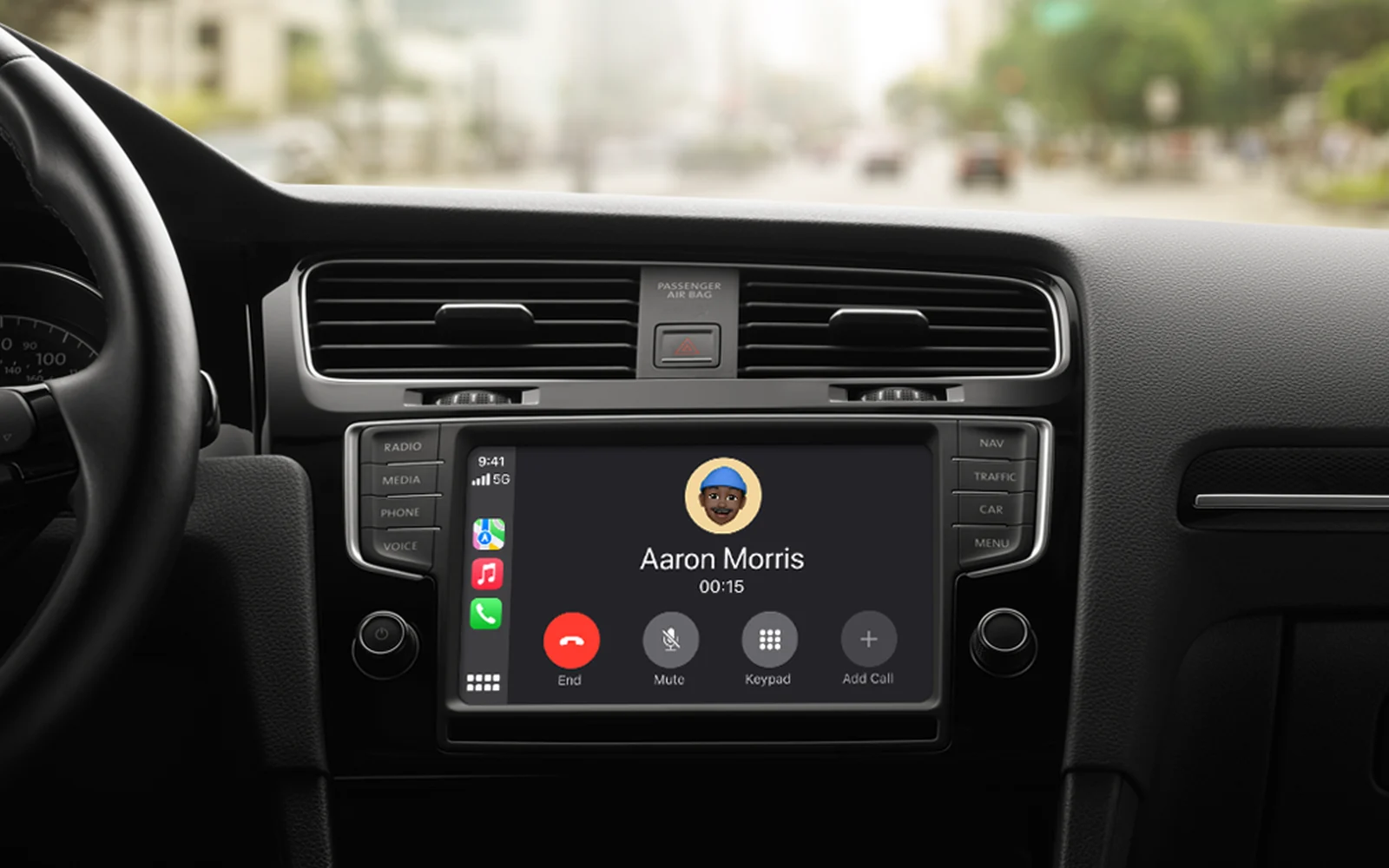
CarPlay iOS 27 2
iOS 27.2 brings a few changes you’ll notice in the car. Apple Podcasts has new sections that make it easier to pick up where you left off, Siri AI is smarter in CarPlay, and a long-standing Apple Music playlist bug is reportedly fixed.
Now in this article, I will show what’s new and how to use it.
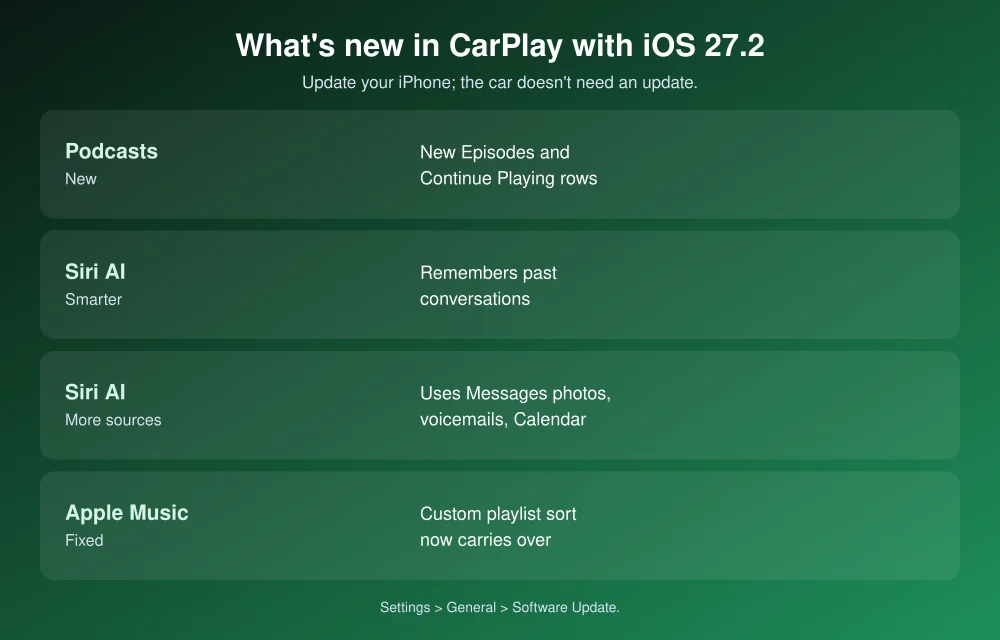
Quick answer: After updating your iPhone to iOS 27.2, CarPlay gets: New Episodes and Continue Playing sections in Apple Podcasts, Siri AI that remembers past conversations and uses more sources like Messages photos and voicemails, and a fix so custom Apple Music playlist sorting carries over to CarPlay, 9to5Mac reports. Update in Settings > General > Software Update.
Getting Started
CarPlay features come from your iPhone, so you only need to update the phone, not the car. Connect your iPhone to the car by USB or wirelessly as usual after updating.
1. New Podcasts Sections
The Home tab in Apple Podcasts now has two rows:
- New Episodes: only the latest episodes from shows you follow.
- Continue Playing: episodes you’ve started, so you can resume with one tap.
In CarPlay, open Podcasts and look at the Home screen. It replaces the old mixed Up Next queue, 9to5Mac explains.
2. Smarter Siri AI in the Car
Two Siri AI upgrades in iOS 27.2 work in CarPlay too:
- It remembers past conversations. Ask about something Siri told you before, such as “What were those restaurants you suggested last week?”
- It uses more sources, including photos in Messages, Calendar attendees, voicemails, and Safari history and Reading List.
Say “Siri” or hold the voice button on your steering wheel to ask.
3. Apple Music Playlist Sorting Fix
If you sort playlists in a custom order on your iPhone, the order now carries over to CarPlay. Before iOS 27.2, CarPlay ignored it, 9to5Mac and Reddit users report. Apple Music also has a new app icon in this update.
How to Update to iOS 27.2
- Open Settings > General > Software Update.
- Tap Update Now and keep the phone on Wi-Fi and charging.
- Reconnect to your car after the update.
More about CarPlay is on Apple’s CarPlay page, and the current iOS version is listed on Apple’s releases page. Also read which cars get CarPlay Ultra, how to set a separate alarm volume in iOS 27 and how to make text bigger on iPhone.
That’s all for now. Please do share your views and feedback in the comment box below.
FAQs
What’s new in CarPlay with iOS 27.2?
New Podcasts sections, Siri AI that remembers past chats, and a fix for Apple Music playlist sorting, 9to5Mac reports.
Do I need to update my car for these features?
No. CarPlay features come from your iPhone.
How do I get iOS 27.2?
Go to Settings > General > Software Update.
Does Siri AI work in CarPlay?
Yes. Its iOS 27.2 upgrades work in the car too.
Featured image: Apple.
Disclosure: TheTechHacker has no paid relationship with Apple.
More in How-to
How to Use Gemini on Apple CarPlay: Setup, Voice Tips and Limits
Google’s Gemini app now works on Apple CarPlay. Google announced it on November 11, 2026, rolling out “to all Gemini users on iOS,” and the App Store listing now shows a “Gemini is now on CarPlay” banner. Many people will be on the road for Thanksgiving this week, and Gemini can read out your calendar,…
How to Fix Gemini Not Showing on Apple CarPlay: 8 Fixes That Work
Google started rolling out the Gemini app to Apple CarPlay on November 11, and plenty of iPhone owners got into their cars this week expecting a new icon that simply wasn’t there. If that’s you, the fix is usually quick. Google’s setup has a couple of steps that are easy to miss, and CarPlay itself…
How to Stop Android Auto Overheating Your Phone: 5 Fixes That Actually Work
If you’ve ever reached for your phone after a long drive and felt like you were picking up a hot baked potato, you aren’t alone. A quick search for “Android auto makes phone hot reddit” shows thousands of drivers dealing with the exact same issue every single day. Whether you are experiencing a Samsung S22…
The week in tech, minus the noise.
New reviews, fixes and the stories that matter — once a week, straight to your inbox.
We only use your email to send the newsletter. Unsubscribe any time. See our privacy policy.
Comments