

How to Fix AirTag Beeping: Why It Beeps and How to Stop It
An AirTag that beeps on its own is confusing, especially when you didn’t ask Find My to play a sound. There are only a few reasons it happens, and most take less than a minute to fix. Now in this article, I will show why your AirTag is beeping and how to stop it. Quick…

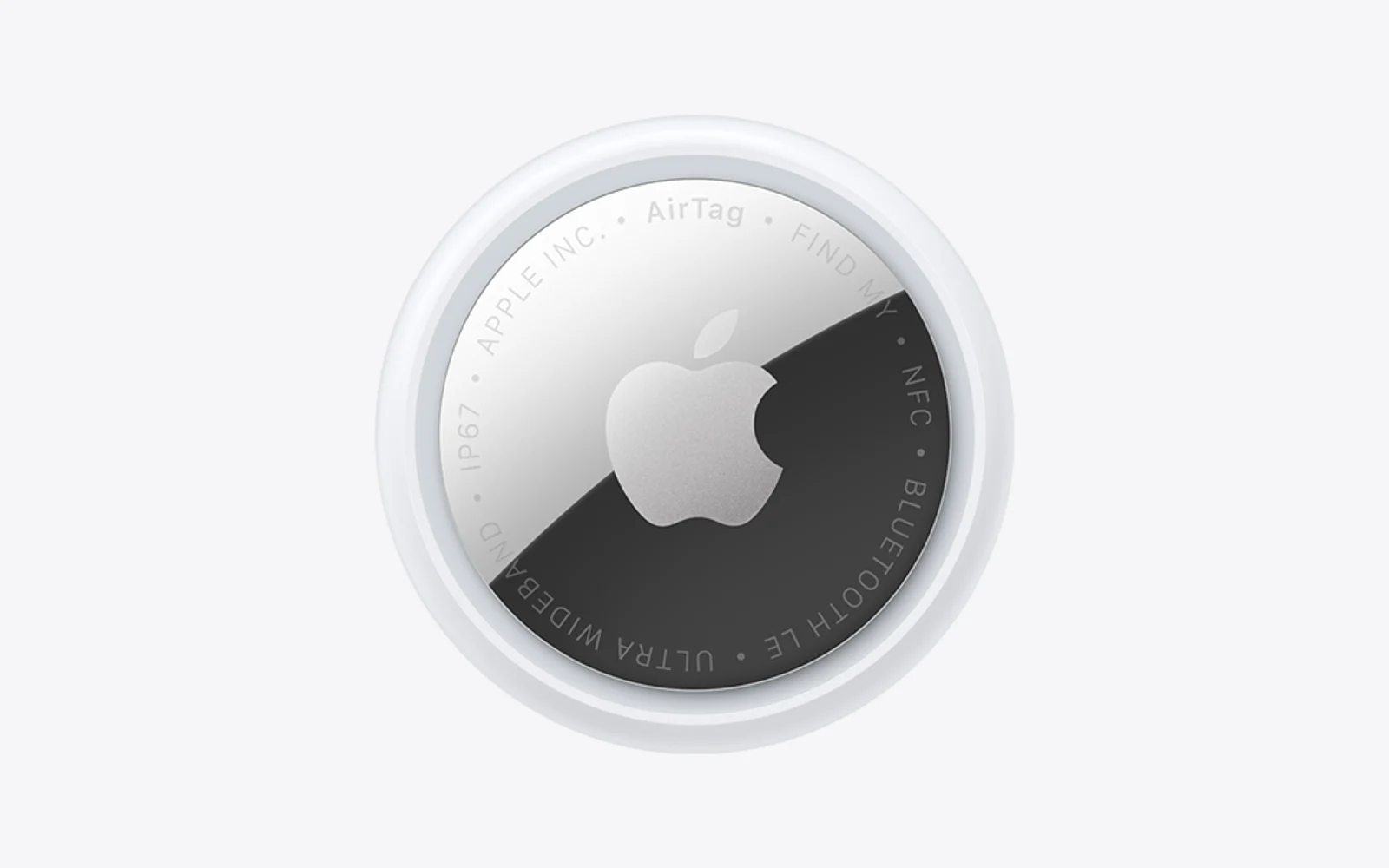
AirTag Beeping Fix
An AirTag that beeps on its own is confusing, especially when you didn’t ask Find My to play a sound. There are only a few reasons it happens, and most take less than a minute to fix.
Now in this article, I will show why your AirTag is beeping and how to stop it.
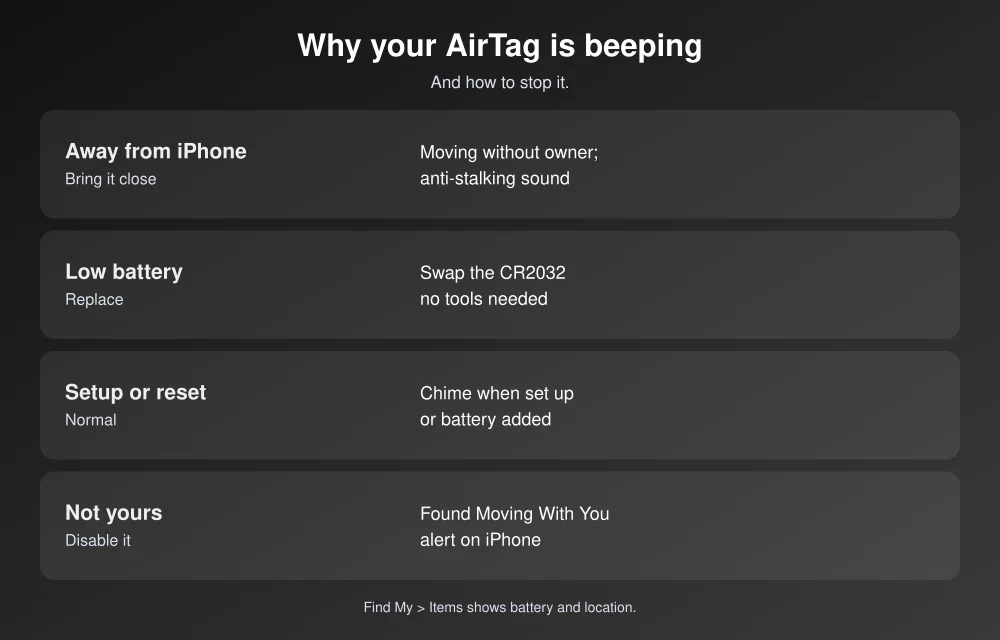
Quick answer: An AirTag beeps when it’s been away from its owner’s iPhone for a while and is moving (an anti-stalking feature), when its battery is low, when you set it up or change the battery, or when someone plays a sound from Find My. To stop it, bring it back near your iPhone with Bluetooth on, replace the CR2032 battery, or, if it isn’t yours, use the Found Moving With You alert on your iPhone to find and disable it.
Getting Started
Open the Find My app and tap Items. Check that the AirTag shows up, and note its battery level and last location.
1. It’s Away From Your iPhone
This is the most common reason. If an AirTag loses its Bluetooth connection to the paired iPhone and then detects movement, it starts beeping after a few hours, Engadget reports. Apple built this in so someone can’t hide an AirTag on a person to track them.
- Bring the AirTag close to your iPhone.
- Turn Bluetooth off and back on in Control Center.
- Make sure you’re signed in to the same Apple Account that owns the AirTag.
This is also why AirTags aren’t ideal for pets. The sound can startle them while they’re away from you.
2. The Battery Is Low
A low battery can also make an AirTag chirp. Replace the battery yourself, no tools needed:
- Press down on the polished metal back.
- Turn it counterclockwise until it stops.
- Lift off the cover and remove the old battery.
- Put in a new CR2032 coin battery, positive side up.
- Replace the cover and turn it clockwise. The AirTag plays a sound when the battery is connected.
Some CR2032 batteries have a bitter coating to stop children from swallowing them. The coating can block the contacts, so pick a battery without it.
3. It Was Just Set Up or Reset
An AirTag plays a chime when you begin setup, when setup is done and after a new battery goes in. That’s normal. If it keeps chiming and won’t connect, follow Apple’s steps to reset your AirTag.
4. Someone Played a Sound or Marked It Lost
You, from another Apple device, or anyone you share the AirTag with in Find My can play a sound on it. Marking an AirTag as lost can also make it beep so people nearby can find it.
5. It Isn’t Your AirTag
If you hear a beep from your bag or car and don’t own an AirTag, take it seriously.
- Go to Settings > Privacy & Security > Location Services and make sure it’s on.
- Check for a Found Moving With You notification. Tap it to see the item.
- Tap Play Sound to find it.
- Follow the on-screen steps to disable it. Removing the battery stops it from sharing its location.
If you feel unsafe, contact local law enforcement. Apple can share the owner’s details with police when legally required, it says on its AirTag page.
Also see this week’s AirPods and AirTag deals, how to fix iOS 27 battery drain and the iOS 27.2.1 security fixes.
That’s all for now. Please do share your views and feedback in the comment box below.
FAQs
Why is my AirTag beeping randomly?
Usually because it’s been away from your iPhone and moved, or its battery is low.
How do I stop my AirTag from beeping?
Bring it near your iPhone with Bluetooth on, or replace the CR2032 battery.
Why does my AirTag beep after I change the battery?
That sound confirms the new battery is connected. It’s normal.
What should I do if an unknown AirTag is beeping near me?
Use the Found Moving With You alert on your iPhone to find it, then disable it by removing the battery.
Featured image: Apple.
Disclosure: TheTechHacker has no paid relationship with Apple.
More in How-to
How to Fix an External Hard Drive or SSD Not Showing Up on Windows 11 or Mac
External drive not detected on Windows 11 or your Mac? Here’s how I work through it, from cables and Disk Management to Disk Utility First Aid, and when to stop and call a data recovery service.
How to Fix ‘Your Computer Has Been Locked’ Scam Pop-Ups on Windows and Mac
A fake Microsoft or Apple warning took over your screen and wants you to call a number? Here’s how to close it safely on Windows and Mac, clean up your browser, and recover if you already called or paid.

How to Fix GTA 6 Crashing or Your PS5 Turning Off
Some players say Grand Theft Auto VI crashes or their PS5 shuts off seconds after launching it, while other games run fine. Sony hasn’t announced a known issue, but its official troubleshooting steps cover both problems. Here is what to try, in order, from quickest to most drastic. Quick answer: If GTA 6 crashes, install…
The week in tech, minus the noise.
New reviews, fixes and the stories that matter — once a week, straight to your inbox.
We only use your email to send the newsletter. Unsubscribe any time. See our privacy policy.
Comments