

How-to

How To Convert ETE To PDF File
We have been looking on the Internet and found out that many people want to convert ETE files to PDF format. Well, if you search on the Internet, you will find various sites that can help you do so. But, here in this article, you will learn how to convert the ETE to PDF format…

How To Block Red Shell On Your PC, Mac, and Linux
If you are a gamer then you must aware of the latest tracking software which is embedded in the games. The package is called Red Shell and it is collecting the data from the gamers more than the developers thought. Originally it is created to collect some basic user data from the gamer. Unexpectedly, the…
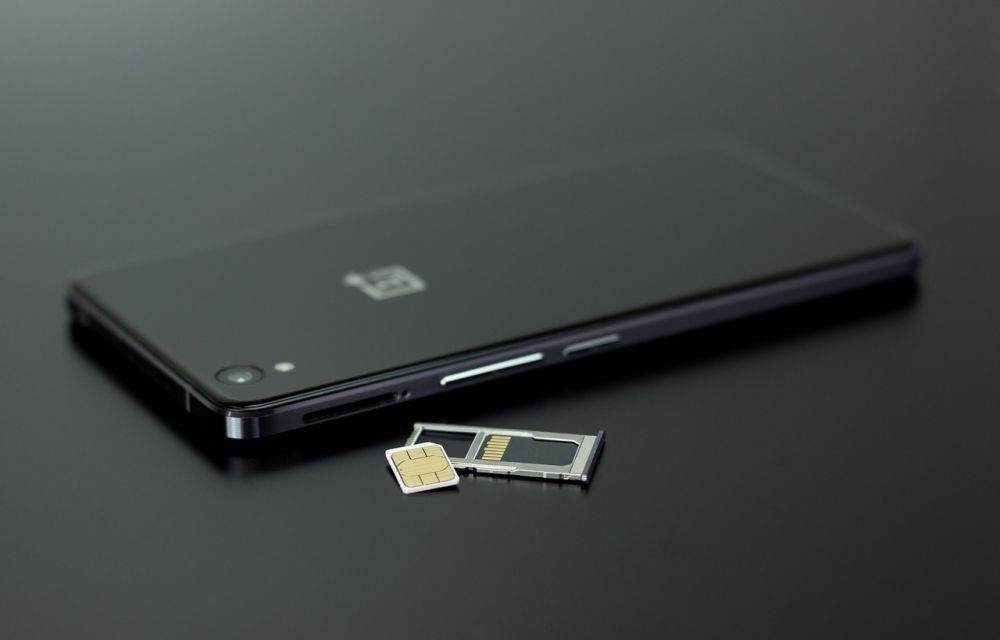
How to fix Android “not registered on a network” error
Android “not registered on network error” is a quite annoying problem when we try to insert the SIM card on Android device. It is the most common problem we usually see on Android-based smartphones. This error message pop-up when the user trying to make a call on the problematic smartphone. It happens when the device…

How to auto delete files in Downloads folder in Windows 10
As we all use computers in today’s life. It is obvious that we download lots of files on our systems. Since all the downloads are stored in the same folder, it can fill up a lot of space and make your computer slower. With time, the downloads number increases and all the files pile up…

How to permanently delete already deleted files in Windows
In this article, you will learn how to permanently delete already deleted files in Windows. Sometimes we delete files from our PCs, but who will ensure that the files are permanently deleted from your PC. Is it confusing? Maybe yes, but it is a fact that files that we delete don’t actually go away permanently.…

How To Fix Your Printer Has Experienced An Unexpected Configuration Problem 0x8007007e
There are lots of scanners and printers that we use these days. But, if you are an HP printer and scanner. There is a possibility that you might have faced error 0x8007007e on your computer. This is a very common error that often occurs with HP printers and Scanners. However, this is a minor problem.…

How to delete all particular files inside a folder in Windows 10
We all have computers these days, and they are quite useful in our daily life. However, not everyone is a computer expert. Most of the people out there know to operate computers according to their needs. But sometimes there are some faulty things that happen with computers. And, we can’t figure out how to handle…

How to get back the Google Search Bar on Android screen?
Google Search bar on the home screen allows you to search for queries on the go. This feature is available on the almost all Android smartphones whether it is a OnePlus or Samsung smartphone. It is a pretty useful search widget whoever use Google for finding information on the Internet. There are plenty of reasons…

How To Chat With Your Contacts In Mozilla Thunderbird?
When it comes to free email clients, Mozilla Thunderbird is considered as one of the best out there owing to its features and user-friendly interface. It allows users to integrate more than one mailboxes with SMTP or POP protocols. It is a lightweight email client known for one-click address book, attachment reminder, tabbed email, quick…

How to view full URL in Safari on macOS?
When Apple released macOS Yosemite in 2014, it came packed with multiple features to improve the overall performance and usability of the operating system meant exclusively for Apple’s Mac devices. Some of the noteworthy features of macOS Yosemite were Spotlight, Notification Center, Safari Mail and many other. It was a major macOS update that focused…

How To Open And Edit Remote Files From Google Drive In LibreOffice?
When it comes to alternatives of popular word processing software like Microsoft Word, LibreOffice is one of the best software you will come across. Not only it features powerful desktop tools but its browser option also packs some essential features to make it a worthy contender to online office suites like Google Docs. LibreOffice, the…

How to fix Google Chrome has stopped working error
Google Chrome is a very popular browser. It has many advanced features which are exclusive to the Chrome users. Sometimes unexpectedly Google starts crashing when we try to open. Usually, we get “Google Chrome has stopped working” and asks to close the program. It is an annoying situation when we try to browse something important…