

Guides
Enable Always On Top Behavior For Windows Using Window On Top
In work sometimes we need to keep a windows or program top of the all windows. But when you operate other windows your desired window automatically goes to background. This can be very unpleasant sometimes especially when you are doing some important job which needs reference from one window for another. You can get rid…

Use Google Fonts on Windows and Mac For Faster Web Browsing
Use Google Fonts on Windows and Mac For Faster Web Browsing: Collection of Google ‘s Open Source Web Fonts is available for the Windows and Mac.
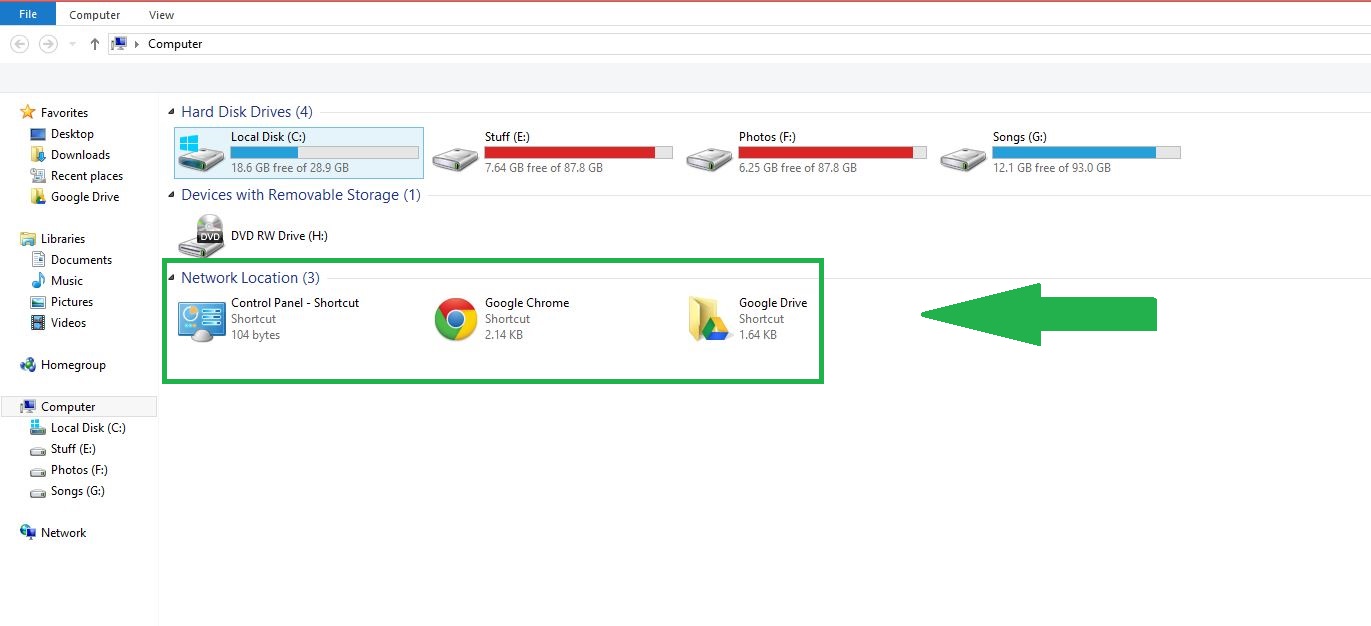
How to Add Programs and Folders to My Computer in Windows
My computer is an overview from which you can access all of the files, drives, and devices that are stored on the system. This is the primary and most often visited location on your system, and you can personalize it by adding the files and apps that you find most useful. It is a straightforward…
How to Download Your Entire Facebook Data
When it comes to social networks, Facebook is now among the most popular options. It is something that you engage with for virtually everything. In the event that there is a check-in, you will post it on Facebook. If there is a celebration, you are permitted to also share the live video. Nevertheless, you also…
Is daily Shut down is necessary for PC?
Is daily Shut down is necessary for PC?: Basically shutting down the computer daily is depending on the necessity of the user. It has its own pros and cons. Those who are concern about energy saving they can daily shut down the computer. Pros of Shutting down the computer Daily Computer consumes a large amount of power…

How To Install Incompatible Apps On Your Android Device
Is your favorite app is incompatible on your Android device? Some apps are visible in the app store but not compatible to install in some Countries. The reason behind this is the App developers can restrict apps to certain countries and devices. Reasons are many, but the end user is not enjoying the essence of the app.…
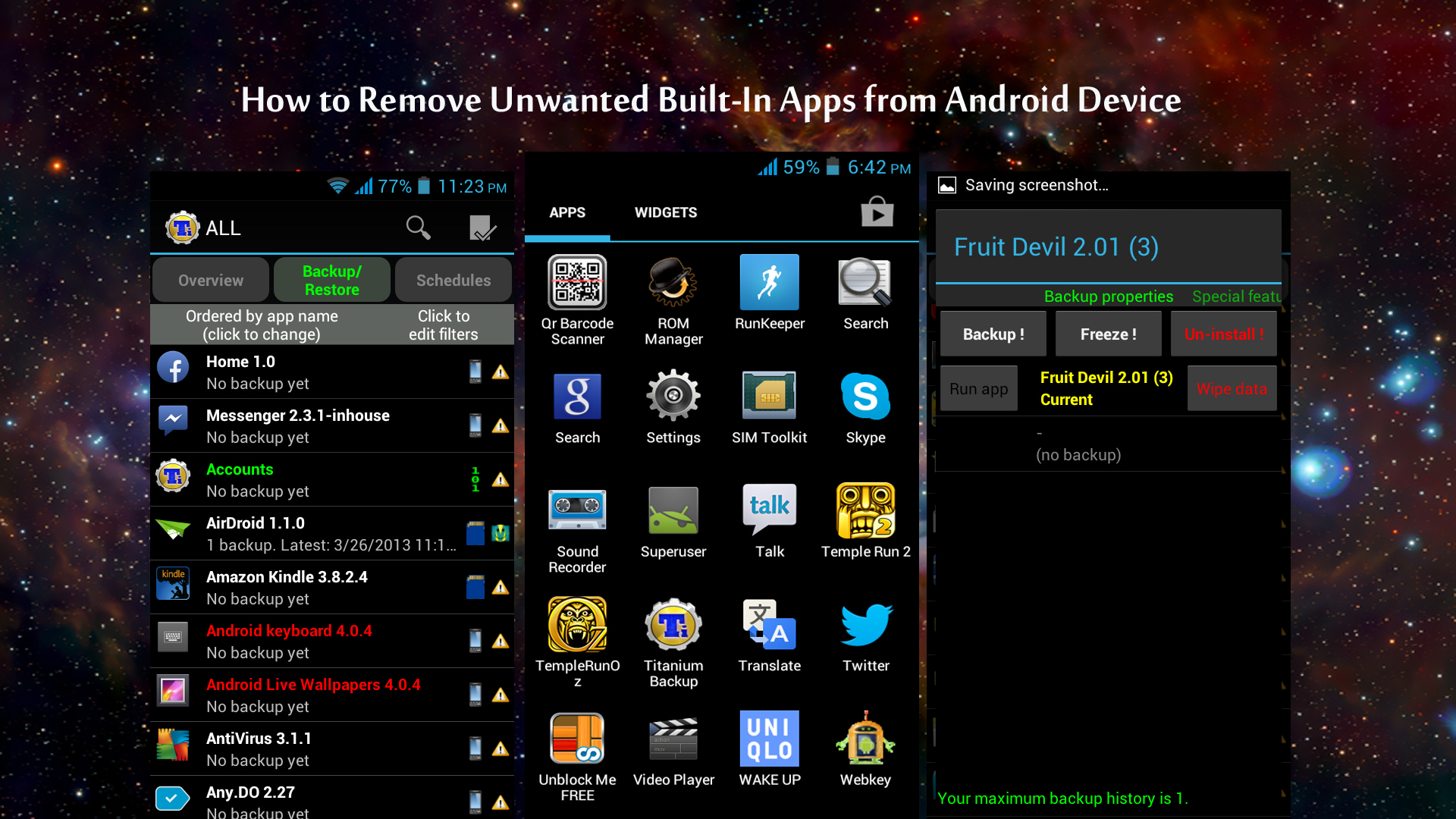
How to Remove Unwanted Built-In Apps from Android Device
Many smartphone manufacturers are installing their default apps and sponsors apps on their devices. Only a few of them are useful, and many are consuming a lot of space on your device without productivity. Nowadays every Android phone comes with built-in apps; most probably they are not required by regular usage. These apps consume a lot…
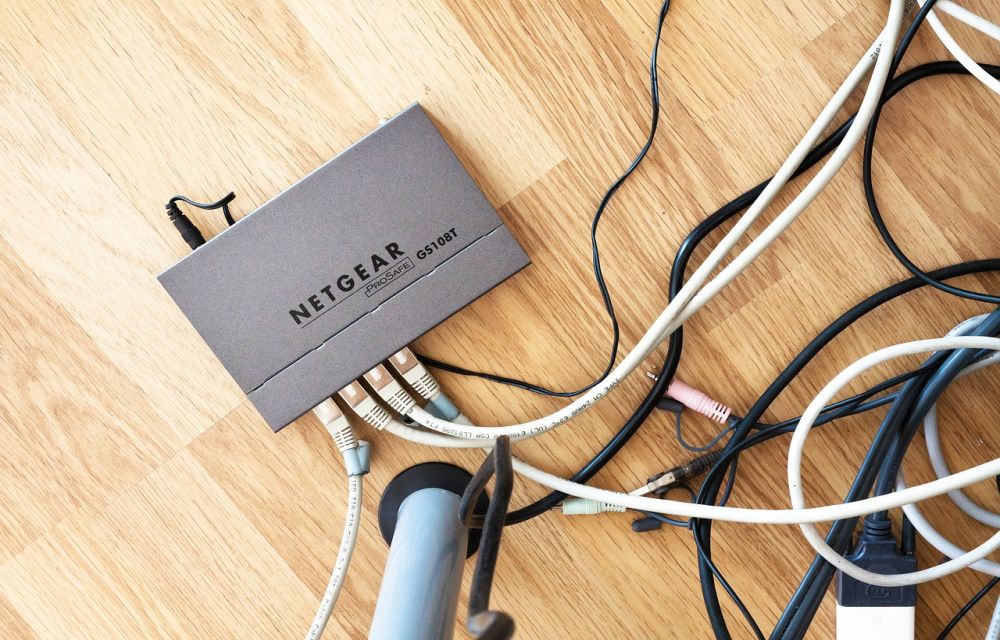
How To Improve WiFi Router Signal Strength
WiFi became an essential part of our life. Now we can see a WiFi router in every house for wireless internet connectivity. It is evident that WiFi router comes with a limited range support based on hardware. It is frustrating when we receive poor WiFi signal even it is placed in an open location. If…
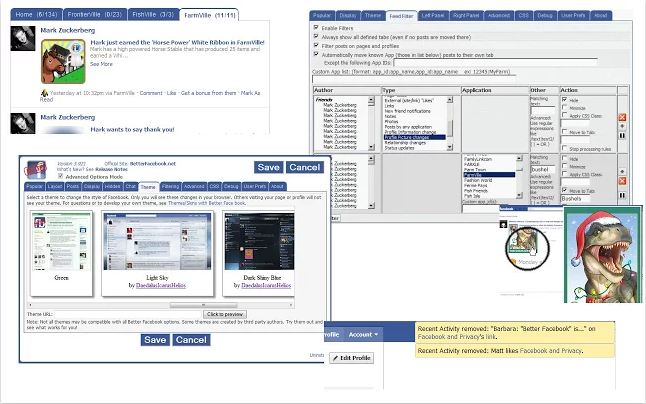
Customize Facebook for Free In Chrome using Social Fixer for Facebook Extension
Facebook is the most active social media network in the World. We daily see some minor or major updates regularly on Facebook. Sometimes the features may be annoying to some users. If you are regular Facebook user and you, want to customize your Facebook try Social Fixer for Facebook. It is a Google Chrome Extension with…
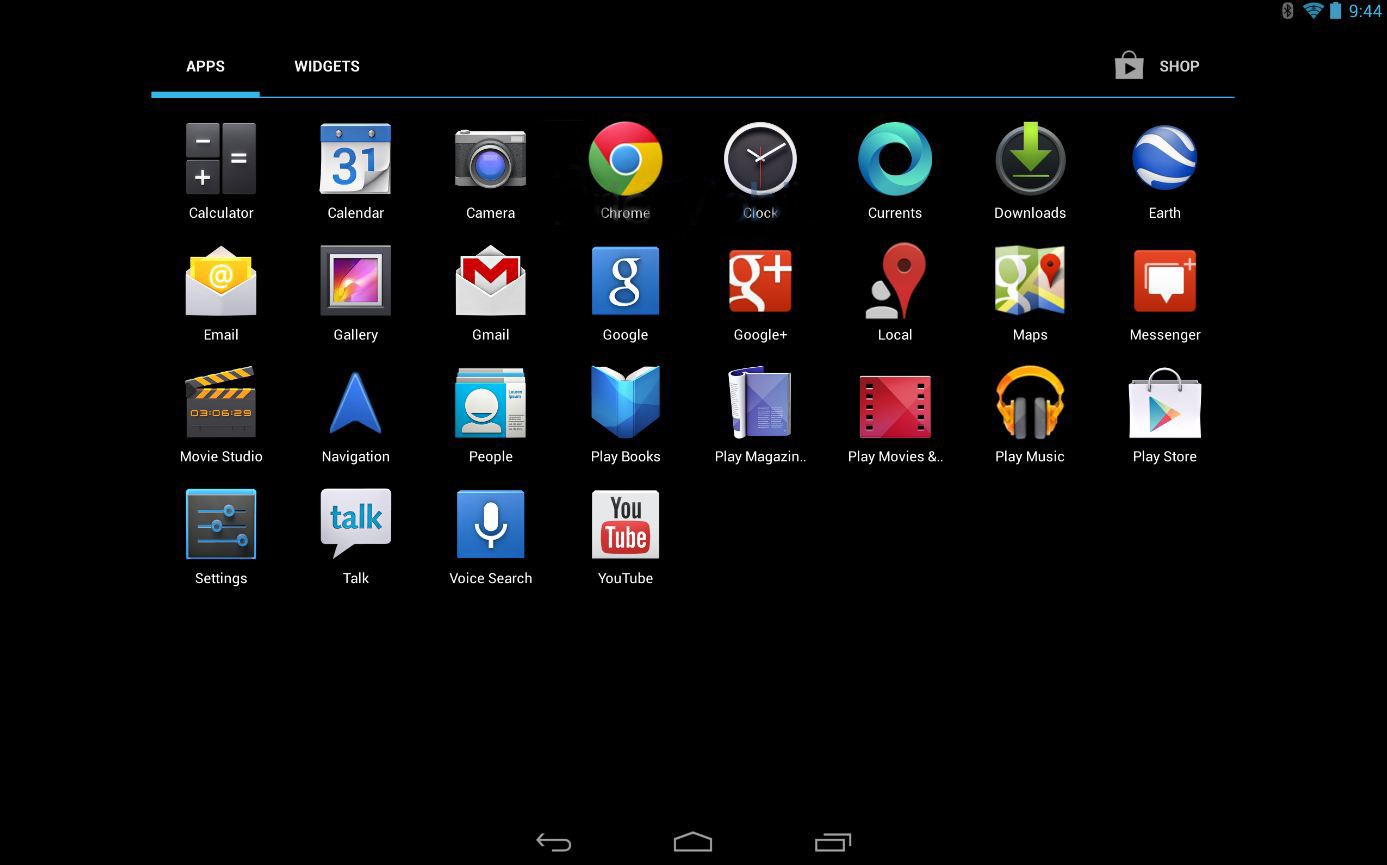
How to Take a Screenshot on Android
In the early days of Android OS, we required some special access or may be the root privileges to take a screenshot on Android. However, those days are gone. We can now take a screenshot on Android by a variety of ways possible. How to Take a Screenshot on Android: Taking Screenshot of your Android…

Unroot any Android Device using Universal Unroot
Unroot any Android Device using Universal Unroot: There are a lot of reasons why people want to unroot their device. The reason may be Loose of warranty, Malicious Software or poor performance of device due to the software error. You can easily unroot your device in one click using Universal Unroot. Install the app from…

How To Apply Android Like Pattern Lock Screen To Windows PC
Everyone wants a secure method to protect their laptops and desktop PCs. We can secure a PC in so many ways, installing Antivirus to protect from viruses etc. How you physically protect your device from enemies, maybe one of your known ones want to steal your data. You can secure your system by applying Android…