

Guides
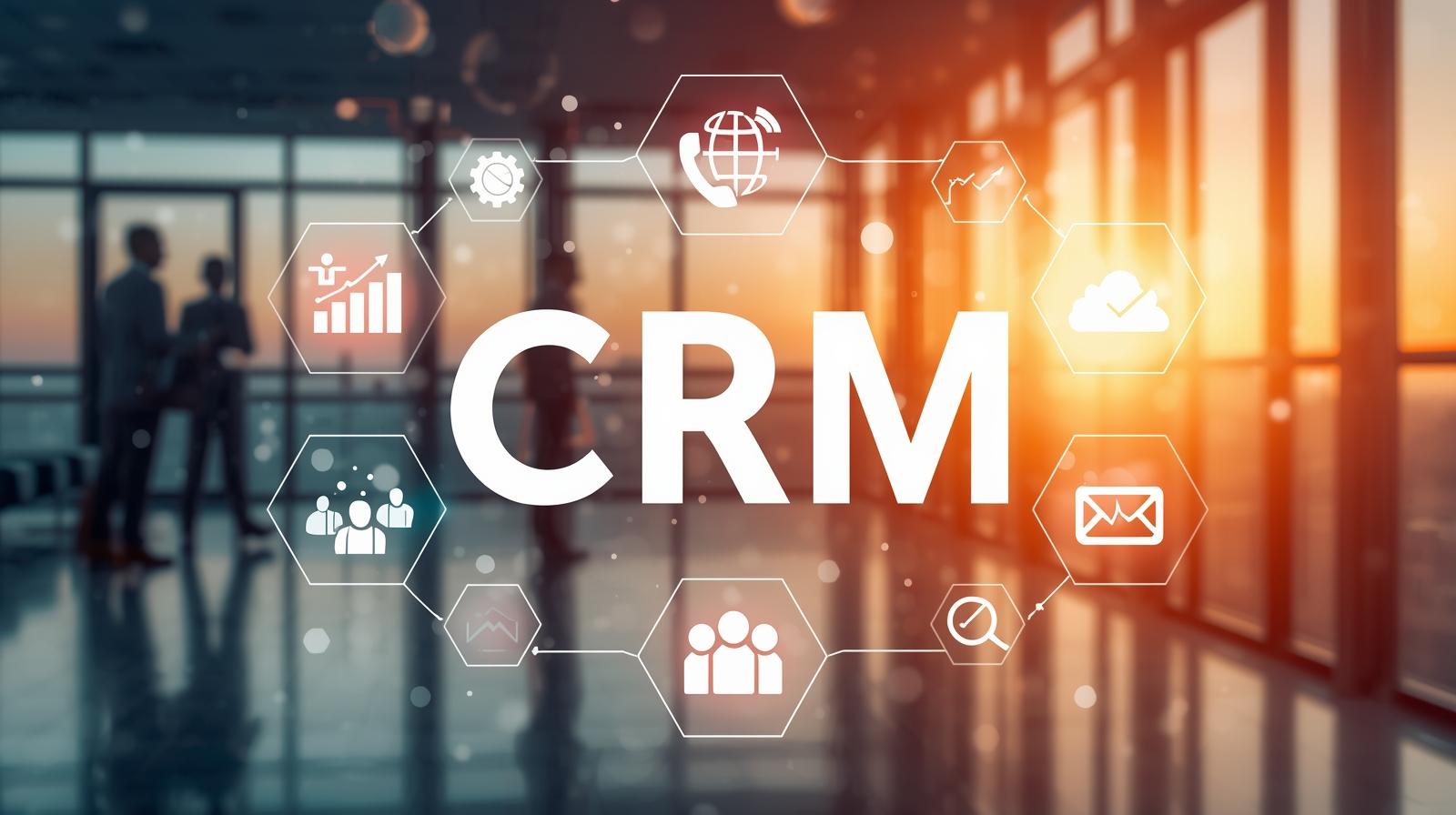
Top 5 CRM Software for Sales and Customer Management
CRM stands for Customer Relationship Management, is a tool that is designed to help businesses to organize, track and manage customer relationships more effectively. It acts as a central location where customer data like contacts, interactions, purchase history, and preferences are stored which helps in personalized engagement and data driven decisions. CRM timeline CRM has…

Top 5 Email Marketing Software for Business Growth
I never thought a random trailer scroll would lead to a sold-out family movie night. Few months back, one evening on my favorite ticketing app, I stumbled across a trailer for an upcoming blockbuster. The visuals, the plot twist in the first 30 seconds grabbed me, and without much thought, I tapped “Interested” and watched…

AI Ate My Traffic: Welcome to the GEO Garden
The Day I Stopped Clicking (And Why You Will Too) Lately, whenever I search on Google, I don’t really “browse” anymore. I type a question, and before I can even blink, an AI overview powered by Gemini hands me a ready-made answer—neatly summarized, step-by-step, almost like a teacher who has already read the whole internet…

From Seed to Storm: How Content Goes Viral
These days, everyone’s trying to get noticed online. The brands that succeed are the ones that get their stuff in the right spots. That’s what seeding is all about in marketing. Think of it like a gardener who picks a good place to plant seeds, waters them, and keeps the weeds away until they…

Unlock Google Gold: SEO Secrets for Beginners
Want to know how some websites always show up on Google while others don’t? If you want lots of free traffic, getting good at this stuff is super important because almost no one looks past the very first page of results. Think of it like this: Google is a super-fast librarian that looks at…
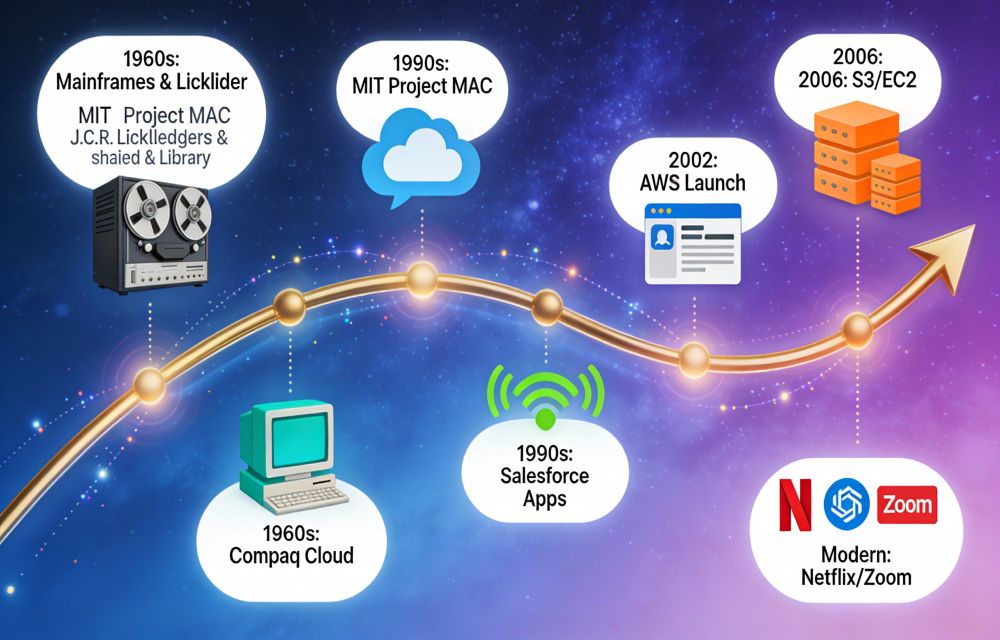
Cloud computing-From Sci-Fi to Everyday Magic
Cloud computing is a model that delivers computers, storage and services over the internet without owning a machine. Imagine renting a car instead of buying one—you get instant access to a vehicle (storage, servers, and apps) over the internet whenever needed and pay only for your drive time- no garage, zero maintenance, and no upfront…

What’s Really Working on Instagram?
Instagram is changing fast, but one thing stays the same: content that feels relevant, human, and binge-worthy wins the algorithm and the audience. To grow reach and engagement, creators need a mix of smart research, strong hooks, and formats that keep people on the platform longer. Start with an honest audit Begin by researching what…

How to Play PS2 Games on PC: Complete PCSX2 Setup Guide
Want to play PS2 games on a PC? The short answer: install the free PCSX2 emulator, give it a BIOS file dumped from your own PlayStation 2, and load your game, either straight from the original disc in a PC DVD drive or from an ISO you ripped from that disc. That’s the complete recipe,…
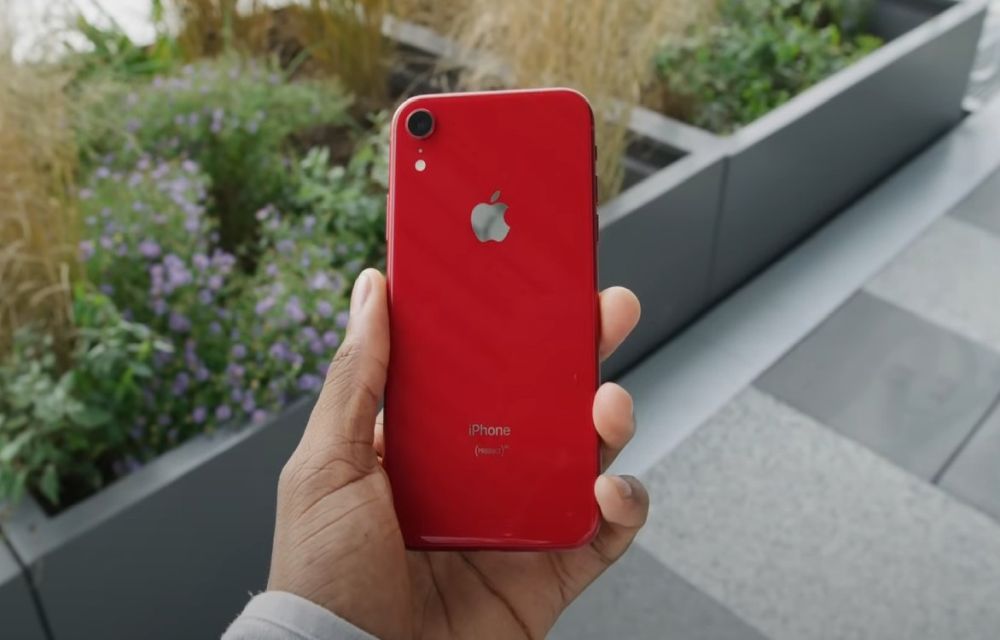
Can’t Update iPhone XR? Try These Fixes
If you are unable to update your iPhone XR, then you are in the right place. Running into update errors on an iPhone XR is more common than it should be, and it usually occurs due to 3 reasons: not enough free space, a partial download that got stuck, or the wrong update channel selected.…

How to Fix Software Update Failed on iPhone?
An iOS update can fail for simple reasons like low free storage, slow internet, VPN/firewall interference, or a partially downloaded update file stuck in storage. The fixes are straightforward, clear residual update packages that free up space, and if over‑the‑air keeps failing, update via a computer using Finder, iTunes, or the Apple Devices app. Why…
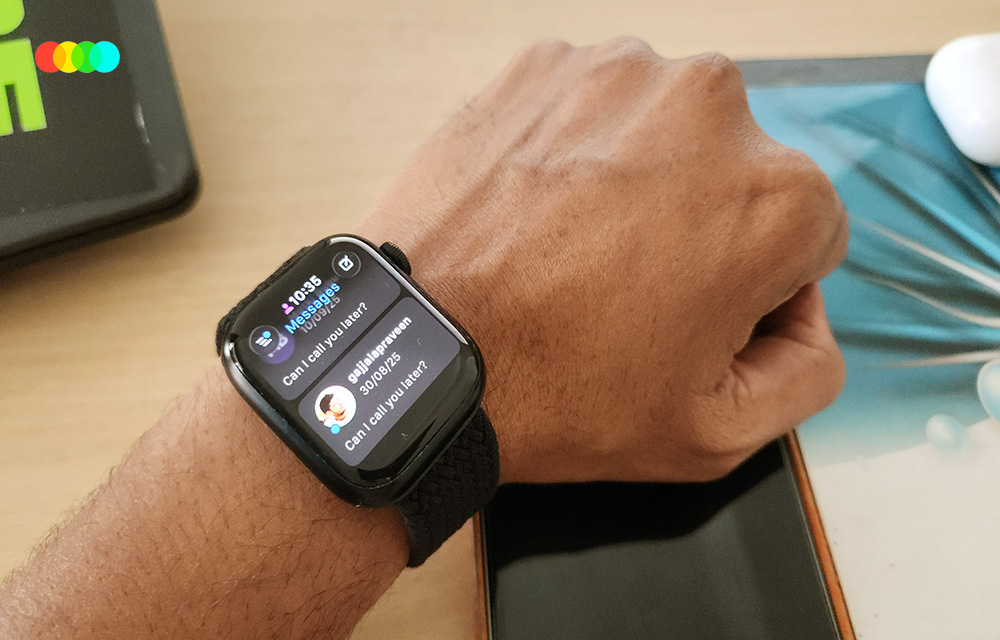
How to Fix Reminders Not Syncing on iPhone, Mac and Apple Watch
Reminders sync between your iPhone, iPad, Mac and Apple Watch through iCloud. When they stop syncing, it’s almost always because Reminders is turned off in iCloud on one device, the devices are signed in to different Apple Accounts, or your reminders are saved to a non-iCloud list. Check those three things first and most people…
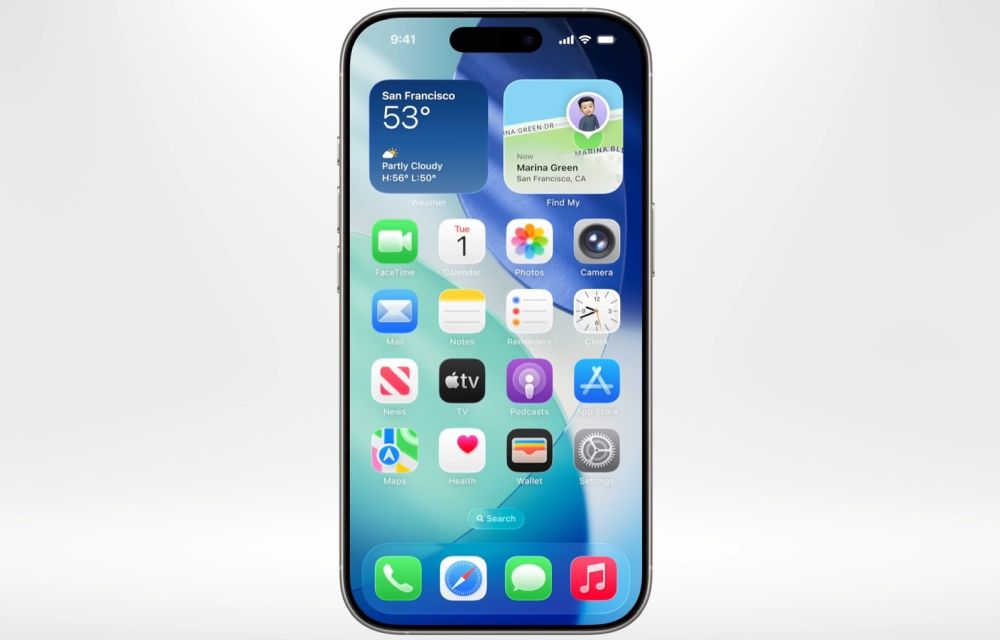
Worthy features of iOS26 (Transparent feature not included)
iOS 26 is designed as a meaningful step forward for iPhone, focusing on intelligence, communication, privacy, and small conveniences that add up in daily use, while skipping the transparent UI talk here by design. The release blends on‑device Apple Intelligence with thoughtful app updates like Phone, Messages, Photos, Safari, and Notes to make routine tasks…