

Guides
How to Change Windows 10 Username
Windows 10 usernames allow you to have an identification for your own account especially when multiple people use the same device. It is more than just separating accounts. The usernames are used all over the OS to categorize, perform, and schedule several tasks. So, the username you set during the Windows 10 installation is somewhat…

Getting Study Help Online: How to Choose Reliable Platforms
These days, learning has become much easier with AI. AI can help you understand topics quickly, break down complex ideas with examples, and speed up your study process when you are short on time. But even with all the progress in AI, books are still one of the best ways to learn deeply and build…

How to Voice Record on Windows 10
There are several ways to record your voice on a Windows 10 PC. You can either use third-party software or depend on the inbuilt feature Windows 10 coming with. Either way, you will be able to record your voice as long as you have a working voice input device connected. If you are using a…
How to Clear Windows Cache
Yup! just like your browser, your operating system also stores files/parts to make it seamless for you to use the environment. Caches allow Windows to make sure that it can deliver the fastest responses by serving them from the cache instead of accessing them from the location or performing a certain operation over and over…

How to Download Zoom on Windows
Zoom is one of the most popular video conferencing applications today. If you mostly make use of your computer instead of your smartphone for video conferencing, you might want to install it on your Windows PC. This makes it much convenient to make video calls without having to depend on your smartphone even while sitting…

How to Create a Local User Account in Windows 10
Windows 10, like any other computer operating system, has the ability to provide multiple user accounts. You do not need to purchase a separate PC for everyone in your house. All you have to do is creating local user accounts that will create separate working environments for every user. One user will not be able…
How To Fix Windows Defender Won’t Start In Windows 10
Windows Defender is a default security program to fight against threats like Virus, Spyware, Malware, Trojan and many more on Windows. Due to some unknown reasons, the Windows Defender may fail to start with the Window sometimes. Technically, there are some reasons behind the issue and in this article, we will discuss how to fix…
How to Find Windows 10 Product Key
If you want to activate your Windows, you need a product key. Not only in the latest version of the Microsoft OS. But a product key (in some form including digital license) is necessary to activate any previous versions as well. It allows preventing unauthorized access and piracy of the most popular computer OS the…

How to Find the Version of your Windows 10 Installation?
If you don’t know which version of Windows 10 you are currently using, you can follow this guide to find it out. There are several situations you may need to know the version of the current Windows 10 installation. For example, to find the correct drivers for your graphics or other hardware without facing compatibility…
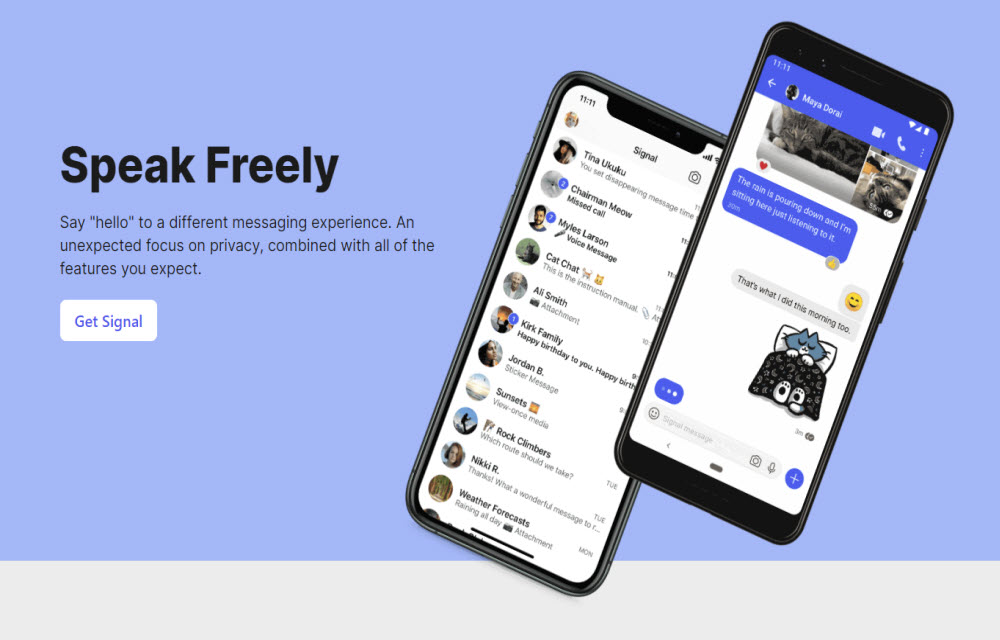
How to Transfer Your Signal Account to a New iPhone
When you upgrade a new phone, there are plenty of things you need to take care of. Mostly users worry about transferring existing data to the new device. One of the most important things is migrating important conversations in the messenger app to a new device. One such important and popular messenger app we are…

How to Add Python Path to Windows 10
Python doesn’t need any introduction. Being one of the most used programming languages in the world, Python is working on almost all of our devices in one way or another. When you want to start programming in Python, it is necessary to make sure that it is currently installed and ready to run Python scripts.…

How To Use Signal App?
After the upsetting WhatsApp privacy policy update, many people ditched the WhatsApp and moved to the other alternatives. One of the best alternatives to the WhatsApp in terms of privacy and security is notable “Signal” app. The signal is well known for its privacy features. Also, the app became much popular with the Elon Musk…