

Guides

How to Change Windows 10 Password
Windows 10 passwords protect your system from unauthorized access. Being a highly versatile and feature-rich operating system has its own disadvantages. Providing all those features leniently sacrifices some security aspects. So, in order to help Windows 10 to secure your computer, you should have a password in place, So no one can get access to…

How to Download and Setup iTunes in Windows 10
iTunes is a great media manager not only for your Mac but also for your Windows 10 system. With millions of songs and artists to choose from and the abundance of features you can make use of, iTunes is the perfect media manager you can ever dream of. If you still haven’t downloaded iTunes on…

How to Turn Windows 10 Airplane Mode ON/OFF
You might be familiar with the Airplane mode on your smartphone. It is no different on Windows as well. It simply prevents any wireless communication such as connecting to the internet, turning on Bluetooth, GPS, NFC, etc. If you want to turn on the Airplane mode while traveling, or just want to turn it off,…
How to Activate Windows 10
Activating Windows 10 is a necessary thing to get rid of that activation message. If you are using the Pro or Enterprise versions of Windows 10 that comes with additional security benefits and features, activating it will let you make use of it. As Windows 10 standard version is available for free at the moment,…
How to Clear Windows 10 Search History
In certain situations, you may be required to clear the search history on your Windows 10 OS. Whether it is to make the Windows 10 search faster or for some other reason, clearing it or completely disabling it is very easy. You can follow the steps we mentioned in this guide to clear the search…
How To Fix Google Chrome Not Showing Most Visited Sites Thumbnails
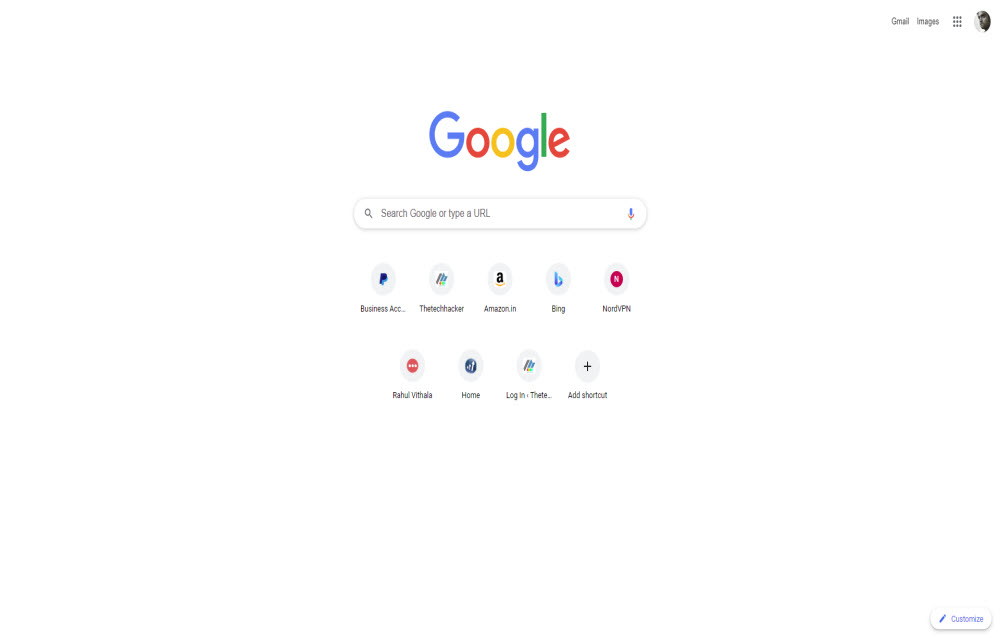
Latest advanced browsers show most visited sites as thumbnails when you open the browser. Google Chrome is one such browser which has many advanced features with a clean interface. Chrome has support for showing thumbnails for most visited sites. Whenever we launch Chrome it shows the most visited sites as thumbnails to easily open them…

How to Choose the Perfect Television?
Choosing the right TV for your home or office can be difficult. With hundreds of models reaching the market every year with new technologies and mindblowing features, it is understandable why you are confused. From the cheap and affordable smart TVs to the 8K Ultra QHD televisions that can express each one of those pixels…

How To Fix Google Meet ‘Camera is Off’ Error
Google Meet is a great video conferencing app and a strong contender to the Zoom. Technical errors are most common in apps and Google Meet also has some unwanted errors. The most common one is Camera is off error in the Google Meet. It is quite frustrating when you start a video session and suddenly…
How to Mute and Unmute On Zoom
We all know Zoom is a very popular conferencing app in the year 2020. Many businesses, educational institutions have adopted the online conferencing working style to avoid COVID-19 exposure and Zoom is their favourite choice as a conferencing app. Previously we have written very detailed Zoom conferencing app guides like enable end-to-end encryption for Zoom…
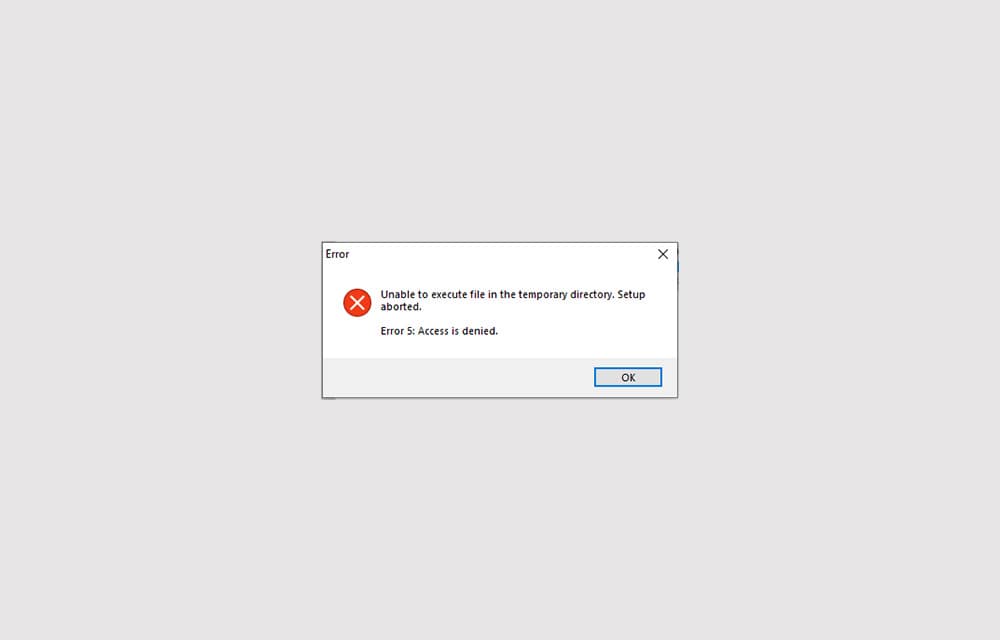
How to Fix ‘Error 5: Access is denied’ in Windows 10
Error 5: Access is denied is an error that shows up when Windows doesn’t have enough permission to perform the operation. Usually, the error is related to the Windows directory permissions and can be fixed by setting the correct permissions or giving access to the user to perform the action. In some other cases, the…

How To Fix Steam API DLL Missing Error In Windows 10
Steam API DLL missing error is a most commonly occurring error for Steam players. This error will come due to the missing file of Steam API in the DLL files library. This is a quite annoying error for serious Steam gamers online. This error appears when a user launches the Steam app and it will…
How to Turn Off Login Password in Windows 10
Securing your computer with a password is one of the most important things you should do. Especially if the system holds your important business documents and personal details. However, sometimes, you may not have such important things that you want to protect and need quick access to the OS without waiting for the login screen.…