

Guides

Best Places to Host Images for Websites
There are several places to host images for websites. For example, you can host them simply on your server, or on your cloud storage. But which is the best option for the best speed and security of your images as well as the website? Well, we are going to discuss that in this article. Why…

Where to Host your Images for an HTML Email?
Sending an HTML email is quite easy using the abundance of email services out there. However, hosting the images to be used in those HTML emails is not that easy, or at least most of you are confused about it. This can be critical for those who frequently send newsletters to their audience or targetted…

How to Host Images on Google Drive?
Hosting your images on Google Drive will let you enjoy the freedom of not paying for the image hosting services (at least until the 15GB usage limit.) So, Google Drive is a good place to store your important images, website images, or whichever image that you want to host for free. If you are running out…

10 Best Software to Fix Wifi Problems in Windows
I wish that things are sometimes very simple, especially on my PC and smartphone. It’s true that most stuff today is very simple to do, but if you didn’t know, your WiFi can also create some complications that need to be fixed. Also, it’s not just turn on your PC and hope that internet will…

How to Open SIM Card Tray Without a SIM Tool
Nowadays smartphones are coming with tray systems. In the past, we need to open back cover, remove the battery to change the SIM card. To open back panel we need to turn off the mobile, which is a pretty time taking the process for SIM change. Now the system is much advanced and the SIM…
How to Stop Google Play Store Auto Updating Apps Over WiFi
Have you ever faced a situation where you turn on WiFi after a long time and Google Play Store start updating installed apps continuously? This situation is irritating and consumes all the bandwidth while updating apps. Keeping the apps updated is always a good thing. But not that likeable in every situation. Sometimes, you may…
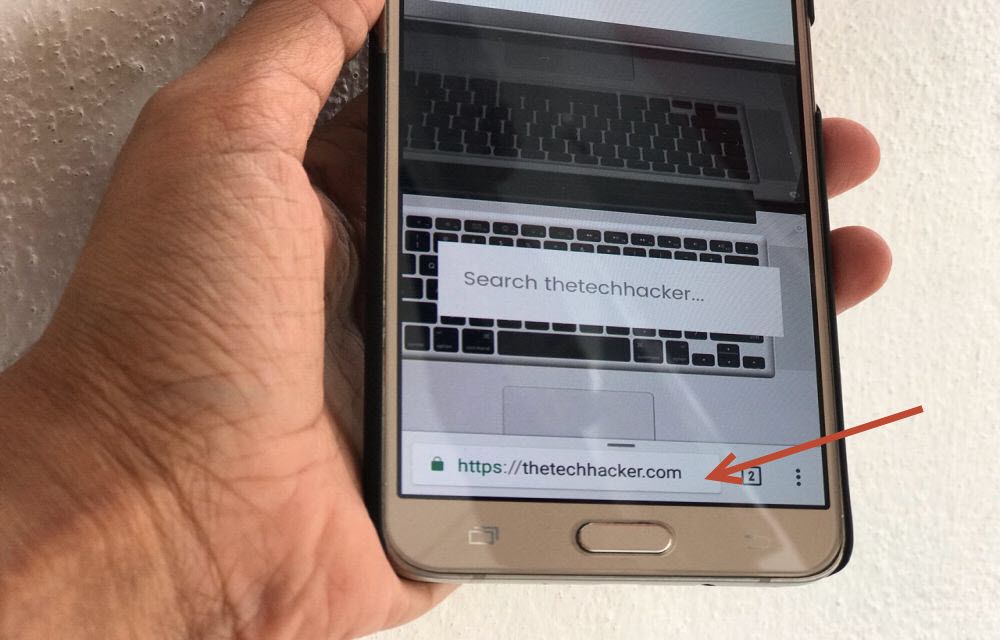
How to Move Chrome Address Bar to the Bottom of the Screen in Android
Operating a browser on a small screen is irritating. When it comes to 5.5-inch traditional size smartphones, accessing the browser address bar using one hand is a hefty job. If you are using a single hand for navigating the device, it is painful to access address bar by adjusting the phone in hand many times.…

How to Disable AutoPlay of Videos in Google Chrome by Default
Facebook, YouTube and almost all video file supporting web services enabled autoplay of videos. They may find this feature as user convenience, as the user scrolls down all video content start playing automatically. But for some users, especially for those who don’t have enough data to play all those videos and carefully browsing the internet…
What is Setapp? And How It Works?
This article is purely for the Mac app lovers only. As a Mac user, I know the struggle for paying a hefty amount for each app. Each app in the Mac store is a gem and works like charm. If you start buying each required app, you will end with a depleted bank balance. What…

How to Fix SIM Card Not Detected Error on Android Phones
Sometimes we get SIM Card not detected error on Android phones. We usually get this error when we place new SIM card in the slot. This issue is commonly due to SIM card fitting in the slot. Mostly if the SIM slot not properly inserted we get this error. In these cases, we get irritated…
How to Fix Printer Offline Problem in Windows 10
Sometimes you will get printer is offline message on your Windows 10. Although both your PC and Printer are in the online state, due to some communication error, the printer will appear as it is still in the offline state. If you are faced printer offline problem in Windows and looking for a fix, this…
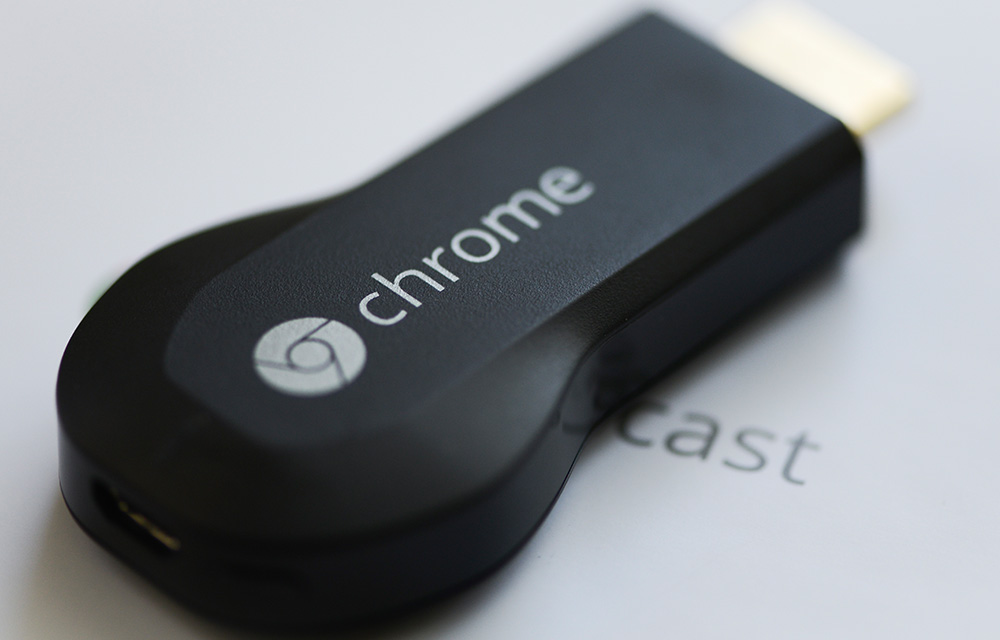
How to Set up Guest Mode on Chromecast
Chromecast guest mode allows users to cast their favourite media to the Chromecast without any complicated setup. During a gathering, you or your friends can show off their favourite videos to all of the people in the room. All you have to do is setting up the guest mode on the Chromecast as a host…