

Guides
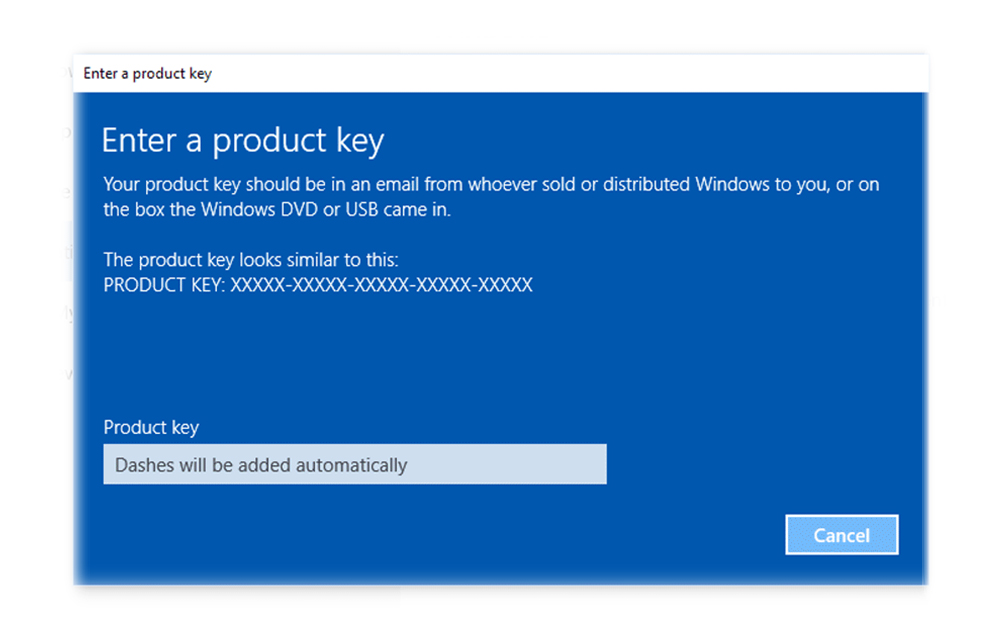
How to Remove Windows Product Key and Use It on a New Computer
If you are planning to upgrade your PC or if you want to reinstall the windows on another computer, you might need an extra activation key to activate the windows OS. But, why should you do that when you already own a windows product key? You can uninstall windows product key and can use it…
How to find Out Battery Usage of Apps in Windows 10
Windows 10 is a nice workplace to fulfill the needs of the modern day users. Like the previous versions of windows, Microsoft pulled this OS too to the top of the popularity peak. Millions are using the Windows 10 for their daily needs apart from all other operating systems. Being the follower of the Windows…

How To Always Run PowerShell As Administrator In Windows 10
Windows PowerShell is a useful option that comes pre-packaged with the windows 10. As it is a very useful feature that can help the users to get access to many restricted areas and to tweak windows. But, for this all, running the PowerShell as an administrator is necessary. There are also several other occasions where…

How to take screenshot on Mac
Taking Screenshot of the Mac screen won’t be familiar to you if you are new to Apple products. So, we are sharing some of the methods to take screenshots or snapshots on mac. Follow the simple steps given below to do this effectively. There are several ways available to take a screenshot on Mac. These…

How to Take Screenshots in Motorola Moto G3
Motorola Moto G 3rd generation smartphones are being a wave on the smartphone market with the amazing features and the build quality. The users started to love the new member of the series after the Moto G 2nd generation. Have you ever wondered, how to take screenshots in Motorola moto g3? if you’d so, we’ve…
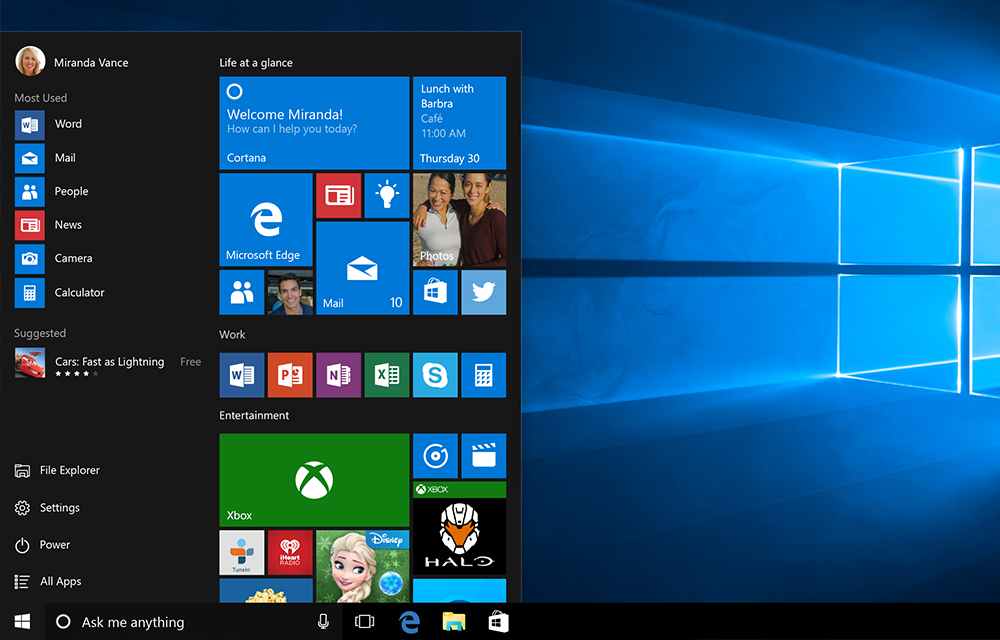
Make Windows 10 To Run Faster Finally
Windows has been existing for just over two decades in the consumer market, from entry level computers to high-end computers. The secret of Windows to be popular is being flexible, customizable and comprised with rich contents compared to other operating systems. In addition to the aforesaid traits, Windows is also quite good at performance with…

Let your First Laptop be the Best: Laptop Buying Guide
It can be said that buying a new laptop is also a kind of investment. Some people prefer laptops for their studies, some for their business and some for other personal needs. But whatever the usage is everyone is seeking for the best laptop. In the initial days there were only a few brands and…

Make money with Shortest URL shortner – Review
The reason I am writing this review is shorte.st makes money, it makes instant money, and it does not need you to have a degree in anything to make money online.

How to Transfer Paytm Cash to another Paytm Account
Want to transfer Paytm Cash to another Paytm account? It is far easier to do so by some simple steps. If one of your friends asked for some paytm cash to recharge their smartphone, don’t hesitate anymore. Just follow the simple steps instructed in this article to do so. We will be using the Paytm…
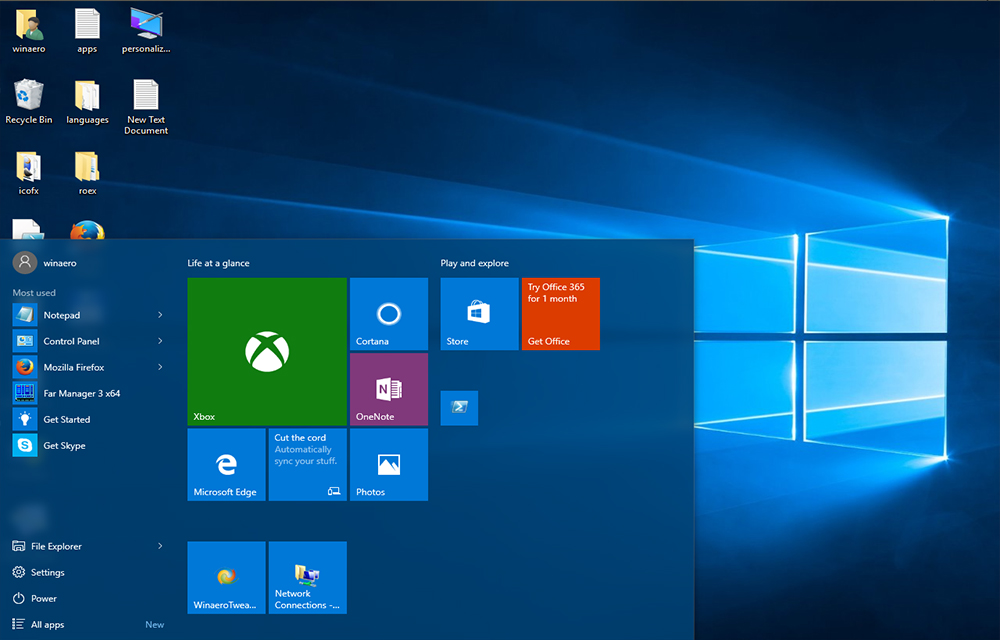
How to Add Website Links to Windows 10 Start Menu
Thanks to the Microsoft for bringing back the Charming start menu in Windows 10. Alongside numerous existing features, Windows 10 start menu comes with a lot of new addition. Such a noticeable addition is that the users can now pin their favorite websites to the start menu to quickly access them. This feature will be…

How to Move Unity Launcher to the Bottom of Screen in Ubuntu 16.04
Ubuntu 16.04 is coming with a lot of improvements when compared to the older versions. One of the most noticeable feature change is that the Unity Launcher now can be moved to other positions than the default left side. This made it little more wider to customize the OS which was cursed for the limitations in…

Useless Websites on the Internet (They are also Funny)
Feeling bored? Want to kill time? Here we are sharing some of the useless websites on the internet that are built for nothing! There is no use for them other than killing some time in a funny way. So, we’ve listed some of those useless websites that we found so far and listing them here.…