

Windows
All Windows software's, apps and tips can be found here. If you can’t find a topic in here, use the Search box.
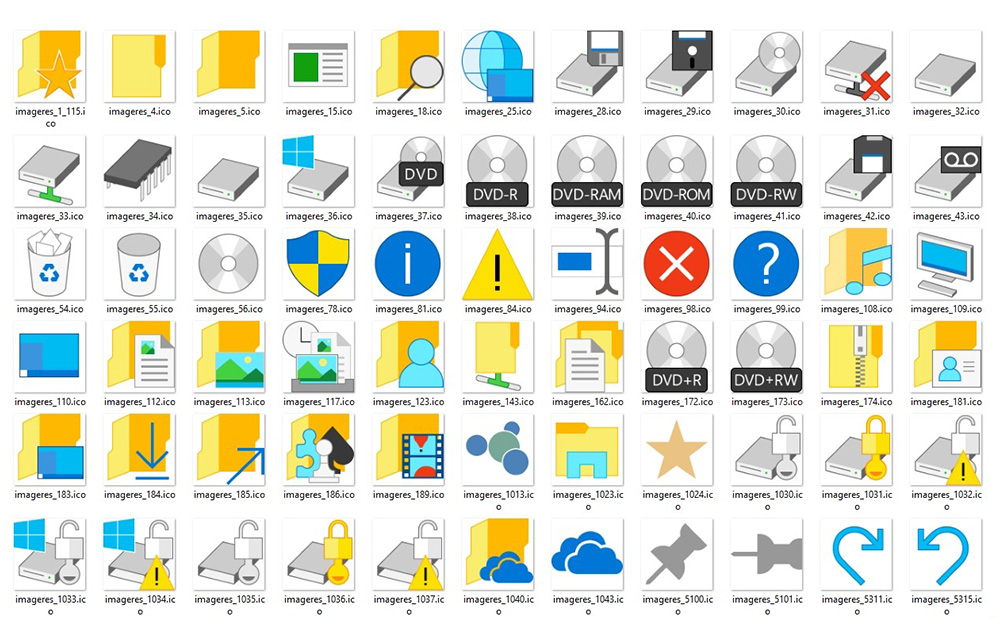
How to Change Icons in Windows
Changing icons can greatly impact the look and feel of your Windows PC. So, everyone trying numerous customization and tweaks on their OS. If you are one of them who gives importance to the design of your windows, you might consider tweaking icons of your OS. Not only the desktop icons can be changed, but…
How to Enable God Mode in Windows
God Mode in Windows, or also called the Windows Master Control Panel shortcut is one of the hidden gems inside the OS. Enabling the God Mode in Windows will provide you the access to almost all administrative tasks which couldn’t be done by normal permissions. It sorts out all the management features of the OS in a…
How to Uninstall Cortana
Cortana is a virtual and personal assistant developed by Microsoft. This features enabled with Windows 10 Operating system as a default feature. Recently I stumbled the Internet and many people searching for “how to uninstall Cortana.” Reasons are many for uninstalling Cortana, it is mainly due to some security reasons. To serve you better, Cortana…

How to Access Windows 10 Startup Folder?
Windows is a convenient operating system; you can access to any file or folder without running commands. Are you want to open Windows 10 Startup folder? Searching start menu for the folder? The startup folder option is removed from Windows operating system from Windows 8 version.
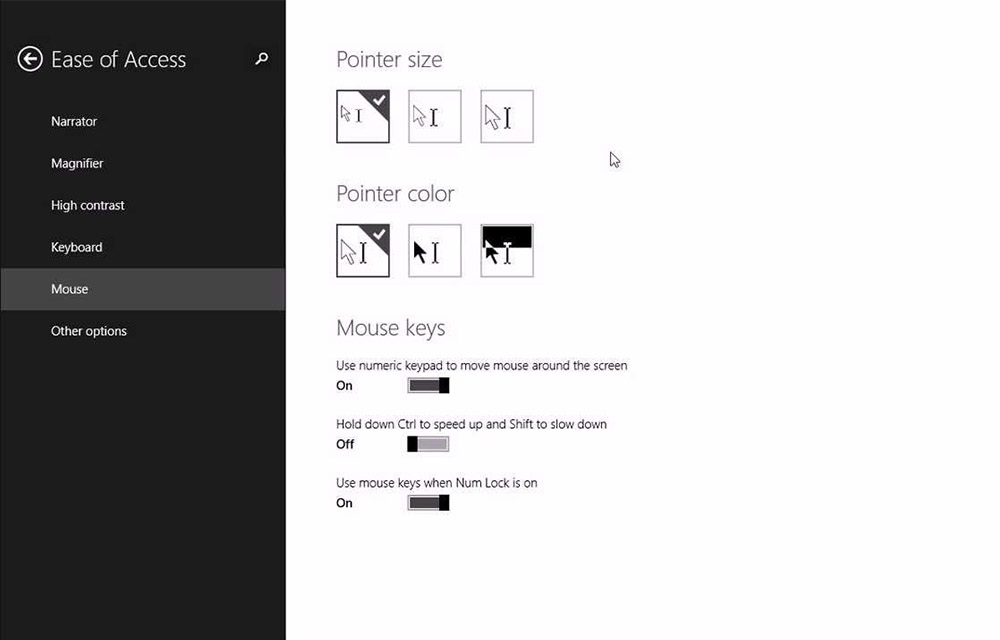
How to Move Mouse Cursor with Keyboard in Windows
There might be some situations where you are not able to use your mouse cursor to control your PC. Either it is a mouse malfunction or a port issue, you will be no longer able to use the mouse on the computer. In such situations, there is a nice way to control the mouse cursor…
How to Disable Fast User Switching in Windows 10
The Fast User Switching in Windows 10 is a good feature that allows switching users without interrupting the operations of the current user. The user will stay logged in, and all running applications will keep running even if the new user is working on the same computer. This allows to use the PC for multiple…
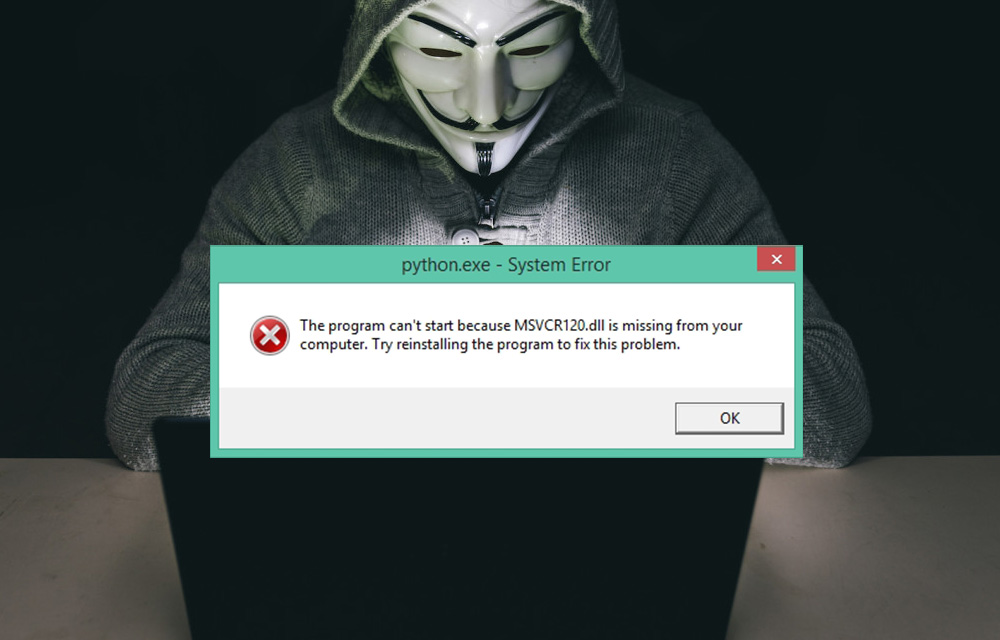
How to Fix MSVCR120.dll is Missing Error in Windows
DLL files are essential in your computer to perform tasks and functions. Missing files will create problems like they won’t run specific programs and sometimes you can’t even install a game or program in Windows if any particular DLL file is missing in your computer. In the past, we discussed the fixing procedure of Mss32.dll…
Facebook Gameroom- Really a Steam Competitor?
Some of those people who really spend a lot of their time playing Facebook games will never understand what I mean. Okay, I get it right that you spend countless hours playing Candy Crush Saga, 8 Ball Pool on Facebook. But what does it give back to you? I guess nothing. I have never heard ever…

How to Take a Screenshot on Windows 10
How to Take a Screenshot on Windows: In today’s world with smartphones everywhere, taking a screenshot isn’t really a big deal. Many of us know how to take a screenshot on our phones, but don’t know how to do it on a Windows PC. Why take a screenshot you ask? Well, there are some reasons…
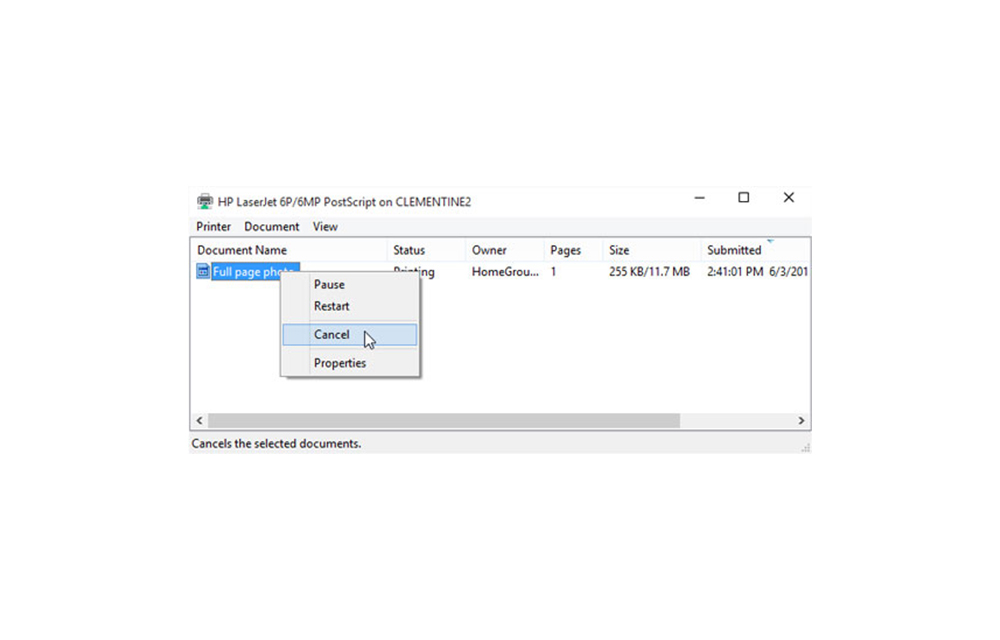
How to Delete Pending Print Jobs
Pending print jobs can create problems sometimes. If you have a long list of files to print and some of them run into errors, the pending print jobs quickly become an irritation. In many offices, this problem is most common when there is a long print queue. If you don’t clear it in time, it…

5 Best Download Managers for Windows
When it comes to web browsers, we have many options today. However, everyone has probably experienced this that even some of the most famous web browsers such as Mozilla or Google Chrome cannot fully satisfy the management of downloads. These web browsers are often lacking the resume download feature. And for this reason, you can…
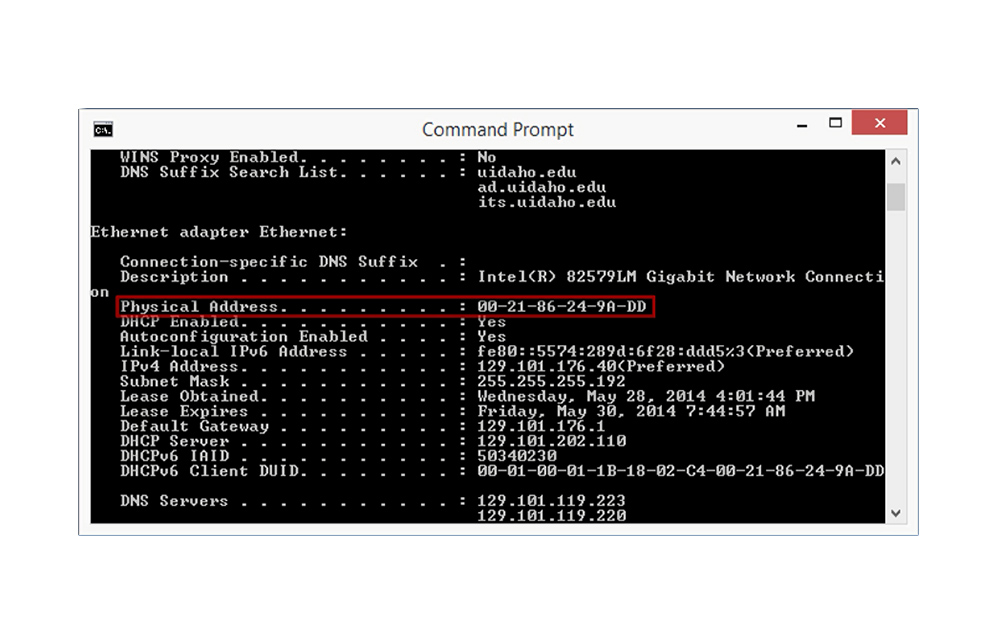
How to Get MAC Address in Windows
The MAC Address stands for “Media Access Control.” This address is a unique identifier that is assigned to network devices. It is mostly referred to as the physical address. The MAC addresses are 48-bits or 6-byte when it comes to length. They are written in the format of MM:MM:MM:SS:SS:SS. Here, the manufacturer’s ID number are the…