

Windows
All Windows software's, apps and tips can be found here. If you can’t find a topic in here, use the Search box.

How to Fix Windows 10 Adaptive Brightness Not Working
In the past few years mobile devices coming with the adaptive brightness which detects the light conditions in the environment and adjusts the screen brightness accordingly. This feature will save the user time by adjusting the screen brightness automatically, For example, if you are outside on a sunny day, the screen will automatically increase the…
How to Fix Windows 10 1809 Deleting User Files on Update
We know Windows sends updates to every genuine version. These updates bring the latest security patches and performance upgrades. Unfortunately, one of the Windows 10 updates is causing the user files deleting issue upon the installation. The Windows 10 1809 update is causing user data deletion. It is affection both the Windows 10 Home and…
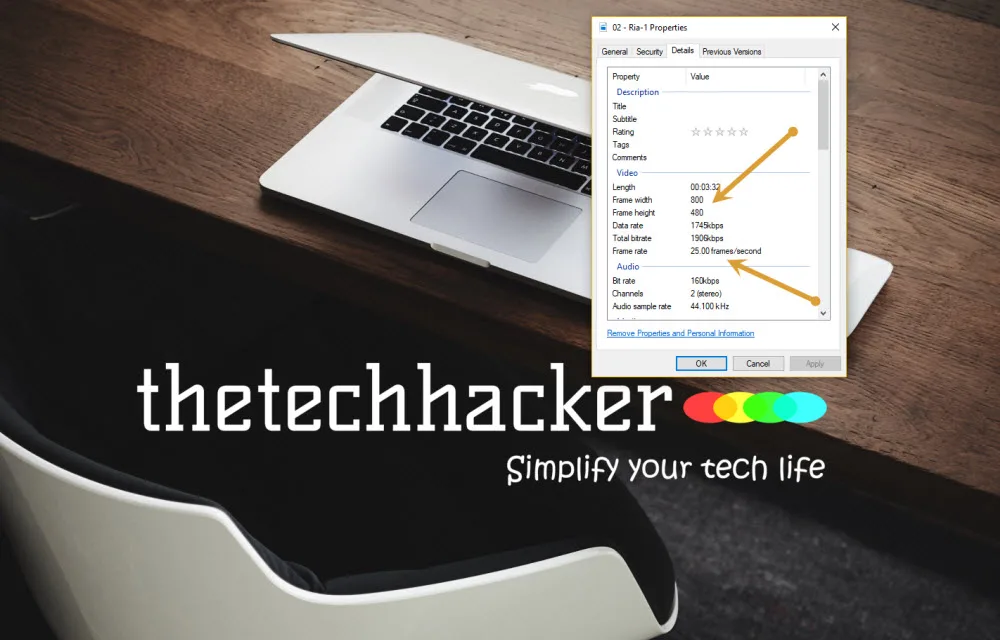
How to check Video Resolution and Frame Rate on Windows 10
We have seen so much improvement in the video resolutions over the past few years. SD, HD, now 4K is the latest resolution types. Most of the monitors are coming with HD ready format and if you invest some good amount there are plenty of high-end computer monitors available with higher video resolutions. In order…

How to Fix Headphones Not Showing Up in Playback Devices on Windows 10
Every user with a need to make constant use of headphones on their Windows 10 knows this is a prospect and it pops out more often than you’d like. It’s a nuisance and hinders the workflow. It often occurs due to the continued usage of the external media player device usage or due to the…
How to Fix USB Ports Not Working in Windows 10
Often we have to face issues while connecting USB devices to our PCs. This gets really annoying as we can’t access our files which are saved in USB devices in such situations. But do you know that you can fix this problem on your own? Yes, you can do that easily. To help you in…
How to fix Anti malware Service Executable High CPU Usage MsMpEng.exe?
If you are using Windows 10 then Windows Defender is the default antivirus or antimalware solution. It helps you to give the protection against any type of ransomware by using Controlled Folder Access. Windows Defender is one of the best in-built antiviruses among the entire antivirus and it really works well if you follow all…
How to fix autorun.dll Error in Windows 10
A very annoying thing that happens with computer users is the occurring of the message- ‘autorun.dll file not found‘. This is encountered when users try to install or update an application or programme. This error prevents the proper launching of a programme. There are many kinds of autorun.dll error that occur while installing a programme.…
How to Take Ownership of files in Windows 10
Taking ownership of files is an extreme but subsequently difficult task. Owning files completely with unbarred access process to be a hurdle to users. The administrative access lets you open and customizes files in whatever manner you may wish to. It can be a little tricky to pry them open though. The steps below will…
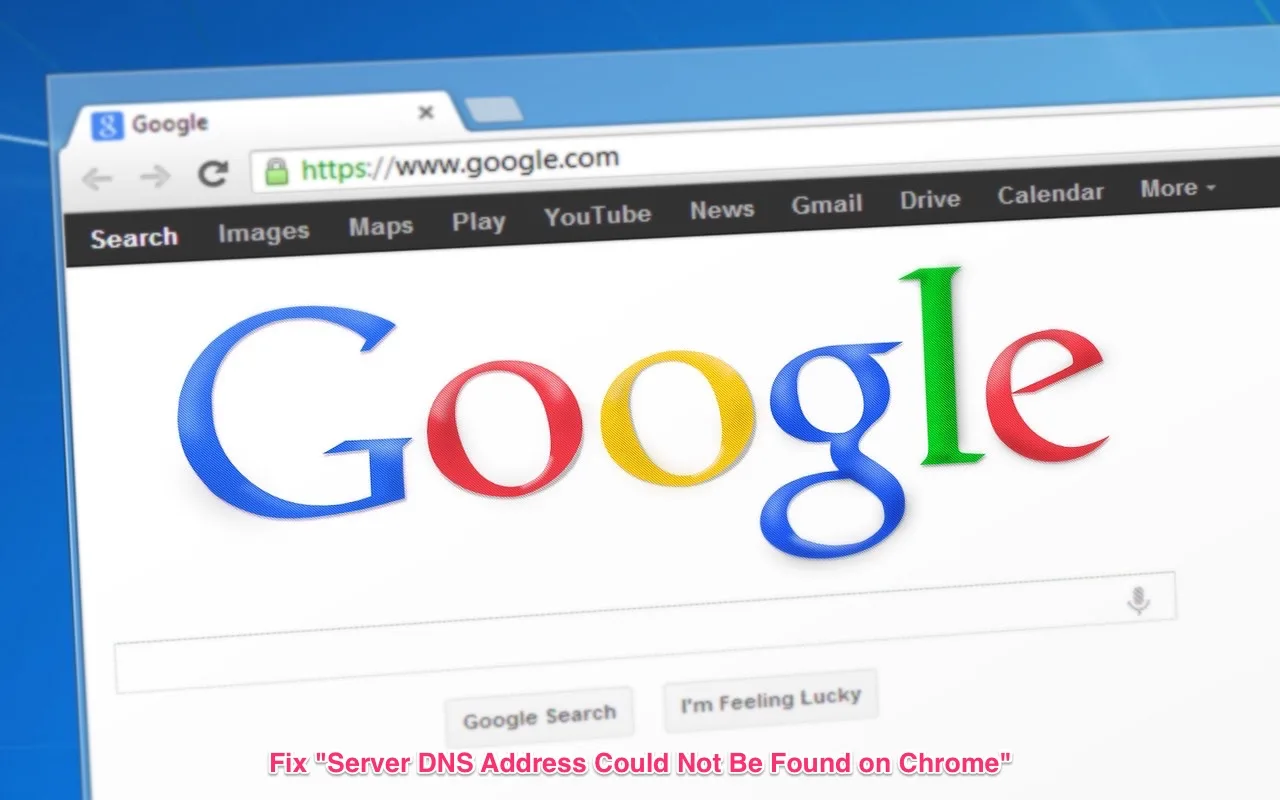
How to Fix Server DNS Address Could Not Be Found on Chrome
We regularly see “Server DNS Address Could Not Be Found” DNS DNS_PROBE_FINISHED_NXDOMAIN error while browsing on Chrome. This error usually comes when your Chrome when the DNS server stops responding. Here are the possible fixes for the “Server DNS Address Could Not Be Found” error on Chrome. Restart The DNS Client Service Like we restarted the PC…
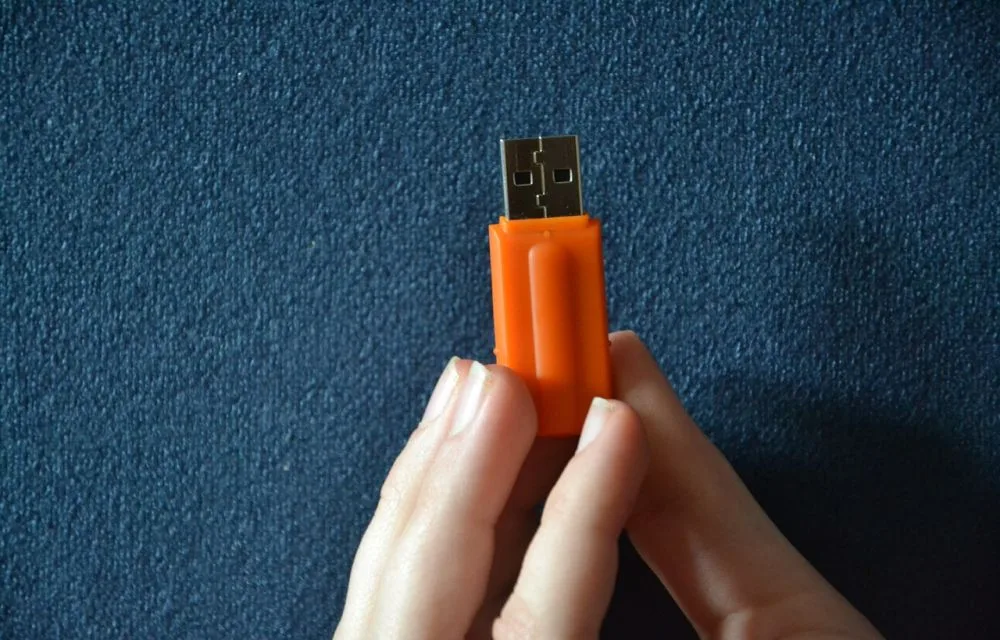
How to Fix cannot format USB Flash drive in Windows 10
Sometimes unexpectedly USB driver corrupts. When we connect them to retrieve the data they won’t even show the disk. A corrupted disk erases all the data present on the disk and doesn’t allow it to format the disk. When you trying format the drive it displays a message like this: Windows was unable to complete…
How to Lock App on PC?
Apps are all around us and even though we mostly use our smartphones, we also tend to store our important files on PC. This makes the PCs one of the most important file storages. However, if you share your PC with your family or a friend, it’s important to keep your files under a lockdown.…
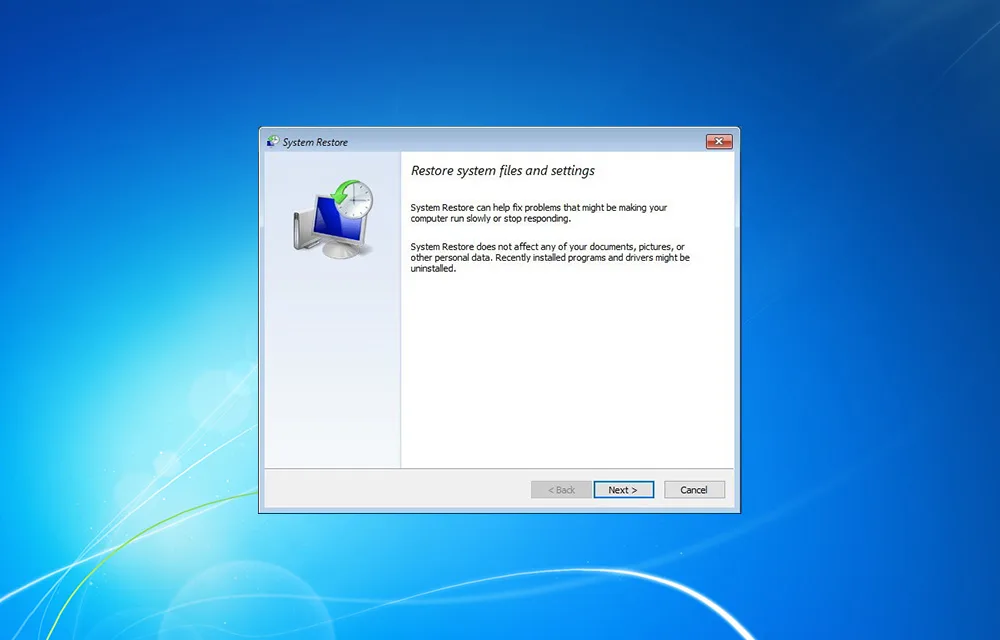
How to Create a Restore Point in Windows 10, 8.1, 8, 7, Vista, and XP
What is a Windows Restore Point? Restore Point is probably the safest way to keep your PC and your data safe. Essentially, creating a restore point means that you are a record of a point in time when your PC, your files, data or other settings were fine, and everything worked normally. As PC doesn’t…