

Windows
All Windows software's, apps and tips can be found here. If you can’t find a topic in here, use the Search box.
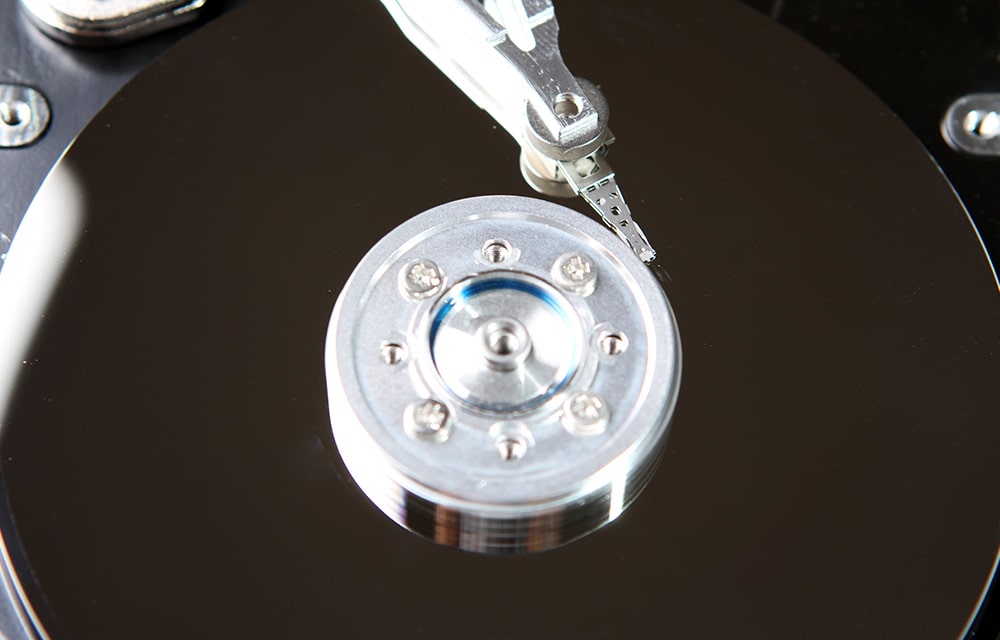
How to Do Defragmentation in Windows 10
Defragmenting your hard drive will make it faster by optimizing the sectors and by applying similar fixes if there are some fragmented sectors. So it is recommended to do defragmentation every once in a while in order to make sure that your hard drive performs at its best. In this article, we are going to…
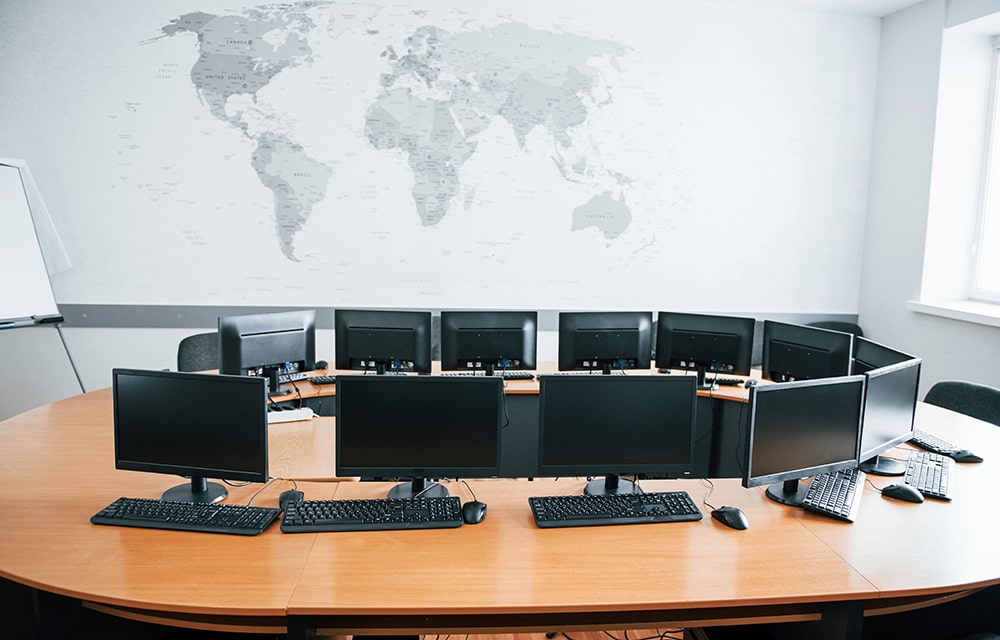
How to Extend Monitors in Windows 10
An extra monitor will be extremely useful for several usage cases. Especially if you are working on a big project that requires you to go through several files at the same time, or if you are a programmer who wants to examine several code blocks to construct a new one, the usage cases are limitless.…

How to Change DNS in Windows 10
DNS plays an important role in deciding how fast your internet connection performs. Doesn’t matter if you have a super-fast connection from the best ISP in your area. If your DNS server is crappy, you will always come across those buffering video screens and never-ending page loads. So in short, you should always make sure…

Automatically Save Some Space on Windows 10
Do you want to save some space on your Windows 10 PC? If you have been using your computer for a while and haven’t been cleaned up your computer for a while, chances are that there is a lot of things you can safely remove from your computer and gain some extra disk space. You…
How to Clear Temp Files in Windows 10
Windows 10 stores a lot of temporary files in order to make sure that the operating system and its features work flawlessly. In addition to the operating system itself, applications installed on it also make use of temporary files that will no longer be needed after a certain period of time. So once in a…
How to Change File Extensions in Windows 10
File extensions decide how the files act and what you can do with them. For example, a .txt file cannot be executed on your Windows 10 PC. For that, you will need a .exe file. The same applies to any other formats whether it is a video, audio, document, extension, or almost any kind of…
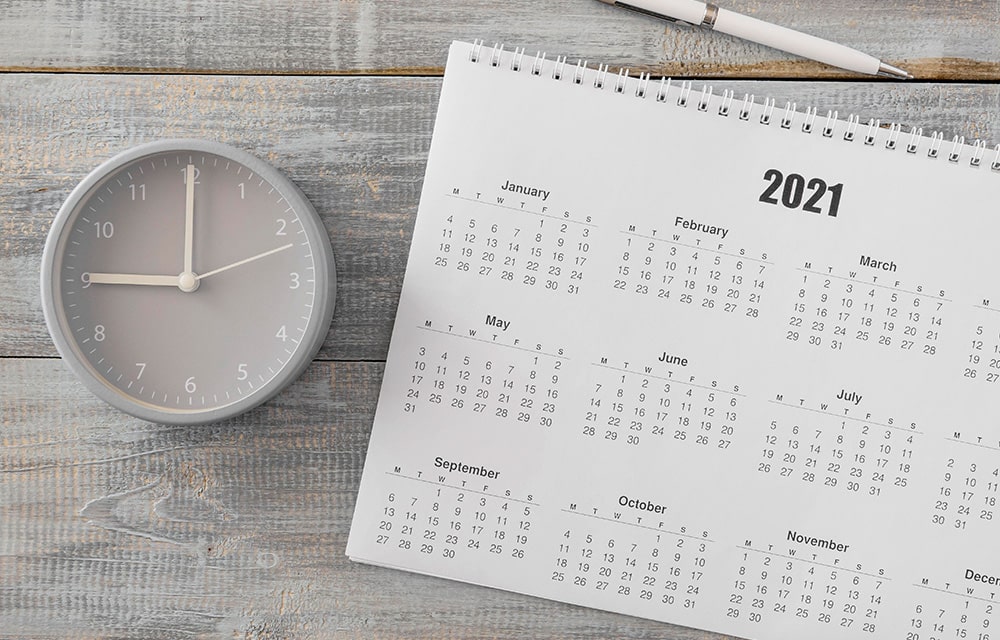
How to Change Date and Time in Windows 10
Date and time allow you to keep track of time and plan things beforehand. Incorrect date or time in your Windows 10 PC can affect all aspects of your work and planning. So it is very important to have the correct date and time on almost any of the devices that you work with, not…
How to Know the Size of a Folder in Windows 10
There are several situations when you want to know the size of a certain folder in your Windows 10 PC. Especially when trying to clear up some space and you come across some folders that you no longer recognize, you might want to know the amount of space they occupy. The usage cases are limitless,…
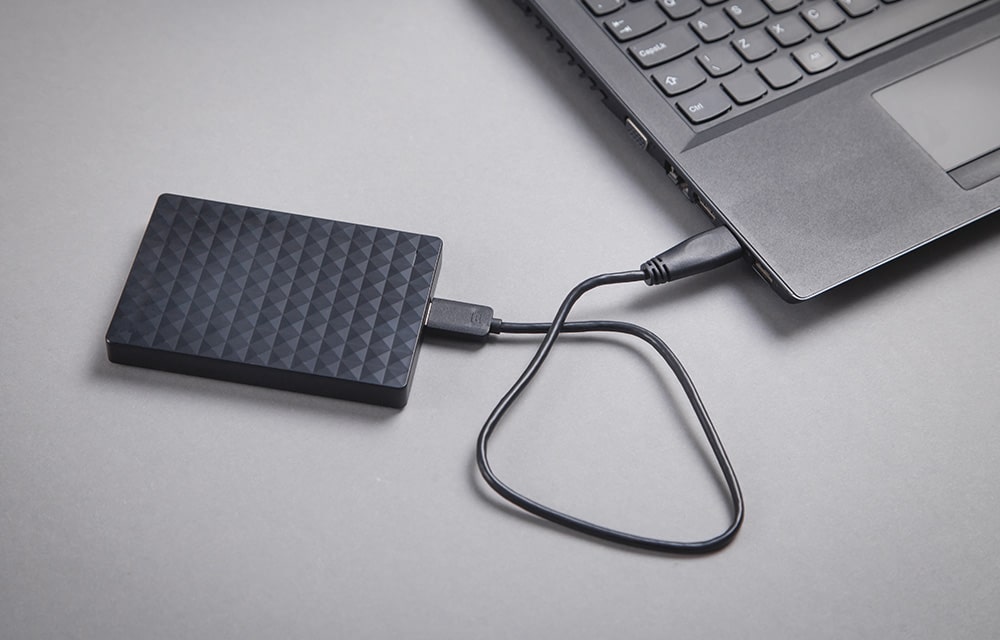
How to Create a System Image in Windows 10
A Windows system image is the best way to backup your entire device without worrying about losing your data due to an accident or any similar problems. We all make mistakes, so backing up your computer is very important especially if you keep a lot of important stuff in there. Whether it is a memorable…

How to Calibrate your Monitor in Windows 10
Calibrating your monitor every once in a while will make sure that it is output in the best picture quality possible. If you are experiencing some issues with the quality of the pictures on your screen while using Windows 10, you should make sure that the screen is calibrated properly. In this article, we are…
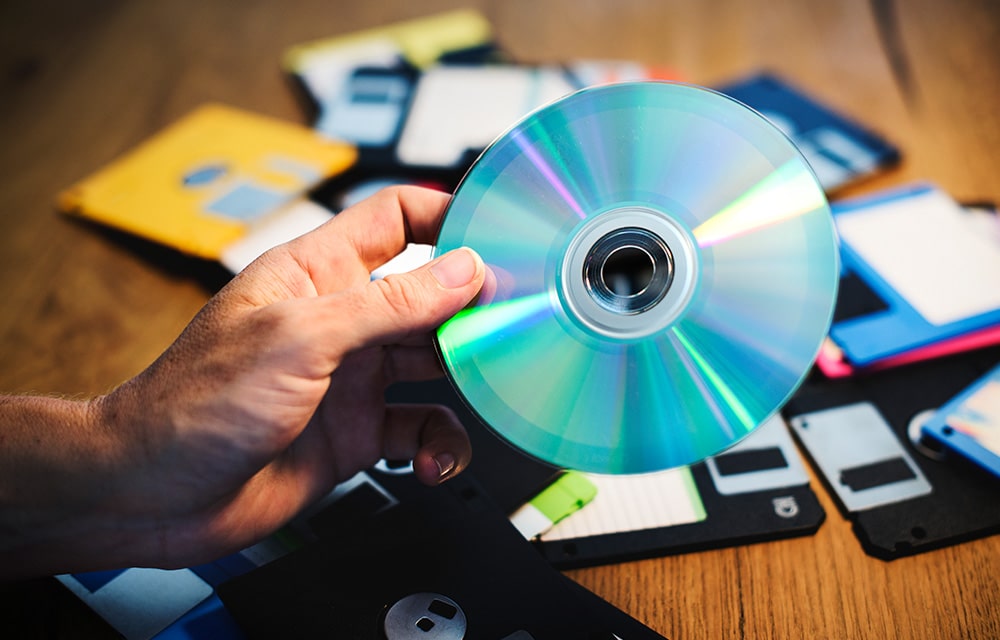
How to Burn a CD/DVD in Windows 10
From the person who just getting started with a computer to the computer scientist, everyone wants to burn a CD or DVD. Even with the existence of super-computers and 10 terabyte SSDs, CDs and DVDs still being used to store data. Especially if the data is pretty small and important. Compared to other storage media,…
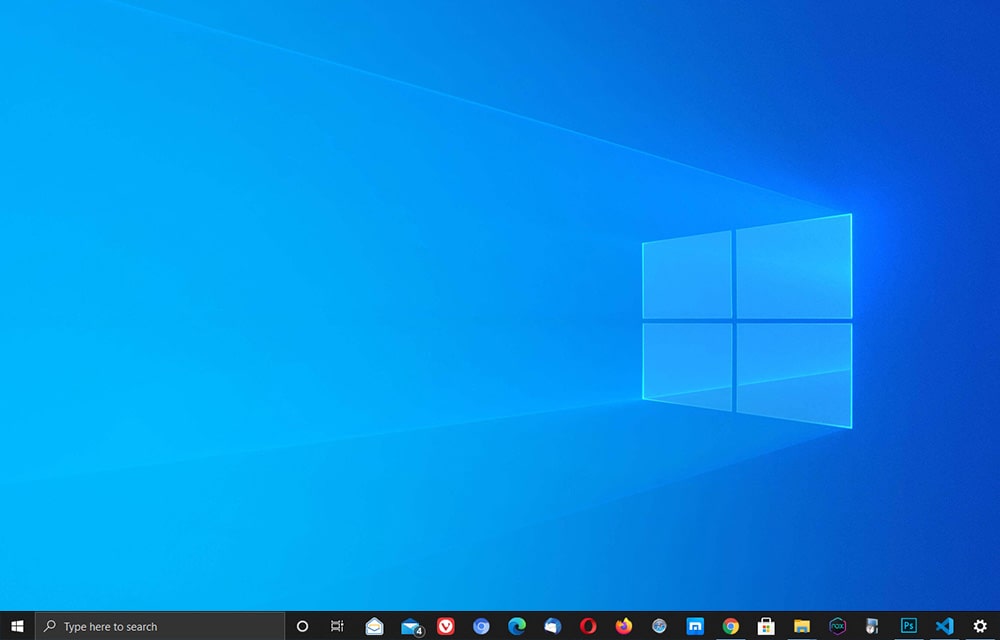
How to Hide Taskbar in Windows 10
Windows taskbar is one of the most important features improving productivity at a huge scale. No one wants to spend time searching for the desired program just to launch it. That’s why there is a taskbar in Windows that can be used to pin the shortcuts to your most used applications. This saves a ton…