

iOS 28 Will Reportedly Revamp iPhone Notifications: What We Know and What to Do Now
MacRumors reports iOS 28 will bring big Notification Center changes. What's known, when it may arrive, and how to cut notification clutter in iOS 27 now.

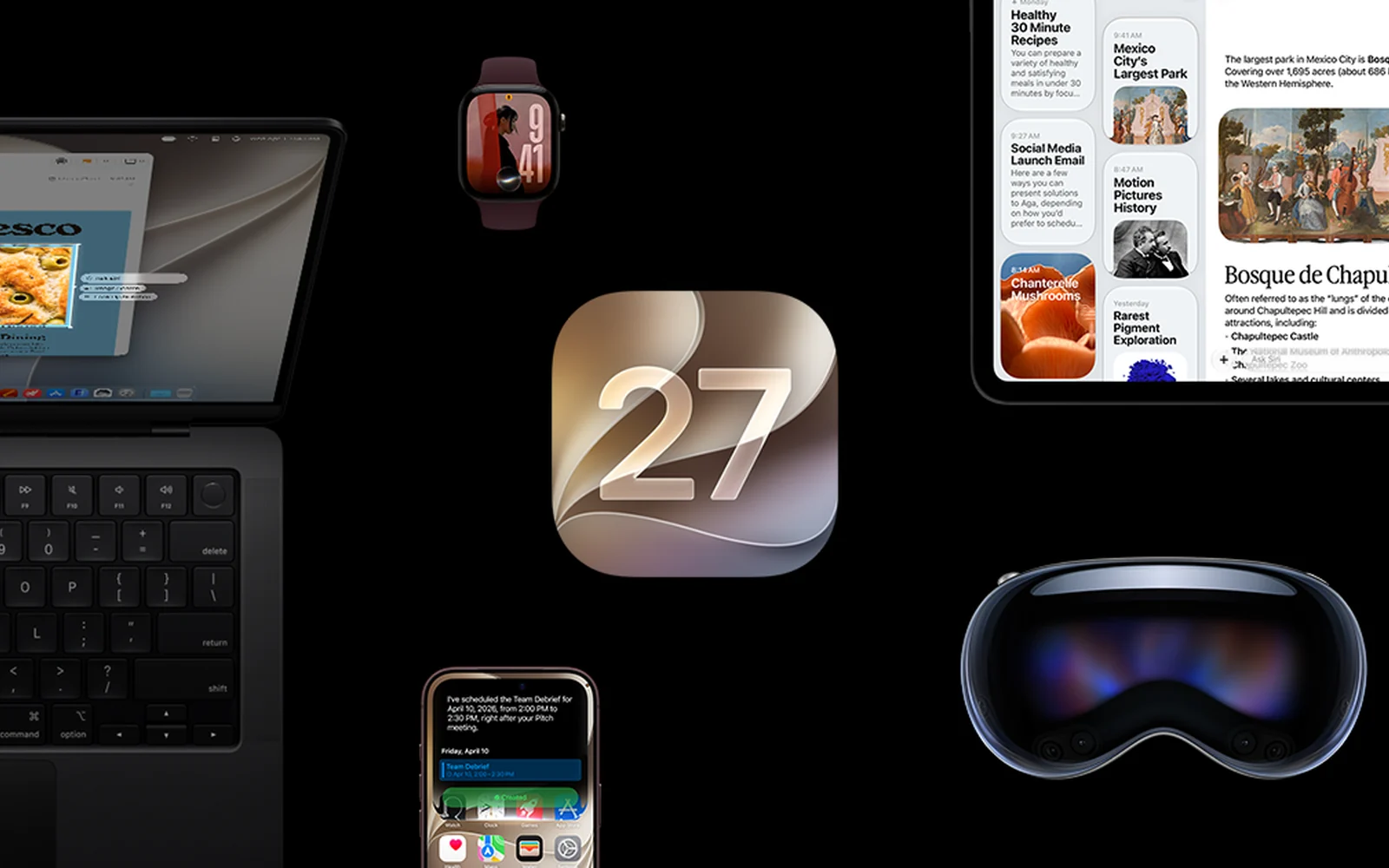
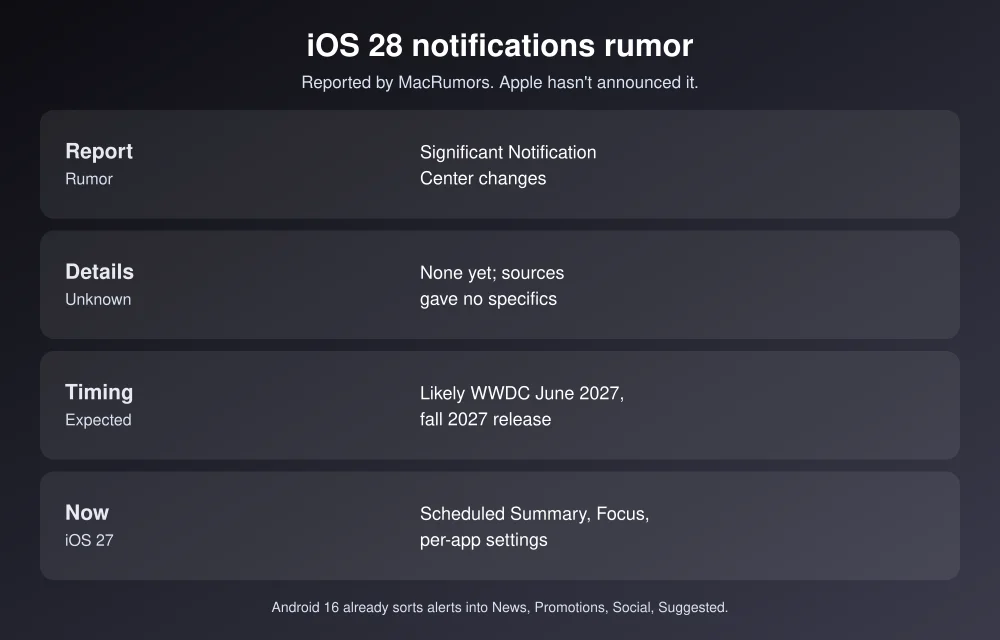
Apple is planning a major change to iPhone notifications in iOS 28, according to MacRumors. The report is short on details, but it says Notification Center will see “significant changes” next year. Until then, iOS 27 already has several settings that cut notification clutter.
Quick answer: MacRumors reports, citing multiple sources, that iOS 28 will revamp iPhone notifications with significant changes to Notification Center. It has no specific details, and Apple hasn’t announced anything. iOS 28 would be expected at WWDC in June 2027 with a release in the fall, if Apple follows its usual schedule. For now, use Scheduled Summary, Focus and per-app settings in Settings > Notifications to cut clutter.
What the iOS 28 Report Says
- MacRumors says multiple sources told it Apple plans to revamp the notification system in iOS 28.
- The sources mention significant changes to Notification Center, with no specifics.
- MacRumors calls it “just a rumor.”
- The report came the same day MacRumors wrote about apps pushing ads through notifications.
What Android Already Does
Android 16 and later can sort notifications into News, Promotions, Social and Suggested groups, MacRumors and 9to5Mac note. On Pixel phones, Notification Organizer groups and silences low-priority alerts. An iPhone version could hide promotional notifications, but Apple hasn’t said what it plans.
How to Cut iPhone Notification Clutter Now (iOS 27)
- Scheduled Summary: go to Settings > Notifications > Scheduled Summary. Pick apps whose alerts can wait, and choose when you get them in a bundle.
- Turn off promo-heavy apps: in Settings > Notifications, tap a shopping or game app and turn off Allow Notifications, or turn off sounds and banners.
- Use Focus: in Settings > Focus, set up Work or Sleep and allow only the people and apps you need.
- Long-press a notification on the Lock Screen to mute an app for an hour or a day.
- Apple Intelligence features: on supported iPhones, look for Prioritize Notifications and Summarize Notifications in Notifications settings.
See what’s in the current release on Apple’s iOS page. The rumor itself is in MacRumors’ report.
When Will iOS 28 Come Out?
Apple hasn’t announced iOS 28. Apple usually previews new iOS versions at WWDC in June and releases them in September. MacRumors separately reported this month that Apple is changing how it develops iOS 28 and macOS 28.
More iPhone tips: set a separate alarm volume, change Liquid Glass to tinted and what Siri AI can read in iOS 27.3.
FAQs
Is iOS 28 changing notifications?
MacRumors reports Apple plans significant Notification Center changes in iOS 28. It’s a rumor with no details.
When is iOS 28 coming out?
Apple hasn’t said. Based on past years, a June 2027 preview and fall 2027 release are likely.
How do I reduce notifications on iPhone now?
Use Scheduled Summary, Focus and per-app settings in Settings > Notifications.
Does Android already sort notifications?
Yes. Android 16 and later can group them into News, Promotions, Social and Suggested.
Featured image: Apple.
Disclosure: TheTechHacker has no paid relationship with Apple.
More in News
How to Fix iPhone Freezing When Moving Widgets in iOS 27
Is your iPhone freezing when you drag widgets between Home Screen pages on iOS 27? Here’s which iOS 27 bug Apple has fixed, which one it hasn’t acknowledged, and what you can do right now.
How to Fix iPhone 18 Pro and Pro Max Speaker Crackling and Popping
Hearing crackles, pops or ticks from your iPhone 18 Pro or Pro Max earpiece? Here’s how to tell software from hardware, which settings to check, and when to take it to Apple.
Apple Is Reportedly Building an AI Agent That Can Use Apps, Browse the Web and Write Code
An Apple job listing reported by Bloomberg describes a proactive AI agent that can browse the web, control apps and write code. What we know, and when it could come.
The week in tech, minus the noise.
New reviews, fixes and the stories that matter — once a week, straight to your inbox.
We only use your email to send the newsletter. Unsubscribe any time. See our privacy policy.
Comments