

PSN Down Hours Before GTA 6 Launch: Sony Confirms Outage, Services Restored
PlayStation Network went down for thousands on Nov 18, hours before GTA 6. Sony confirmed the outage on PS5, PS4 and web; services are back. What to do now.

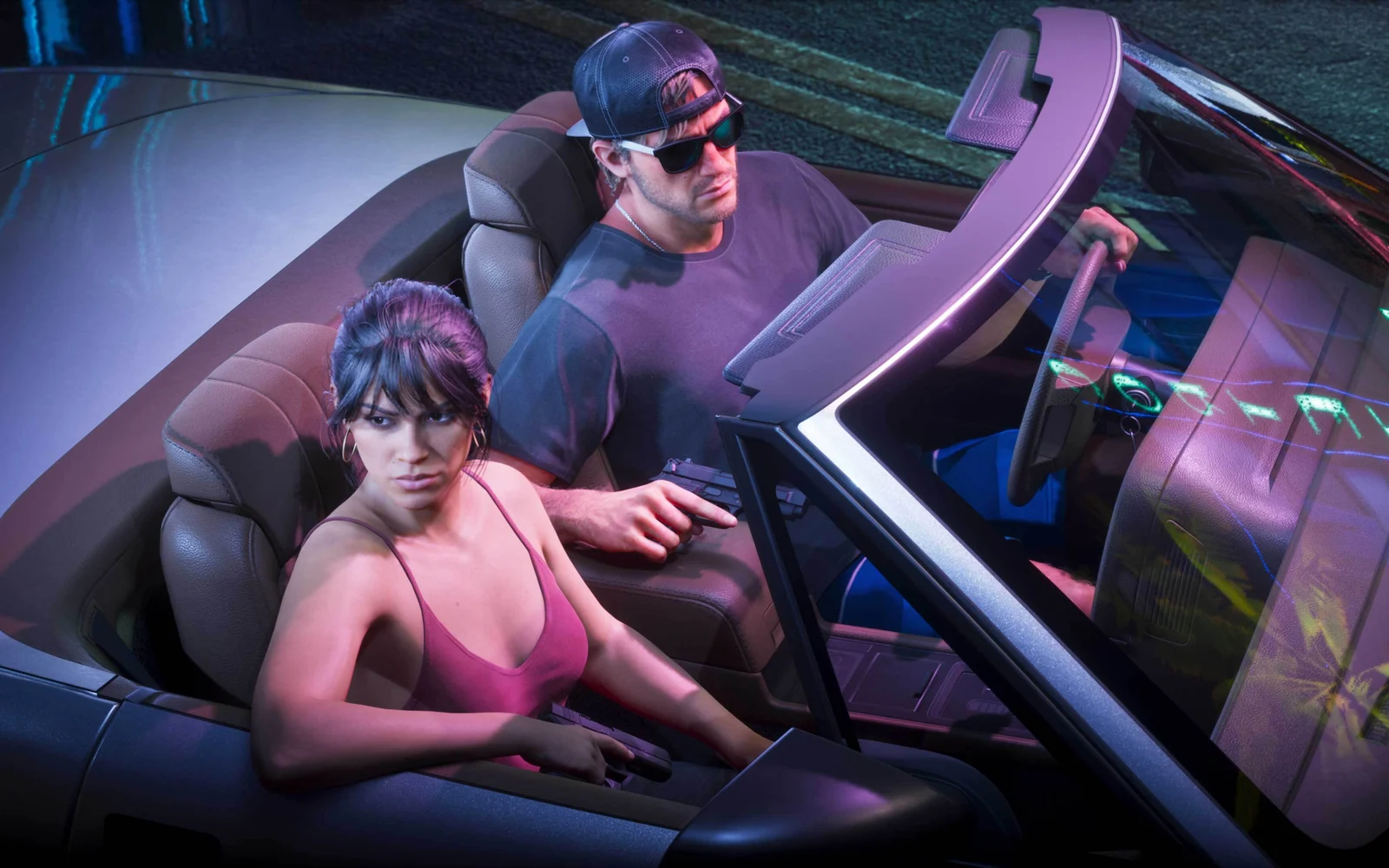
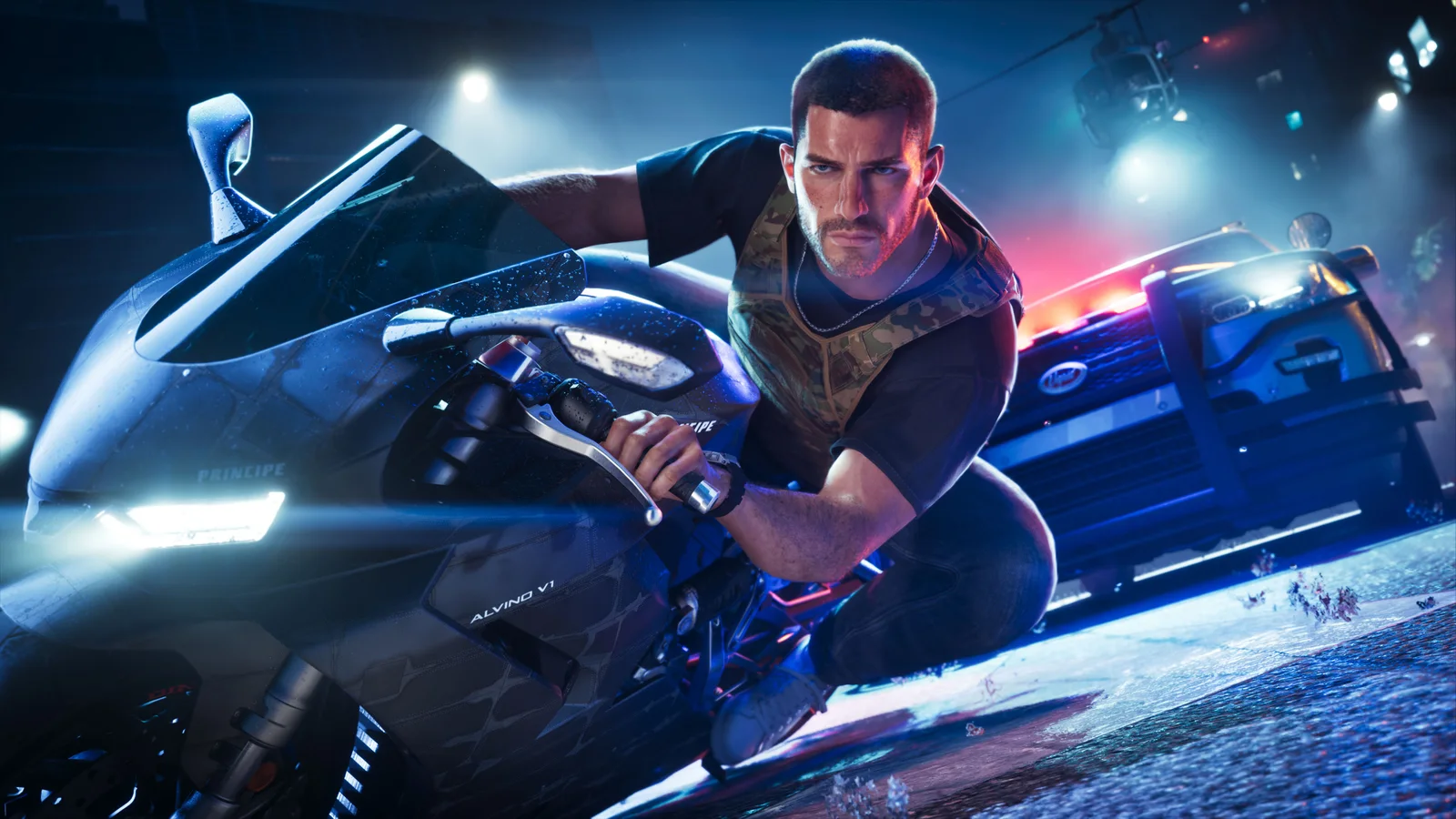
Image: Rockstar Games
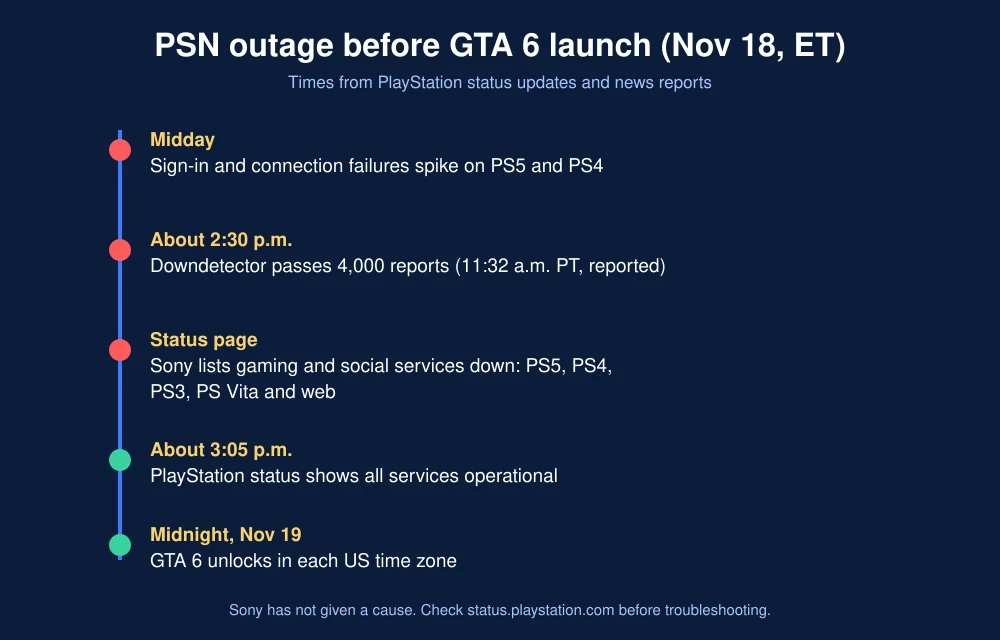
PlayStation Network went down for thousands of players on Wednesday, November 18, 2026, just hours before Grand Theft Auto VI unlocked on PS5. Sony’s status page confirmed the outage across PS5, PS4, PS3, PS Vita and the web, then showed services back to normal by mid-afternoon Eastern time. Sony has not said what caused it.
Quick answer: PSN had a sign-in and connection outage on November 18 that hit gaming and social services on every PlayStation platform, according to the PlayStation status page. More than 4,000 users reported problems on Downdetector by 11:32 a.m. PT, according to reports. The status page showed all services operational again by about 3 p.m. ET. Sony gave no cause, and there’s no sign it was a cyberattack. If PSN acts up again at the GTA 6 launch, check status.playstation.com first.
What happened
Players started seeing failed sign-ins, “PlayStation services are busy” messages and trouble launching online games around midday on the East Coast. The PlayStation status page listed gaming and social services as affected on PS5, PS4, PS3, PS Vita and the web, and warned that players might have trouble launching games and apps or using network features, Android Authority reported.
By about 3:05 p.m. ET, the status page said all services were operational, although Downdetector reports kept climbing for a while after that, according to Android Authority. Outlets gave different peak numbers for Downdetector, from about 2,000 to more than 4,000 reports, since those counts come from user submissions.
Was it connected to GTA 6?
Sony hasn’t said. The outage came the same day PlayStation reminded players to pre-load GTA 6 and install a required system update, so plenty of consoles were online at once. The day before, PlayStation Support posted that PS5 system software 26.07-14.23.00 was available, and that a PS5 update is required before playing GTA 6.
The PSN problem also landed during a week of high-profile outages, including Apple’s App Store and iCloud outage on November 17 and the FAA’s nationwide ground stop. Officials have said there’s no evidence the incidents are connected.
What to do if PSN goes down at the GTA 6 launch
- Check the status page. Go to status.playstation.com. If services are marked down, wait it out; nothing on your end will fix a server outage.
- Install the system update now. GTA 6 won’t start without it. Follow our guide to updating your PS5 for GTA 6, including the USB method if downloads fail.
- Finish your pre-load. Press the PS button and open Downloads/Uploads to confirm GTA 6 has fully downloaded.
- Restart your PS5 and router if the status page is green but you still can’t connect.
- Retry failed sign-ins after a few minutes. Launch-night traffic can cause brief errors even when PSN is up.
If GTA 6 itself shows errors after midnight, our guide to fixing GTA 6 server errors covers the most common codes, and our GTA 6 launch day roundup has unlock times and the biggest posts from Rockstar and PlayStation.
FAQs
Is PSN down right now?
PSN had an outage on November 18, 2026, and the PlayStation status page showed all services operational again by about 3 p.m. ET. Check status.playstation.com for live status.
Why was PlayStation Network down?
Sony has not given a cause. The status page confirmed problems with gaming and social services on PS5, PS4, PS3, PS Vita and the web.
Can I play GTA 6 if PSN is down?
Reports say you need the required PS5 system update installed and the game fully downloaded first. Do both before midnight so a short outage doesn’t block you on launch night.
How do I check PlayStation server status?
Go to status.playstation.com. It lists each PlayStation service and platform and shows whether there are outages or maintenance.
Featured image: Rockstar Games.
Disclosure: TheTechHacker has no paid relationship with Sony, Rockstar Games or any company mentioned here.
More in News
How to Fix GTA 6 Server Errors: Check If GTA 6 Is Down on Launch Night
It is midnight, the countdown hits zero, and GTA 6 just sits there on a loading screen, or worse, says it can’t start. On a launch this big, with millions of people hitting the same servers at once, that is going to happen to someone. Before you start deleting and reinstalling 200 GB, take two…
How to Fix GTA 6 Preload Not Showing or Not Starting on PS5 and Xbox Series X|S
Can’t find the GTA 6 preload button, or is the download stuck at 0%? Here’s how to track down the preload on PS5 and Xbox Series X|S and get it moving before the November 19 launch.
How to Fix GTA 6 Locked or Not Starting on PS5 on Launch Day
GTA 6 is four days away, and if you pre-loaded it on PS5 you’ve probably already noticed the little padlock on the game tile. That’s normal before launch. What isn’t normal is still seeing that padlock after midnight on November 19, or getting an error when you hit Play. With millions of people trying to…
The week in tech, minus the noise.
New reviews, fixes and the stories that matter — once a week, straight to your inbox.
We only use your email to send the newsletter. Unsubscribe any time. See our privacy policy.
Comments