

YouTube for Android gets the much-awaited Incognito Mode feature
Talking about features, we have now known that YouTube has released a new feature for Android users. This is the much-awaited incognito mode feature available on YouTube inside its Android application.


YouTube has been a major media consumption platform in the recent times. Also, the viewership of YouTube increased ten folds ever since Reliance Jio has been launched in the Indian markets. This is because Jio 4G was launched for free in the first year of its launch which meant that almost all of the Indian population started watching YouTube videos. Later, Jio started their affordable plans for 4G data and calling which also ensured that it had a very good conversion rate.
Now, it is also a fact that the majority of users outside the US are using Android smartphones. This is partly because iOS is not so popular here and also because the Android smartphones are available in a whole bunch of price points whereas iPhones are available in premium range only.
Therefore, it is understood that YouTube has been focusing more on the Android side of things to push newer features. Talking about features, we have now known that YouTube has released a new feature for Android users. This is the much-awaited incognito mode feature available on YouTube inside its Android application.
Talking about Incognito mode, it is a feature available on most of the browsers to access internet without being tracked. With incognito mode, your browser history will not be stored whenever the session ends so you can privately browse the internet without the fear of being watched. Now, this feature will also be available on YouTube for Android which means that you can enable incognito mode in YouTube and see videos but the search history will not be stored.
However, Incognito mode is not full proof as your ISPs and administrators (if the account is from a company or institution) can still track your activity even when the incognito mode is enabled. In order to turn incognito mode on, you need to go to your account’s section and click on the incognito mode option.
More in News

Astell&Kern PD5 Review: The Best Mid-Range Android Music Player?
Astell&Kern has always made beautiful music players, but the cheaper ones came with two annoying catches. The battery didn’t last very long, and the software felt more limited than a normal Android phone. The new Astell&Kern PD5 is the company’s answer to both. It replaces the A&norma SR35, doubles the DAC count to eight, promises…
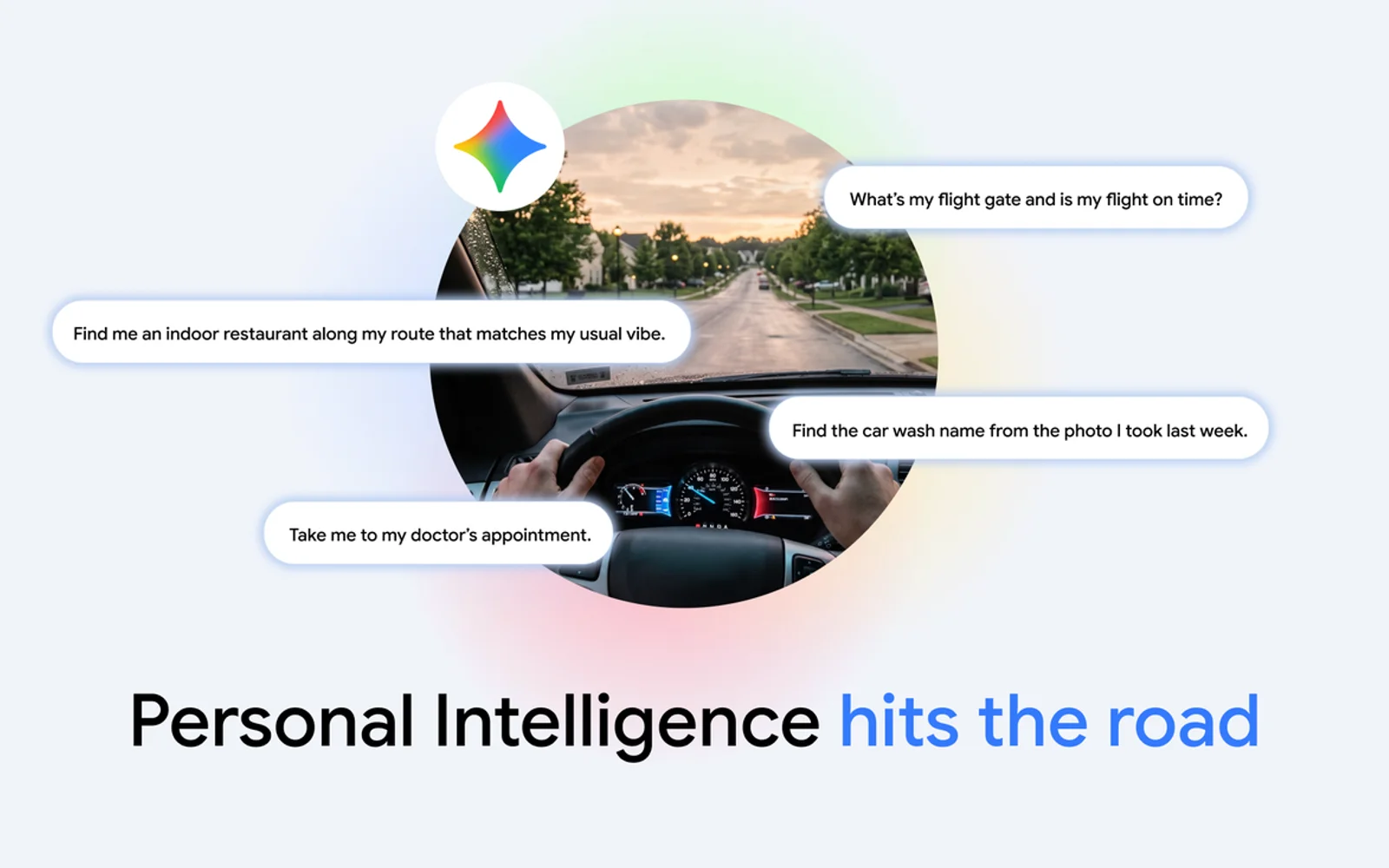
Gemini Personal Intelligence on Android Auto: What It Does and Which Cars Get It
Gemini on Android Auto can now use your Gmail, Calendar and Photos. What Personal Intelligence does, who gets it in the US, which cars, and how to turn it off.

Best Parental Control Apps for iPhone and Android (2026)
Apple Screen Time and Google Family Link are free and cover the basics. Here’s when Qustodio, Bark, Norton Family or Net Nanny are worth paying for, with confirmed prices.
The week in tech, minus the noise.
New reviews, fixes and the stories that matter — once a week, straight to your inbox.
We only use your email to send the newsletter. Unsubscribe any time. See our privacy policy.
Comments