

iOS Guides

How to Remove Credit Card Information from iTunes
Apple has been the best when it comes to user interface. They have one of the easiest ways to access any settings, and all the settings are categorized the right way. Apple although is the best when it comes to UI, but it does lack in some of the different settings, where you will have…
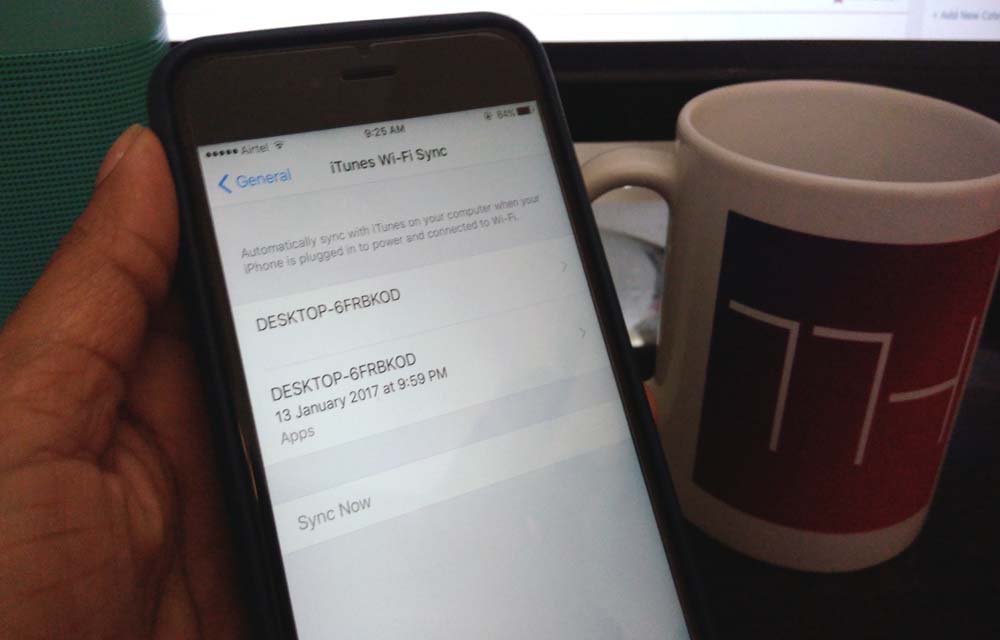
How To Erase iPhone Data Completely
iPhone’s are great devices to use. A true user always stores all his personal data like photos, music, videos, camera recordings, emails, messages and much more. Apple always stays updated by launching new devices every year. Recently Apple launched iPhone 7, and 7 Plus and rumors are going circulating for upcoming iPhone 8. Many iPhone…
How To Sync Gmail Contacts To an iPhone
As a tech enthusiast, I regularly switch my phones. When it is coming to Android and iOS these two platforms way much different from each other and raises compatibility issues while migrating data. I faced these issues many times especially switching from Android to iOS. iOS works it’s in an own way. When coming to…
How To Set Up A Brand New iPhone
Planning to purchase or already purchased a new iPhone? Now it is the time to set up your device to start using it. No matter you bought the device from the local store or purchased online, you need to connect it to the iTunes. A first sync with the PC/Mac is crucial for setup of…
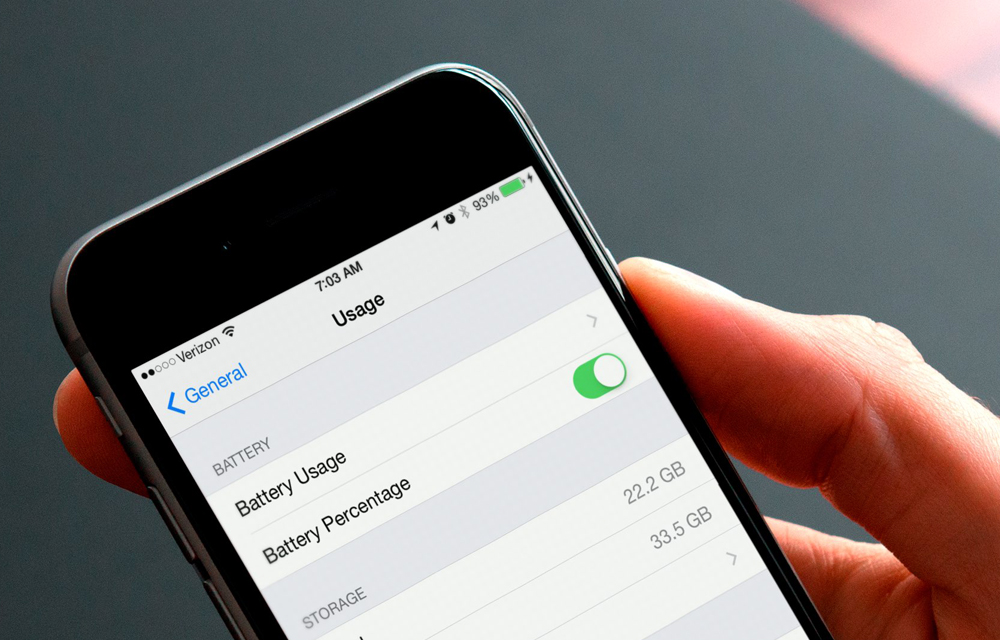
How to Hide or Show the Battery Percentage on iPhone or iPad
The battery is the only thing in every phone which attracts our eyes with a fear. Every time you decide to open a new app or game, your eyes will automatically fall onto the battery icon on the upper part of your screen. Traditional devices are coming with a battery icon which fills as the…
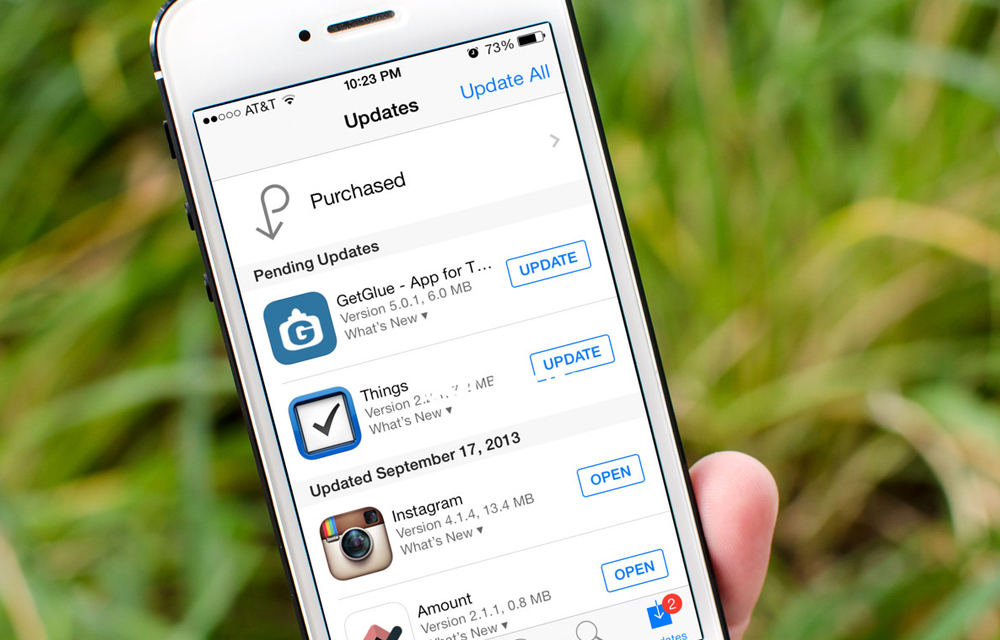
How to Enable or Disable Automatic Updates for iOS Apps
IOS app updates are always useful for keeping IOS apps up to date. You don’t want to pay attention to the app updates until you turn off the automatic updates. Turning on the automatic updates will assign the job to the iPhone itself. This great future may sometimes hit you badly, especially if you are…
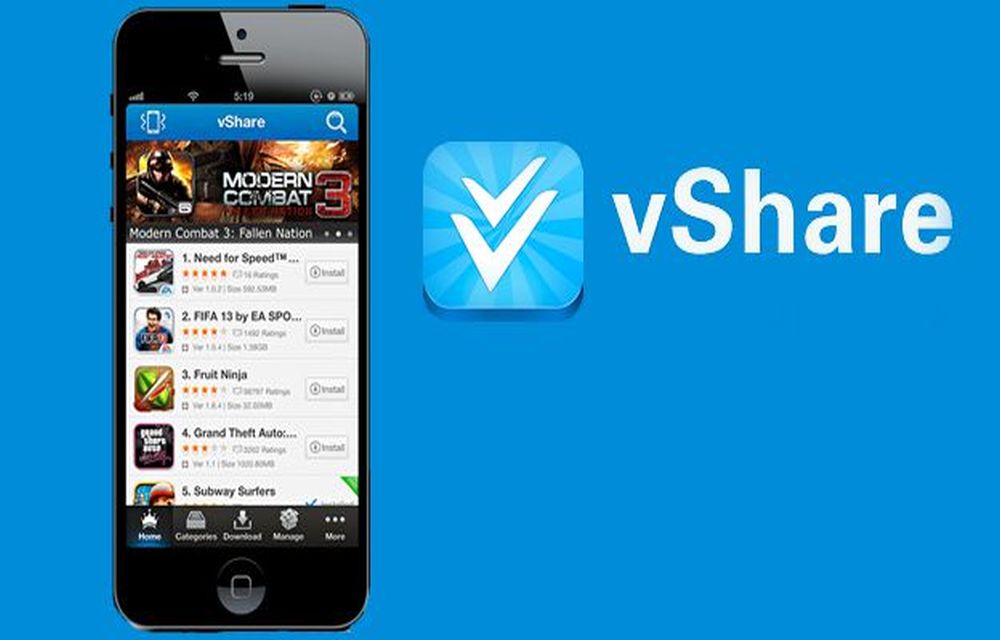
What Happened to vShare? Safe Alternatives for iPhone
Years ago, vShare was one of the best-known ways to get apps onto an iPhone without going through the App Store. We even published a guide on how to install it. A lot has changed since then, and we have replaced that guide. In this article, we explain what vShare was, what happened to it,…

How to Block Unwanted Calls and Messages On iPhone Running iOS 8
In a world of continuous telemarketing calls, it definitely becomes a headache to check phone from pocket every time when you get an unwanted call. No matter whether you’re in home or office or traveling. Spam call really gives pain while attending. This situation became most common these days, how to avoid it? If you are…