

Quickly Take Note In Mac And Sync In Dropbox With Ideally
With a number of note-taking apps available in the App store, it is quite difficult to pick a good one. Ideally is a brand new app for quick note-taking on Mac. It also lets you upload files along with notes in Dropbox, you can backup and restore from Dropbox whenever you want. Not only note-taking…

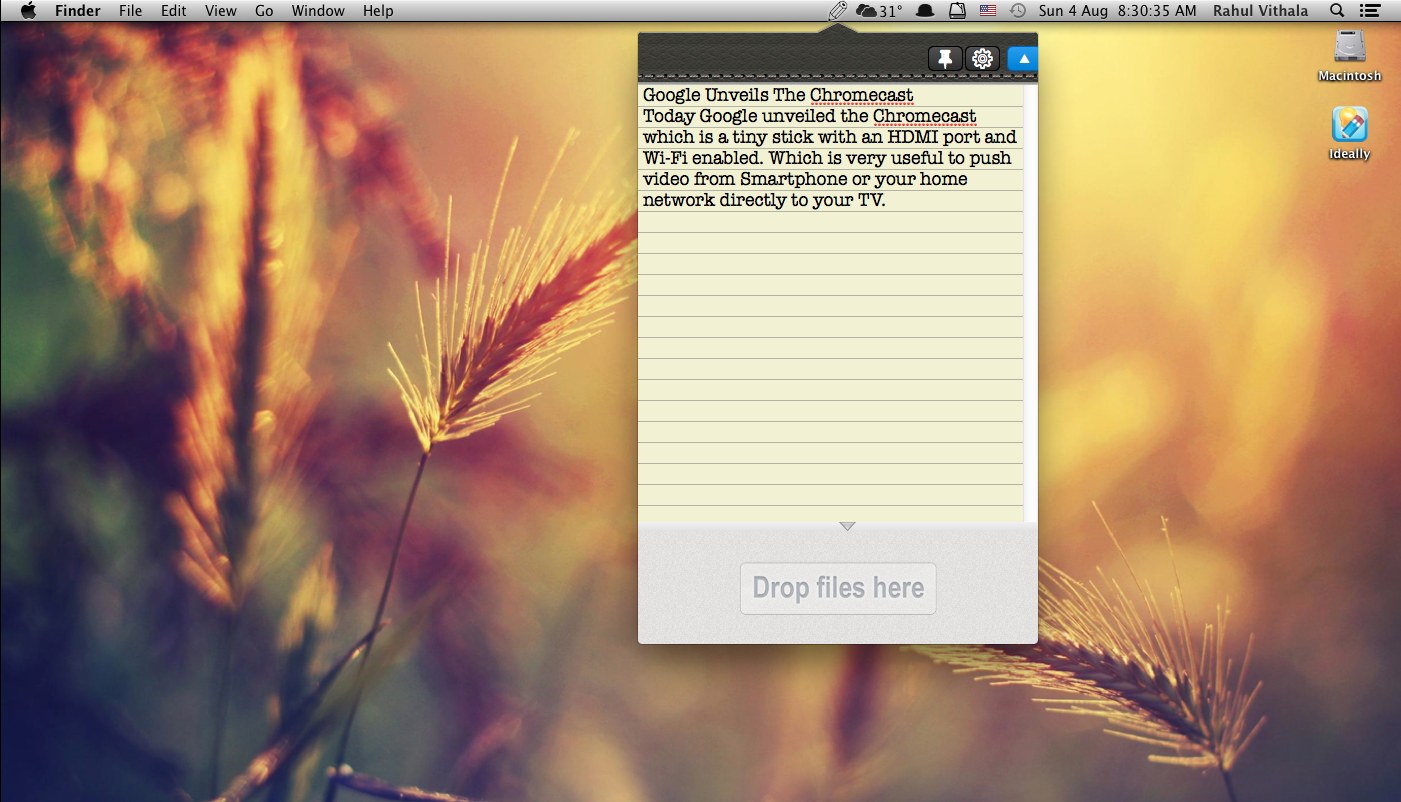
With a number of note-taking apps available in the App store, it is quite difficult to pick a good one. Ideally is a brand new app for quick note-taking on Mac. It also lets you upload files along with notes in Dropbox, you can backup and restore from Dropbox whenever you want.
Not only note-taking it also makes to arrange files and folders on your desktop. If you are looking for a great and straightforward note-taking app for Mac, Ideally must be your first choice.
Related Reading:
- Evernote Review: A Must-Have Note-Taking App, Is it?
- Best Free Alternatives to Microsoft OneNote
- Top Evernote Alternative Apps With Unique Features and Simplicity
Installation and Usage Guide

After installation, Ideally works in the menu bar and can be activated by Control+O and Control+N hotkey. The User interface is very easy to understand when you activate the app a small pencil icon appears in the menubar. When you click, it opens as a leather notepad type UI. You can quickly create a note by clicking on the green pencil icon on the UI. The app also lets you work on always top on behaviour by clicking on the pin icon.


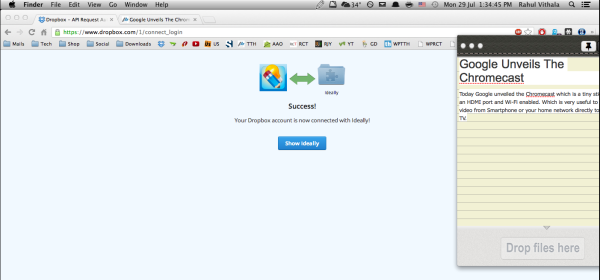
Linking with Dropbox is easy, just open the settings gear icon and click on Link to Dropbox tab. It redirects to the Dropbox page and gives permissions to the app to link. From now you can save notes instantly with a single click.
Ideally, supports gestures, just swipe two fingers on the touchpad to create new notes. Along with notes you can drag and drop your files to the Ideally. In our review, we found Ideally is very easy to use a note-taking app for Mac. Ideally is available in Mac App Store for $4.99.
If we missed any important feature in the app, tell us about in the below comments box.
More in Mac

Acethinker Screen Grab Pro for Mac and PDF Writer for Windows Giveaway
As a part of the AceThinker’s First Anniversary celebration, they are giving away some of their products for free and some for discounted prices. The giveaway already started with the Acethinker Screen Grab Pro for Mac and PDF Writer for Windows. The Screen Grab Pro is a screen recorder for Mac, and the PDF writer is an…

How to get Mac address in Mac
Not long ago, Microsoft Windows was the most popular operating system on the planet. Sure, with the progress of technology, we have the operating systems like Linux and Mac. Today, our topic will be a special guide on how to find the mac address in your Mac. As you know, Mac is pretty straightforward and…

How To Set An Alarm On A Macbook
We are all using a smartphone as well as a Laptop nowadays. This Laptop can be a Windows machine or it may be a Macbook. If you have the later which is a MacBook then and only then have you come to this article. Well, we are here to tell you how you can set…
The week in tech, minus the noise.
New reviews, fixes and the stories that matter — once a week, straight to your inbox.
We only use your email to send the newsletter. Unsubscribe any time. See our privacy policy.
1 comment
what a great find!! superb app! hope developers will continue on introducing new features.