

Listen High Quality Podcasts With Ads Free Using AntennaPod For Android
A podcast is something that many people are interested in listening to. Listening podcast is a pleasure, but most podcatchers are premium apps. There is a lot of different kind of publishing houses such as BBC, NPR, and CNN, who podcasts on a daily basis. Even we have some independent podcasters who daily or weekly…

A podcast is something that many people are interested in listening to. Listening podcast is a pleasure, but most podcatchers are premium apps. There is a lot of different kind of publishing houses such as BBC, NPR, and CNN, who podcasts on a daily basis. Even we have some independent podcasters who daily or weekly do the same.
Some of them happen to be paid, while some happen to be unpaid, i.e. free. You do need a podcast manager to manage all your different podcasts, today we are going to talk about Antenna Pod which is the best Podcast manager out in the market. Let us start with the features of the app:
If you are looking for a free podcatcher try AntennaPod. AntennaPod is a free open source app for Android, it automatically downloads your shows in distraction free mode.
After finishing installation when you open the app it comes with already pre-installed stuff. You can easily add a new podcast by adding feed URL clicking on the + icon on the top. Or you can use Miro Guide to search through popular podcasts list. The best part of the app is you can import your OPML file to add your complete podcasts list.
- Import all your existing feeds from iTunes, gPodder.net, OPML or RSS. You can even add these manually if you don’t want to import.
- Manage playback from your home screen via the widget or via the earphone controls.
- Access password protected feeds and episodes.
Now we must have a look at the steps to use the best Podcast Manager:
- Download the app from the Google Play Store.
- Once downloaded click on the Open button.
- Now open the menu from the top left side icon and use the Add Podcast button.
- There are different options with which you can add the podcasts.
- Once you select the source you will get different podcasts you must have listened to, now select the one you need to add.
- Click on the subscribe button of all the podcasts you need to subscribe to get notifications.
- The rest of the steps to navigate in the Antenna Pod application is easy, and you can get through the app without any hassle.
If you still have any issue with Antenna Pod, do let us know in the comment section below, we will help you with the same. Also, let us know your review about Antenna Pod if you have used the application earlier.
For automatic download episodes, you need to configure the settings. Once you’ve downloaded files you can send them to the queue. AntennaPod works in the background mean it supports multitasking. Overall it is a very good podcatcher for Android for free of cost.
More in Android
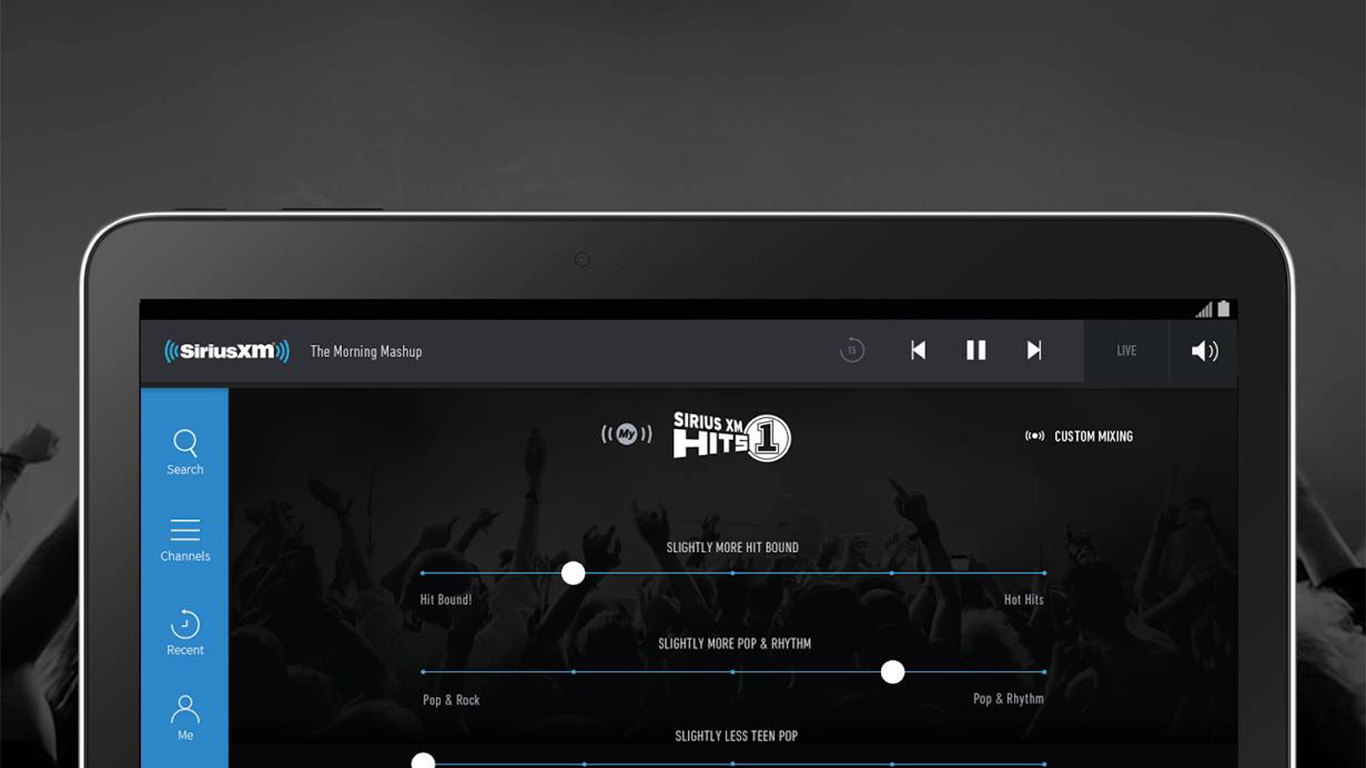
5 Best Radio Apps for Android Phone
Radio has been an important and revolutionary communication equipment. With it, people got to listen to news and current events as well as the latest tunes. Radio used to be as important as television. But unlike television, radio is almost obsolete now. Hardly anyone buys a radio anymore. This is because radio has been integrated…
How to Record Call on Android
There are many reasons you should have a call recorder on your phone. If you need to record a conversation for legal reasons, having a call recorder in your phone will make it easy. You might also need to remember something said during a phone call; a call recorder can help you do that. Or…
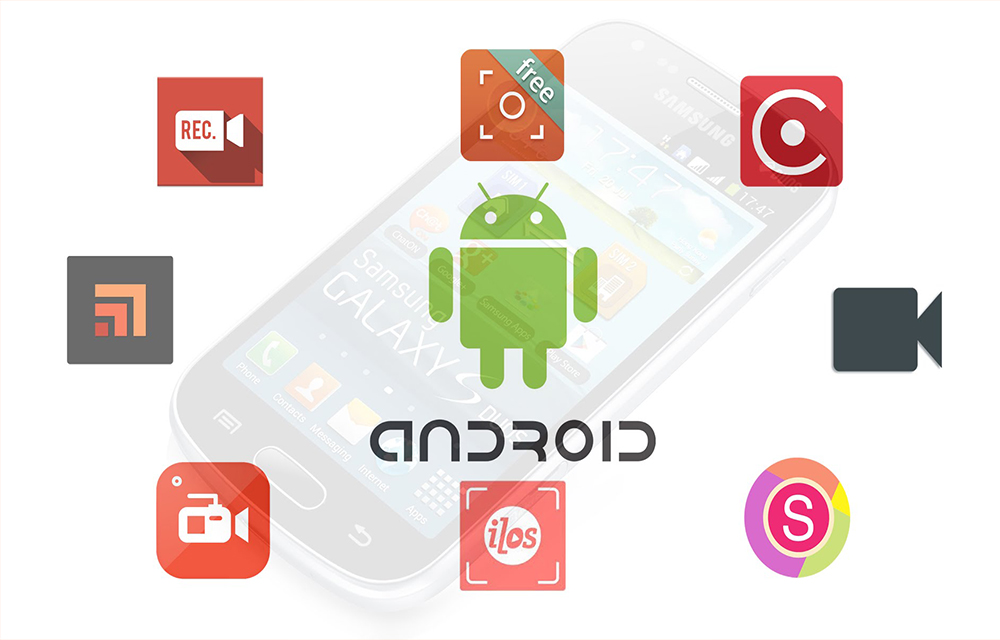
10 Best Screen Recorder Apps for Android
Starting an android tutorial channel is not that much difficult these days. You don’t want a camera or video recorder to record the tutorials in your smartphone. All you wanted is a good screen recorder which can record your android screen with an excellent video quality. Nevertheless to say that youtube is full of android channels…
The week in tech, minus the noise.
New reviews, fixes and the stories that matter — once a week, straight to your inbox.
We only use your email to send the newsletter. Unsubscribe any time. See our privacy policy.
Comments