

Best SEO Tools for Small Businesses in 2026: Free and Paid Picks
The SEO tools worth a small business’s time in 2026, from free Google Search Console to Semrush, Ahrefs, Moz, SE Ranking and Yoast, with only officially confirmed prices.
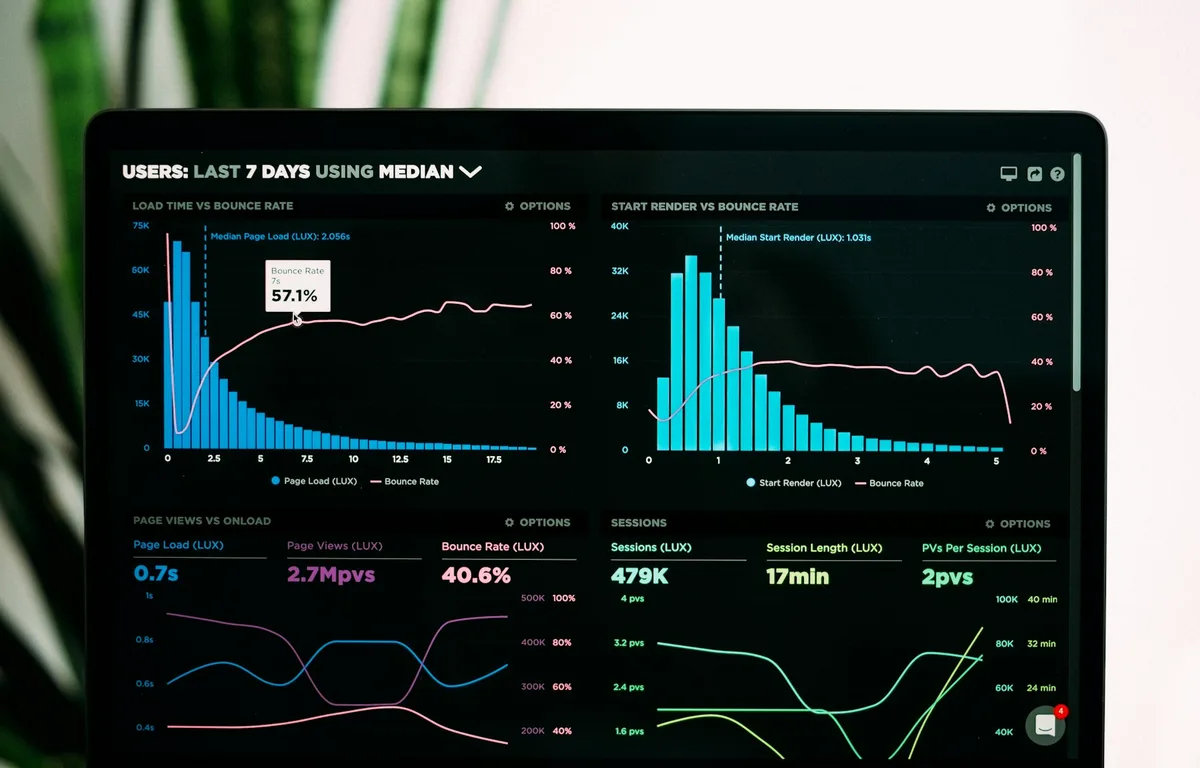
Photo by Luke Chesser on Unsplash
Disclosure: TheTechHacker has no paid relationship with the companies in this article.
For a small business owner, the hard part of SEO usually isn’t the work itself. It’s the crowd of tools around it, with lots of plans, overlapping features and more acronyms than anyone needs. SEO (search engine optimization) is simply the work of making your website easier for Google to find, understand and show to people who are searching for what you sell. I’ve sorted the main tools below by what they cost and which job each one actually does, so you can decide what’s worth paying for and what isn’t.
It costs less to start than most owners expect. Some of the strongest tools here are completely free. And a couple of the big paid platforms now have free tiers that cover real work, not just a demo.
Quick answer: Start with Google Search Console. It’s free and comes straight from Google. Add Yoast SEO if your site runs on WordPress (the free plugin covers a lot, and Premium is $118.80 a year). For keyword and competitor research, try the Semrush Free plan or Ahrefs Free before paying for anything, then look at Semrush, Ahrefs, Moz or SE Ranking paid plans only once you’ve outgrown the free stuff.
What a small business actually needs from an SEO tool
Most SEO tools sell some mix of three jobs. Pull them apart and plan comparisons get much simpler.
Keyword research is about finding the words and phrases people type into Google when they’re looking for something like your product or service. A site audit is an automated scan of your website. It flags technical problems, like broken links or pages search engines can’t read properly. Rank tracking tells you where your pages show up in Google results for the keywords you care about, and how that moves from week to week.
You don’t need all three on day one. A local plumber with a ten-page site mostly needs to know that Google can see the site and that nothing’s broken. That’s about it. An online store competing nationally is a different case, and it’ll lean much harder on keyword and competitor research. So which of those sounds more like your business? Answering that before you look at any tool will save you more time than any feature comparison.
The best SEO tools for small businesses
1. Google Search Console
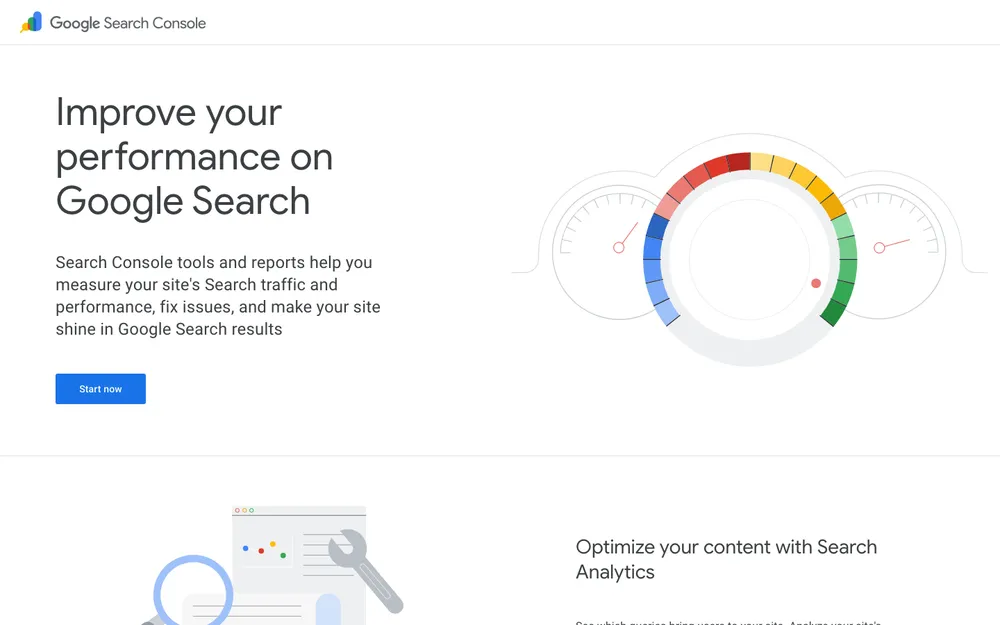
If you only set up one tool from this list, make it this one. Search Console is Google’s own free tool for site owners. It shows how your site performs in Google Search, and it flags problems Google runs into when it reads your pages. No other tool gets its data straight from the source. And it costs nothing.
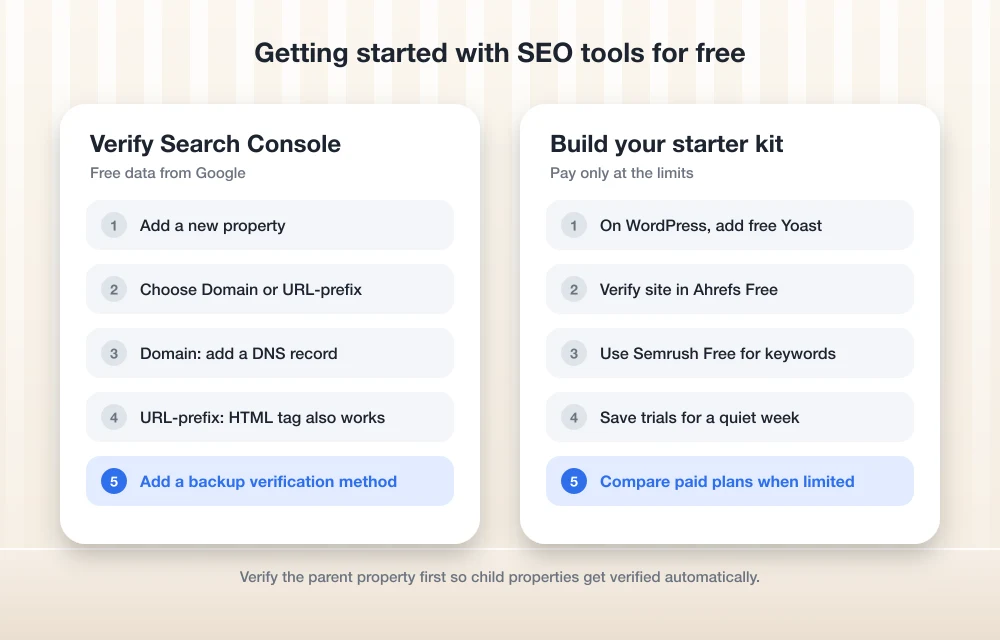
The main setup job is proving you own the site. Google calls this verification, and the Search Console verification help page walks through every method. Here’s the short version.
Add a property
Inside Search Console, add a new property, or pick an unverified one from the property selector.
Choose Domain or URL-prefix
A Domain property covers your whole domain, including the versions with and without www. A URL-prefix property only covers one specific address.
Pick a verification method
A Domain property can only be verified with a DNS record at your domain name provider. A URL-prefix property can also use an HTML tag or Google Analytics, among a few other options.
Add a backup method
Head to Settings > Ownership verification and add a second way to verify, so you don’t get locked out if one method breaks.
Not sure where your DNS settings live? They sit with the company you bought your domain from, which for many small businesses is also the company hosting the site. If you’re still choosing a host, my guide to the best web hosting for small business websites covers that decision.
2. Yoast SEO
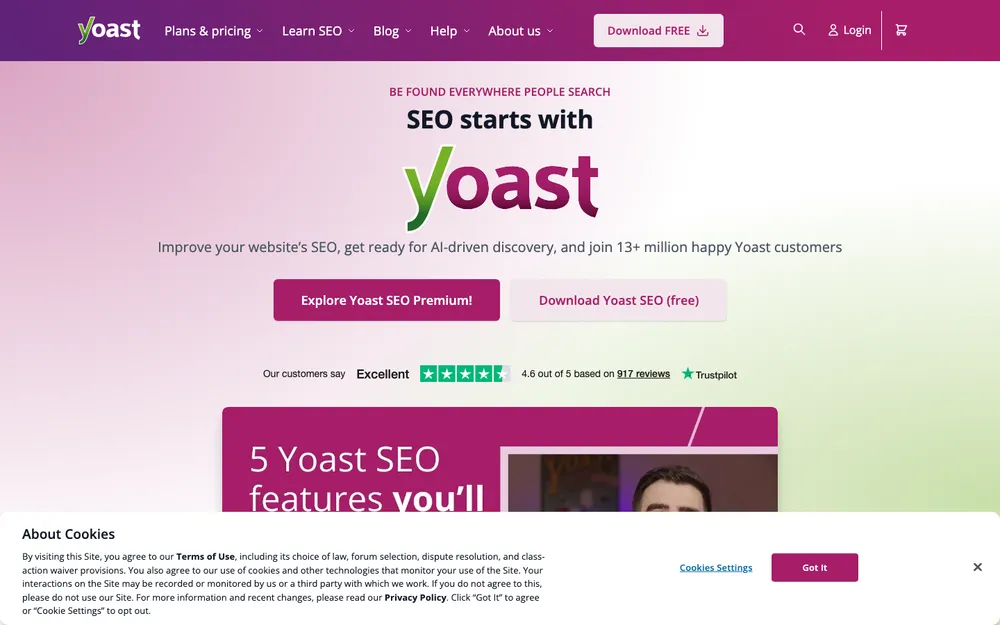
Yoast is a WordPress plugin, so it’s only relevant if your site runs on WordPress. If it does, Yoast is one of the simplest ways to handle on-page SEO, which is the stuff on each page itself, like titles, descriptions and the words you’re targeting.
Yoast SEO Free is in the WordPress plugin directory at no cost. For a lot of small sites, that’s all you’ll need.
Yoast SEO Premium costs $118.80 a year (before VAT) for one site, according to the official Yoast Premium page. Yoast does note that the price may change. On top of the free version, Premium adds:
- Up to 5 focus keyphrases per page (your focus keyphrase is the main search term you want that page to rank for)
- A redirect manager, which is handy when you rename or delete pages
- Suggestions for internal links
- AI tools that help write your titles and meta descriptions
- Local SEO, Video SEO and News SEO
- A year of updates and support, with 24/7 support included
- Courses from Yoast SEO Academy
If you serve customers in a set area, Local SEO is the feature I’d weigh most carefully. Still deciding between WordPress and an all-in-one builder? My comparison of the best website builders for small business sets out the trade-offs.
3. Semrush
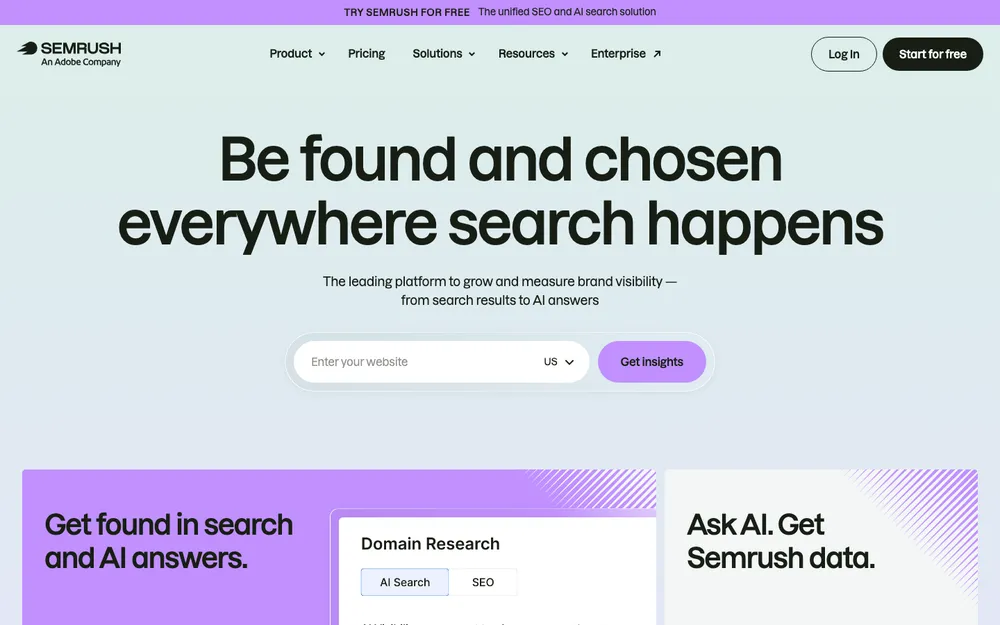
Semrush is one of the big all-in-one SEO platforms, and you can start without paying or handing over a card. According to Semrush’s subscription help page, the Free plan includes 1 demo project, 10 reports a day across the main tools, and limited access to its AI Visibility features.
Ten reports a day sounds tight. But if you’re an owner who checks a handful of keywords now and then, or looks at a competitor once in a while, it goes further than the number suggests.
Need more room? Semrush offers a 7-day free trial on its SEO + AI Search plans and most toolkits. The catch is that each toolkit’s trial can only be used once per account, so I’d save it for a week when someone on your team actually has time to sit down with it, rather than starting it in a busy week and losing half of it. Every paid plan includes the SEO Toolkit plus what Semrush calls AI visibility, and you can add up to 3 extra users to an account.
4. Ahrefs
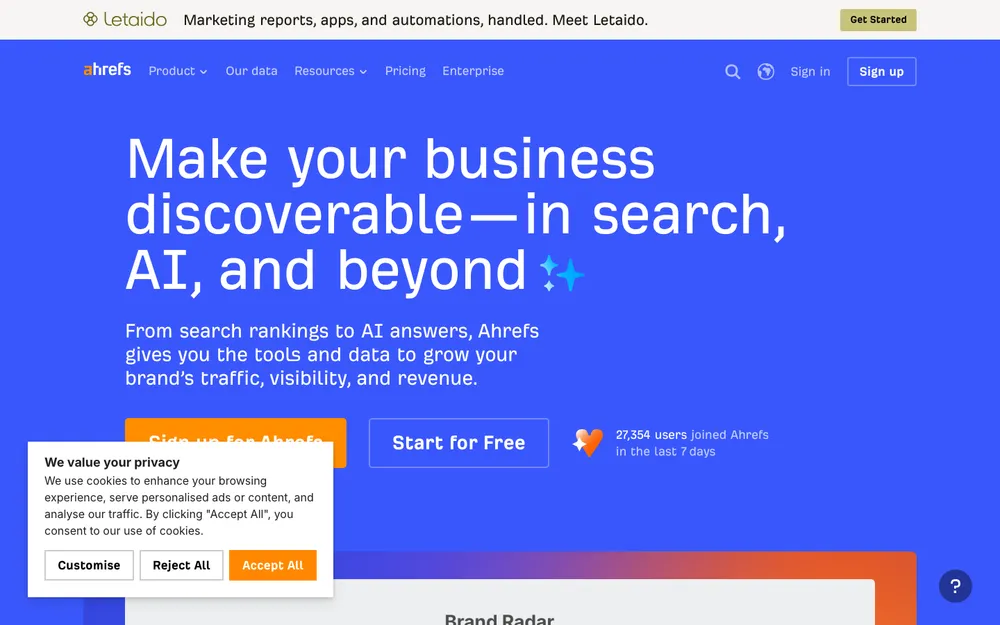
Ahrefs has a free option too, and it was recently renamed. What used to be Ahrefs Webmaster Tools is now Ahrefs Free. It’s free forever, needs no credit card, and gives you limited access to the core tools.
There’s one condition: verification. Site Explorer, Site Audit and Web Analytics only work once you’ve proved you own the site. In return, Ahrefs Free works on unlimited verified websites, and Ahrefs says it runs on the same tools and data as the paid version, just with lower allowances.
Strengths
- Free forever, no credit card
- Works on as many verified sites as you own
- Same data as paid Ahrefs, according to the company
Limitations
- Lower allowances than paid plans
- Key tools need site verification, so it’s built around your own sites rather than snooping on competitors
Running more than one site, say a main business site and a separate store? Then the unlimited verified sites allowance is a real practical advantage. I couldn’t confirm current paid Ahrefs prices from the official pricing page, so check ahrefs.com/pricing directly.
5. SE Ranking
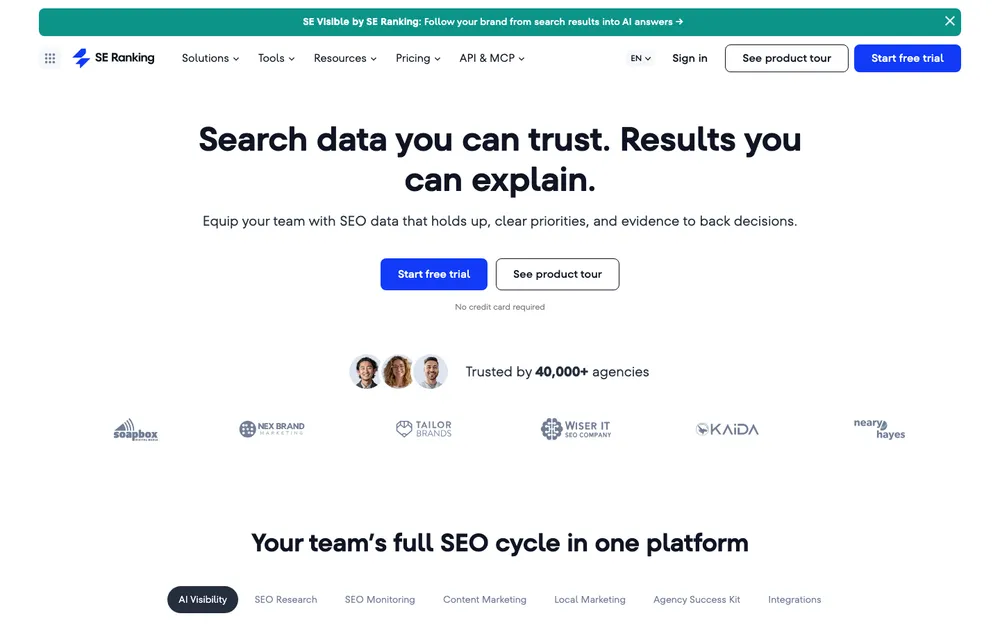
SE Ranking is another all-in-one SEO platform, and small businesses and agencies often shortlist it for keyword research, audits and rank tracking. If Semrush or Ahrefs feel bigger than what you need, I’d put it on your comparison list.
I couldn’t confirm SE Ranking’s current plans or prices from its official subscription page. The plan names seem to have changed recently, too. Before you sign up, look at seranking.com/subscription.html for the current lineup and what each tier includes.
6. Moz
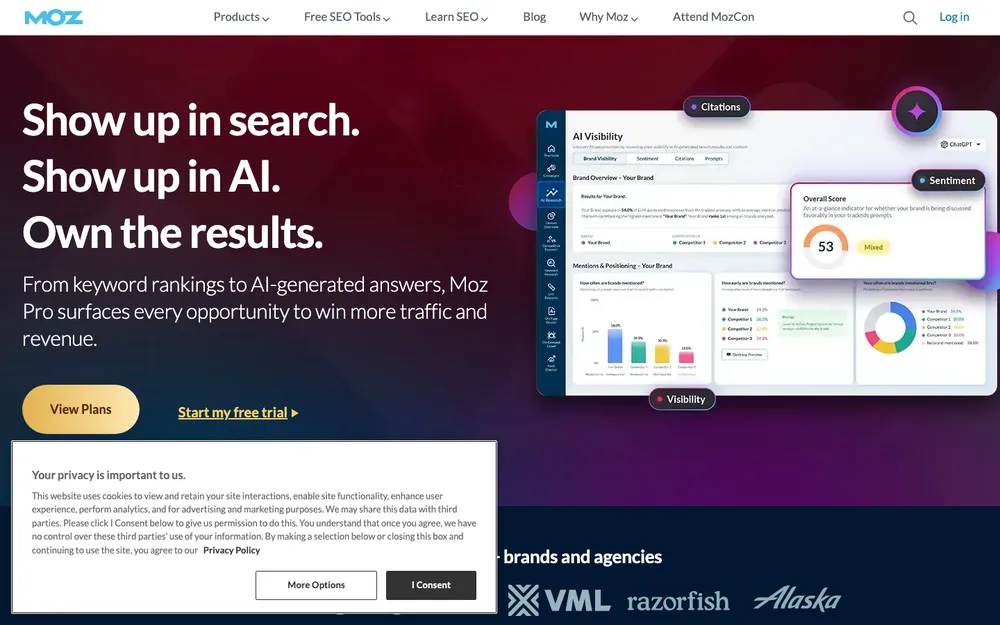
Moz has been in SEO longer than most vendors, and Moz Pro is its paid toolset. It covers the standard jobs: keyword research, site audits and rank tracking. When you’re ready to pay, it’s a reasonable one to compare against the others.
Same caveat as SE Ranking, unfortunately. I couldn’t confirm current Moz Pro pricing from Moz’s official pages, or whether there’s a free tier at all. Check moz.com/products/pro/pricing before you commit.
SEO tools compared
Everything in this table, and in the pricing section after it, comes from the vendors’ own websites. Where a detail wasn’t published there, the cell just says “Check site.”
| Feature | Search Console | Semrush | Ahrefs | SE Ranking | Moz | Yoast SEO |
|---|---|---|---|---|---|---|
| Free option | Fully free | Free plan | Ahrefs Free | Check site | Check site | Yoast SEO Free |
| Confirmed paid price | None needed | Check site | Check site | Check site | Check site | $118.80/yr (Premium) |
| Card needed for free tier | No | No | No | Check site | Check site | Free in plugin directory |
| Free trial of paid plans | Not applicable | 7 days on most plans | Check site | Check site | Check site | Check site |
| Works on | Any site you verify | Any site | Unlimited verified sites | Any site | Any site | WordPress only |
| Best for | Every site owner | Keyword and competitor research | Free audits on your own sites | Comparing mid-range suites | Comparing mid-range suites | On-page SEO in WordPress |
Confirmed prices for free and paid tiers
These are the only prices I could confirm. I’ve left other figures out on purpose. SEO tool pricing changes often, and an outdated number does more harm than no number at all.
Google Search Console
Free from Google
- Data straight from Google Search
- Domain or URL-prefix properties
Ahrefs Free
Free forever, no card
- Unlimited verified sites
- Lower allowances than paid
Semrush Free
No credit card needed
- 1 demo project
- 10 reports a day
Yoast SEO Premium
One site, before VAT
- Up to 5 focus keyphrases per page
- Local, Video and News SEO
Prices checked on the official vendor pages at the time of writing. They can change, so confirm before you buy.
Which SEO tool should you pick?
For most small businesses, this is the order I’d go in. Set up Google Search Console first, whatever kind of site you have. If it runs on WordPress, install the free Yoast plugin the same day. Between them, those two cover the basics for a large share of small sites.
Next, add Ahrefs Free and verify your site so you get free audits. Want to see which keywords your competitors go after? Open a Semrush Free account as well. Neither costs anything or asks for a card, so running both side by side only costs you setup time.
I’d only move to a paid plan once you keep hitting limits, for example when ten Semrush reports a day stops being enough, or when you need to track rankings for dozens of keywords. At that point, compare the paid plans from Semrush, Ahrefs, SE Ranking and Moz on their official pricing pages. And schedule Semrush’s 7-day trial for a week when it’ll actually get used.
Ranking is only part of the job, though. Once visitors arrive, you need a way to stay in touch with them, and that’s what my guide to the best email marketing software for small businesses covers.
A free starter stack, and when to upgrade
The short version? A small business can cover a lot of ground without paying anything. Google Search Console, Yoast (on WordPress), and either Ahrefs Free or Semrush Free make a solid starter kit. The only cost is setup time.
Yoast Premium, at $118.80 a year, is the easiest paid upgrade to justify, especially if local search matters to your business. The bigger suites start to pay off once you’ve got real traffic and specific questions you need answered. Check their official pricing pages first, though. I couldn’t confirm those numbers, and they change more often than most.
Frequently Asked Questions
Is Google Search Console really free?
Yes, completely free. The only thing you have to do is verify that you own your website, either with a DNS record at your domain provider or, for URL-prefix properties, with options like an HTML tag or Google Analytics.
What is the best free SEO tool for a small business?
I’d start with Google Search Console, since the data comes straight from Google. Then add Ahrefs Free for audits on your verified sites, and the Semrush Free plan for keyword and competitor research. On WordPress? The free Yoast SEO plugin handles the on-page basics.
What happened to Ahrefs Webmaster Tools?
It’s been renamed Ahrefs Free. It’s free forever, doesn’t need a credit card, works on unlimited verified websites and uses the same tools and data as paid Ahrefs. The allowances are just lower.
How much does Semrush cost?
I couldn’t confirm current paid Semrush prices from its official pricing page, so check semrush.com/prices. You don’t have to pay to start, though. The Free plan gives you 1 demo project and 10 reports a day with no card needed, and most paid plans come with a 7-day free trial.
Do I need Yoast SEO Premium?
Not always. For many small sites, Yoast SEO Free covers the basics. Premium costs $118.80 a year (before VAT) for one site. It adds up to 5 focus keyphrases per page, a redirect manager, internal linking suggestions, AI tools for titles and descriptions, plus Local, Video and News SEO.
Featured image: Luke Chesser on Unsplash.
You might also like

Best Email Marketing Software for Small Businesses: Mailchimp vs Klaviyo vs Constant Contact (2026)
Mailchimp, Klaviyo, Constant Contact, Brevo, Kit and MailerLite compared for US small businesses, covering how each one charges, what free plans include, and the CAN-SPAM and Gmail rules you can’t skip.

Best Invoicing Software for Freelancers and Small Businesses (2026)
I compare FreshBooks, QuickBooks Online, Zoho Invoice, Wave, Square Invoices and PayPal invoicing for freelancers and small businesses. You’ll see official prices, payment fees, and what to know about recurring invoices and late reminders.

Best Help Desk Software for Small Businesses: Zendesk vs Freshdesk vs Zoho Desk (2026)
I compare Zendesk, Freshdesk, Zoho Desk, HubSpot Service Hub, Help Scout and Gorgias for US small businesses. The guide covers free plans, how per-agent pricing and AI add-ons work, and how to pick the right tool for your team.
The week in tech, minus the noise.
New reviews, fixes and the stories that matter — once a week, straight to your inbox.
We only use your email to send the newsletter. Unsubscribe any time. See our privacy policy.
Comments