

Can You Gameshare GTA 6? How to Share It on PS5 and Xbox Series X|S
Yes, you can gameshare GTA 6. Set Console Sharing on PS5 or Home Xbox on Xbox Series X|S. Steps, limits, what you cannot share and safety tips.

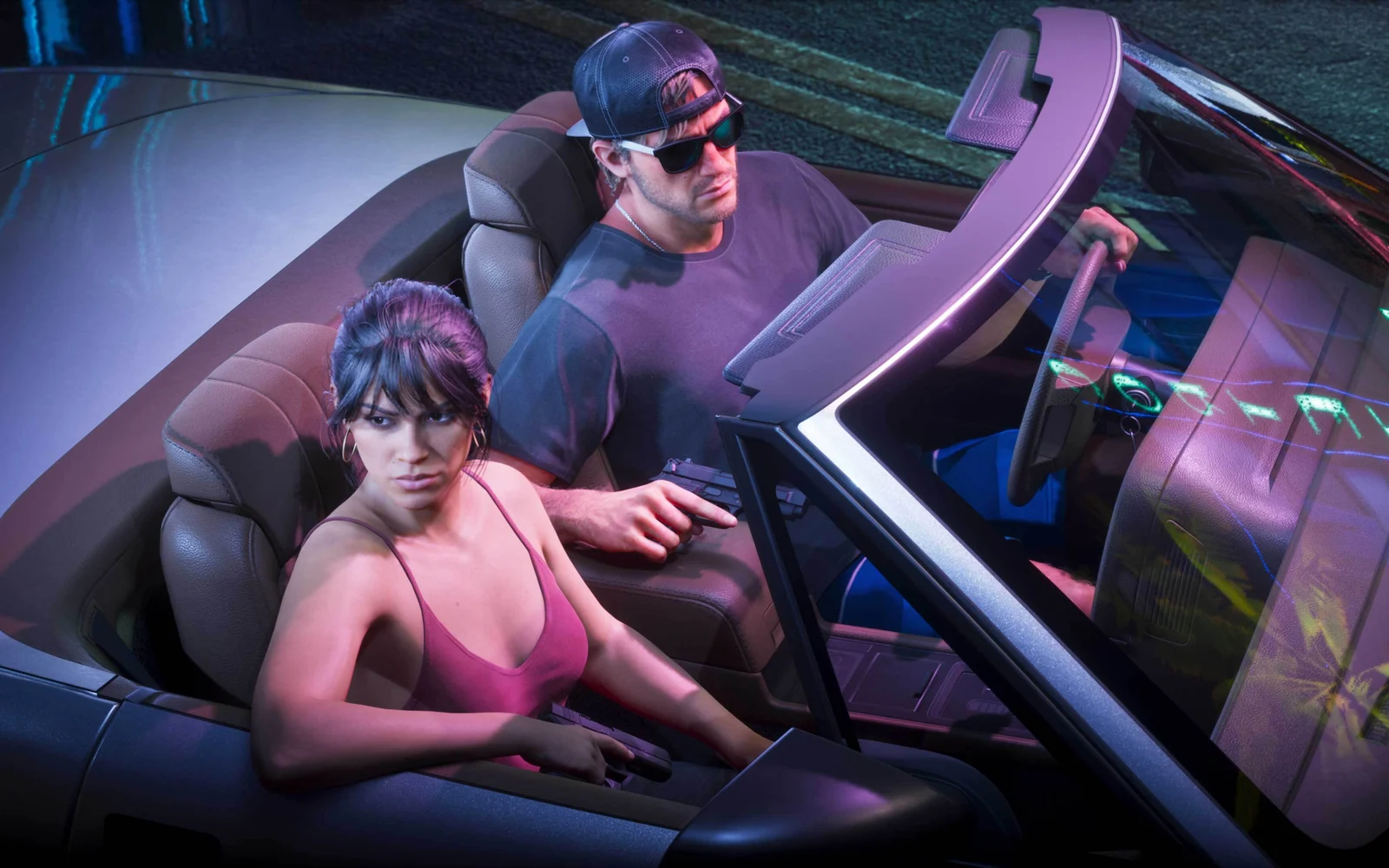
Image: Rockstar Games
GTA 6 costs $79.99 for the Standard Edition, so it’s no surprise that “can you gameshare GTA 6” is one of the most searched questions this launch week. The short version: yes, you can share it, but only the way PlayStation and Xbox let you share any digital game. There’s no special GTA 6 sharing feature, and a few rules can trip you up.
We went through Sony’s and Microsoft’s own support pages, so you know exactly what works, what doesn’t, and how to set it up without locking yourself out of your own copy.
Quick answer: Yes. On PS5, turn on Console Sharing and Offline Play (Settings, Users and Accounts, Other) on the console you want to share with, and anyone on that PS5 can play your digital copy of GTA 6. On Xbox Series X|S, make that console your Home Xbox (Settings, General, Personalization, My home Xbox). You can only share with one console at a time on each platform, and you can’t share a PS5 copy with an Xbox or the other way around.
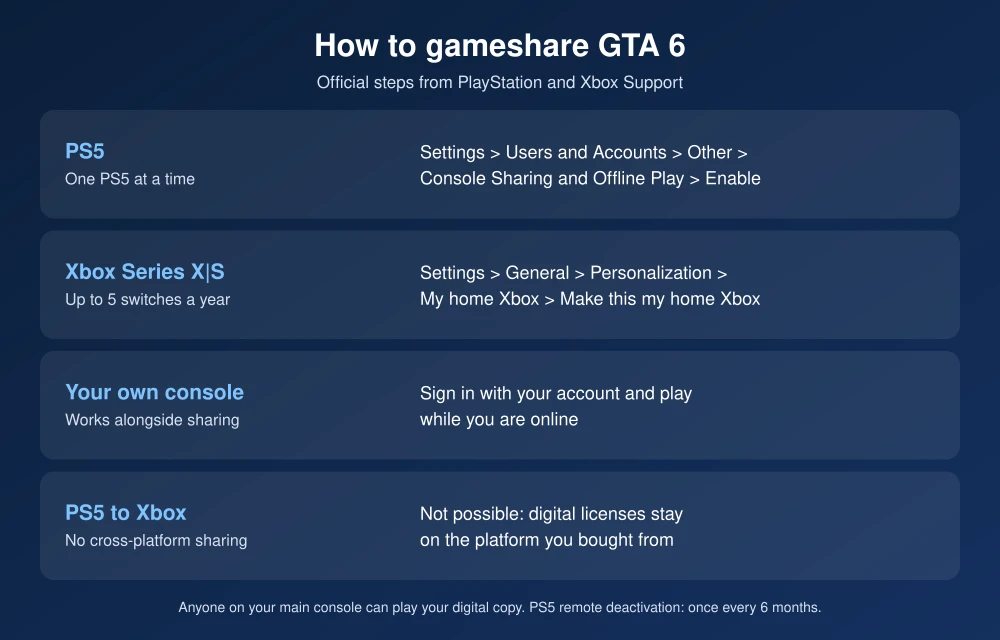
How gamesharing actually works
Gamesharing isn’t a GTA 6 feature. It’s how your console handles digital licenses. You pick one console as your “main” console, and everyone who uses that console gets access to the digital games on your account. You can still play on any other console by signing in with your own account.
So the trick most people use is to set a friend’s or family member’s console as your main console. They play your copy on their console, and you play on yours by signing in, as long as you’re online.
How to gameshare GTA 6 on PS5
Sony calls it Console Sharing and Offline Play. Its support page says anyone who uses a PS5 with it turned on can play games you’ve purchased and downloaded, even when the console is offline.
- On the PS5 you want to share with, sign in with the PlayStation account that bought GTA 6.
- Go to Settings, then Users and Accounts, then Other.
- Select Console Sharing and Offline Play, then Enable.
- Download GTA 6 on that console. Anyone who uses that PS5, on their own profile, can now play it.
- Back on your own PS5, sign in with your account and play while you’re online.
Important: Console Sharing and Offline Play can only be on for one PS5 at a time. If it’s on for your own console, you have to turn it off there first. Sony also lets you remotely deactivate all devices from Account Management, but only once every six months, so don’t play with this setting casually.
How to gameshare GTA 6 on Xbox Series X|S
Microsoft calls it your Home Xbox. According to Xbox Support, friends and family who sign in to your home Xbox can play your digital games, even when you’re not signed in.
- On the Xbox you want to share with, sign in with the account that bought GTA 6.
- Press the Xbox button, then go to Profile & system, Settings, General, Personalization, My home Xbox.
- Select Make this my home Xbox.
- Download GTA 6. Anyone on that console can now play it.
- On your own Xbox, you can still play by signing in, as long as you’re online.
Important: Microsoft says you can only have one home Xbox at a time and can switch it up to five times in any one-year period. Customer support can’t give you extra switches.
What you can’t do
- Share across platforms. A PS5 copy only works on PS5, and an Xbox copy only on Xbox.
- Share a disc the same way. A physical copy works on whichever console the disc is in. To share it, you hand over the disc.
- Share with more than one console. Each platform allows one main console per account.
- Play offline on your own console while it’s not your main console. Your copy checks the license online. If PSN or Xbox network goes down, you may not be able to start the game. Our guide to playing GTA 6 when PSN is down explains this.
Is gamesharing allowed?
Yes, within the limits above. Both Sony and Microsoft built these settings for sharing with people in your home. The risk comes from sharing your account login with someone you don’t trust: they can buy things with your saved payment methods or change your password. Only share with people you’d trust with your account, turn on two-step verification, and remove saved cards if you’re unsure.
Before you hand over your account
- Update first. A PS5 system update is required to play. See how to update your PS5 for GTA 6.
- Set it up properly. Our guide to the best GTA 6 settings for PS5 and TV helps the game look its best on the shared console.
- Each player keeps their own progress. Saves are tied to the profile that plays, so you and the person you share with won’t overwrite each other.
FAQs
Can you gameshare GTA 6?
Yes. Use Console Sharing and Offline Play on PS5 or Home Xbox on Xbox Series X|S to let everyone on one other console play your digital copy.
How many people can play one copy of GTA 6?
Two consoles at once: anyone on your main console, plus you on another console signed in to your own account while online.
Can I share GTA 6 between PS5 and Xbox?
No. Digital licenses only work on the platform where you bought the game.
How often can I change my main console?
On PS5, you can turn Console Sharing and Offline Play off and on at any time, but remote deactivation is limited to once every six months. On Xbox, you can switch your home Xbox up to five times a year.
Featured image: Rockstar Games.
Disclosure: TheTechHacker has no paid relationship with Rockstar Games, Sony, Microsoft or any company mentioned here.
More in News

How to Fix Not Enough Storage When Preloading GTA 6 on PS5 and Xbox Series X|S
Rockstar says the GTA 6 preload needs up to 212GB. Here’s how to check your free space, clear room, add an M.2 SSD or Xbox expansion card, and get a stuck download moving again.
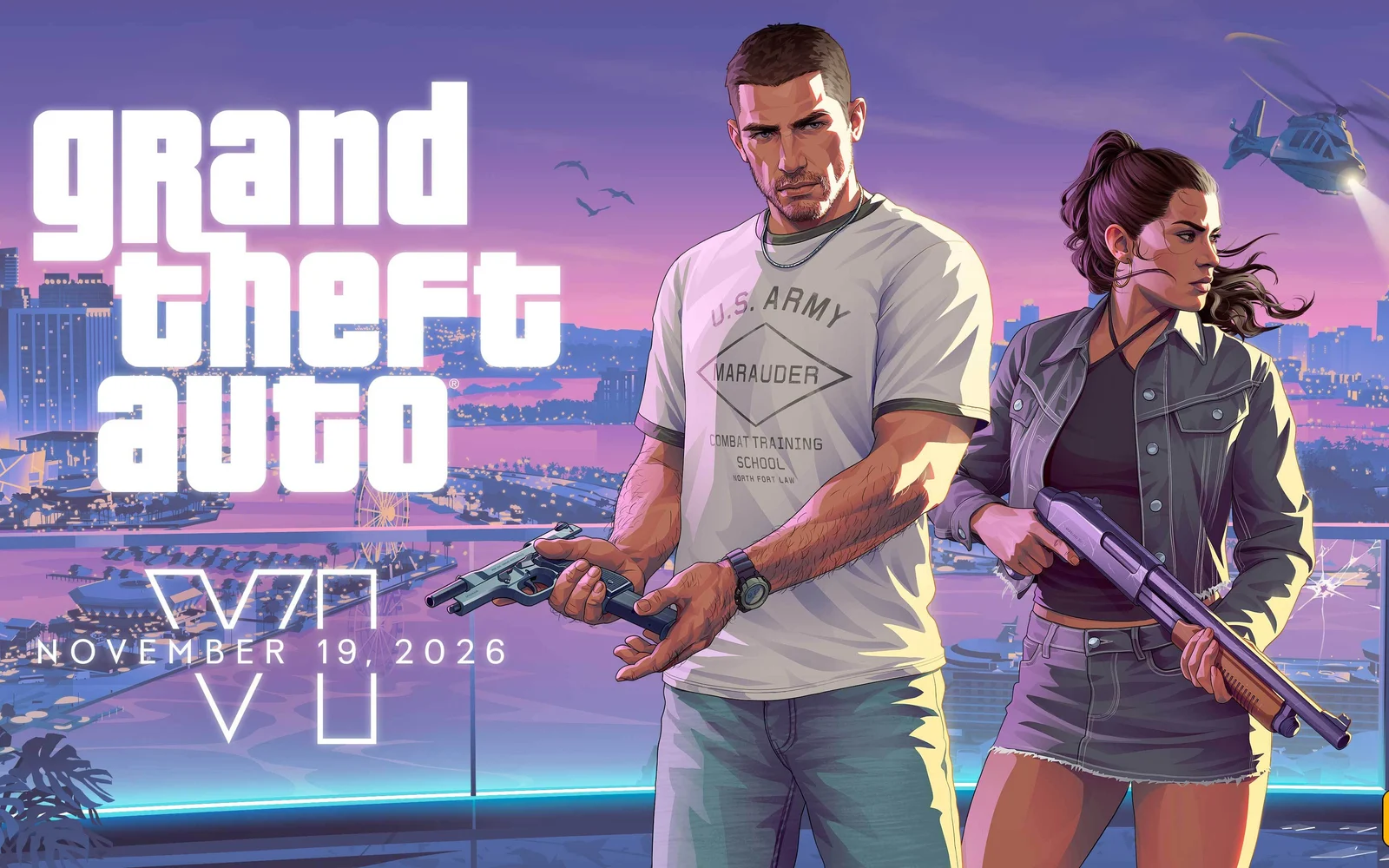
GTA 6 Launch Day: PS5 Update, Unlock Times, Vice City Night and the Biggest Posts on X
GTA 6 unlocks at midnight Nov 19. PS5 needs a required system update first. Unlock times, Vice City night, the Miami festival and top posts from Rockstar.

What Time Does GTA 6 Come Out? Unlock Times for Every US Time Zone
It is finally launch week. If you are like me, the only question left is exactly when you can stop staring at the pre-loaded GTA 6 icon and actually press start. I went straight to Rockstar’s support site, Xbox Wire and the PlayStation Blog to pin down the official answer, because there are a lot…
The week in tech, minus the noise.
New reviews, fixes and the stories that matter — once a week, straight to your inbox.
We only use your email to send the newsletter. Unsubscribe any time. See our privacy policy.
Comments