

How to Claim Your Apple Siri AI Settlement Payment Before the Dec 21 Deadline
If you bought an iPhone 15 Pro or any iPhone 16 model in the US between June 2024 and March 2025, you may be owed money from Apple. The $250 million settlement in Landsheft v. Apple resolves claims that Apple advertised personalized Siri and Apple Intelligence features that weren’t ready. Apple denies wrongdoing. MacRumors and…

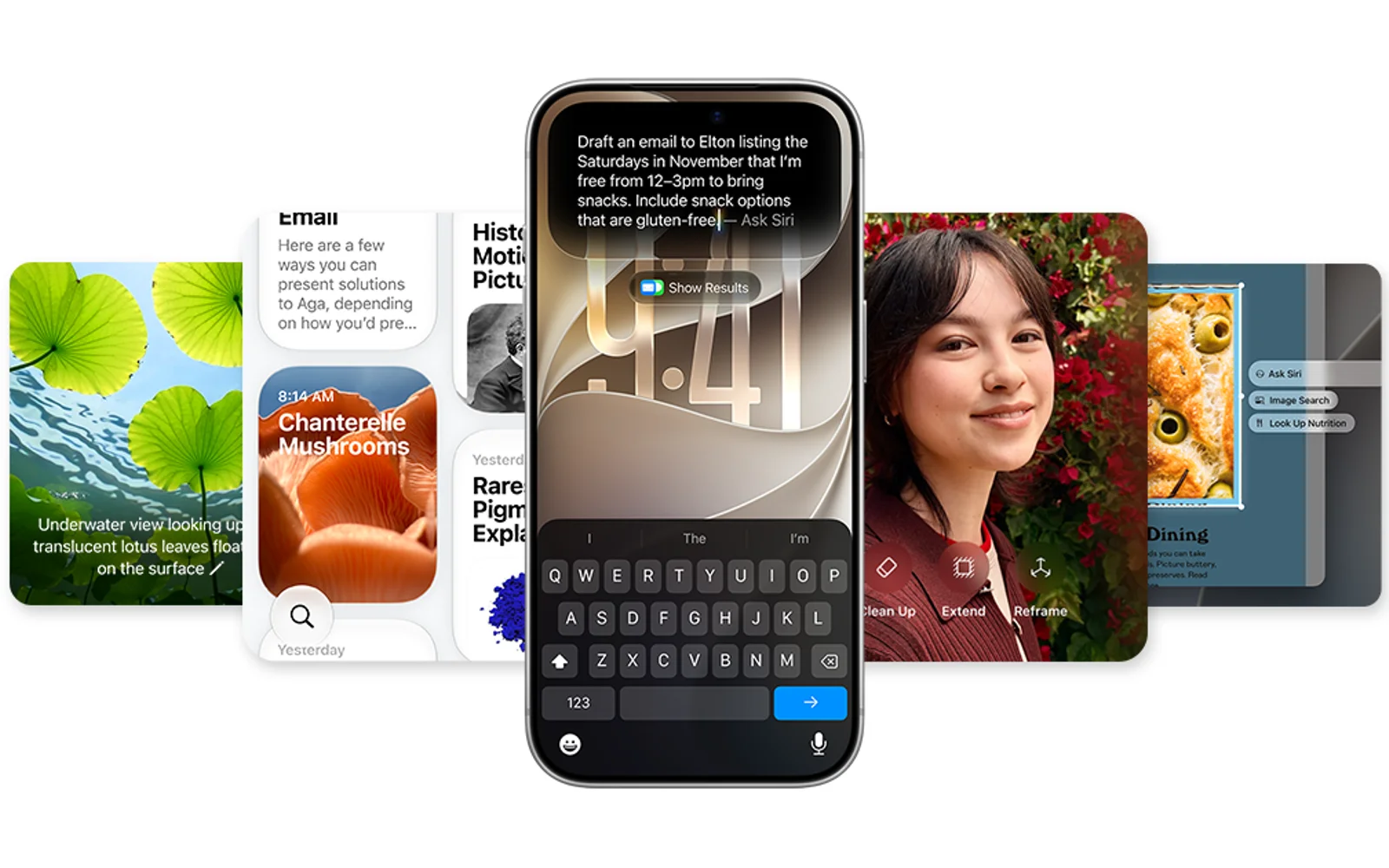
Image: Apple
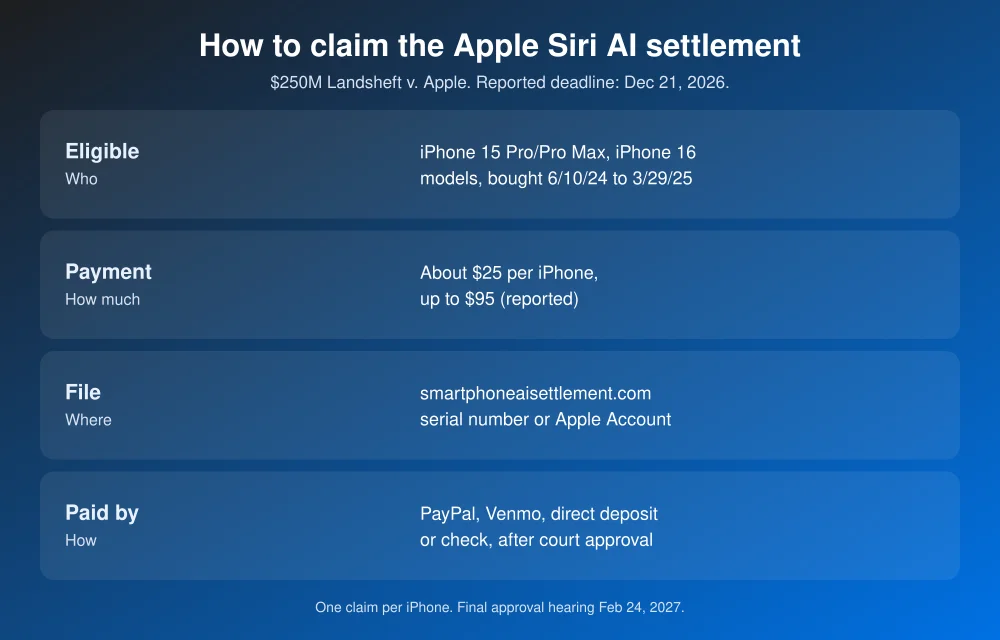
If you bought an iPhone 15 Pro or any iPhone 16 model in the US between June 2024 and March 2025, you may be owed money from Apple. The $250 million settlement in Landsheft v. Apple resolves claims that Apple advertised personalized Siri and Apple Intelligence features that weren’t ready. Apple denies wrongdoing. MacRumors and other outlets report the estimated payment is about $25 per eligible iPhone, up to $95, and claims are due by December 21, 2026. You file at the official settlement site, smartphoneaisettlement.com. This guide covers who qualifies, what you need, and how to file.
Quick answer: To claim the Apple Siri AI settlement, go to smartphoneaisettlement.com, select Submit a Claim, and enter the Claim ID and PIN from your email or postcard notice. If you didn’t get one, file without it. Add each eligible iPhone’s serial number, or the Apple Account email and phone number used on it. Then confirm the attestation and choose PayPal, Venmo, direct deposit or check. You qualify if you bought an iPhone 15 Pro, 15 Pro Max or any iPhone 16 model new in the US between June 10, 2024 and March 29, 2025. The reported deadline is December 21, 2026.
What the Apple Siri settlement is about
The case, Landsheft v. Apple Inc. (No. 5:25-cv-02668) in the US District Court for the Northern District of California, claimed Apple’s ads promoted a more personal Siri and Apple Intelligence features to sell iPhones. Apple then delayed those features in March 2025. Apple agreed to pay $250 million in May 2026 without admitting wrongdoing. The facts below are as reported by MacRumors and class-action trackers. The settlement site itself blocks automated checks, so confirm the details there before you file.
Who qualifies
You may qualify if you’re a US resident who bought one of these iPhones new, in the US and not for resale, between June 10, 2024 and March 29, 2025:
- iPhone 15 Pro and iPhone 15 Pro Max
- iPhone 16, iPhone 16 Plus, iPhone 16 Pro and iPhone 16 Pro Max
- iPhone 16e
Reports say you need to be the original buyer. Used or refurbished phones bought from someone other than the original seller don’t count.
How much you’ll get
The estimated payment is about $25 per eligible iPhone, with a maximum of about $95. It could be lower than $25 depending on how many people file, since legal fees and costs come out of the $250 million first. Roughly 36 to 37 million iPhones are covered. You file one claim per device.
How to file your claim
- Go to smartphoneaisettlement.com and select Submit a Claim. Type the address yourself rather than clicking links in texts.
- If you got an email or postcard notice, enter its Claim ID and PIN to fill in your details. If not, choose the option to file without an ID.
- Enter your name, address and contact details.
- Add your iPhone’s serial number. If you don’t have it, give the Apple Account email and phone number used with the phone.
- File a separate claim for each eligible iPhone.
- Confirm the attestation that you bought the phone in the US during the class period. Claims can be audited.
- Pick PayPal, Venmo, direct deposit or a check, then submit.
Find your serial number: on the iPhone, go to Settings > General > About. If you no longer have it, sign in at account.apple.com and check Devices, or look at the original box or receipt.
Key dates
| Date | What happens |
|---|---|
| December 21, 2026 | Deadline to file a claim (online or postmarked), opt out or object |
| February 24, 2027 | Final approval hearing in San Jose |
| After approval | Payments go out once the court approves and any appeals end |
Watch out for settlement scams
Scammers copy settlement emails. The real site won’t ask for your Apple Account password, card number or Social Security number. If a text pushes you to “claim your Apple payment” through a strange link, ignore it. Our guide to spotting phishing emails covers the warning signs.
This is a different case from the 2025 Lopez v. Apple Siri privacy settlement, which covered accidental Siri recordings and is closed. For what Siri AI does now, see Siri AI daily limits and iOS 27.3 features.
FAQs
Who is eligible for the Apple Siri AI settlement?
US residents who bought a new iPhone 15 Pro, 15 Pro Max, iPhone 16, 16 Plus, 16 Pro, 16 Pro Max or 16e in the US between June 10, 2024 and March 29, 2025, according to reports on the settlement.
How much will I get from the Apple Siri settlement?
Reports estimate about $25 per eligible iPhone, up to $95, depending on how many claims are filed.
What is the deadline to file?
Claims are reported to be due by December 21, 2026. File online at smartphoneaisettlement.com.
Do I need a claim ID?
No. If you didn’t get an email or postcard, you can still file with your iPhone’s serial number or the Apple Account email and phone number used on it.
Featured image: Apple.
Disclosure: TheTechHacker has no paid relationship with Apple, the settlement administrator or any law firm. This isn’t legal advice. Check the official settlement site for full terms.
More in How-to
How To Enable Siri Suggestion In Mail App On iOS And macOS
Apple’s Siri suggestions can be helpful in many cases. Compared to the Google Assistant, Siri is a tough and worthy personal assistant and it proved in many ways. The integration with the third-party messaging apps is a noticeable feature which we can’t deny. The features are pretty useful to improve our productivity while messaging. Siri…
How to Use Gemini on Apple CarPlay: Setup, Voice Tips and Limits
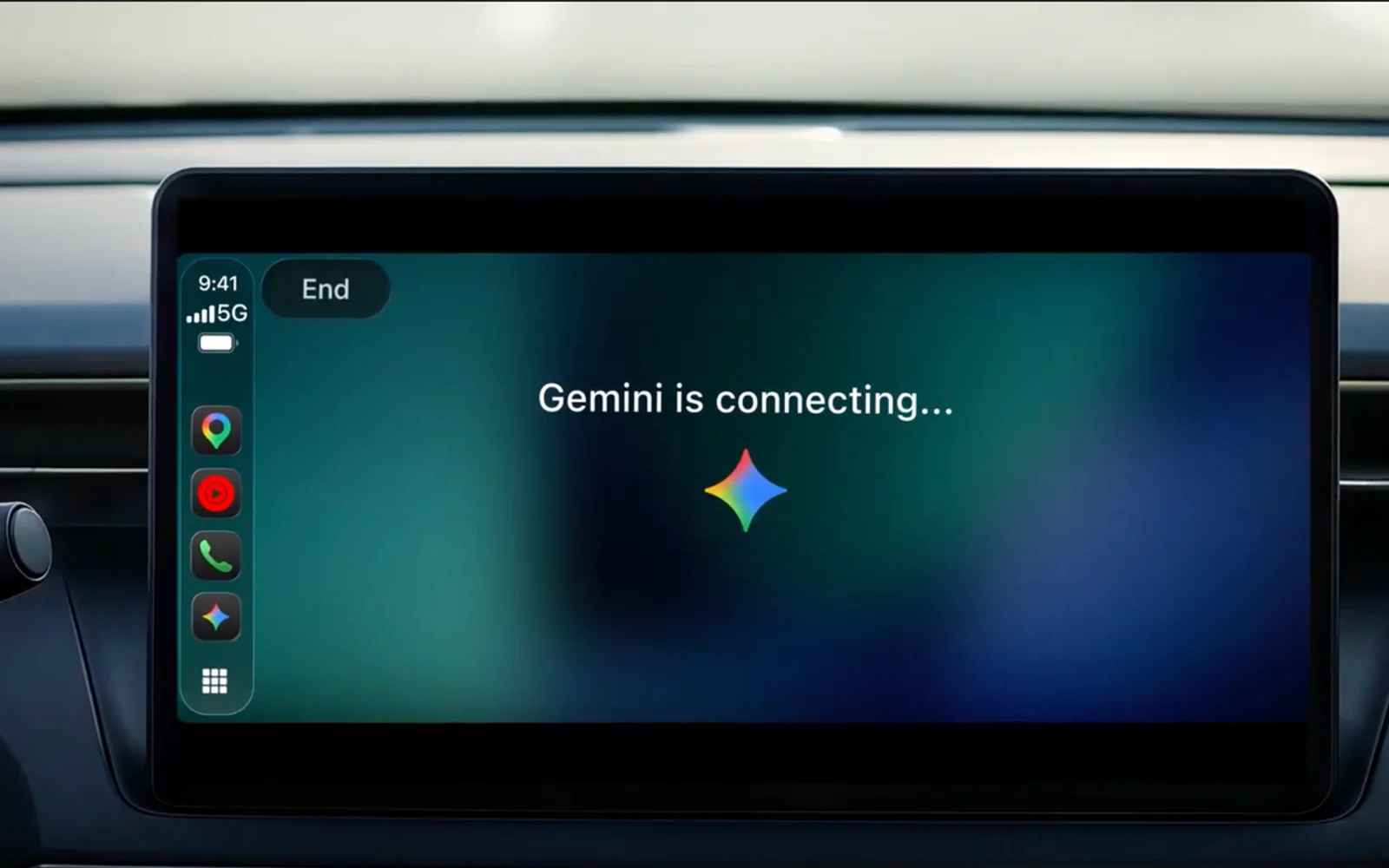
Google’s Gemini app now works on Apple CarPlay. Google announced it on November 11, 2026, rolling out “to all Gemini users on iOS,” and the App Store listing now shows a “Gemini is now on CarPlay” banner. Many people will be on the road for Thanksgiving this week, and Gemini can read out your calendar,…
How to Fix Siri Not Responding on Apple Watch
Is Siri not responding when you try to use it on your Apple Watch? You may raise your wrist, say “Hey Siri,” or press the Digital Crown, but nothing happens. This can be frustrating, especially when you depend on Siri for quick messages, reminders, calls, directions, or other hands-free tasks. The problem may be caused…
The week in tech, minus the noise.
New reviews, fixes and the stories that matter — once a week, straight to your inbox.
We only use your email to send the newsletter. Unsubscribe any time. See our privacy policy.
Comments