

Google Home November 25 Update: Remote Siren, Familiar Faces on onn Cameras and Faster Gemini
Google released its November 25 Google Home update, and it’s one of the bigger ones this year. Some changes need a Google Home Premium subscription or the Gemini for Home early access program, and some are for everyone. This guide explains each change and who gets it. Quick answer: The November 25 update adds a…
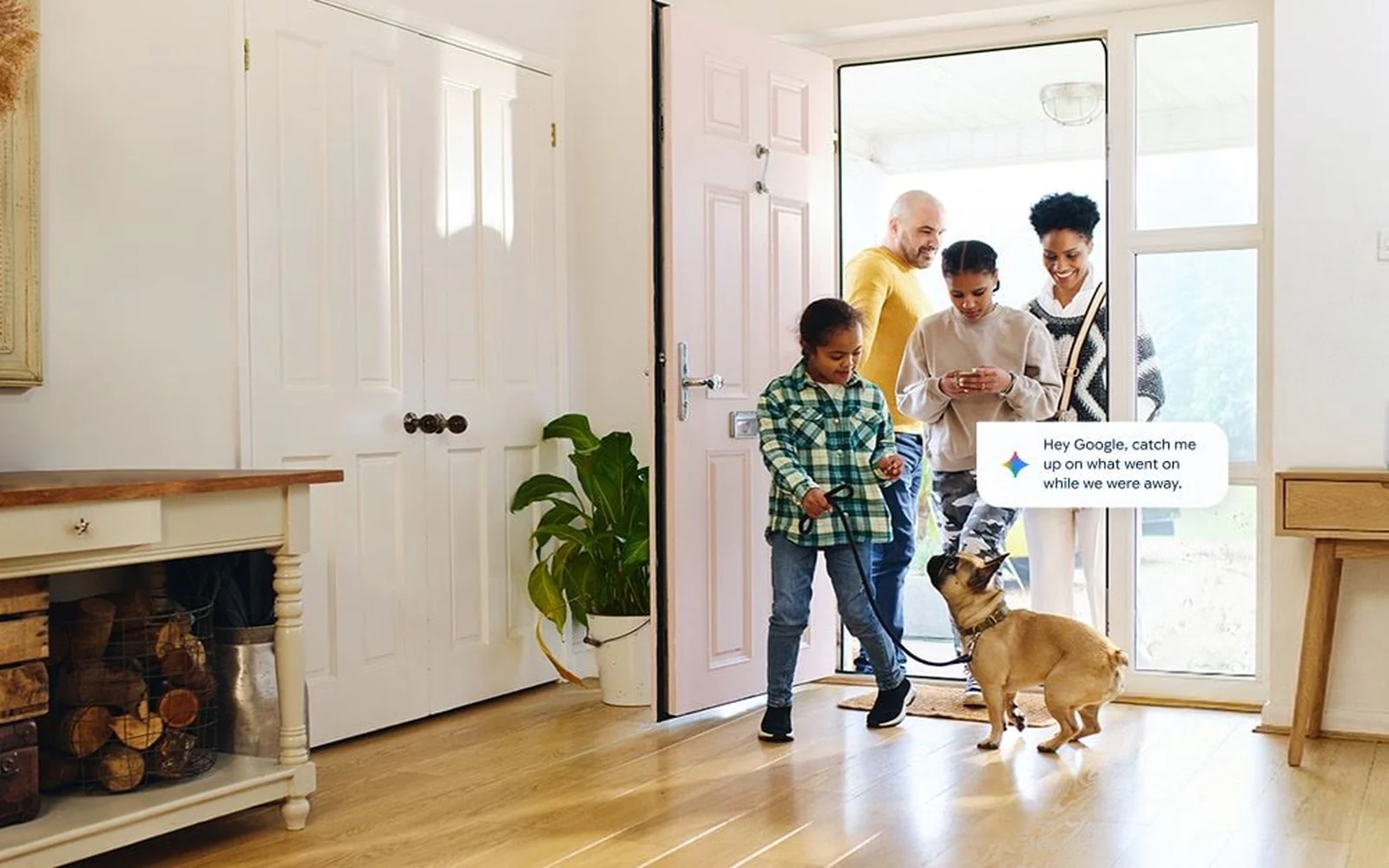
Google Home November Update
Google released its November 25 Google Home update, and it’s one of the bigger ones this year. Some changes need a Google Home Premium subscription or the Gemini for Home early access program, and some are for everyone. This guide explains each change and who gets it.
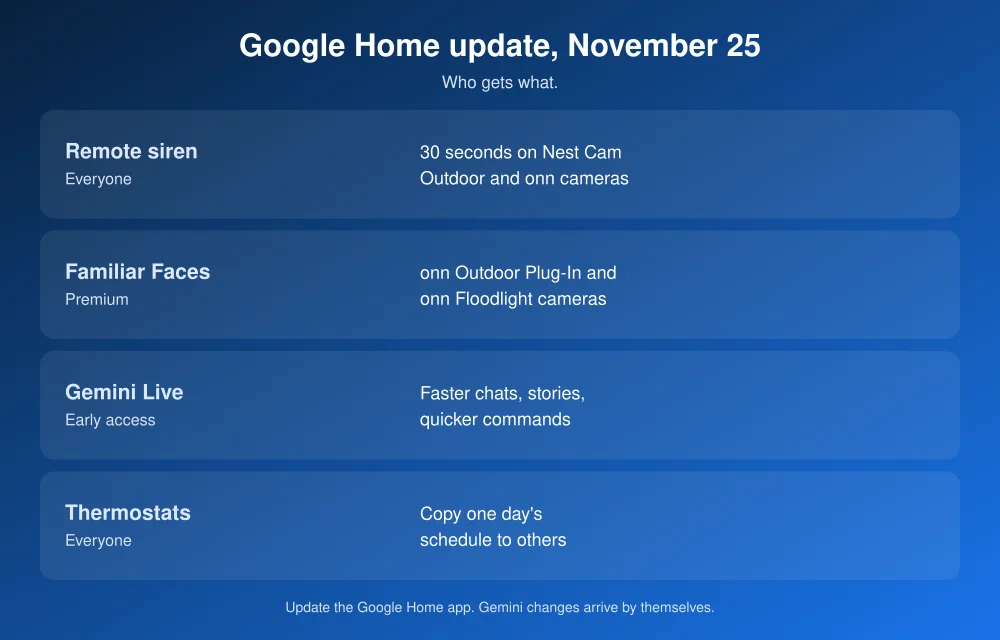
Quick answer: The November 25 update adds a 30-second remote siren for some outdoor cameras, Familiar Faces on Walmart’s onn outdoor cameras (with Google Home Premium), copying thermostat schedules across days, a better light color wheel on iPhone and several fixes. Gemini for Home early access users get a faster Gemini Live, new storytelling and quicker smart home commands. Update the Google Home app to get the app changes. Gemini changes arrive without an update.
What’s New for Cameras
- Remote siren: you can start or stop a 30-second security siren while watching live video on Nest Cam Outdoor (wired, 2nd gen), onn Outdoor Camera Plug-In and onn Floodlight Camera Hardwired.
- Familiar Faces on onn cameras: the onn Outdoor Camera Plug-In and onn Floodlight Camera Hardwired now send Familiar Face alerts. You need a Google Home Premium subscription. The Verge reports the cameras cost $35 and $77.
- Android fixes: notification previews are back on Android 17 phones, fewer “Couldn’t play video” errors, and landscape controls no longer overlap the camera cutout on Pixel phones.
- Clip feedback: homes with more than one admin can now send feedback on video clips.
What’s New for Gemini for Home (Early Access)
- Faster Gemini Live: rolling out over the coming weeks. Say “Hey Google, let’s chat.” It now handles everyday actions like timers and lights.
- “Hey Google, tell me a story”: more expressive voices, and you can change the story as it goes.
- Quicker smart home commands and better follow-ups, such as “turn them back on.”
- Sources on smart displays: tap Sources to see the websites behind an answer.
- Fewer “nothing is playing” replies when you say “stop.”
Thermostats, Lights and Speakers
- Copy schedules: copy one day’s temperature schedule to other days on the Nest Learning Thermostat (4th gen) and Nest Thermostat.
- Color wheel on iOS: full-saturation colors are easier to pick.
- Speaker fixes: smoother Google Home Speaker setup and other media fixes.
How to Get the Update
- Update the Google Home app from Google Play or the App Store.
- For Familiar Faces, check that your Google Home Premium plan is active.
- For Gemini features, you need to be in the Gemini for Home early access program.
Google says some features take time to reach everyone even with the latest app. Every change is listed in Google’s Google Home release notes.
If devices show up twice after updating, see our fix for Google Home duplicate devices. Also read about the Nest app and Assistant retirement and the new Gemini camera on Android.
FAQs
Do onn cameras support Familiar Faces?
Yes. Since the November 25 update, the onn Outdoor Camera Plug-In and onn Floodlight Camera Hardwired do, with Google Home Premium.
Which cameras get the remote siren?
Nest Cam Outdoor (wired, 2nd gen), onn Outdoor Camera Plug-In and onn Floodlight Camera Hardwired.
Do I need to pay for the new Gemini features?
They are part of the Gemini for Home early access program. Familiar Faces needs Google Home Premium.
How do I copy a Nest thermostat schedule?
Update the Google Home app, open your thermostat’s schedule, and copy one day to other days.
Featured image: Google.
Disclosure: TheTechHacker has no paid relationship with Google or Walmart.
More in Guides
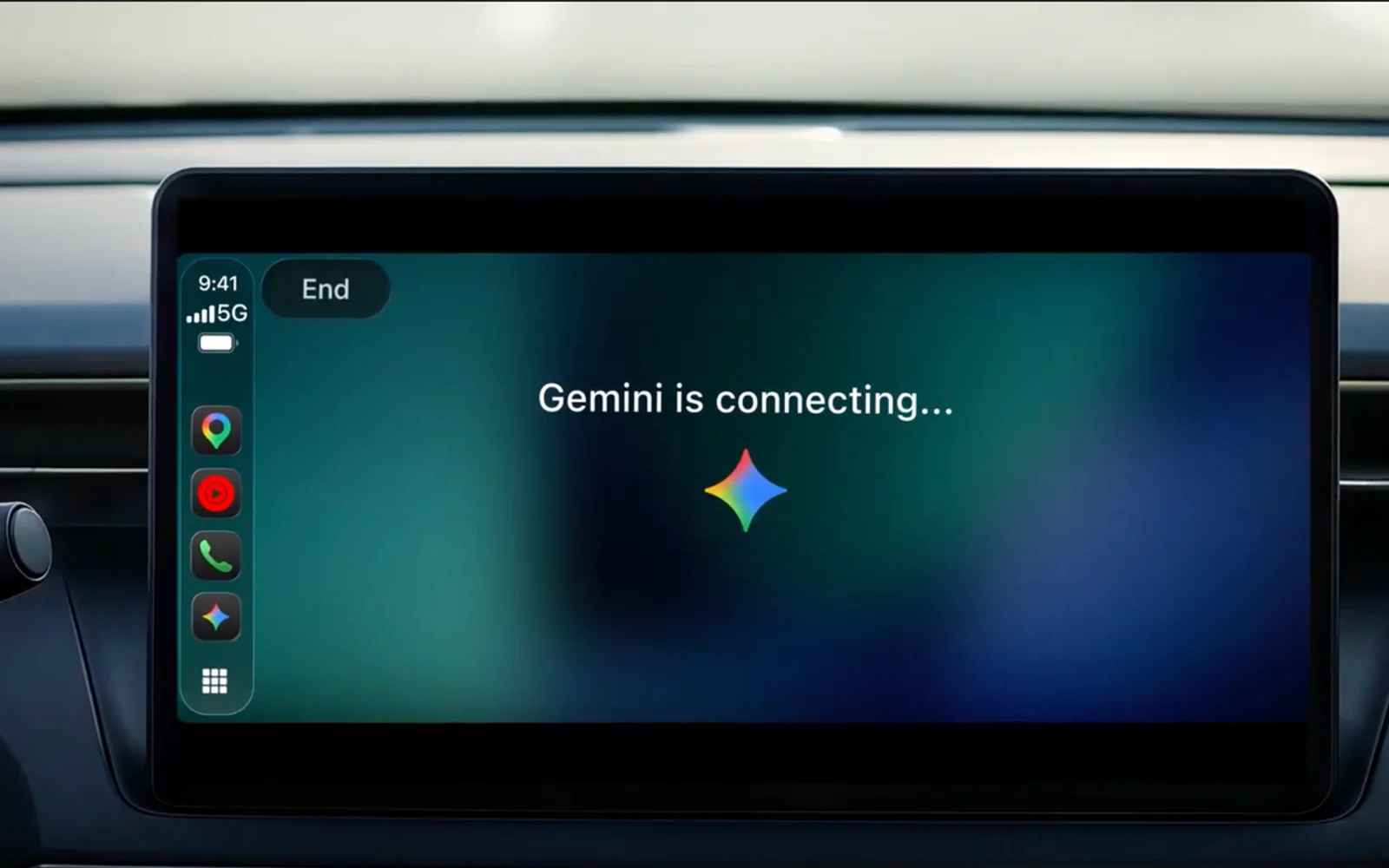
How to Use Gemini on Apple CarPlay: Setup, Voice Tips and Limits
Google’s Gemini app now works on Apple CarPlay. Google announced it on November 11, 2026, rolling out “to all Gemini users on iOS,” and the App Store listing now shows a “Gemini is now on CarPlay” banner. Many people will be on the road for Thanksgiving this week, and Gemini can read out your calendar,…
How to Fix Pixel Camera Not Working After the November Update
If your Pixel’s camera opens to a black screen or a “Camera error” message since the November update, it’s not just you. Since November 13, Pixel 10 and Pixel 11 owners have reported the same thing, and for some of them it affects third-party camera apps too, not only Pixel Camera. Google hadn’t issued a…
Best Home Security Cameras for 2026 (No Monthly Fee vs Subscription)
Choosing a home security camera now means choosing a plan too. Here’s how no-monthly-fee cameras compare with subscription ones across storage, smart alerts, privacy, Wi-Fi and smart home support.
The week in tech, minus the noise.
New reviews, fixes and the stories that matter — once a week, straight to your inbox.
We only use your email to send the newsletter. Unsubscribe any time. See our privacy policy.
Comments