

Rahul Vithala


How To Use Rufus To Create A Bootable USB Drive
Gone are those days when we used to CD or DVD to boot Windows XP and higher OS versions. The latest models of laptops and desktops are not coming with the optical drive enabled. I can literally say, CD and DVD’s are obsolete now at least for installing Operating systems. For Windows users, there are…

How to Identify the Graphics Card in Your Windows 10 PC
GPU’s are essential hardware which lets you play your favourite games. Each GPU comes with different configuration and processing powers. As the gaming industry is developing with the latest games, you need to replace your older graphics cards to run the newest games. If you want to know the model number of the graphic card…

How to setup VPN on PS4
PS4 is a fantastic gaming console and loved by millions of users. To improve the ping rate, access the players in different regions, and to protect the online play from online attacks, many users prefer VPN on PS4. Unfortunately, there is no straightforward process for the VPN setup on PS4. However, every popular VPN service…

How to know Your Carbon Footprint in the Environment
The amount of greenhouse gases like carbon released into the atmosphere is calculated and termed as Carbon footprint. This activity is done by an individual or community or by an organization are responsible for the cause of environmental pollution. Everyone in this world is responsible for carbon emission which is a global environmental problem. As…

Adios Lets Your PC To Shut Down, Restart, At A Specific Time
Shutting down, restarting a PC are manual things until now. Meet Adios, this program lets you schedule restart, shutdown, sleep with a timer. It is a pretty good thing for clearing unwanted temporary files and freeing up the memory. The automatic shut down feature is the most awaited feature for me. I regularly put large…

How To Turn Off Auto Play Video Previews On Netflix
How To Turn Off Auto-Play Video Previews On Netflix: It is a piece of good news for Netflix fans who are not liking auto-play video preview feature of the shows. It is quite irritating when a Netflix video starts auto-playing the preview. It is one of my most awaiting feature from Netflix apart from fantastic…

How to download a website for offline use
The Internet contains a ton of great websites as useful resources. These websites make you more productive, knowledgeable and helpful to learn new skills. Wikipedia is one of them. If you want to check for any information Wikipedia you need an active Internet connection is must to fetch data on your device. If the Internet…

How to add printers on macOS
Even after digitalizing everything, printers are still used by many. To save paper and trees many services are turned into soft copies which are emails, reports and other computer-related services. But still, somethings can’t be changed like copies of our certificates, reports, contract agreements etc are still needed to be printed. Mac’s are evergreen machines…

Mac running slow? Speed up Mac with these easy fixes
Is Mac running slow? Speed up Mac with these easy fixes: Mac’s are fantastic machines designed for pure productivity. We can’t imagine a slow running mac. It is like a sports car with an old engine. Many people feel Mac won’t slow down. It is a myth and they will go slow down over time.…

Best Tools to Repair Corrupted or Damaged Files in Windows
Data corruption is a nightmare. It suddenly happens and it will damage all our precious data saved on hard disks. Data corruption happens when data is writing, editing or transferring to another hard drive. The program corrupts the data when anything interrupts during the process. In some cases, a virus can also corrupt the files…

How to repair corrupted files in Windows
A system crash is the most common problem among Windows users. Not only it crashes the system to boot properly, but it also sometimes damages the files. It is the worst situation if you have important documents and photos on your PC. If you are facing the system crash issue and all your files corrupted…
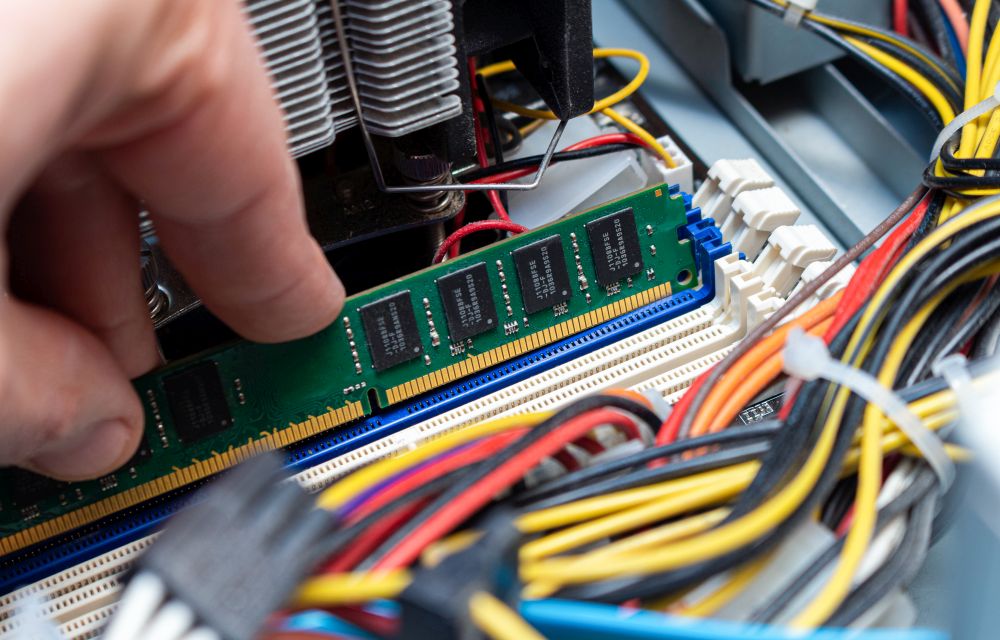
How to free up RAM on Windows 10
No one likes a slow-performing computer. As we are moving towards the future with the latest apps and games, the computing power also must meet software requirements. RAM (Random Access Memory) plays a crucial role in the performance of the computer. Sufficient RAM is required to handle the tasks. For example, if you are using…