

Rahul Vithala


Ransomware Attack. How to prevent it?
Logging into the Windows and accessing mail is a regular activity of your day. Many people like me and you may become the victims of the ransomware attacks. These attacks are carried out with the help of email. The attacker uses an email as a target to spread ransomware on victims computer or network. These…

How to run Android apps on Mac
The ecosystem of Mac and Android are completely different. If you are planning to run Android apps on Mac, there are some approaches which connect two different worlds. In this article, you will know how to run Android apps on Mac. Use of Android Emulators Android Emulators makes this task possible on the macOS. Choosing…
How to setup VPN on Windows 10
If you are planning to buy a VPN service for your Windows-based laptop or PC, then we are already suggested best VPN for Windows 10. Whatever the reason for using a VPN, it is always advisable to use a VPN service to anyone. In this article, you will know how to setup VPN on Windows.…

How to print Web Pages in Google Chrome
Google Chrome has the ability to take a print of the websites you visit. In the Windows OS, the Google Chrome works with the print spooler service which lets you print the web pages. It is a very simple process and no brainer. If you are looking for a way to print web pages in…

How to fix Google Cloud Printer offline error
If you are having an issue while printing a document with Google Cloud Print then you are in the right place. There are several types of Google Cloud Printer errors come as normal printers do. These are the possible Google Cloud Printer offline error messages you may encounter. When you are trying to connect a…
How to Create a Group in Gmail?
How to create a group in Gmail: Gmail is a very popular email service from the house of Google. It has fantastic features in emailing as no one has in the competition. A user can send attachments, enable alerts, create folders, scheduling emails, labelling and sending group emails. In this article, we will learn how…

Complete list of device manager error codes
Have you ever encountered an error on your computer when you trying to connect a device? If yes, you may see an error code it means your computer is experiencing problem with the device driver or other configuration and hardware-related problems. The Windows is very clear about showing the error code to the users. When…

How to remove ‘Congratulations You Won’ virus on Android smartphone?
‘Congratulations You Won‘ is a type of virus which appears on the Android smartphone. If you are receiving these types of messages, your device might be infected with the virus. Congratulations You Won and You are today’s lucky visitor virus reasons It is not a surprising or fun thing when you receive these messages. Your…
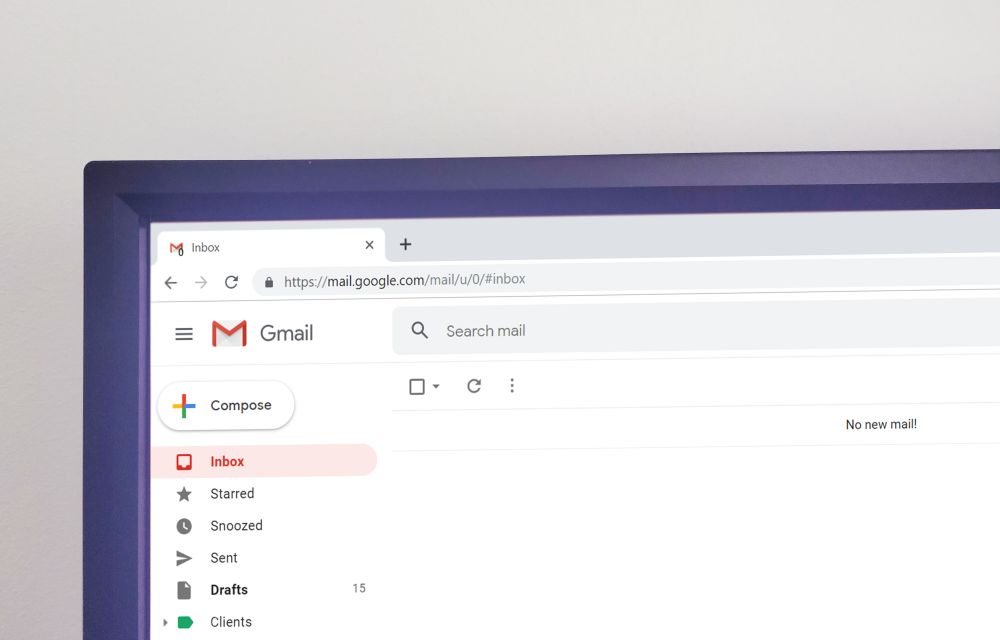
Set up Gmail account with these Google IMAP Settings
Set up Gmail account with these Google IMAP Settings: Everyone uses emails extensively for work and business as well as personal reasons too. Now, when we talk about emails then we instantly have Gmail in our head. This is because there are other email providers too but Gmail is by far miles ahead than the…

Best Legal Stremio Add-ons (Official and Safe)
Stremio is a popular media center app that brings movies, shows, channels, and your own videos together in one place. Its biggest strength is add-ons (often searched as “Stremio addons”), small extensions that add catalogs, subtitles, and sources to the app. Not all add-ons are created equal, though. Some are official and completely legal, while…

How to Get Unbanned from Fortnite: Epic’s Official Appeal Process
Getting banned from Fortnite can feel like losing years of skins, progress, and V-Bucks in one moment. If you think the ban was a mistake, Epic Games has an official way to ask for a review. In this guide, we explain the types of Fortnite bans, how to check your account status, how to appeal…

How to use Linktree to add custom links to Instagram
Have you ever tried to add links in your Instagram posts? The only way to add a link in Instagram is by adding a link in the bio. What if you want to add multiple links on your Instagram bio? It seems tough, right? No issues, Linktree service is here to clear links issue in…