

Rahul Vithala

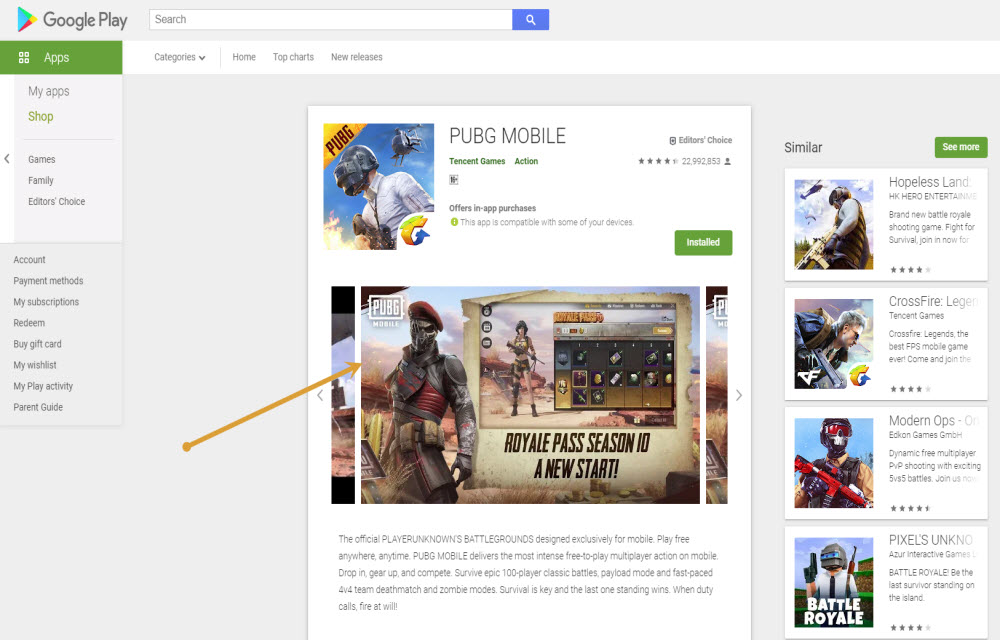
How to convert WEBP images to JPG or PNG formats on Windows 10
WEBP format is developed by none other than Google and it is largely used on Google-related services. If you visit the Google Play store and try to save the app screenshots on the computer then it will be saved as WEBP format. If you compare with popular image formats like JPG and PNG, WEBP format…
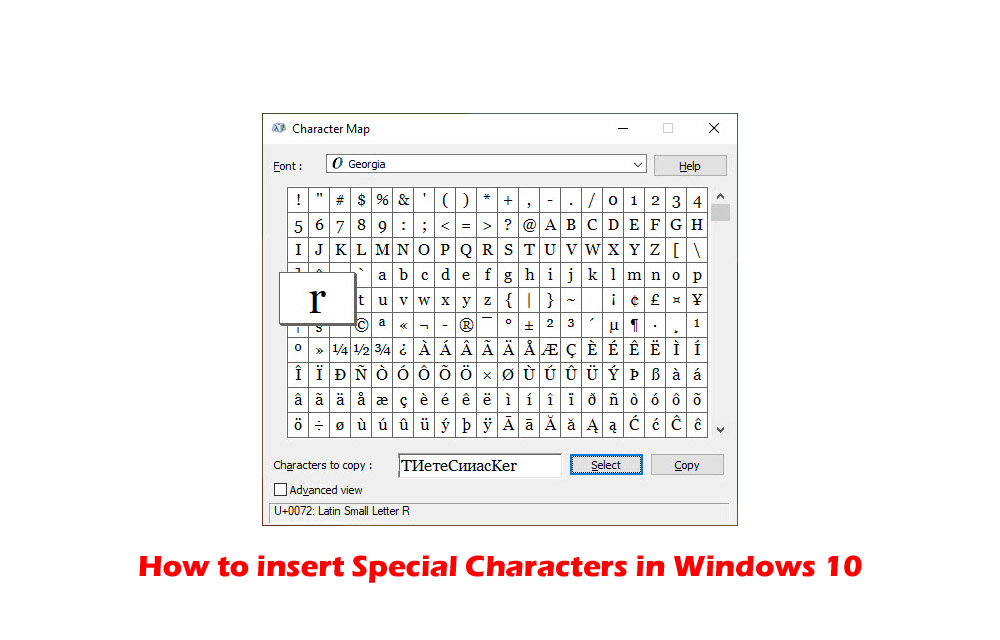
How to insert Special Characters in Windows 10
Special characters always have special importance while typing. They are used in special cases while typing currency and copyright symbols. If you want to use special characters in your writing work, then Windows 10 has Character Map for you. Character Map is a Windows tool designed to type special characters. In this article, you will…
How to speedup Network Sharing in Windows 10
Network Sharing helps an individual to share resources over the network. There are two types of network infrastructures namely wired and wireless. Network infrastructure includes devices such as modems, routers and software programs such as packet tracer. In order to get the most of these resources, one can configure them to be shared among different…
How to enable Two-Factor authentication on Facebook, Twitter, and Instagram
Maintaining online security is not an easy thing. There are many eyes spy on us to collect data and even some hackers are trying to hack our financial information. According to a study, the rate of online thefts and information collection has increased enormously. Luckily, there are few measures we can take to secure our…

How to flush or clear DNS Cache in macOS Catalina
Are you facing trouble while opening a website in macOS Catalina? DNS or Domain Name System resolves website names from IP addresses. If your browser is unable to load the website then the most obvious problem is the DNS error. If you are facing this problem in macOS Catalina, then we have the solution for…

Best Android RDP clients to make remote connections
An RDP client makes a remote connection to access the other devices at any location. It is a worthy service when you are traveling and no need to carry your personal desktop to access the data on your computer. You just need to make a remote connection to access all your files easily. Another great…

How to send SMS or text from Computer?
Text messaging is an evergreen method of communication. Even after the launch of quick messaging services like WhatsApp, Messenger, and Telegram, SMS is still used by many people. The use of text message is far simpler than the other communication mediums is the advantage of the SMS. If you are planning to send SMS or…

Best VPN Deals of Black Friday – 2019
Black Friday is around the corner and VPN companies are ready with amazing deals. VPN’s are helpful to anonymize your online identity to save yourself from online scams, combat spam, unblock geo-restricted sites, and faster browsing experience. We came up with 2019 best deals of VPN services. Each service has its own unique features along…

How to use “Approve with Apple Watch” on macOS Catalina
Apple owners know the security process of authentication. For unlocking settings in System Preferences, approve new app installations, and unlocking secured files, Mac asks authentication. Now with the latest macOS Catalina and a deadly combination of Apple watch you can approve the security authentications from your Apple watch. It is a pretty interesting and easy…

Best websites to download subtitles for movies
The interest and love for movies have no boundaries. Many people watch International movies including US, Korean, Indian, and Japanese movies. It is hard to watch non-regional movies only with actors’ expressions. The only thing which makes the movie understandable is the subtitle. In this article, we list some best of the best movie subtitles…
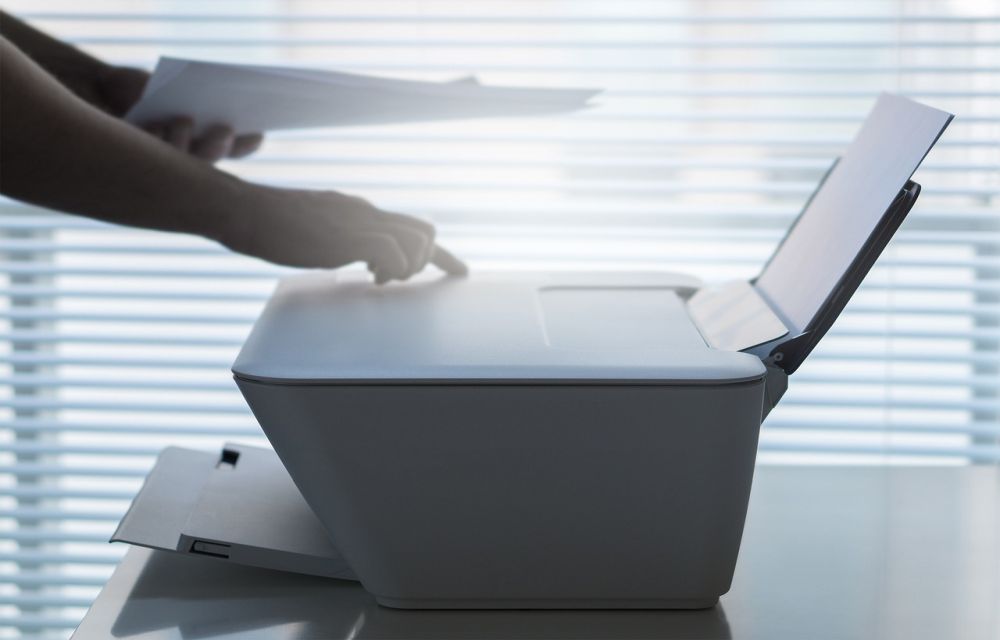
How to share your Mac connected printer with Windows
Are you trying to share your Mac connected printer with Windows? Sharing a Mac connected printer is a pretty easy process. Many feel that the process is complicated and Mac settings are a bit tough to configure. In real, sharing a Mac connected printer with Windows is very easy and saves money. You don’t need…

Best To-Do List Apps for Android and iOS
Organizing habit is very important in our everyday lives. It’s what helps us get stuff done. On that note, it’s important to realize that we can’t always perform everything that we thought we’d do in the timeframe we planned. I have tested several To-do list apps and have some strong feelings over a few apps. These…