

Rahul Vithala


How To Create A Zoom Account
With the rise in work from home all over the world, the demand for video conferencing tools enormously increased. Zoom is one such popular audio and video conferencing app available to fulfil all the needs. It is a modern both personal and enterprise video conferencing solution. Currently, many people around the world are using Zoom…
How To Fix “Printer Needs User Intervention” In Windows 10
Windows and printer is a deadly combination of productivity. But in cases, the combination is a nightmare too. There are some errors codes appear when you get a particular type of printer error. Previously we written few printer errors fixes such as 0x00000709 error, printer driver update problem, Printer Has Experienced An Unexpected Configuration Problem…

How To Fix FPS Drop While Gaming In Windows 10
Gaming on Windows is a blissful experience. Windows 10 is a favourite operating system for millions of users around the world. It lets you play any kind of game without giving any troubles. However, sometimes the FPS rate will drop suddenly during the game. It is a small error, and we can easily fix in…
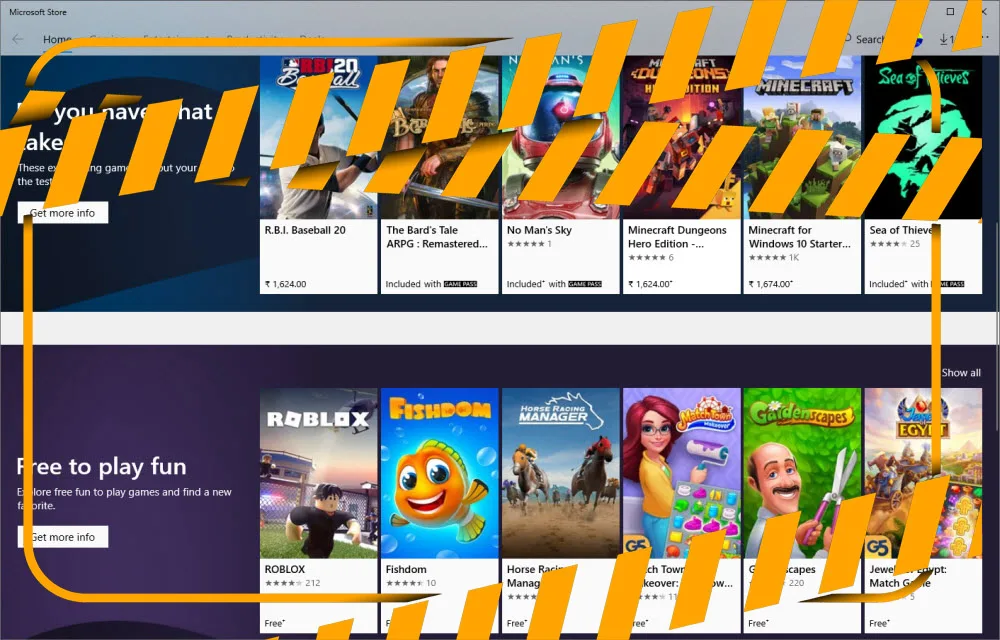
How To Fix Microsoft Store Error 0x80D03805 In Windows 10
Microsoft Store Error 0x80D03805 is a kind of error we usually get when trying to download or update an app from Microsoft store. It is the most common error according to the reports available online. Many people are searching on the Internet to get a fix for this issue. In case, if you faced this…
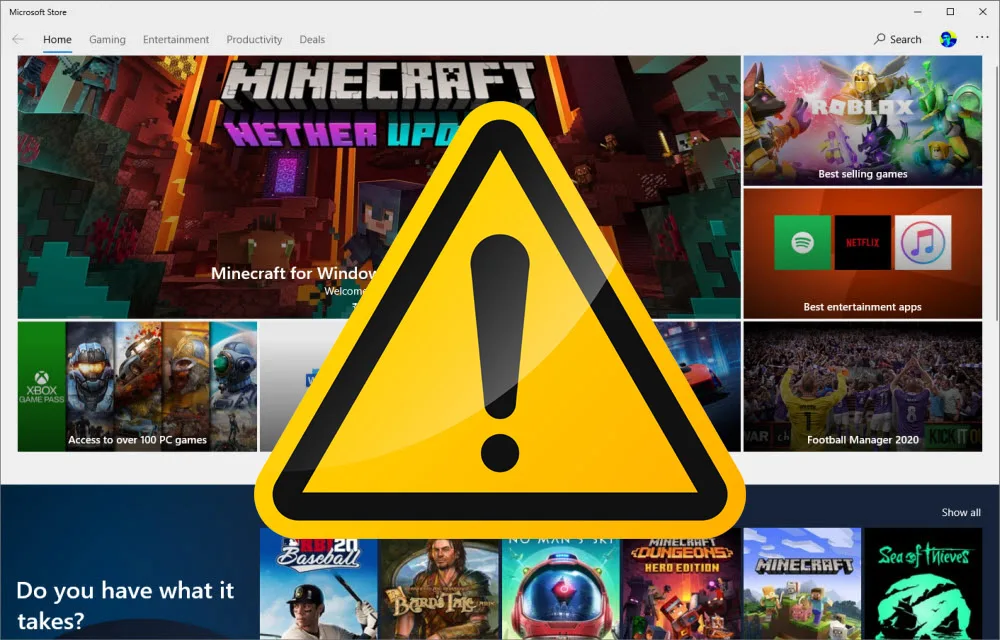
How To Fix App Has Been Blocked Due To Company Policy In Microsoft Store In Windows 10
Sometimes while downloading an application from Microsoft store, you may encounter a message “App Has Been Blocked Due To Company Policy In Microsoft Store In Windows 10” error message. It is due to some unexpected error caused by Microsoft store. Here are the fixes for “App Has Been Blocked Due To Company Policy In Microsoft…

How To Fake An Incoming Call On The Phone
There are many unwanted situations comes in our life. Sometimes we can’t show our emotions to escape from the situation. Whether it is an unwanted meeting or boring party, all we need is a small excuse to escape from the situation. Thanks to modern technology which makes our life’s very easy to manage in all…

How To Rename Printer Name In Windows 10
When you install a printer in Windows 10 computer, it will install with a default name of the printer. The default name of the printers is somehow confusing to the users. If you have more than one printer connected to your computer it is more confusing to recognize the printer you want to use. To…

How To Enable Siri Suggestion In Mail App On iOS And macOS
Apple’s Siri suggestions can be helpful in many cases. Compared to the Google Assistant, Siri is a tough and worthy personal assistant and it proved in many ways. The integration with the third-party messaging apps is a noticeable feature which we can’t deny. The features are pretty useful to improve our productivity while messaging. Siri…

How To Transfer Photos And Videos From Facebook To Google Photos
Facebook is popular for sharing and storing our precious moments on our wall for a lifetime. Sometimes we use camera image direct upload to the Facebook account. In that case, the camera doesn’t store the image to the gallery. The only way to get that important photo is on your Facebook wall. Recently, Facebook has…

Best Bitcoin Mining Tools For Windows, Mac, And Linux For 2020
If you are reading this article, it means you heard about Bitcoin and Blockchain technologies. You may see everyone talking about Bitcoin online and no person who is clearly aware of it in nearby you. Bitcoin is a decentralized virtual currency created from the Blockchain method. It uses blocks to generate a transaction virtually and…
100% Secure VPN Services For Everyday Use
The cyber threats online are exponentially increased as most of the common daily routines works are happening online. Everything has changed in the digital revolution. In this century, we are able to book a flight, order food, work from home, and even bank transactions are operated on the Internet. Anyone who uses a computer with…
How To Turn on Google Two Factor Authentication
Staying safe online is not an easy task. Every year we are seeing the increase in hack attacks on individual and business accounts. Luckily, 2-factor authentication came into the limelight by making our online accounts more secured. As you know Google is offering more number of IoT services than any company to the normal users.…