

Rahul Vithala

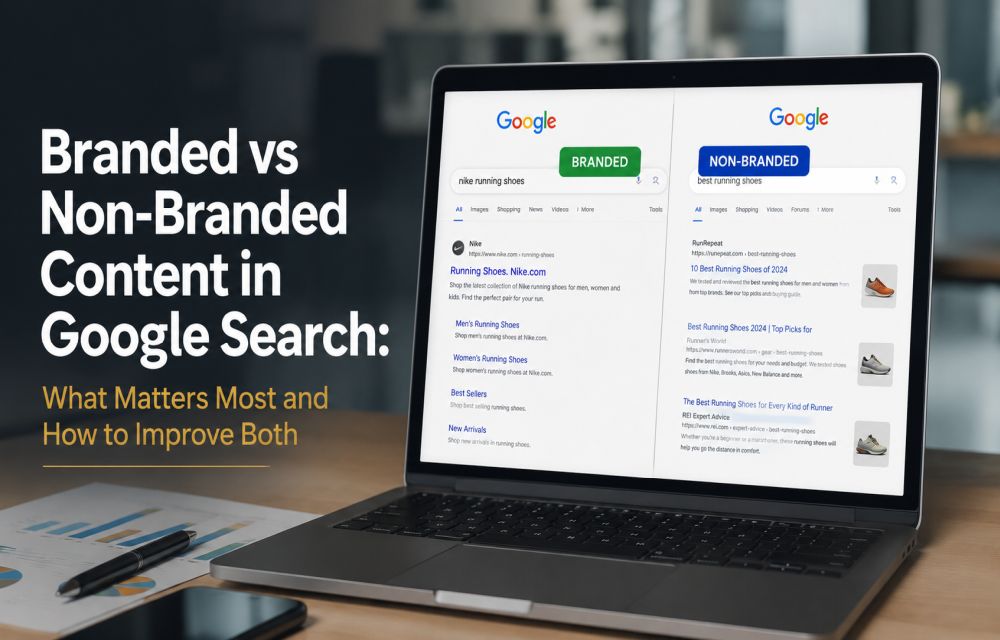
Branded vs Non-Branded Content in Google Search: What Matters Most and How to Improve Both
Recently I had a discussion with one of my clients during the SEO audit. She asked me the difference between the branded and non-branded content differences. Branded and non-branded content play different roles in search, and the smartest strategy is not choosing one over the other but knowing how each supports growth. Branded content helps…
How to fix iPhone Files App Not Showing Recent Downloads?
If your recent downloads are missing from the iPhone Files app, the issue is usually not serious. In most cases, it comes down to a wrong download location, a temporary indexing glitch, an iCloud sync problem, or a minor iOS bug. The good news is that this is usually fixable in a few minutes. Quick…

Microsoft rolls out Xbox Mode for Windows 11 PCs
Microsoft is rolling out a new Xbox mode for Windows 11 PCs, bringing a console-like gaming experience to desktops, laptops

How to Fix iPhone Weather App Showing the Wrong Location
When the iPhone weather app gets stuck on an old city or shows weather for the wrong place, it usually comes down to a location permission issue, a stuck cache entry, or a system service that stopped refreshing properly. The good news is that this is usually a simple fix, and in most cases you…
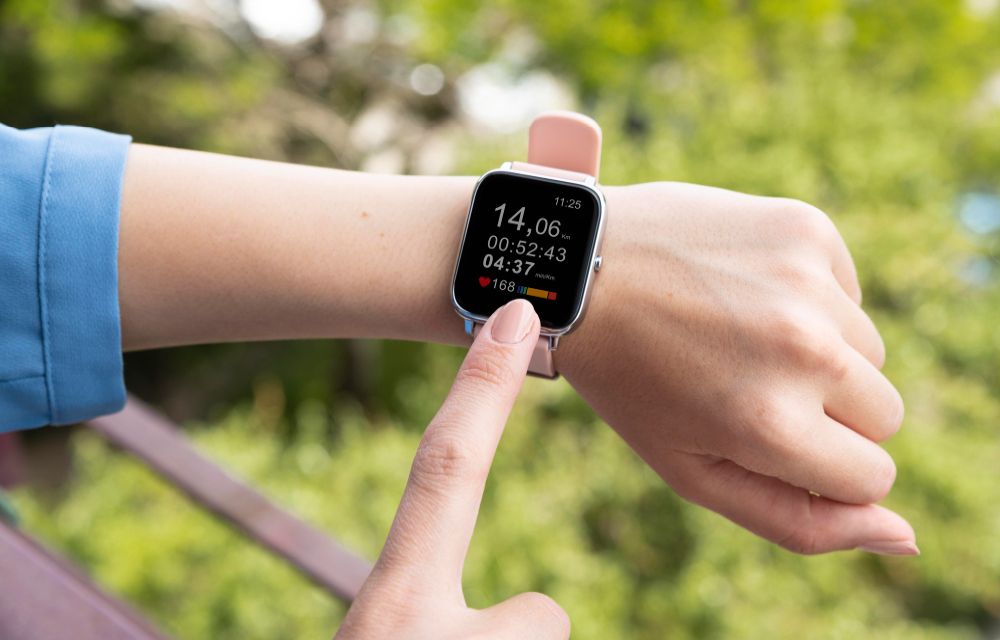
Apple Watch App on iPhone Crashing? Here’s How to Fix It
The Watch app on your iPhone keeps crashing? You tap it, it opens for a second, and then disappears. Sometimes it freezes instead. Either way, it’s annoying. This usually happens because of a software glitch, bad sync data, or a version mismatch between iPhone and Apple Watch. After iOS updates, the Watch app can get…

How Top Agencies Grow Revenue, Prove ROI, and Scale Without Breaking
Leading agencies don’t just survive; they compound value year after year. At TheTechHacker, working with 3,000+ clients across digital marketing, SaaS development, and tech media, we’ve seen what separates consistent growers from one-hit wonders. It’s not bigger ad budgets or more tools. It’s systems that turn client wins into repeatable revenue streams. This isn’t theory.…

Why Customers Want Personalized Marketing – But Most Brands Can’t Deliver It
Customers expect marketing that feels personal. A recommendation that hits the mark. Recently I got an email from one local Indian brand with a personal touch message with my name, Rahul Vithala, on it. An email that speaks to their exact pain point. A landing page that anticipates their next question. Yet 2026 data shows…
How to Fix Windows Hello Fingerprint Not Working After Reboot on Windows 11
Fingerprint login works great during your session but sometimes fails to recognize after a reboot. The sensor goes silent or Windows says it can’t recognize your print. This happens more than it should, especially after updates. Power management, driver glitches, or Enhanced Sign-In Security (ESS) are usually behind it. Here’s how to get it working…
How to Fix Xbox App Not Opening on Windows 11
If the Xbox app won’t open on Windows 11, flashes and closes, or sits on the loading screen and stops responding, the cause is almost always Gaming Services, the background component the Xbox app depends on. Repairing or reinstalling Gaming Services, and then repairing the Xbox app itself, fixes most cases. In this article, we…
How to Fix Remote Desktop Stuck on “Please Wait” in Windows 11
Is your Remote Desktop session stuck on “Please wait” or “Please wait for the Remote Desktop Configuration” in Windows 11? In most cases, the remote PC is hanging during sign-in, usually because of RDP’s network detection, a UDP transport problem, a stuck old session, or a user profile that won’t load. The quickest fixes are…

Zoom Adds “Verified Human” Badge to Fight Deepfake Scams in Video Calls
Zoom just rolled out a feature that's equal parts clever and creepy: real-time human verification during meetings. Partnering with Sam
How to Fix Windows 11 Widgets Not Working
Windows 11’s Widgets panel gives quick glances at weather, news, stocks, and more right from your taskbar. But if clicking the icon does nothing, shows a blank screen, or fails to load, it’s a common technical glitch. Often tied to missing components like Edge WebView2 or the Windows Web Experience Pack, these fixes get most…